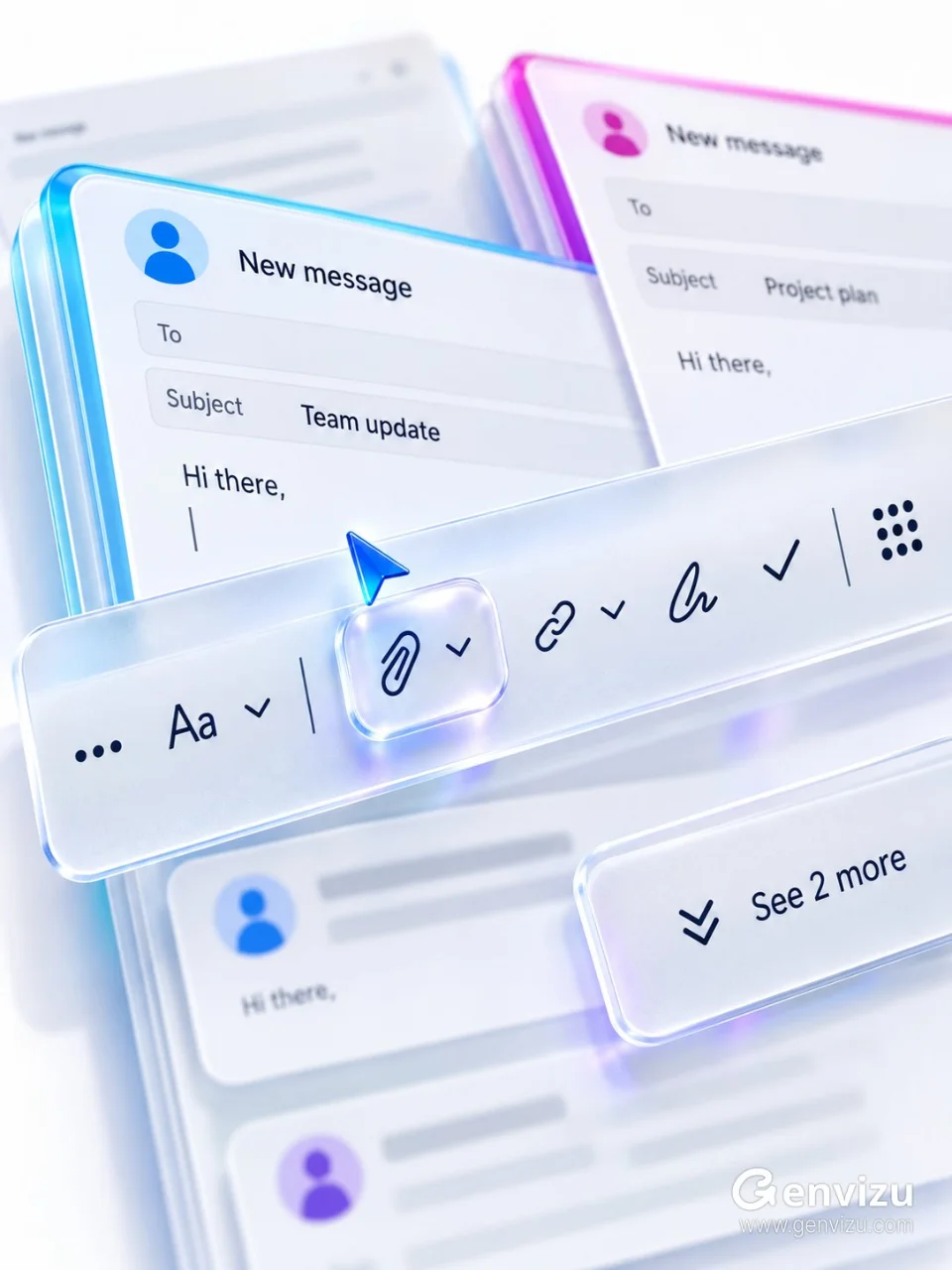
Use case: ui-mockup. Asset type: premium brandless Microsoft 365 / Fluent-inspired email compose interface macro render. Create a precise 3:4 portrait composition on a solid opaque cool-white background. The final raster must be fully flattened RGB with no alpha channel and no transparent canvas. Show an extreme close-up of stacked email compose windows from a low oblique overhead angle, with perspective running lower-left to upper-right. A long frosted-acrylic toolbar crosses the middle and is the only razor-sharp focal plane. Display dark navy outline controls in sequence: ellipsis, text formatting, down chevron, divider, paperclip, down chevron, link, down chevron, handwriting pen, checkmark, divider, nine-dot grid. The raised paperclip control sits at the exact focal center inside a clear rounded capsule, with a small blue glass arrow cursor hovering above it. Behind it, cyan- and magenta-accented email cards recede into blur with anonymous avatars and neutral labels “New message”, “Team update”, “Hi there”. Add a lower-right action panel reading “See 2 more”. Use near-white, pale gray, cyan, productivity blue, violet and magenta; glossy clear acrylic rims, frosted surfaces, colored caustics, soft high-key light and creamy bokeh. No Microsoft logo, no Outlook logo, no third-party logo, no watermark, no QR code, no personal names, no old dates, no gibberish.