Genvizu

AI Logo Generator Prompts and Examples

Browse in the studio →

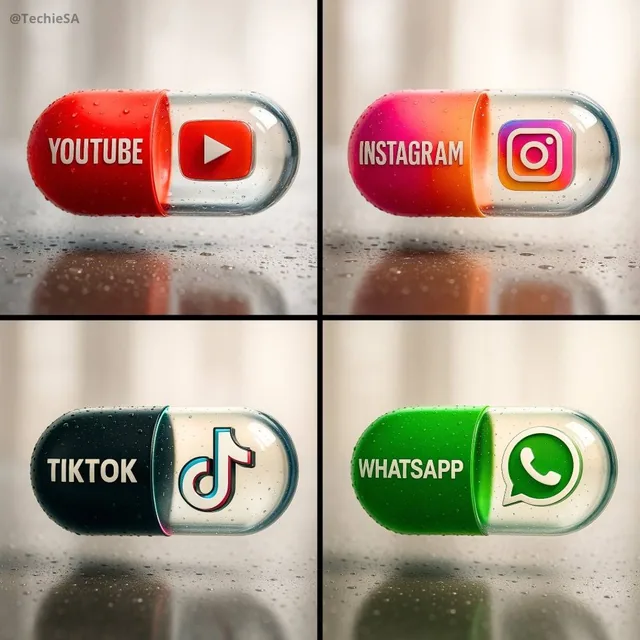
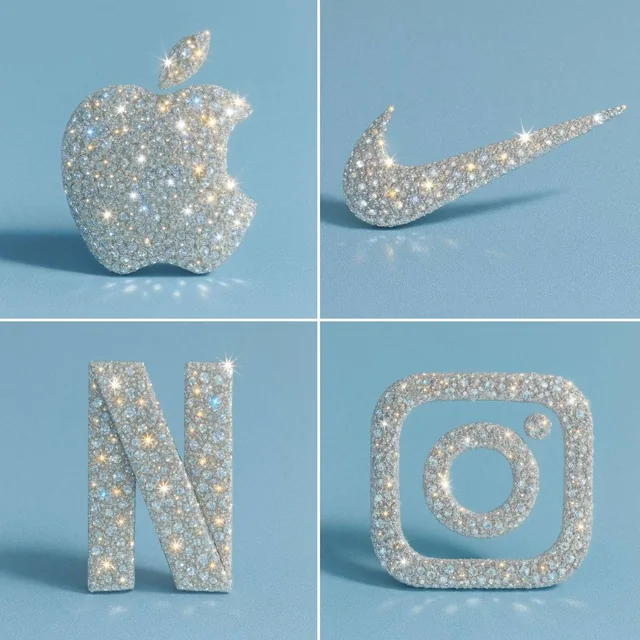
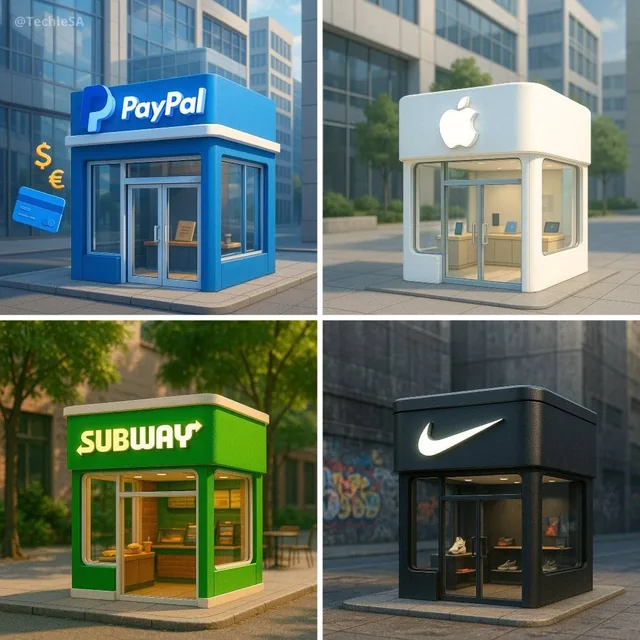
Brand and logo work on Genvizu covers marks and wordmarks, identity boards, and mockups that show a mark in use. An image model draws a picture of a mark: it proposes shape language, weight, colour and application, and it can place a mark you already own onto packaging or merchandise. Redrawing the chosen direction as vectors, and clearing it for trademark use, happen afterwards and elsewhere.

Verified on 2026-09-12

Start free · no credit card

Best for

  • Exploring shape language early — geometric or organic, icon plus wordmark or wordmark alone, solid or built from negative space — before anyone commits to a direction.
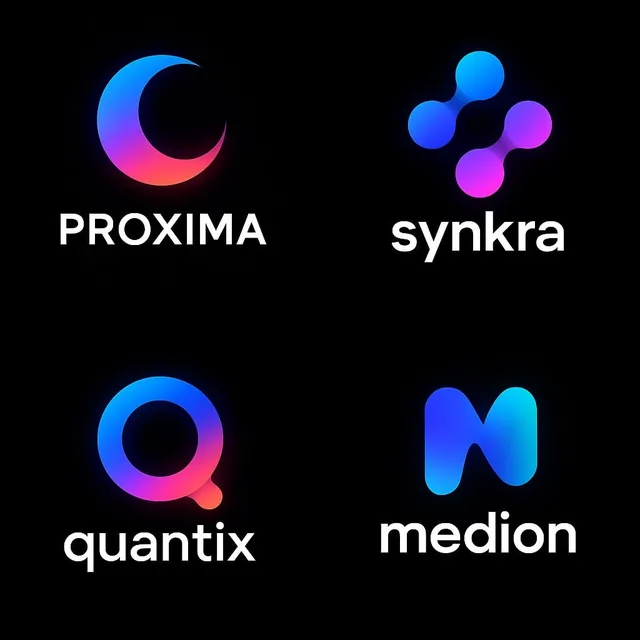
  • Identity boards: one composed image showing a mark together with its palette, type and a few applications, which is faster to judge than a list of separate files.
  • Mockups of a mark you already own, attached as a reference image (up to 14 per run on Nano Banana 2, up to 16 in the GPT Image 2.5 image-to-image channel) so the mark is reused rather than redrawn.
  • Wordmark and tagline studies where the letters have to be readable: quote the exact string, say where it sits, and forbid any other text in the frame.
  • Getting four directions from one submission with Midjourney 8.1, which returns four images per run — useful for fanning out early, with the trade-offs listed under Compare.

Not for

  • Production artwork. The output is a raster image; a logo in production is redrawn as vector curves so it stays clean on a sign, a favicon and an embroidery file.
  • Trademark clearance. Whether a mark can be registered is decided by the trademark office on distinctiveness and prior rights, not by how the picture was made.
  • Guaranteed legibility at small sizes. A mark that reads at full width can close up at favicon size; that has to be tested by scaling it down.
  • Reproducing an existing brand. Prompts that name a real company reproduce protected material, and the result is not yours to use.
  • Exact brand colour values. Generation is not colour management — set the specified values in a vector tool afterwards.

Specifications and limits

FieldValue
Typical inputsThe brand name string, the industry and audience, three to five adjectives, the palette, whether you want icon plus wordmark or wordmark only, and the application to show
DeliverablesMark exploration sheet, identity board, packaging and merchandise mockups, signage and apparel scenes
Frames in use1:1 for a mark on plain ground, 16:9 for an identity board, 4:3 or 3:4 for mockups
Reference imagesUp to 14 per run on Nano Banana 2; up to 16 in the GPT Image 2.5 image-to-image channel; one on Midjourney 8.1
Images per runOne on Nano Banana 2 and on GPT Image 2.5; four on Midjourney 8.1, whose prompts must be English and stop at 1,024 characters
Delivery size1K, 2K or 4K on Nano Banana 2 and GPT Image 2.5; 1K or 2K on Midjourney 8.1
In-image textQuote each string separately, keep it short, and state that nothing else may appear as text
After generationVector redraw, small-size test, colour specification, and a trademark search before the mark is used commercially

Prompt examples

Mark exploration on plain ground

Prompt

Create a premium black-and-white optical logo for a fictional brand.

Use a pure black background, white/gray logo elements, and a clear icon + wordmark system.
The logo should use light as structure: slit projection, masked reveal, prism planes, particle grid, negative space, or partial illumination.

Make the mark strong, readable, high-contrast, and logo-like.

Use bold custom typography, clean geometry, sharp light edges, controlled shadow falloff, and enough black negative space around the logo.

Two instructions carry this one: "icon + wordmark system" gives the output a structure you can actually evaluate, and "logo-like" plus the negative-space clause keeps it from drifting into an illustration or a poster. Asking for a fictional brand is what keeps an existing company mark out of the result.
A mark applied across a merchandise set

Prompt

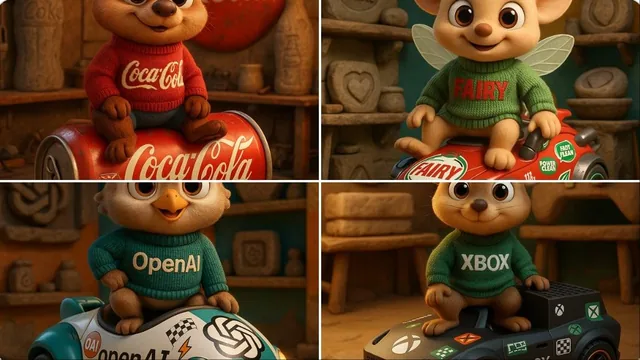
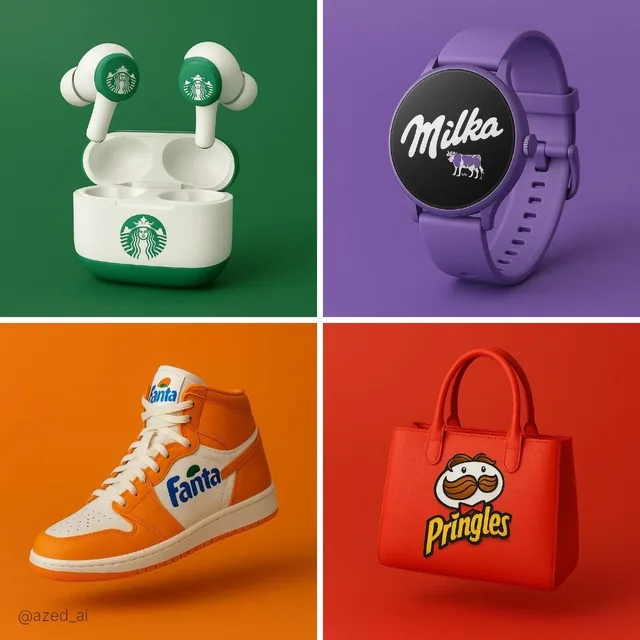
[Brand Name], conceptualized as a cohesive, premium "capsule collection" of branded merchandise and functional souvenirs. The image displays a curated set of various physical objects (such as tech accessories, utility gear, lifestyle items, or stationery) that are semantically relevant to the brand's specific industry and audience. Every item is designed using the brand's official signature color palette and features bold logo integration.
The objects are arranged in a clean, organized group composition (knolling or isometric perspective) on a seamless, infinite studio white background.

The bracketed slots are the point: the same prompt works for any brand once the name, palette and object list are filled in. Naming the composition (knolling or isometric on a seamless white ground) is what keeps it a presentable board instead of a random product photo. Attach the real mark as a reference so it is reused rather than reinvented.

Wordmark inside a campaign scene

Prompt

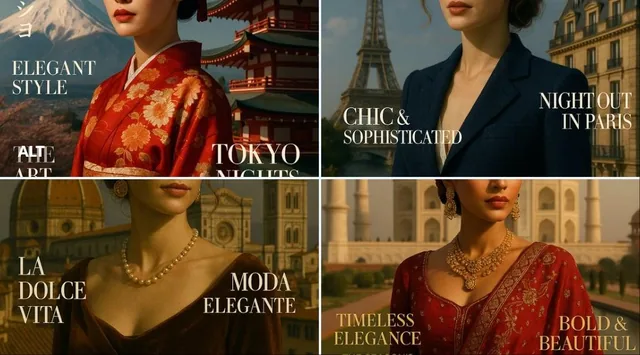
A streetwear advertisement poster. A cool teenage girl in oversized hoodie and baggy jeans leans against a giant pair of floating wireless
headphones 2x her height with "BASS" logo on earcups, colorful sound wave visualizer glowing behind. Dark urban brick wall background with purple and pink gradient neon lighting. Bold graffiti-style typography "BASS" in background.

Tagline bottom: "Feel every frequency." Small text top-right corner reads "Designed with
GPT Image 2" in grey. Photorealistic, street culture editorial style.

Every string that must render is quoted and placed: the mark on the earcups, the same word as background typography, the tagline at the bottom. A short wordmark like "BASS" survives this treatment; a long name usually will not, which is a useful argument for keeping the wordmark short in the first place.

How it compares

GPT Image 2.5

Pick it when letters have to be readable — wordmarks, taglines, labelled identity boards — or when a mockup is edited against a large reference set, since the image-to-image channel takes up to 16 reference images and prompts run to 20,000 characters.

Nano Banana 2

Pick it to carry a mark you already own into packaging, merchandise and signage: up to 14 reference images per run and a 4K tier for boards that will be printed or zoomed into.

Midjourney 8.1

Pick it to fan out four directions from one submission. Prompts must be English and stop at 1,024 characters, only one reference image is accepted, there is no 4K tier, and its output carries a commercial restriction from Midjourney’s own terms — which matters more for a logo than for a moodboard.

Examples from the gallery

Common failures and fixes

The result is an illustration or a badge-shaped scene, not a mark.

Ask for a flat mark on plain ground with no scene, no perspective and no drop shadow, and name the system ("icon plus wordmark"). Then judge it as a silhouette: fill it with one flat colour and see whether it still reads.

The wordmark comes out misspelled or with invented letterforms.

Quote the exact string, keep it to one or two short words, state where it sits, and forbid other text. For a long name, generate the icon only and set the type yourself in a vector tool.

The mark resembles a company that already exists.

Do not name real brands in the prompt, describe attributes instead, and run an image search plus a trademark search on the shortlisted direction before using it.

Detail disappears when the mark is scaled down.

Export the candidate, place it at roughly favicon size, and look at what closes up. Thin strokes, tight counters and gradients are the usual casualties; simplify them during the vector redraw.

The file cannot be handed to a printer or a developer.

Treat the generated image as a design direction. The deliverable is a vector redraw with specified colour values, spacing rules and small-size variants — that step is where the logo actually becomes usable.

Frequently asked questions

Can AI generate a logo I can actually use?

It can produce a direction and a picture of a mark, which is genuinely useful at the exploration stage. Turning that into a usable logo means redrawing it as vector curves, specifying colours and spacing, testing it at small sizes, and clearing it for trademark use. Those steps happen outside the generator.

What should an AI logo prompt contain?

Describe the brand rather than the picture: the name string, the industry and audience, three to five adjectives, whether you want an icon plus wordmark or a wordmark alone, the shape language, the palette, a plain background, and an instruction that no other text may appear.

Can an AI-generated logo be trademarked?

Registrability is decided by the relevant trademark office on the basis of distinctiveness and prior rights, not on how the artwork was produced. Separately, some jurisdictions have their own rules about copyright in machine-generated images. Treat generation as the design step and take professional advice before filing.

How do I put my existing logo onto packaging or merchandise?

Attach the mark as a reference image and write that it must not be redrawn — same shape, same proportions, same colour — then describe the object and the scene in a separate sentence. Nano Banana 2 accepts up to 14 reference images per run and the GPT Image 2.5 image-to-image channel up to 16.

Why does the text in my generated logo look wrong?

Long strings, decorative type and several text blocks in one frame are where image models fail most visibly. Quote one short string, place it explicitly, forbid any other text, and set longer copy as real type in a design tool afterwards.

Sources