

Leonardo AI vs Genvizu: two browser studios for AI images
Leonardo AI vs Genvizu compared on models, ratios, references, video and canvas, using official documentation and the Genvizu model snapshot of 2026-10-23.
TL;DR
- Leonardo AI and Genvizu are both browser-based AI studios that host several vendors' models. Leonardo's documentation lists its own Lucid and Phoenix models next to third-party image, video, audio and 3D models (https://docs.leonardo.ai/).
- Genvizu's side is documented from its own production snapshot of 2026-10-23: multi-provider image and video models, a public prompt gallery and an infinite canvas.
- Leonardo's developer documentation confirms an API for image generation with a model ID, a style ID, image size and image count, billed through API credits that are separate from web app subscriptions (https://docs.leonardo.ai/docs/getting-started).
- If you are choosing between them, the useful question is which models and workflow steps you need, not which logo is bigger.
Comparison table
| Dimension | Leonardo AI | Genvizu | Source | Verified |
|---|---|---|---|---|
| Image generation from text | Yes; the API accepts width, height and number of images | Yes; panel with model, ratio, resolution and batch count | https://docs.leonardo.ai/docs/getting-started; Genvizu user guide | Yes |
| Model choice | Image models include Lucid Origin, Lucid Realism, Phoenix, FLUX.2 Pro, GPT Image 2 and 2.5, Ideogram 4.5, Nano Banana 2 and Seedream 5.0 Pro (https://docs.leonardo.ai/) | Many models from several providers, such as GPT Image 2.5, Nano Banana 2.1, Midjourney 8.2, Seedream 5.0, FLUX.2 Pro | https://docs.leonardo.ai/; prod model snapshot 2026-10-23 | Yes, 2026-10-23 |
| Aspect ratios and resolution | The API takes explicit width and height (https://docs.leonardo.ai/docs/getting-started) | Per model: for example GPT Image 2.5 has 12 ratios and 1K, 2K, 4K; Midjourney 8.2 has 7 ratios and 1K, 2K | https://docs.leonardo.ai/docs/getting-started; prod model snapshot 2026-10-23 | Yes, 2026-10-23 (Leonardo: API only) |
| Reference images | Image Guidance takes generated or uploaded images as references, such as a Style Reference, with a strength setting (https://docs.leonardo.ai/docs/generate-images-using-image-to-image-guidance) | Up to 16 on GPT Image 2.5, up to 10 on Nano Banana 2.1, 1 on Midjourney 8.2 | https://docs.leonardo.ai/docs/generate-images-using-image-to-image-guidance; prod model snapshot 2026-10-23 | Yes, 2026-10-23 |
| Video | Video models include Motion 2.0, Seedance 2.5, Veo 3.1, Kling 3.0, MiniMax Hailuo 03 and Wan 3.0 (https://docs.leonardo.ai/) | Separate video models such as Seedance 2.5 (5 to 30 s) and MiniMax H3 (4 to 15 s, 2K) | https://docs.leonardo.ai/; prod model snapshot 2026-10-23 | Yes, 2026-10-23 |
| Canvas or editor | Canvas Editor for inpainting with a mask (https://docs.leonardo.ai/docs/generate-images-using-canvas-inpainting), plus Realtime Canvas for fast sketch-to-image generation (https://docs.leonardo.ai/docs/generate-images-with-realtime-canvas) | Infinite canvas: results become nodes that feed image-to-image or video | Leonardo docs; Genvizu changelog | Yes, 2026-10-23 |
| API | Yes; generation API with separate API credits, API key, optional webhooks, rate limits | A read-only API (v1) for searching the prompt library and composing Skill prompts; it does not generate images or video | https://docs.leonardo.ai/docs/getting-started; Genvizu /docs/api | Yes, 2026-10-23 |
Leonardo facts were read from its official documentation on 2026-10-23. Rows we could not confirm on an official page were left out rather than guessed.
Reading the table
The two products overlap more than their names suggest. Both host other vendors' models, and several names appear on both lists, including GPT Image 2.5, FLUX.2 Pro and Seedance 2.5. Leonardo adds its own model families and a generation API. Genvizu adds a public prompt gallery and per-model limits shown on every model page.
What the table does show is the shape of Genvizu's side. Model choice is wide and the limits are listed per model, which matters because the limits differ a lot. A prompt for GPT Image 2.5 can run to 20,000 characters, one for Midjourney 8.2 stops at 1,024, and Z-Image stops at 1,000. A reference-image count of 16 is on offer for GPT Image models but 1 for Midjourney 8.2. These figures come straight from the snapshot, not from marketing copy.
One structural point is worth knowing. Leonardo's developer documentation separates API billing from web app subscriptions. If you plan to build on an API later, that separation is a question to ask any vendor, including Genvizu, early.
How to complete this comparison yourself
Here is a short checklist you can run in a normal browser in a few minutes. First, open Leonardo's current model list and note which models you recognise from Genvizu's list. Second, check the aspect-ratio and resolution options in its generator and write down the maximum. Third, find how many reference images it accepts and in which modes. Fourth, check whether it offers video, and at what lengths. Fifth, read its commercial-use terms for the plan you would use.
Do the same on Genvizu using each model page: it lists ratios, resolutions, reference counts and limits for every model. Put the two columns side by side, then run one real brief through both. That comparison will be more reliable than any summary, including this one.
Where Leonardo AI fits and where Genvizu fits
Leonardo AI fits when
- You already use its web app and its own models, such as Lucid Origin and Lucid Realism, fit your look (https://leonardo.ai/news/how-to-use-leonardo-ai).
- You want its API with webhooks, as its documentation describes.
- Your team has existing assets and history there.
Not ideal for: anyone who needs a specific third-party model that Leonardo does not list. Check its current model list first (https://docs.leonardo.ai/).
Genvizu fits when
- You want several providers' models in one panel and one gallery, for instance GPT Image 2.5, Nano Banana 2.1 and Midjourney 8.2 side by side.
- You learn from real prompts and want to reuse them.
- You plan to continue results into video or onto a canvas.
- You prefer a Chinese or English interface.
Not ideal for: work that depends on Leonardo-specific features or its own models, which Genvizu does not provide.
How to try this on Genvizu
Open /model/gpt-image-2.5 or /model/nano-banana-2.1, pick a gallery work close to your brief and edit the prompt. If you want to see how a different engine handles it, send the same prompt to another model from the model list and compare outputs. For video, start from /model/seedance-2-5.
Related
Real examples on Genvizu
Published works made with these models on Genvizu. Open one to see its full prompt and parameters.
GPT Image 2.5
All GPT Image 2.5 works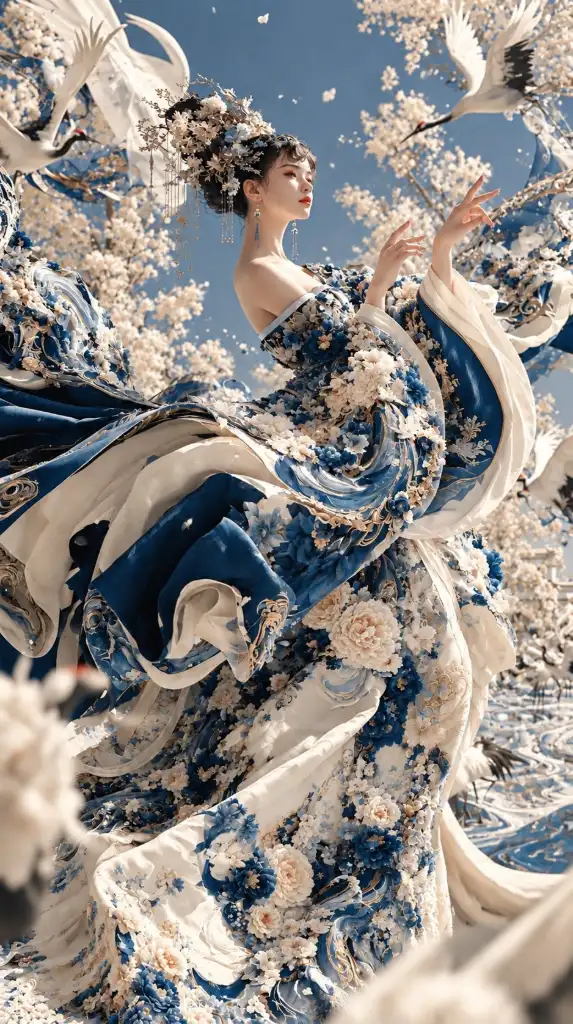
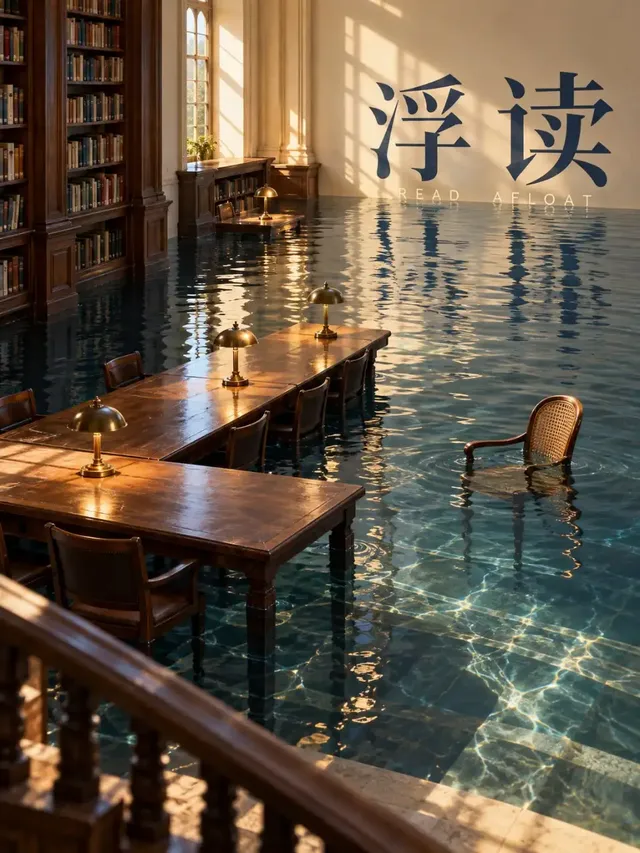
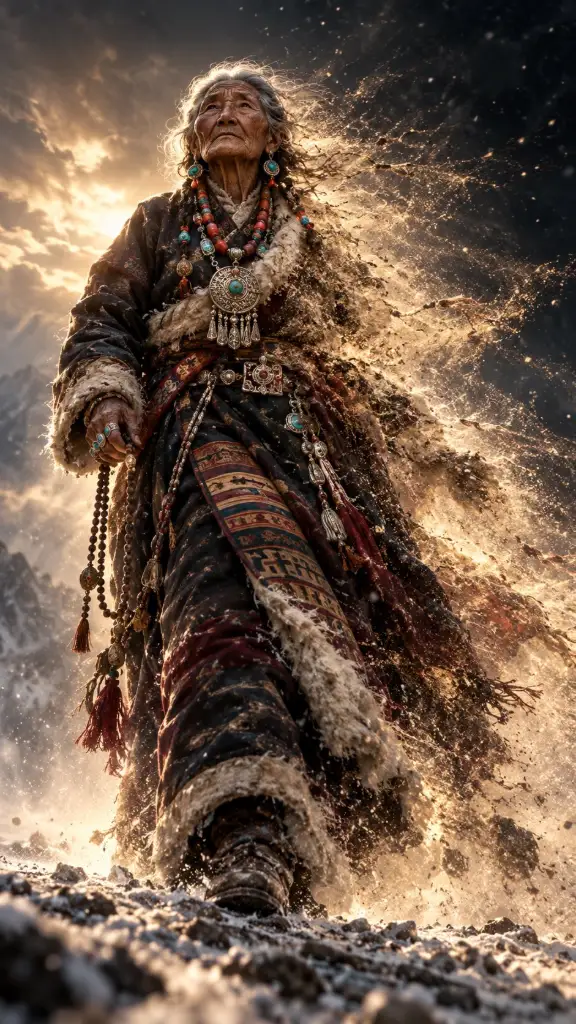
Nano Banana 2.1
All Nano Banana 2.1 works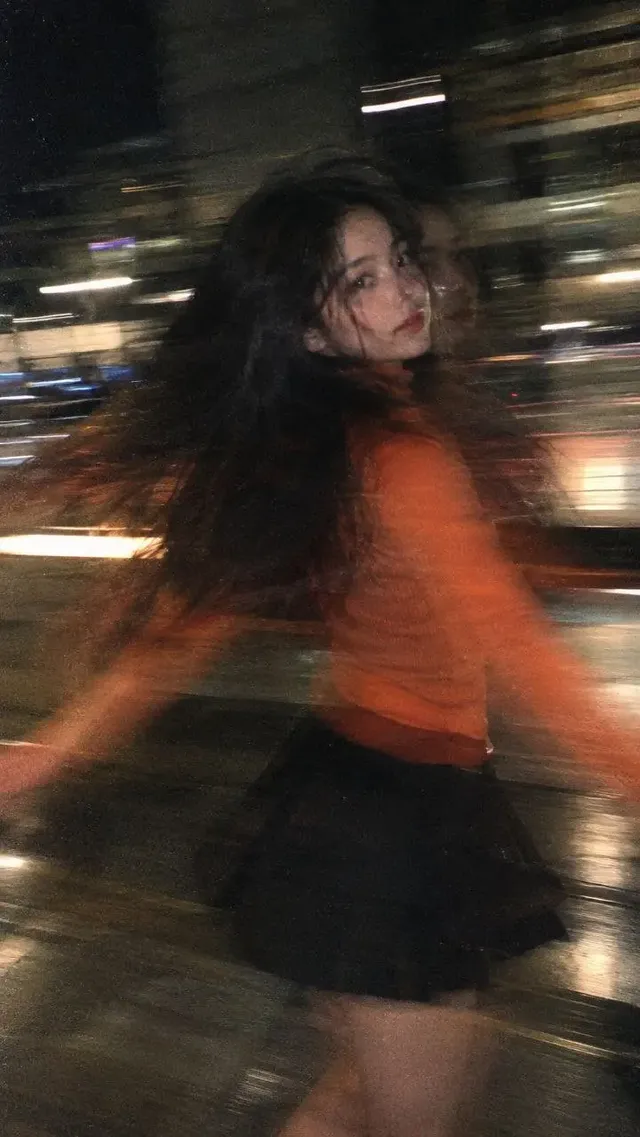
FAQ
Is Leonardo AI better than Genvizu?
It depends on which models and workflow steps you need. Leonardo has its own models, presets and API arrangement. Genvizu brings multiple providers' models, a prompt gallery and a canvas into one workspace. We do not rank them. Try the same brief in both and compare results, limits and cost for your own use.
Is Genvizu a Leonardo AI alternative?
It can be, for the part of the workflow that is generating images and short video from prompts. Genvizu lists many models and offers a gallery and a canvas. Leonardo-specific parts, such as its Lucid models, its generation API and Realtime Canvas, have no equivalent on Genvizu (https://docs.leonardo.ai/).
Does Leonardo AI have an API?
Yes. Its developer documentation describes an API that generates images with a model ID, style ID, width, height and image count, authenticated with an API key. It requires purchased API credits that are separate from web app subscriptions, and supports optional webhooks and rate limits (https://docs.leonardo.ai/docs/getting-started).
Which models can I use on Genvizu?
The snapshot of 2026-10-23 lists image models such as GPT Image 2.5, GPT Image 2, Nano Banana 2.1, Midjourney 8.2, Seedream 5.0, FLUX.2 Pro and Qwen Image 2.1, and video models such as Seedance 2.5, MiniMax H3, Veo 3.1 and Grok Imagine Video 1.5. Each model page lists its own ratios, resolutions and limits.
Can I generate video on Genvizu?
Yes, with dedicated video models. Seedance 2.5 supports 5 to 30 seconds at 480p or 720p, with up to 9 reference images, 3 reference videos and 3 reference audio clips. MiniMax H3 supports 4 to 15 seconds at fixed 2K. Check the model page for the current options before you plan a project.
Can I use my prompts in other languages?
Mostly yes. Models such as GPT Image 2.5 and Nano Banana 2.1 carry no English-only flag in the snapshot, so Chinese briefs work there. The Midjourney models and FLUX.2 Pro are marked as needing English prompts.
Try it on Genvizu
Open a model page, pick a published work and reuse its prompt.