

Midjourney vs Genvizu: one model family or a multi-model studio
Midjourney vs Genvizu compared on access, models, ratios, video, canvas and commercial terms, using facts from the Genvizu model snapshot of 2026-10-23.
TL;DR
- Midjourney is one model family with its own interface. Genvizu is a browser workspace that runs many models, and Midjourney 8.2 is one of them, so this is not an either-or choice.
- On Genvizu, Midjourney 8.2 supports 7 aspect ratios, 1K and 2K output, one reference image and English-only prompts of up to 1,024 characters (source: prod model snapshot 2026-10-23).
- The Genvizu side adds other image models, video models, a public prompt gallery with reproducible works and an infinite canvas. The Midjourney side keeps its native parameter set and its own community.
- Commercial use of Midjourney output is restricted by Midjourney's own terms, whichever front end you use. Check your rights before publishing.
Comparison table
| Dimension | Midjourney (its own product) | Genvizu | Source | Verified |
|---|---|---|---|---|
| How you use it | Web app at midjourney.com (Create page with an Imagine bar) and a Discord bot (https://docs.midjourney.com/hc/en-us/articles/33329261836941-Getting-Started-Guide) | Browser workspace: left panel for model, ratio, resolution and batch count | Midjourney Getting Started Guide; Genvizu user guide (/docs/user-guide) | Yes, 2026-10-23 |
| Model range | Midjourney versions only, switched with the version parameter (https://docs.midjourney.com/hc/en-us/articles/32199405667853-Version) | Many image and video models from several providers, including Midjourney 8.1 and 8.2 | Midjourney Version doc; prod model snapshot 2026-10-23 | Yes, 2026-10-23 |
| Default version | V8.2, released as the default on 24 July 2026; V8.1 was the default from 10 June to 23 July 2026 (https://docs.midjourney.com/hc/en-us/articles/32199405667853-Version) | Genvizu's pricing doc states the same 24 July 2026 date | Midjourney Version doc; Genvizu /docs/model-pricing | Yes, 2026-10-23 |
| Aspect ratios | Any whole-number width:height with --ar, default 1:1; on V8.1 and V8.2 the maximum is 14:1, or 4:1 in HD (https://docs.midjourney.com/hc/en-us/articles/31894244298125-Aspect-Ratio) | 7 ratios on 8.2: 1:1, 4:3, 3:2, 16:9, 3:4, 2:3, 9:16 | Midjourney Aspect Ratio doc; prod model snapshot 2026-10-23 | Yes, 2026-10-23 |
| Resolution | V8.2 SD images start at 1024 x 1024 and can be upscaled to 2048 x 2048; HD images generate at 2048 x 2048 and cannot be upscaled further (https://docs.midjourney.com/hc/en-us/articles/32804058614669-Upscalers) | 1K and 2K only; default 1K; no 4K | Midjourney Upscalers doc; prod model snapshot 2026-10-23 | Yes, 2026-10-23 |
| Images per run | A grid of four per prompt, on web and in Discord (https://docs.midjourney.com/hc/en-us/articles/33329261836941-Getting-Started-Guide) | 4 per run on 8.1 and 8.2 | Midjourney Getting Started Guide; Genvizu model hub page, verified 2026-09-10 | Yes, 2026-10-23 |
| Reference images | The Edit Model takes up to four reference images on V8.1 and V8.2; Style Reference (--sref) is a separate parameter (https://docs.midjourney.com/hc/en-us/articles/48495453462797-Edit-Model) | 1 reference image on the Midjourney models | Midjourney Edit Model doc; prod model snapshot 2026-10-23 | Yes, 2026-10-23 |
| Prompt learning | The Explore page shows other members' images and videos; opening one shows its creator, prompt and settings (https://docs.midjourney.com/hc/en-us/articles/33329460426765-Website-Overview) | Gallery works open with their prompt and parameters, so you can reuse them | Midjourney Website Overview; Genvizu user guide | Yes, 2026-10-23 |
| Video | Image-to-video: a 5-second clip from a start image, extendable in 4-second steps up to 21 seconds, at 480p with a 720p option (https://docs.midjourney.com/hc/en-us/articles/37460773864589-Video) | Separate video models, for example Seedance 2.5 (5 to 30 s) and MiniMax H3 (4 to 15 s, 2K) | Midjourney Video doc; prod model snapshot 2026-10-23 | Yes, 2026-10-23 |
| Canvas and editing | The web Editor handles region edits such as inpainting and outpainting (https://docs.midjourney.com/hc/en-us/articles/48495453462797-Edit-Model) | Infinite canvas where results become nodes you can send to other models | Midjourney Edit Model doc; Genvizu changelog (/docs/changelog) | Yes, 2026-10-23 |
| Commercial use | Governed by Midjourney's Terms of Service; Section 4 covers ownership of assets and adds conditions for companies above a revenue threshold (https://docs.midjourney.com/hc/en-us/articles/32083055291277-Terms-of-Service) | Flagged commercialRestricted: output is restricted by the upstream terms | Midjourney Terms of Service; prod model snapshot 2026-10-23 | Yes, 2026-10-23 |
Midjourney facts were read from Midjourney's official documentation on 2026-10-23. Its feature set changes often, so re-check the linked pages before you rely on a detail.
Reading the table
Three rows decide most real choices. The first is model range. If your brief is a single look, such as editorial stills with a recognisable house aesthetic, one model family is enough and the extra breadth adds little. If the brief is varied, for example a poster with exact lettering next to a moody illustration, a single family becomes the limit, and a multi-model workspace lets you route each job to the model that handles it. Genvizu's snapshot lists GPT Image 2.5 and Nano Banana 2.1 with prompt budgets of 20,000 characters, against 1,024 for Midjourney 8.2, which matters for long structured briefs.
The second is resolution and ratios. Midjourney 8.2 on Genvizu offers seven ratios and two resolution tiers. That covers most social, editorial and illustration work, but a 21:9 banner or a 4K print master points you to other models in the same workspace. The ratio list is deliberately taken from the production snapshot, not from the upstream whitelist, because the workspace only lets you pick what is enabled.
The third is rights. The restriction on Midjourney output comes from Midjourney, so it follows the work wherever it was generated. Treat it as a project-level question, not a tool-level one. If a deliverable must be cleared for commercial use without further checks, the model you pick matters more than the interface you pick it in.
Nothing here argues that one side is the better product. It describes where each one's boundaries sit, so you can match them to the job.
Where Midjourney fits and where Genvizu fits
Midjourney on its own fits when
- You already work inside Midjourney's community and want its full native feature set the day it ships.
- You rely on parameters or modes that a third-party front end may not expose. Genvizu, for example, strips
--hdand does not send--seed. - Your whole workflow is stills in one aesthetic and you do not need other models.
- You want your account's history to live with Midjourney itself.
Not ideal for: projects that need video straight from a text prompt or clips longer than 21 seconds, because Midjourney video starts from an image and stops at 21 seconds (https://docs.midjourney.com/hc/en-us/articles/37460773864589-Video).
Genvizu fits when
- You want to run the same brief through Midjourney 8.2 and a different model, then compare, without switching tools.
- You learn from real prompts: gallery works open with their prompts and parameters.
- You need a Chinese or English interface, or Chinese prompts for non-Midjourney models. The Midjourney models themselves require English.
- You want to continue a result into video or onto a canvas.
Not ideal for: anyone who must have every Midjourney-native parameter, or who needs 4K output from the Midjourney models. Genvizu offers 1K and 2K there.
How to try this on Genvizu
Open the Midjourney 8.2 page at /model/midjourney-8-2, pick a gallery work whose style you like, copy its prompt and change one variable at a time. Then switch the same prompt to a model such as GPT Image 2.5 at /model/gpt-image-2.5 to see how each handles it. Keep prompts in English for Midjourney and within 1,024 characters.
Related
Real examples on Genvizu
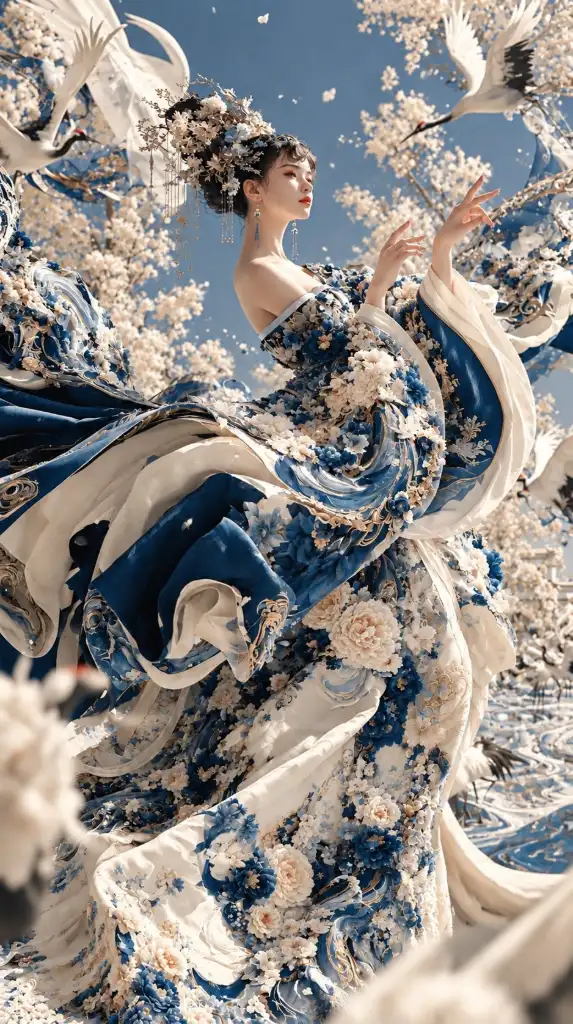
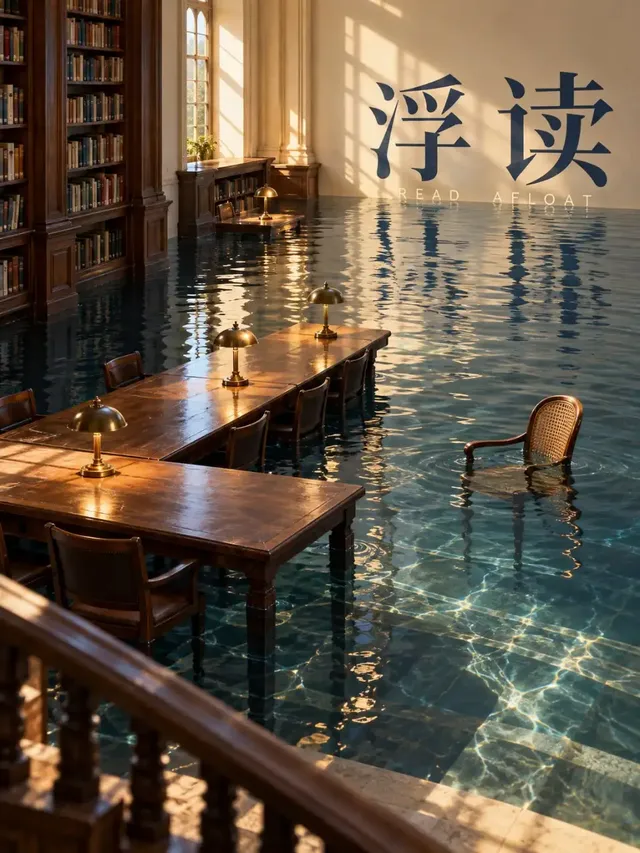
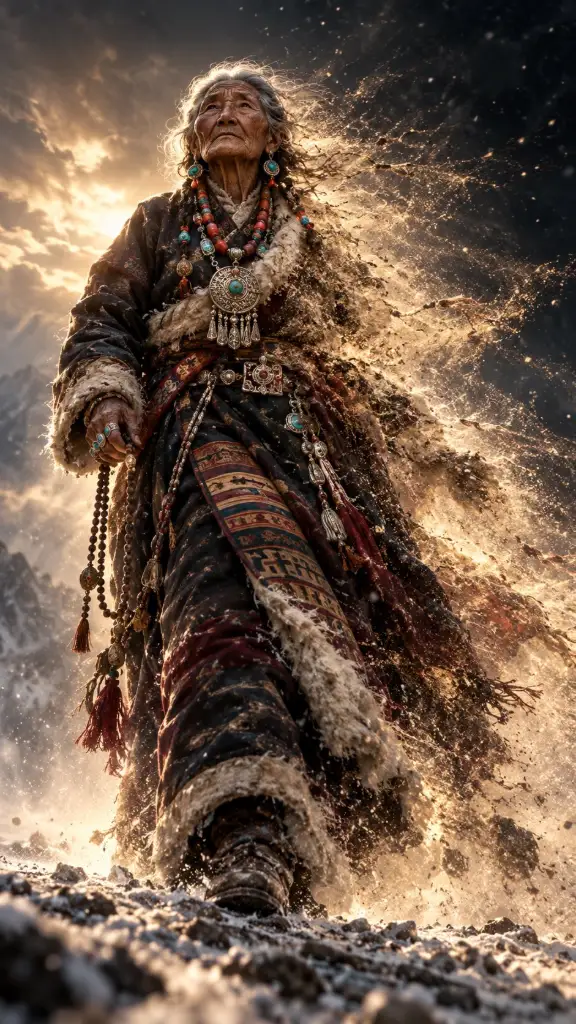
Published works made with these models on Genvizu. Open one to see its full prompt and parameters.
FAQ
Is Midjourney better than Genvizu?
It depends on what you are comparing. Midjourney is a model family with a native interface, while Genvizu is a workspace that also runs Midjourney 8.1 and 8.2. If you want the native feature set and community, Midjourney's own product is the direct route. If you want several models, video, a canvas and reusable gallery prompts in one place, Genvizu is the wider workspace. Both can be used together.
Is Midjourney 8.2 available on Genvizu?
Yes. Both Midjourney 8.1 and 8.2 are enabled in the prod snapshot of 2026-10-23, and the pricing doc states they are available on every plan. The snapshot lists 7 aspect ratios, 1K and 2K output, a single reference image and a 1,024-character English-only prompt limit. A run returns four images.
Can I use Midjourney output commercially if I generate it on Genvizu?
The snapshot flags both Midjourney models as commercially restricted, meaning the restriction comes from Midjourney's own terms, not from Genvizu. Genvizu runs the generation but does not grant that licence. Read the current Midjourney Terms of Service (https://docs.midjourney.com/hc/en-us/articles/32083055291277-Terms-of-Service) and confirm your rights before publishing or selling work.
Can I write Midjourney prompts in Chinese on Genvizu?
No. The Midjourney models on Genvizu are marked as requiring English prompts. Other models on the site, such as GPT Image 2.5 and Nano Banana 2.1, are not marked that way in the snapshot, so you can write Chinese briefs for those. If you prefer Chinese, draft there and translate for Midjourney.
Does Genvizu support 4K for Midjourney?
No. The Midjourney models list 1K and 2K only, with 1K as the default. GPT Image 2.5 and Nano Banana 2.1 list 1K, 2K and 4K. If 4K delivery is a requirement, choose one of those instead. In Midjourney's own product, V8.2 HD images generate at 2048 x 2048 and cannot be upscaled further (https://docs.midjourney.com/hc/en-us/articles/32804058614669-Upscalers).
Does Genvizu make video, and does Midjourney?
Genvizu lists separate video models, such as Seedance 2.5 with 5 to 30 second clips and MiniMax H3 with 4 to 15 second 2K clips. Midjourney's own product offers image-to-video: a 5-second clip from a start image, extendable up to 21 seconds (https://docs.midjourney.com/hc/en-us/articles/37460773864589-Video).
Try it on Genvizu
Open a model page, pick a published work and reuse its prompt.