Genvizu

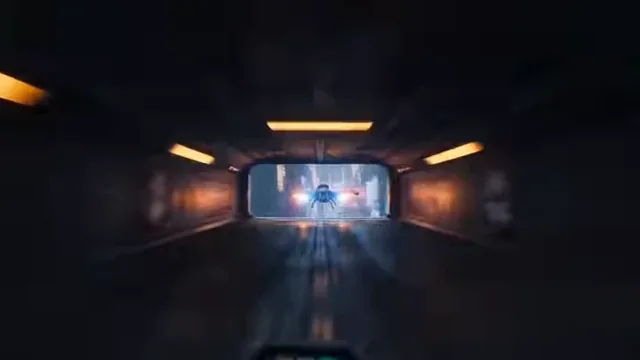
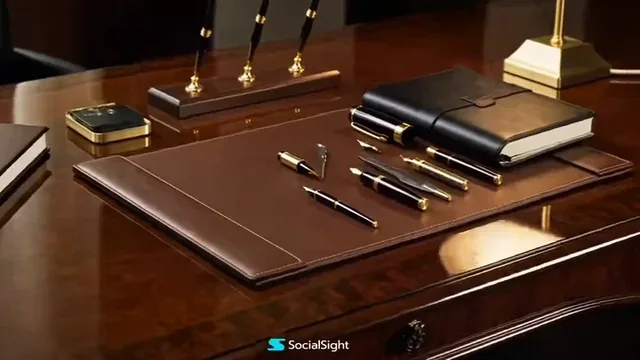
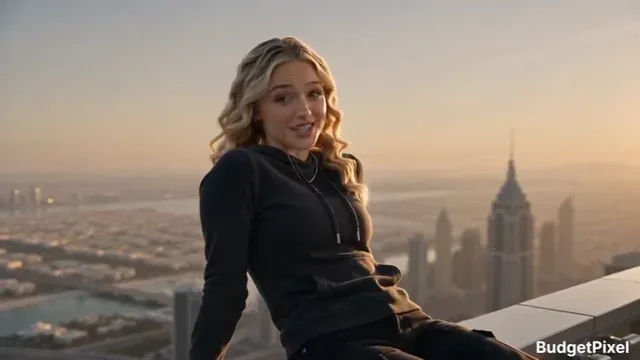
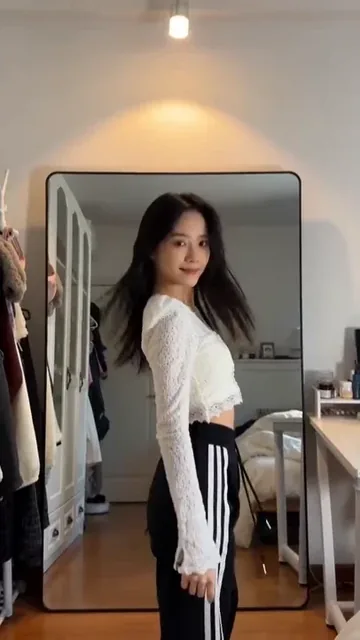
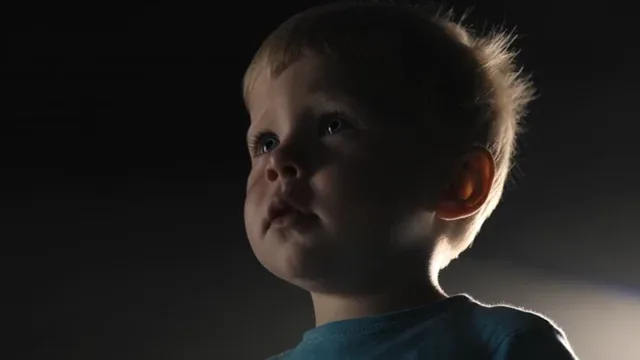
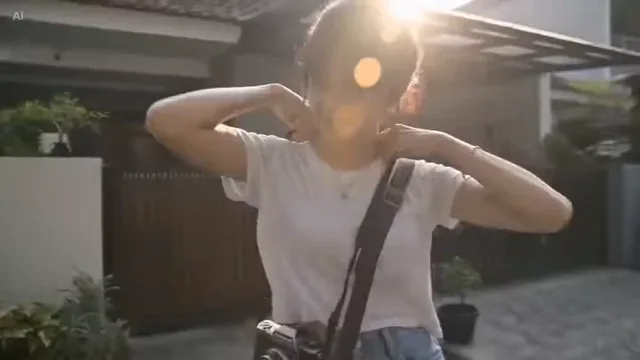
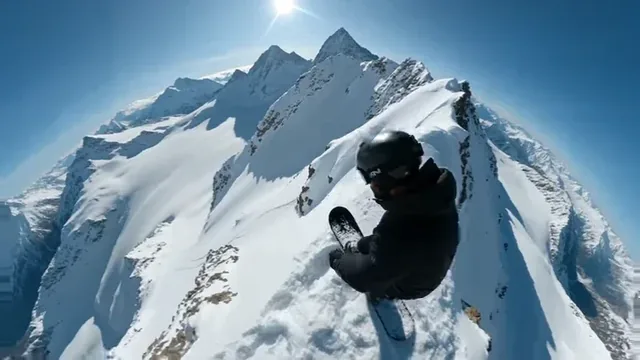
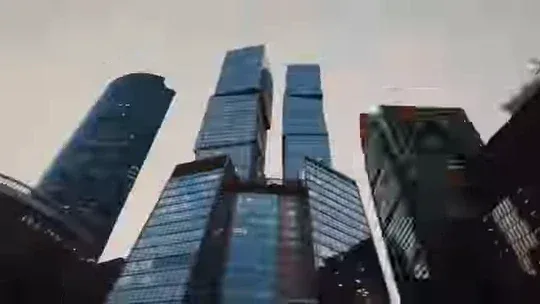
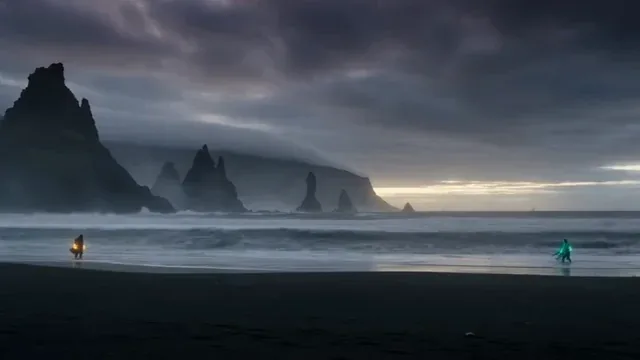
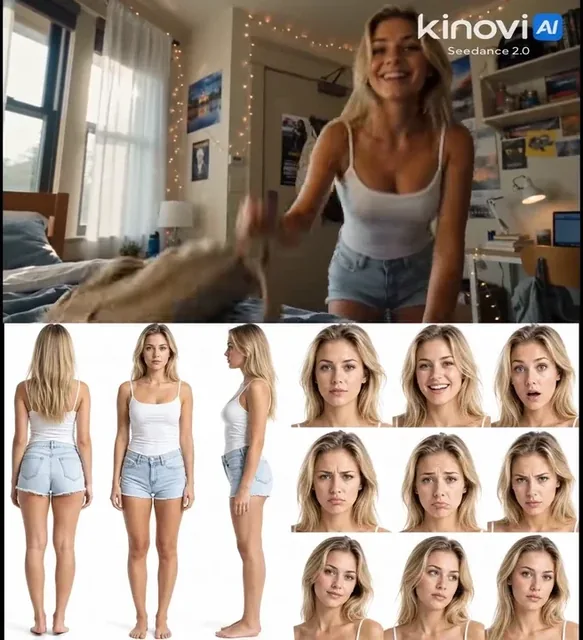
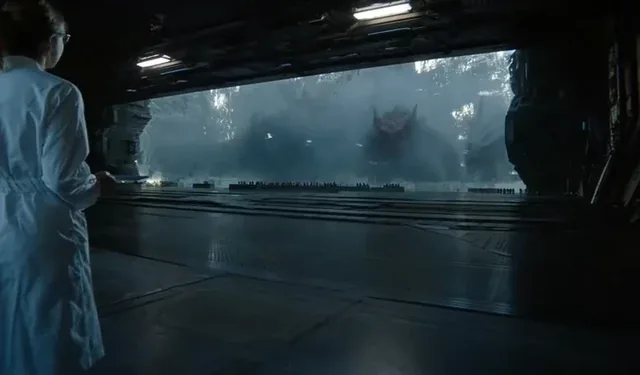
AI creations made with Seedance 2.0 Pro

ByteDance

Seedance 2.0 Pro is ByteDance's flagship video model on Genvizu. One run returns a single clip of 4 to 15 whole seconds at 480p, 720p or 1080p, with 720p and five seconds as the defaults and no 4K tier. Audio is generated unless you switch it off, and a run accepts up to nine reference images, three reference videos totalling 15 seconds, and three reference audio clips. Billing is per second, with a four-second minimum.

Verified on 2026-09-10

Start free · no credit card

Best for

  • Single shots that have to look finished: product films, brand idents, atmospheric b-roll, character moments with sound.
  • Multimodal briefs — up to 9 reference images, 3 reference videos (15 seconds combined) and 3 reference audio clips in one run.
  • First-and-last-frame control, by putting the two stills first among the references and naming them in the prompt as @Image1 and @Image2.
  • Continuing an existing clip: up to three reference videos totalling 15 seconds can be carried in, and a run with one is billed on input seconds plus output seconds.
  • Deliveries that need 1080p, which the Fast and 2.5 tiers do not offer.

Not for

  • Clips longer than 15 seconds. Use Seedance 2.5 for 5 to 30 seconds, or cut a sequence from several shots.
  • Exploration at volume. Video is billed per second with a four-second minimum, so block the framing on a lighter video model, or at 480p, before the final take.
  • Multi-shot narratives from one prompt. This is a single-shot model; storyboard the cuts and generate them one at a time.
  • 4K delivery. The tiers here stop at 1080p.
  • Aspect ratios outside the six supported. There is no adaptive option on this tier.

Specifications and limits

FieldValue
ProviderByteDance, as Seedance 2.0 Pro (routed through Genvizu)
InputText prompt; optional reference images, reference videos and reference audio
Output1 clip per run, with generated audio unless you switch it off
Resolutions480p / 720p / 1080p (720p is the default; there is no 4K tier)
Duration4–15 seconds, any whole second (5 is the default)
Aspect ratios16:9, 4:3, 1:1, 3:4, 9:16, 21:9
Reference imagesUp to 9 per run
Reference videosUp to 3 clips, 15 seconds combined
Reference audioUp to 3 clips, 2–15 seconds each; must accompany a reference image or video
Billing (no reference video)Per second of output; the resolution tier sets the rate (see the pricing page)
Billing (with a reference video)A separate per-second rate, charged on input seconds plus output seconds
Minimum billing4 seconds
Plan requirementNone; available on every plan including Free
Failed runsRefunded automatically

Prompt examples

Product film in one shot, with sound

Prompt

A matte black espresso machine on a concrete counter, morning kitchen light.
Camera: slow dolly-in from a wide three-quarter view to a tight shot of the portafilter, ending as the first drops fall.
Action: steam rises from the cup, a hand enters frame at the halfway point and adjusts the cup by a centimetre.
Audio: low room tone, the click of the switch, the hiss of extraction. No music, no voice-over.
Look: shallow depth of field, warm key light from the left, cool fill from a window behind.

Name what the camera does, what moves inside the frame, and what is heard — this model generates audio by default, so leaving sound unspecified means the model invents it.


First and last frame from two stills

Prompt

Use @Image1 as the first frame and @Image2 as the last frame.
Between them: the model turns her head towards the window as the curtain lifts in a gust,
weight shifting from the back foot to the front.
Camera: locked off, no zoom, no handheld drift.
Audio: fabric movement and distant street noise only.

Put the two stills first in the reference-image list, then name them in the prompt. Keeping the camera locked off gives the model one job — the movement between your two frames.

Extending an existing clip with a reference video

Prompt

Continue the motion from the reference video: the cyclist keeps riding away down the alley,
the camera stays behind at the same height and lets the distance grow.
Match the grade, the grain and the overcast light of the reference exactly.
Audio: tyre noise on wet stone, no music.
Duration: 6 seconds.

A run with a reference video is billed on a separate per-second rate, and the input seconds count too — a 9-second reference plus a 6-second output is billed as 15 seconds, so trim the reference to the part that matters.

How it compares

Seedance 2.5

Pick it when the clip has to run longer than 15 seconds: 5–30 seconds at 480p or 720p, with a five-second billing minimum. It has no 1080p tier.

Seedance 2.0 Fast

Pick it for drafting and volume: the same family at 480p or 720p, on a lighter tier, without the 1080p option available here.

Examples from the gallery

Common failures and fixes

A short clip consumed far more of the balance than expected.

Video is billed per second rather than per clip, so the cost scales with both the duration and the resolution tier. Block the shot at 480p, or on Seedance 2.0 Fast, before running the final take.

A short clip was billed for more seconds than it runs.

The minimum billing is four seconds, so a shorter request still costs four. With a reference video the input seconds are added as well — the breakdown is shown before you generate.

The audio track is unwanted or wrong.

Audio is generated by default. Either switch it off, or describe what should be heard: room tone, specific effects, and an explicit "no music, no voice-over" when you plan to add your own.

The clip cuts to a different shot halfway through.

That usually comes from a prompt that describes two scenes. Keep one subject, one location and one camera move per run, and generate the second shot separately.

A reference video is rejected, or the billed seconds jump.

Up to three clips totalling 15 seconds are accepted, and their real duration is read on upload. A long reference adds its own seconds to the bill, so trim it to the part that actually matters.

The first and last frames are ignored.

This tier has no dedicated first-frame field. Put the two stills first among the reference images and write "Use @Image1 as the first frame and @Image2 as the last frame" in the prompt.

Frequently asked questions

How is Seedance 2.0 Pro billed on Genvizu?

Per second of video, with the resolution tier setting the rate and a four-second minimum, so a shorter request is still billed as four seconds. The current rates are on the pricing page, and the generator shows the second-by-second breakdown before you run.

How long can a Seedance 2.0 Pro video be?

4 to 15 seconds, selectable in whole seconds, with 5 as the default. For 16 to 30 seconds use Seedance 2.5 instead.

How does billing change when I attach a reference video?

A run with a reference video moves to a separate per-second rate and is charged on input seconds plus output seconds. A 9-second reference with a 6-second output is therefore billed as 15 seconds, not 6.

Does it generate sound?

Yes, audio is generated by default and can be switched off. If you do not describe the sound, the model decides what is heard, so name the room tone, the specific effects, and whether music or voice-over should be absent.

Seedance 2.0 Pro or Seedance 2.5 — which should I use?

Use Pro when the delivery needs 1080p, since 2.5 has no 1080p tier, or when the shot fits inside 15 seconds. Use 2.5 when the clip must run longer than that, up to 30 seconds at 480p or 720p.

Is there a 4K option?

No. The resolutions available on Genvizu are 480p, 720p and 1080p.

Sources