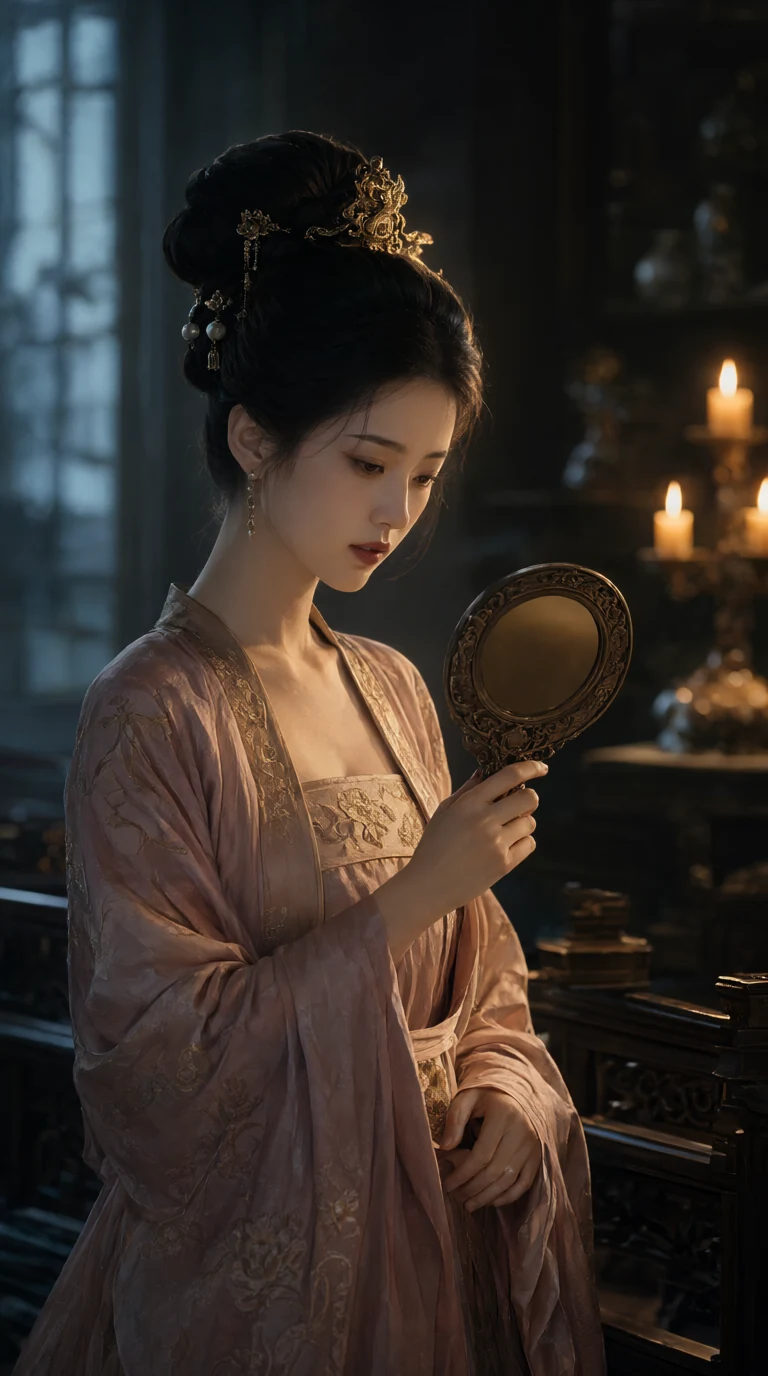
Grok Imagine Lands on Genvizu: xAI's Stylized Image & Video Generator
xAI's Grok Imagine is now on Genvizu — generate stylized images and 480p-720p videos up to 15s, with multi-reference support and 5 aspect ratios.
 Genvizu Team4 min read
What Is Grok Imagine?
Grok Imagine is xAI's built-in image and video generator, powered by the company's Aurora image lineage — an autoregressive model xAI describes as trained to predict interleaved text and image tokens rather than using a traditional diffusion pipeline. According to xAI, that architecture is part of why Aurora-derived outputs lean toward photorealistic detail and confident real-world rendering (logos, text, recognizable objects) rather than the softer, more "airbrushed" look common to some diffusion models.
Beyond stills, Grok Imagine extends into video: xAI's Grok Imagine Video line turns a prompt or a still image into a short clip, with separate generation "modes" that shift the tone of the output — a steadier, more literal Normal mode and a looser, more exaggerated Fun mode for playful or stylized results. Community reporting has also noted fast turnaround times on the video side as a selling point of the latest model generation, though exact speeds vary by provider and load.
We won't over-promise on benchmarks here — xAI doesn't publish a detailed technical paper, and third-party comparisons are still evolving. What's consistent across reporting is that Grok Imagine is positioned as a stylized, fast, chat-native generator rather than a fine-grained photo-editing tool.
Grok Imagine on Genvizu
Genvizu has integrated Grok Imagine across both image and video generation, in the canvas Flow Mode and the simple Studio mode alike.
Image generation
| Mode | Output | Notes |
|---|---|---|
| Text-to-image (standard) | 6 variants per run | Fast pass to explore directions |
| Text-to-image (quality) | 4 variants per run | Slower, more refined detail |
| Image-to-image | 1 output | 1 reference image |
Video generation
- Text-to-video and image-to-video, with up to 7 reference images for image-to-video runs
- Resolutions: 480p and 720p
- Durations: 6s, 10s, or 15s
- 5 aspect ratios: 2:3, 3:2, 1:1, 16:9, 9:16
All of this works whether you're in the node-based canvas (Flow Mode) — where you can chain a Grok Imagine still into a video node, or branch multiple variants off one prompt — or in the simpler linear Studio view. A recent addition is multi-variant pagination: when a run produces several images or clips at once, they now live inside a single node with page controls, so you can flip through and pick a favorite without cluttering your canvas with six separate boxes.
Working with Grok Imagine's Two Tiers
The standard tier is built for exploration — six variants from one prompt means you can compare framing, lighting, and composition side by side before committing. The quality tier trades volume for polish: fewer outputs, but each pass spends more compute on detail, useful once you've locked in a direction and want a cleaner final image.
For video, start with a short duration (6s) and 480p to iterate on motion and composition cheaply, then re-run your best result at 720p and a longer duration once you're happy with the concept — the same workflow pattern that works well across most video models on Genvizu.
Tips for Better Results
- Be specific about style, not just subject — Grok Imagine responds well to descriptive, scene-level prompts (lighting, mood, camera angle) rather than tag-style keyword lists.
- Use image-to-video for continuity — feeding in a still you already like (from Grok Imagine or another model) tends to produce more coherent motion than a cold text-to-video prompt.
- Reach for the reference images on video runs — with up to 7 supported, you can anchor character, setting, and props across a single generation instead of hoping the model infers them from text alone.
- Pick your aspect ratio before you generate — 9:16 for shorts/reels, 16:9 for wider cinematic framing, 1:1 for feed posts; switching later means a fresh run.
Pricing
Grok Imagine generations on Genvizu are credit-metered like every other model on the platform, starting as low as a few credits per run depending on mode, resolution, and duration — video costs more than stills, and 720p/15s runs cost more than 480p/6s ones. Exact credit costs are visible in the generation panel before you commit, and they're subject to change as we tune pricing across models, so we won't quote fixed numbers here.
Try It on Genvizu
Grok Imagine is live now in Genvizu Studio — you can browse the gallery and get inspired for free, no account required. Sign up and subscribe to unlock generation credits, then drop into the canvas or Studio view and start prompting. If you're not sure where to start, browse existing Grok Imagine creations in the gallery and remix a prompt that already works.