Qwen Image 2.1 is Live on Genvizu: 1K for Just 6 Credits, Direct Chinese Prompt Generation
Explore the new Qwen Image 2.1 model on Genvizu. Generate high-quality images from Chinese prompts at an affordable price, with 1K resolution costing only 6 credits.
 Genvizu Team4 min read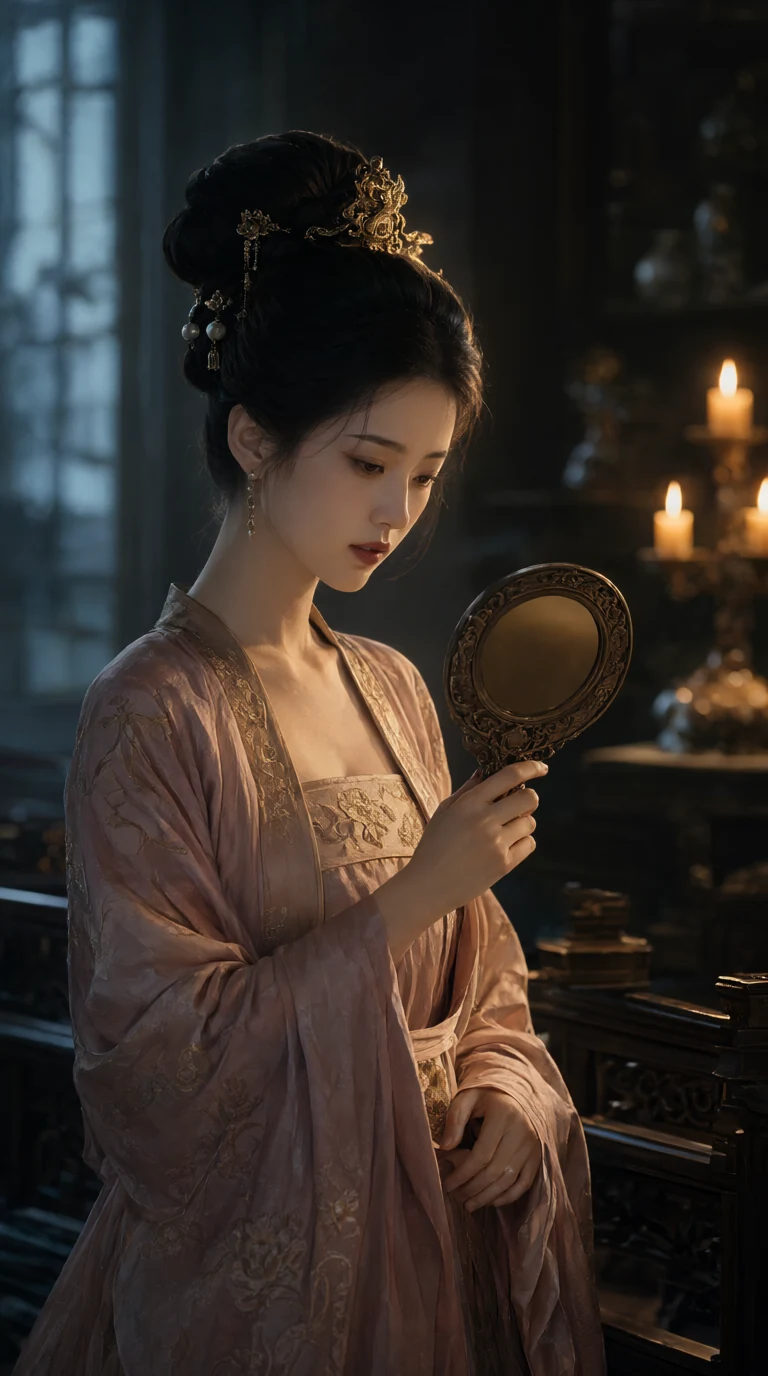
Qwen Image 2.1 Launched on Genvizu: 1K for Only 6 Credits, Direct Chinese Prompt Generation
Qwen Image 2.1 (from Alibaba's Tongyi Qianwen team) is now officially live on Genvizu, appearing in the 'Featured' group in the model dropdown. Logged-in users can select it directly without needing to apply for an API key. In terms of billing, it's more economical than the platform's GPT Image series: 1K resolution costs 6 credits, and 2K costs 12 credits. Both text-to-image and image-to-image generation have the same pricing, with no extra charges for aspect ratios or the number of reference images.
Actual output from Qwen Image 2.1 on Genvizu (9:16, 1K, 6 credits), generated directly from a Chinese prompt, unedited.
When to Choose Qwen Image 2.1 Over GPT Image Series
Qwen Image 2.1's visual generation component is a relatively lightweight model, paired with the Qwen3-VL text encoder. Its official highlights are accurate text layout and the ability to directly understand prompts in various languages (including Chinese, without prior translation). If your use case involves Chinese prompts, everyday image generation, and you don't require 4K resolution, Qwen Image 2.1 offers a more affordable starting point; the 1K tier is 2 credits cheaper than the platform's GPT Image 2 / GPT Image 2.5. If you need 4K output or multi-round local refinement (like continuous editing with Sunburst), the GPT Image series remains the better choice—Qwen Image 2.1 does not offer a 4K tier in this release.
Billing Breakdown
Resolution TierCreditsNotes1K6Text-to-image / Image-to-image same price2K12Default tier
Key points:
-
Text-to-image and Image-to-image have the same price: Uploading reference images doesn't cost more than pure text prompts.
-
No extra charge for aspect ratio or number of reference images: Choose from 9 aspect ratios, and use 1 to 10 reference images; the price is solely tied to the resolution tier.
-
No 4K tier: Only 1K and 2K are supported.
-
Credits are automatically refunded for generation failures, consistent with Genvizu's site-wide policy.
For comparison, the platform's GPT Image 2 costs 8 credits for 1K and 13 credits for 2K. The full pricing table per model can be found at pricing table, and package quotas and credit bundles are available at pricing page.
Parameters: 9 Aspect Ratios, Up to 10 Reference Images, 5000 Character Prompts
-
9 Aspect Ratios:
1:1 / 4:3 / 3:4 / 3:2 / 2:3 / 16:9 / 9:16 / 21:9 / 9:21. 🔴 When using text-to-image, selecting 'Auto' will generate a 1:1 aspect ratio (the upstream text-to-image interface doesn't have an auto-ratio option); when using image-to-image, 'Auto' will follow the aspect ratio of the first reference image. -
Resolution: 1K / 2K tiers, with 2K as the default. 1K pixel examples: 1:1 = 1024×1024, 9:16 = 768×1376, 16:9 = 1376×768, 21:9 = 1568×672; 2K dimensions are approximately double those of 1K.
-
Up to 10 reference images: You can reference them in the prompt using order like 'first image / second image'; the official recommendation is not to exceed 4 reference images if preserving the main subject's details is particularly important.
-
Prompt limit of 5000 characters: You can write directly in any language; Chinese prompts do not need to be translated into English first.
-
This release does not currently support the upstream's transparent background (RGBA) output and masked inpainting features. These may be considered for future updates based on demand.
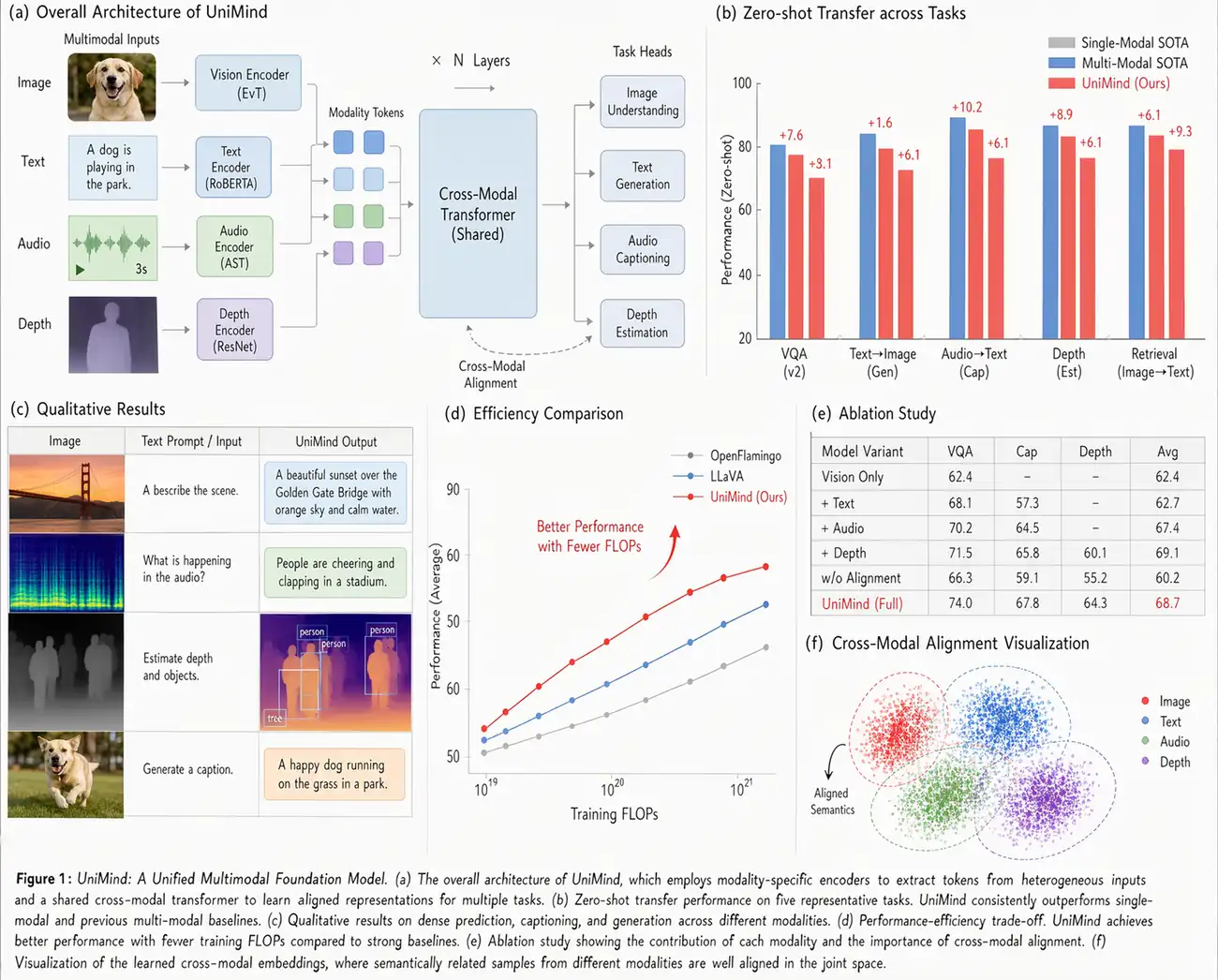
Official Qwen sample image: A full page with densely arranged charts and small text explanations, demonstrating the model's fine detail in text rendering. Image source: Qwen Official.
How to Use on Genvizu
-
Open Studio or Infinite Canvas;
-
In the model dropdown, find Qwen Image 2.1 under the 'Featured' group;
-
Write your prompt (in Chinese or any other language), upload reference images (up to 10) if you need to retain a specific subject, and select the aspect ratio and resolution;
-
Generate. The result is automatically saved to your generation history. You can also bring it into the Infinite Canvas to further edit with other models, create videos, or make adjustments using annotations.
Three Ready-to-Use Scenarios
1) Chinese Portrait Illustration (Text-to-Image). The cover image was generated directly from the following Chinese prompt. You can copy or modify it for your use:
9:16 vertical Tang-dynasty Chinese-style CG illustration, half-body close-up, high-end cinematic portrait composition. A clearly adult East Asian classical beauty leans against a carved railing, her body turned three-quarters to the front-left, head tilted slightly down, her gaze focused on the bronze mirror in her palm. Her skin is cool fair and soft, her long, narrow phoenix eyes reflect a faint glimmer, a brief hesitation in her brows and eyes, rouged lips naturally closed, conveying a shy yet clear-headed mood. She wears a Tang-style cross-collar gown in dusty rose and dark gilt, the neckline modestly revealing the neck and shoulders, the silk falling into natural folds along her body; her high bun is adorned with a small phoenix crown ornament, gold buyao hairpins and round pearls, without excessive layering. Her right hand holds the mirror while her left hand gently gathers the falling sleeve cuff, forming clear, layered leading lines with the hands. The background is a blurred palace dressing chamber, where cool teal window shadows interweave with warm golden candlelight. The key light reflects from the mirror onto her face, cool ambient light shapes the volume of her shoulders and back, and a golden rim light from behind outlines the headdress. 85mm, f/1.8, shallow depth of field, realistic metal, skin and silk textures, slight film grain, quiet and full of story.
2) English Poster Text Layout (Text-to-Image). For layouts requiring distinct title and subtitle hierarchy:
A minimalist product launch poster, clean studio background in soft gradient blue.
Composition: product silhouette centered in the lower two-thirds, generous negative
space at the top for typography.
Typography: bold sans-serif headline "SPRING COLLECTION" across the top third,
smaller tracked-out subhead "NOW AVAILABLE" directly beneath it.
Style: high-end editorial poster, subtle grain texture, soft directional light from the left.
3) Multi-Reference Image Scene Change, Subject Preservation (Image-to-Image). Upload multiple reference images of the same person or character to maintain consistency across different scenes:
Using the attached reference images as the same character across all scenes, keep her
outfit, hairstyle and facial features consistent. Generate her in a new scene: walking
past a row of shopfronts at dusk, warm street lighting, soft motion blur in the
background, candid documentary style. Keep the character exactly recognizable while
only changing the environment and lighting.
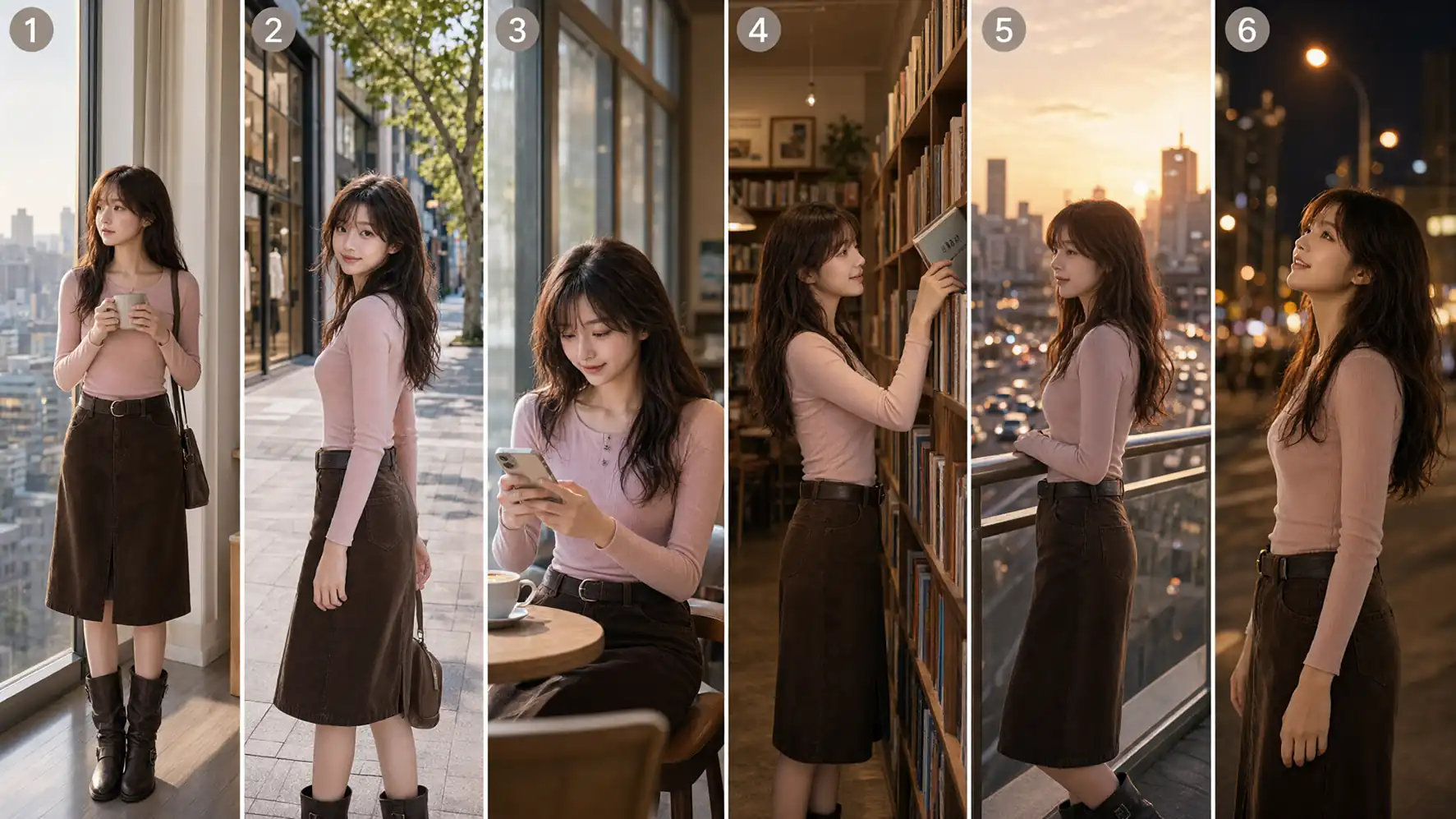
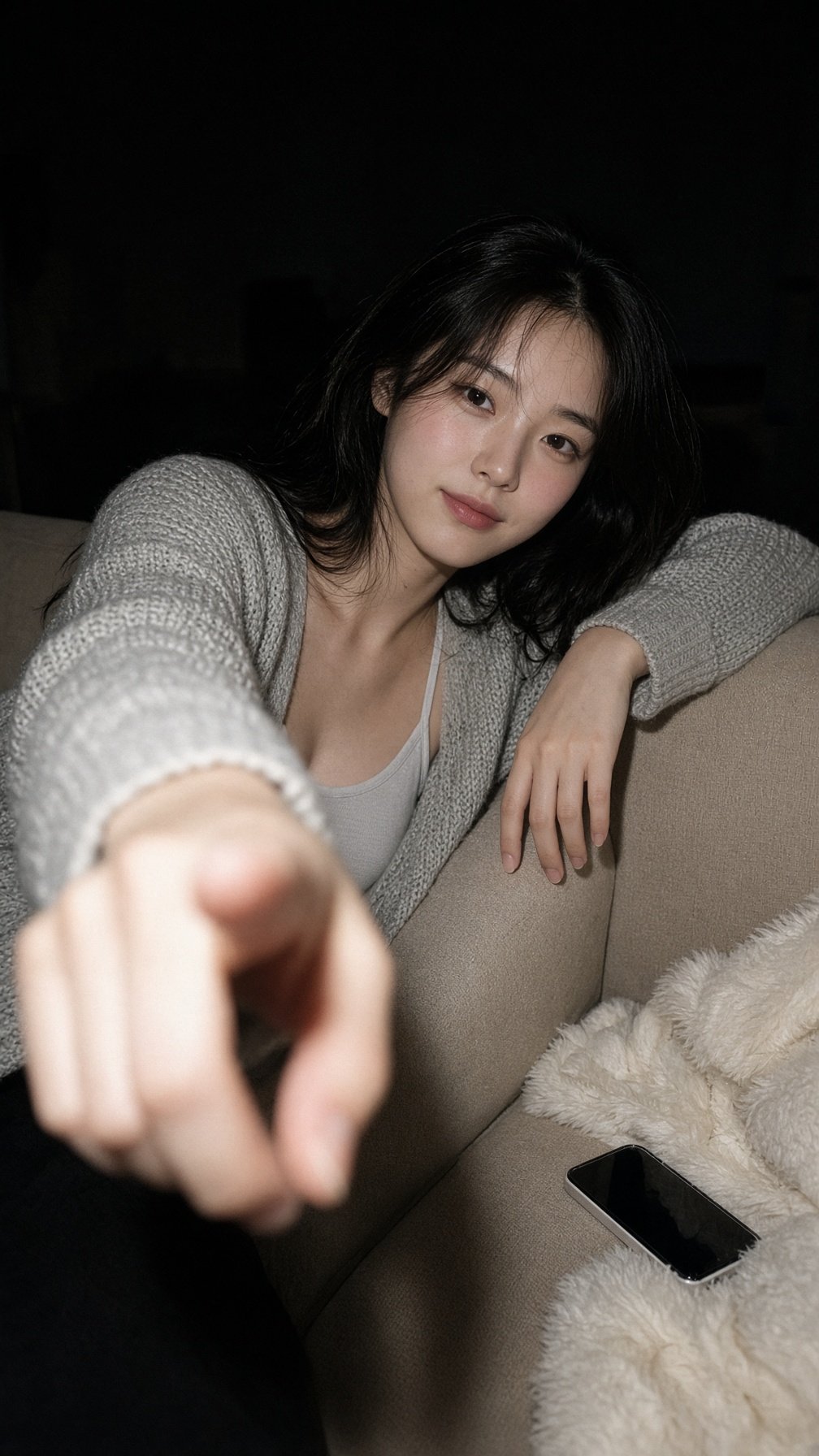
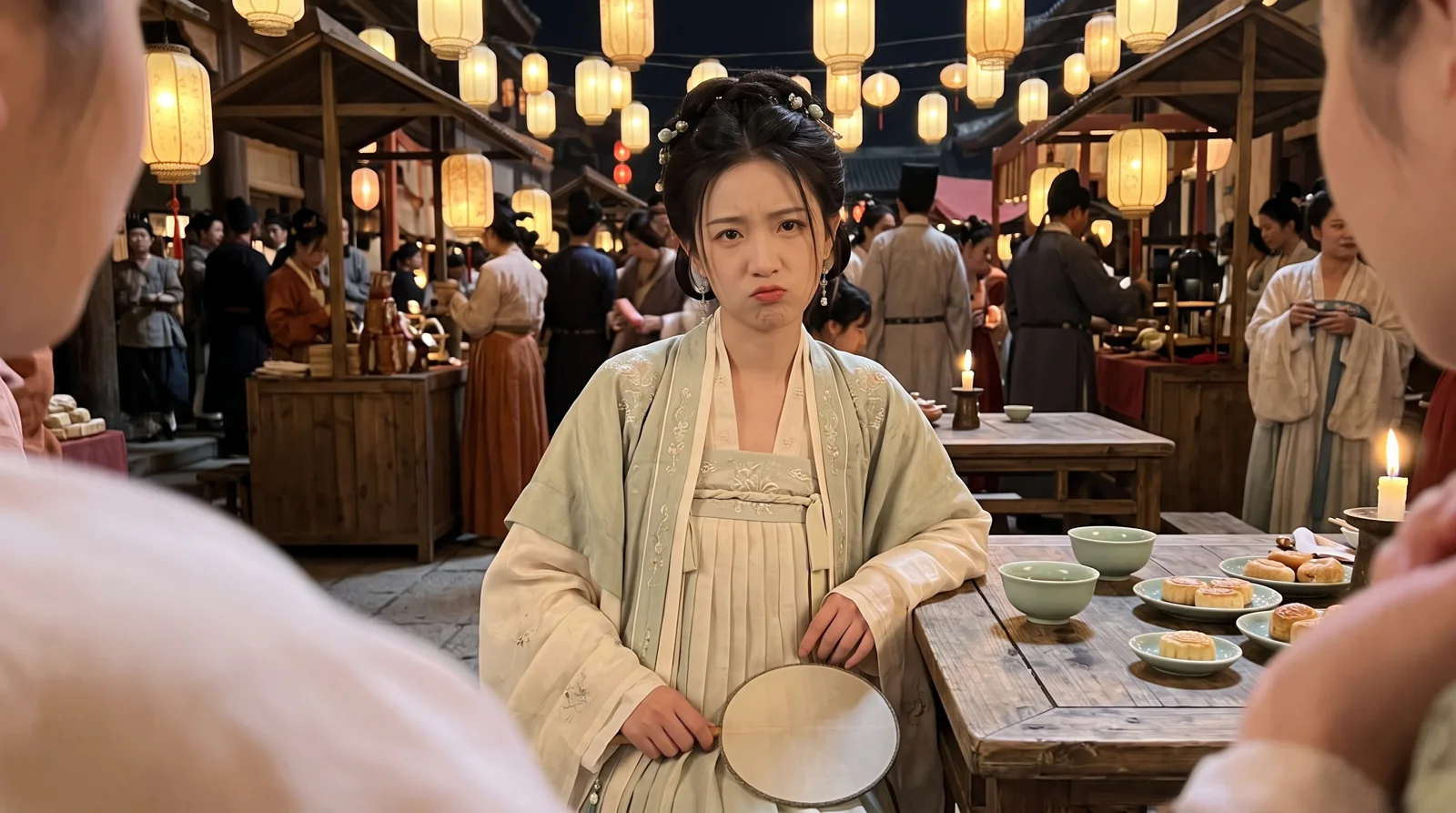
Official sample image demonstrating consistent character portrayal across scenes using multiple reference images. Image source: Qwen Official.
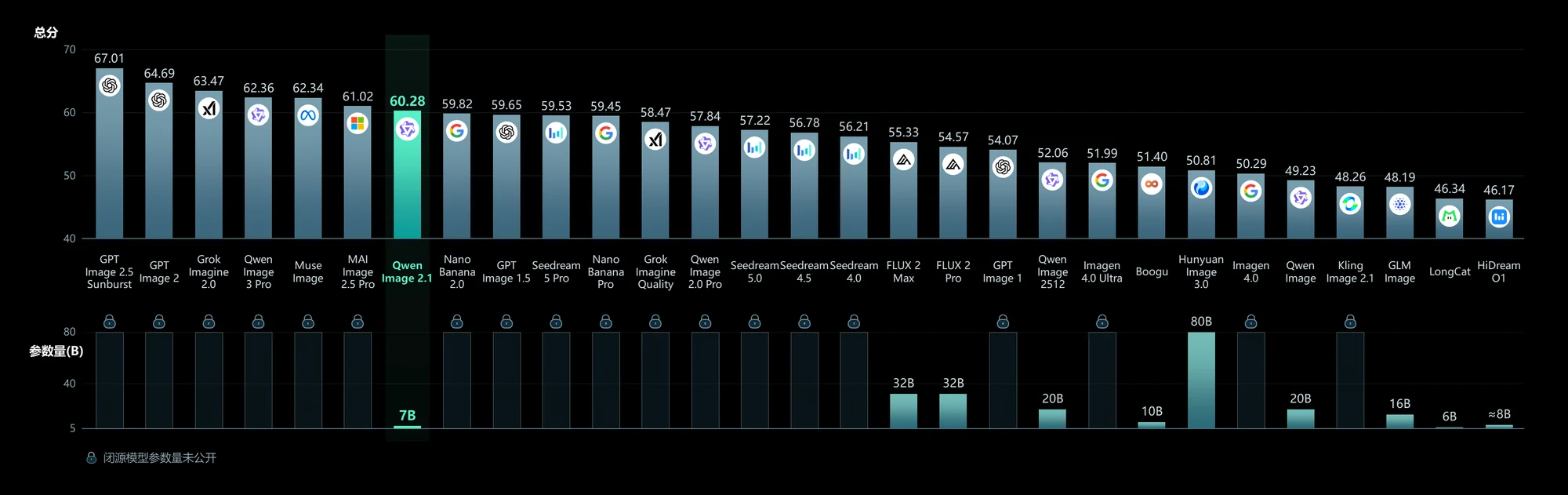
Self-test score comparison chart released by Qwen Official. This is not a Genvizu actual test result and is for reference only. Image source: Qwen Official.
Try It Now
You can now select Qwen Image 2.1 directly from the model dropdown — Open Studio and generate your first image from a Chinese prompt