

ChatGPT image generation vs Genvizu: conversation or control panel
ChatGPT image generation vs Genvizu: conversational editing versus a multi-model studio with GPT Image 2 and 2.5, ratios, references, canvas and video.
TL;DR
- ChatGPT is a conversation: you describe an image, then refine it by talking. Genvizu is a panel: you choose model, aspect ratio, resolution and batch count before each run.
- Genvizu runs GPT Image 2 and GPT Image 2.5 next to other models, so the same brief can be tried on several engines (source: prod model snapshot 2026-10-23).
- On Genvizu, GPT Image 2.5 lists 12 aspect ratios, 1K, 2K and 4K, up to 16 reference images and a 20,000-character prompt limit.
- Which is better depends on your habit. Conversational editing suits open-ended iteration. Explicit controls suit repeatable, comparable runs.
Comparison table
| Dimension | ChatGPT image generation | Genvizu | Source | Verified |
|---|---|---|---|---|
| Interaction | Conversational; the Responses API supports multi-turn edits using previous_response_id | Panel with model, ratio, resolution and batch controls; @ references images in the prompt | OpenAI image guide; Genvizu user guide | OpenAI: API only. Genvizu: yes |
| Models | OpenAI's gpt-image-2.5-flare (everyday generation) and gpt-image-2.5-sunburst (editing precision) are the documented API options. In the app, OpenAI's help center names the current version ChatGPT Images 2.5 (https://help.openai.com/en/articles/11084440-images-in-chatgpt) | GPT Image 2, 2.5 (Flare), 2.5 Sunburst, plus Google, ByteDance, Alibaba, xAI and other models | OpenAI image guide; OpenAI help center; prod model snapshot 2026-10-23 | Yes, 2026-10-23 |
| Aspect ratios | API: custom sizes with edges in multiples of 16, ratio between 1:3 and 3:1, no edge above 3840 px | GPT Image 2.5: 12 ratios, 1:1, 3:2, 2:3, 4:3, 3:4, 16:9, 9:16, 21:9, 27:16, 16:27, 9:8, 8:9. GPT Image 2: 8 ratios | OpenAI image guide; prod model snapshot 2026-10-23 | Yes (API). In the app you set the ratio with an aspect-ratio picker or in the prompt (https://help.openai.com/en/articles/11084440-images-in-chatgpt) |
| Resolution | API: recommended 1024x1024, 1536x1024, 1024x1536; sizes above 2560x1440 are labelled experimental | GPT Image 2.5 and GPT Image 2: 1K, 2K and 4K, default 2K | OpenAI image guide; prod model snapshot 2026-10-23 | Yes |
| Reference images | The docs state no maximum; examples use four inputs | GPT Image 2.5: up to 16; GPT Image 2: up to 16 | OpenAI image guide; prod model snapshot 2026-10-23 | Yes |
| Images per request | API n parameter generates several images | One image per run on GPT Image 2.5; the batch count repeats the run | OpenAI image guide; Genvizu model hub page, verified 2026-09-10 | API only |
| Output formats | API: png (default), jpeg, webp; transparent background with png or webp | Download from the result bar | OpenAI image guide; Genvizu changelog | Partly |
| Video | OpenAI states that its Sora product is no longer available as of 26 April 2026 (https://openai.com/index/sora-2/) | Video models listed separately, such as Seedance 2.5 and MiniMax H3 | OpenAI Sora 2 page; prod model snapshot 2026-10-23 | Yes, 2026-10-23 |
| Other models side by side | ChatGPT Images is OpenAI's own image model (https://help.openai.com/en/articles/11084440-images-in-chatgpt) | Yes, including Nano Banana 2.1 and Midjourney 8.2 | OpenAI help center; prod model snapshot 2026-10-23 | Yes, 2026-10-23 |
Rows marked as API facts come from OpenAI's developer documentation. App facts come from OpenAI's help center and announcement pages, read on 2026-10-23. The app and the API can behave differently.
Reading the table
The practical difference is where control lives. In a conversation you steer with sentences: "make the sky warmer", "move the logo left". This is fast for open-ended exploration, and OpenAI's documentation describes multi-turn editing as a feature of its Responses API. In a panel you steer with explicit settings before the run, and the result of two runs differs only by what you changed. That is slower for casual use and more predictable for comparison.
Ratios and resolution show the same split. The OpenAI documentation allows custom sizes within stated limits, so the ceiling is flexible. Genvizu offers a fixed list per model, which is less flexible but easy to read. GPT Image 2.5 lists 27:16 and 9:8, which GPT Image 2 does not, while GPT Image 2 lists the same 8 base ratios and none of the extremes. The snapshot of GPT Image 2 has no 4:5 or 5:4 entry, so if you need a 4:5 crop, check Nano Banana 2.1 or Nano Banana 2, which list both.
Where Genvizu differs structurally is breadth. The same prompt can go to GPT Image 2.5, Nano Banana 2.1 and Midjourney 8.2 and you can compare the outputs side by side. GPT Image 2.5 is also a tier pair: Flare is the lower-latency one and Sunburst is the refinement tier, which OpenAI describes as built for editing precision.
A fair way to test both
Pick one real job, not a toy prompt. A poster with a headline and two product images is a good test, because it exercises text, references and ratio together. In ChatGPT, describe it in conversation and refine with follow-ups, counting how many turns you need. On Genvizu, set GPT Image 2.5, a ratio, 2K and your references, then run it and note how many runs you need. Repeat on Nano Banana 2.1 to see what changes with the engine.
Record two numbers for each path: time to an acceptable result, and how repeatable the result is when you rerun it. The first favours conversation for casual work. The second favours explicit settings. Cost and quotas matter too, and they belong in your own comparison, not on this page.
Where ChatGPT fits and where Genvizu fits
ChatGPT fits when
- You prefer to iterate in plain language and stay in one thread.
- You do not need a specific ratio or resolution tier, and want the tool to decide.
- You want the one model family OpenAI maintains, without choosing between engines.
Not ideal for: runs you need to repeat exactly with the same settings, or comparisons across providers.
Genvizu fits when
- You want to put the same brief through several models and compare.
- You need explicit 4K or an unusual ratio such as 21:9 or 27:16.
- You work from reference sets of up to 16 images.
- You learn by opening gallery prompts, or you want to continue into video or a canvas.
Not ideal for: a user who wants a single chat thread that also answers text questions. Genvizu is an image and video workspace, not a general assistant.
How to try this on Genvizu
Open /model/gpt-image-2.5 and run a brief at 2K. Send the same prompt to /model/gpt-image-2 and /model/nano-banana-2.1 and compare lettering, composition and ratio handling. Use @ to reference images in the prompt. Note that GPT Image 2.5 has no seed parameter, so repeated runs can differ slightly.
Related
Real examples on Genvizu
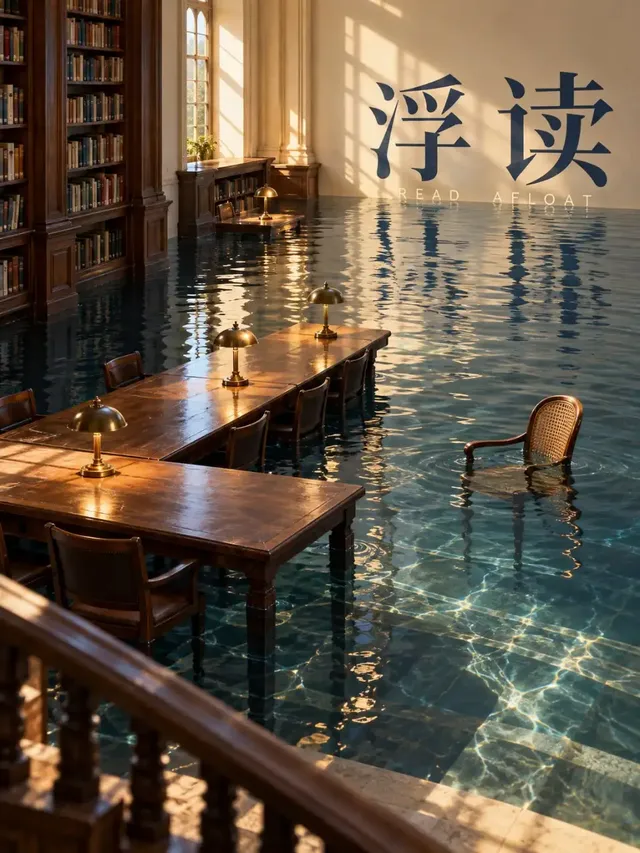
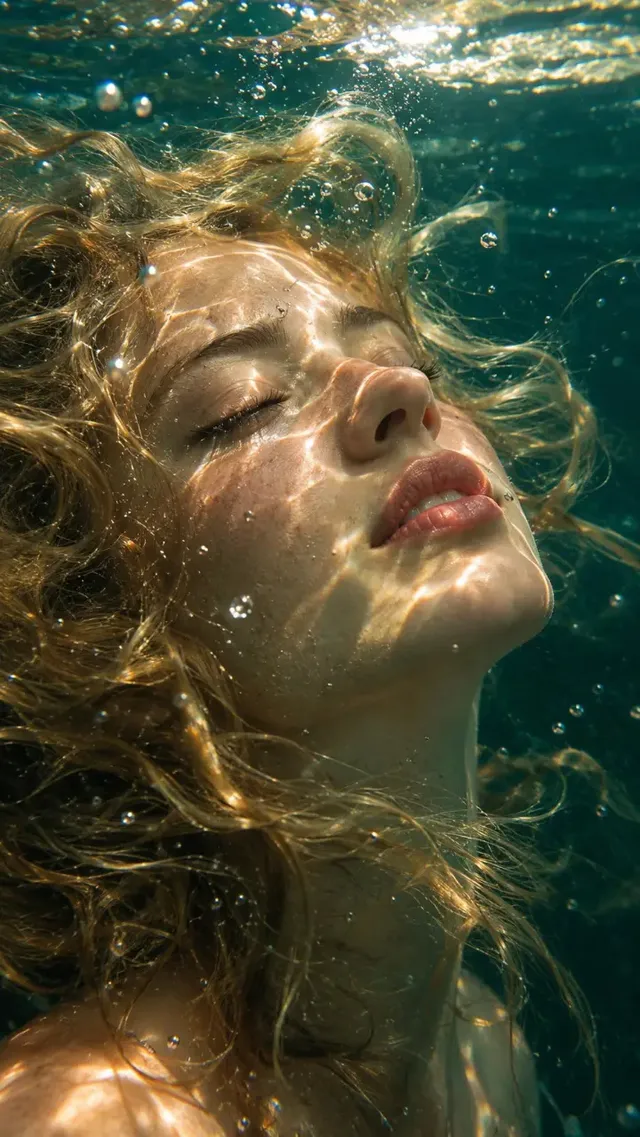
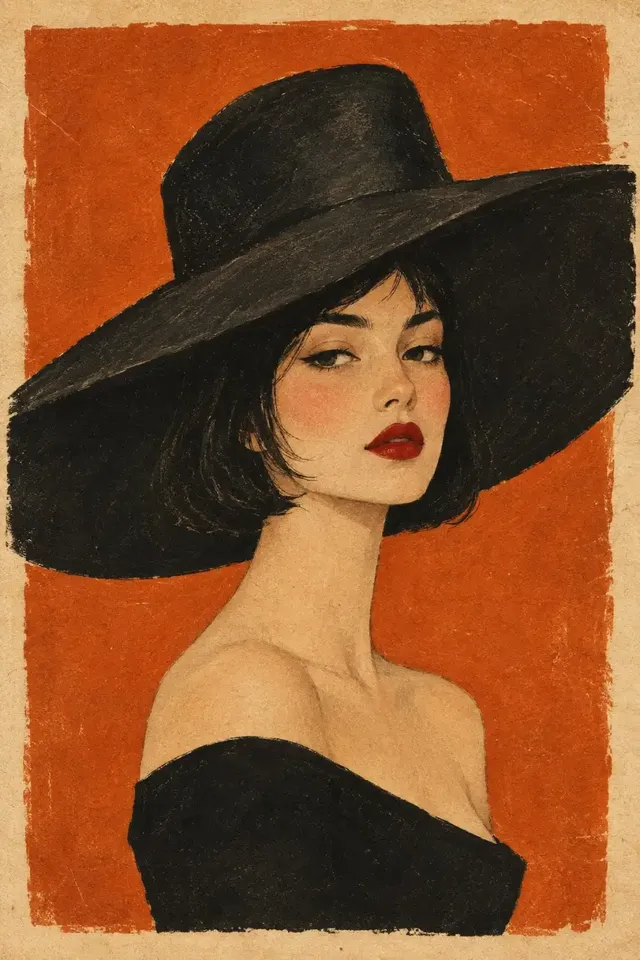
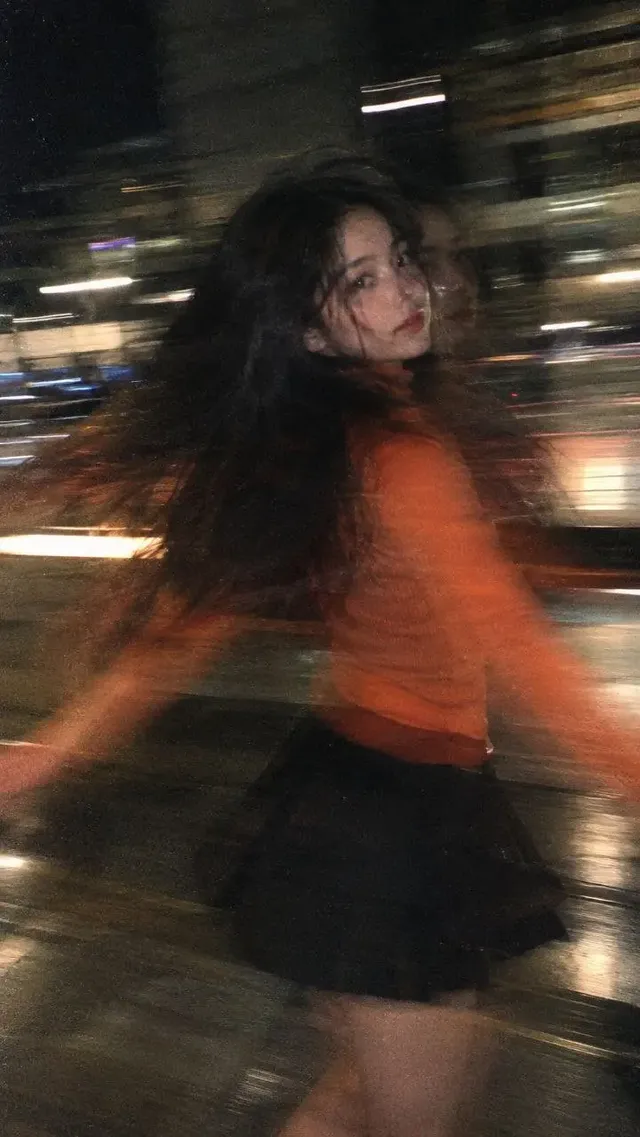
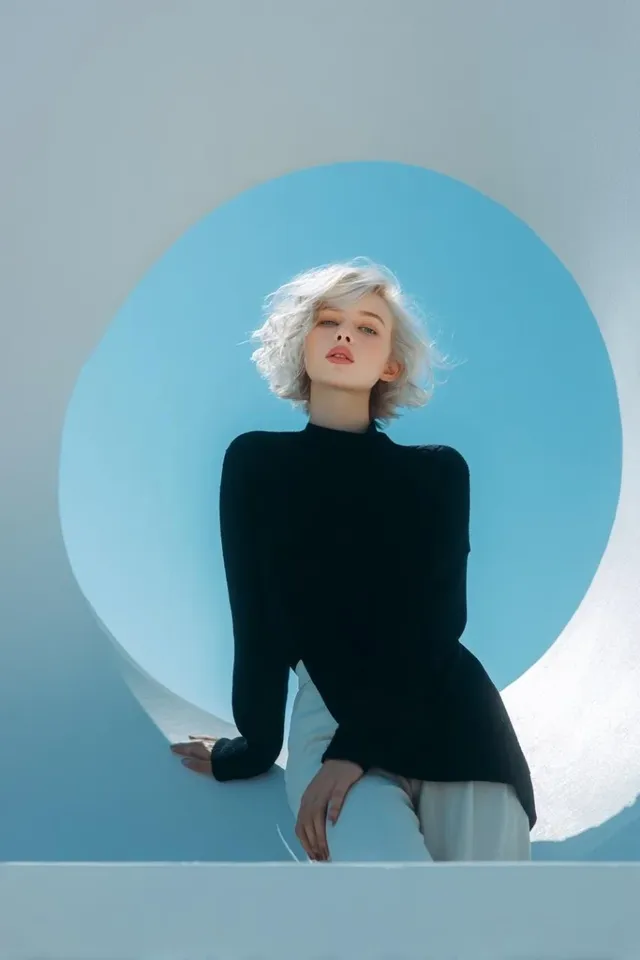
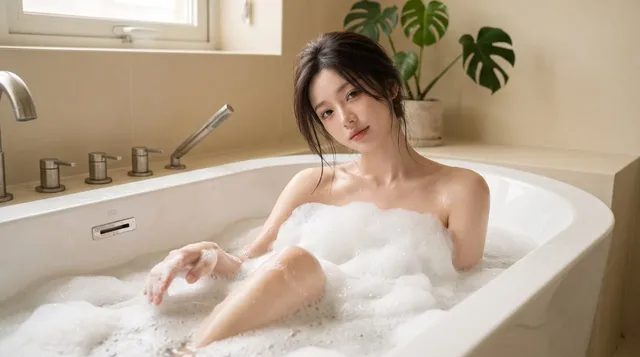
Published works made with these models on Genvizu. Open one to see its full prompt and parameters.
GPT Image 2.5
All GPT Image 2.5 works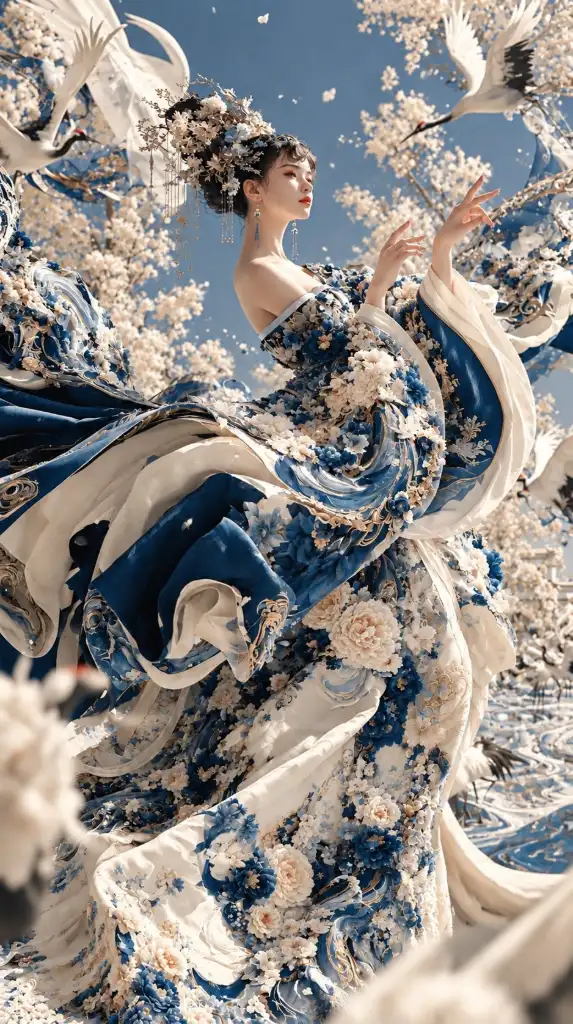
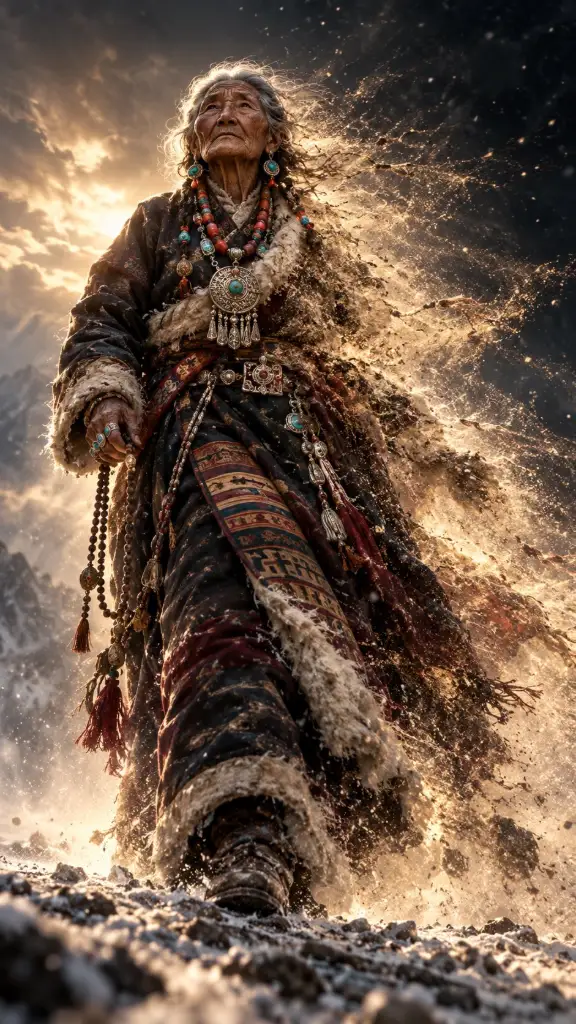
GPT Image 2
All GPT Image 2 works
FAQ
Is ChatGPT image generation better than Genvizu?
It depends on the work. ChatGPT is a conversation, which suits open-ended edits like "make it warmer". Genvizu is a control panel that runs GPT Image models alongside others, which suits side-by-side comparison, explicit ratios and resolutions, and reference sets. Many people use a chat for ideas and a panel for repeatable output. Neither replaces the other for every task.
Is GPT Image 2.5 on Genvizu the same model OpenAI offers?
It is OpenAI's GPT Image 2.5, routed through Genvizu, and the site lists the Flare tier and the Sunburst refinement tier as separate entries. OpenAI's developer documentation describes Flare for fast everyday generation and Sunburst for editing precision. OpenAI's help center calls the in-app version ChatGPT Images 2.5 (https://help.openai.com/en/articles/11084440-images-in-chatgpt).
What aspect ratios does GPT Image 2.5 support on Genvizu?
Twelve: 1:1, 3:2, 2:3, 4:3, 3:4, 16:9, 9:16, 21:9, 27:16, 16:27, 9:8 and 8:9. There is no 4:5 or 5:4 in that list. The snapshot lists resolutions of 1K, 2K and 4K with 2K as the default, and a prompt limit of 20,000 characters.
How many reference images can I use?
On Genvizu, GPT Image 2.5 and GPT Image 2 each accept up to 16 reference images per run in the image-to-image channel. OpenAI's documentation states no maximum and shows examples with four input images. In the ChatGPT app, OpenAI's image-input FAQ says the number of images you can add depends on factors such as image size and accompanying text, with a 20 MB limit per image (https://help.openai.com/en/articles/8400551-chatgpt-image-inputs-faq).
Can I make video or use a canvas on Genvizu?
Yes. Genvizu lists separate video models, such as Seedance 2.5 and MiniMax H3, and has an infinite canvas where results become nodes you can send to image-to-image or video. On OpenAI's side, its Sora product is no longer available as of 26 April 2026, according to OpenAI (https://openai.com/index/sora-2/).
Do I need English prompts for GPT Image models on Genvizu?
No. GPT Image 2.5 carries no English-only flag in the snapshot, so a Chinese or any-language brief is accepted. The Midjourney models on the same site do require English. Quote any text you want rendered inside the image, then check the letterforms in the result.
Try it on Genvizu
Open a model page, pick a published work and reuse its prompt.