Genvizu

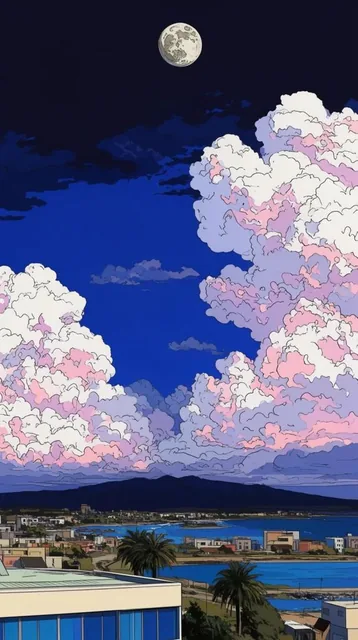
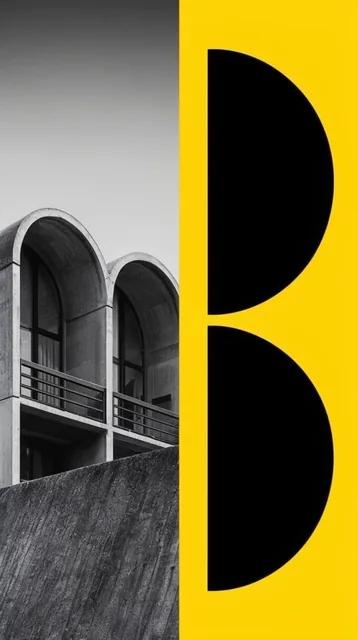
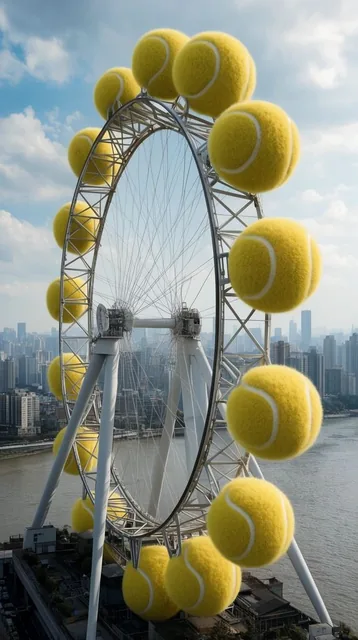
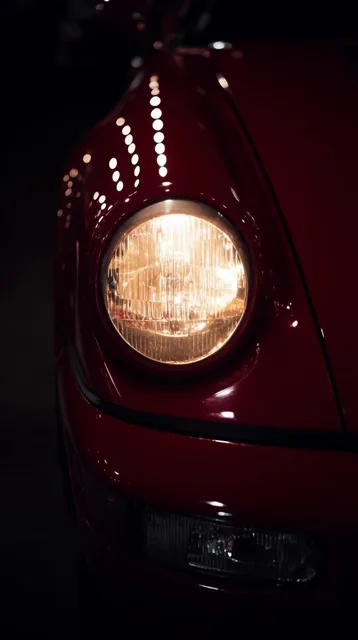
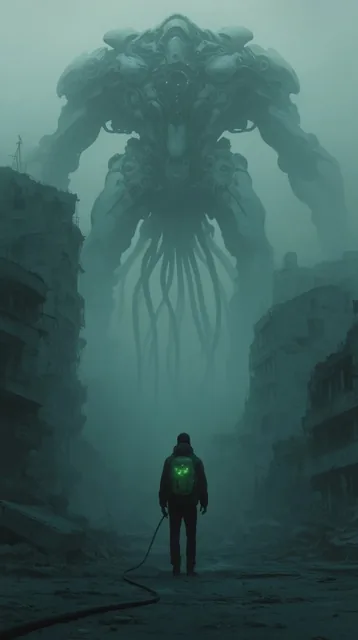
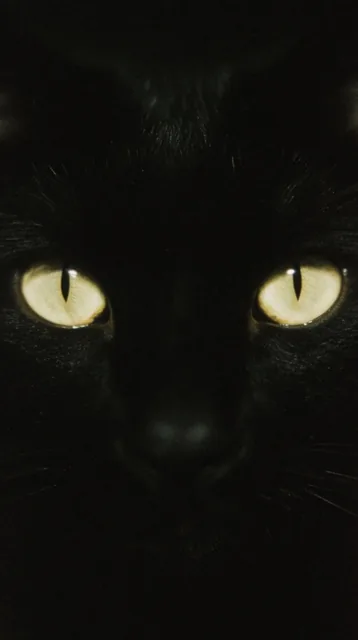
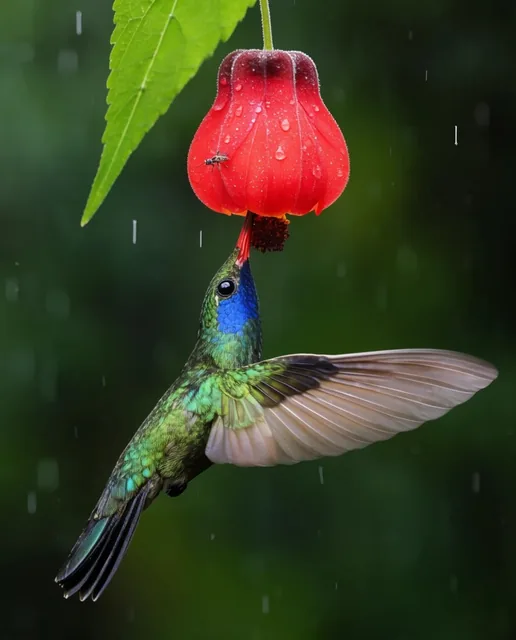
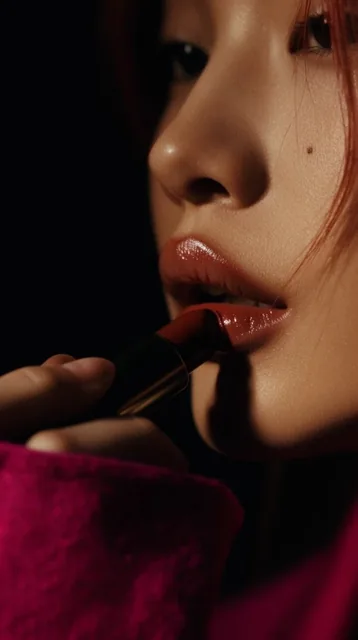
AI creations made with FLUX.2 Klein

Black Forest Labs

FLUX.2 Klein is the lightweight member of Black Forest Labs' FLUX.2 family, wired up on Genvizu as text-to-image only: no reference images, no editing, no inpainting. Seven aspect ratios are open at 1K or 2K, with 2K as the default and no 4K tier. The upstream request fixes n at 1, so a run returns a single image. Use it to explore compositions in volume, then re-run the winning prompt on a model that accepts references.

Verified on 2026-09-10

Start free · no credit card

Best for

  • High-volume exploration: with no reference upload and no extra parameters, one prompt line can be changed and re-run over and over.
  • Drafting compositions before committing to a heavier model — the framing and subject description transfer to any other model unchanged.
  • Simple scenes, backgrounds, textures and placeholder art, where the model’s own rendering style is not part of the brief.
  • Anyone on the free plan, since this model carries no plan requirement.
  • Briefs written in Chinese or any other language — there is no English-only requirement.

Not for

  • Anything that starts from an existing image. There is no reference-image input, no image-to-image and no inpainting on this model.
  • Deliveries above 2K. There is no 4K tier, so large prints need a different model or a separate upscaling step.
  • Layouts where exact words must render inside the picture. Use GPT Image 2 when the headline is part of the deliverable.
  • Getting several options from one run — a run returns one image.

Specifications and limits

FieldValue
ProviderBlack Forest Labs, as FLUX.2 [klein] (routed through Genvizu)
InputText prompt only
Output1 image per run
Resolutions1K / 2K (2K is the default)
Aspect ratios1:1, 3:2, 2:3, 4:3, 3:4, 16:9, 9:16 (seven in total)
Output sizeComputed from ratio and tier, rounded to a multiple of 16 pixels
Prompt languageAny language; English is not required
Reference imagesNot supported
BillingPer image, at the entry tier; the current tier is listed on the pricing page
Plan requirementNone; available on every plan including Free
Failed runsRefunded automatically

Prompt examples

Layout exploration at volume

Prompt

Minimal editorial photograph of a single ceramic vase on a plaster shelf.
Composition: vase in the left third, wide empty wall to the right, horizon of the shelf low in frame.
Light: hard afternoon sun from a window out of frame, long diagonal shadow across the wall.
Palette: bone white, warm grey, one muted olive accent.
No text, no props, no hands.

Write the composition as positions in the frame, not as adjectives. Then change one line at a time — shadow direction, vase placement, palette — so each run isolates a single variable.

Background plate for later compositing

Prompt

Empty studio backdrop, seamless paper curve, cool grey gradient from top to bottom.
Soft even light with a slightly brighter pool in the centre of the floor.
No subject, no props, no logos, no visible seams or clamps.
Framing: 16:9, camera at chest height, centred.

Plates like this need no reference image at all, which is exactly what this model covers. Generate at 2K, the default tier, and keep props and seams out of the frame so the plate composites cleanly.

Texture and pattern sheet

Prompt

Flat-lay texture study: hand-torn recycled paper with visible fibres, uneven deckled edges,
subtle warm speckles, very shallow relief.
Light: raking light from the left so the fibre grain reads clearly.
Framing: 1:1, fills the frame edge to edge, no border, no shadow falloff at the corners.

Ask for raking light whenever surface texture is the subject — flat frontal light hides exactly the relief you are generating the image for.

How it compares

Nano Banana 2

Pick it as soon as the job starts from an existing picture, or when you need 4K: it takes up to 14 reference images and offers 1K / 2K / 4K.

GPT Image 2

Pick it when readable text must appear inside the image, or when you need a ratio that is not open here, such as 21:9, 4:5 or 5:4.

Z-Image

Another entry-tier text-to-image option, with a single 2K tier and no resolution choice. Pick Klein instead when you want seven ratios and both a 1K and a 2K tier.

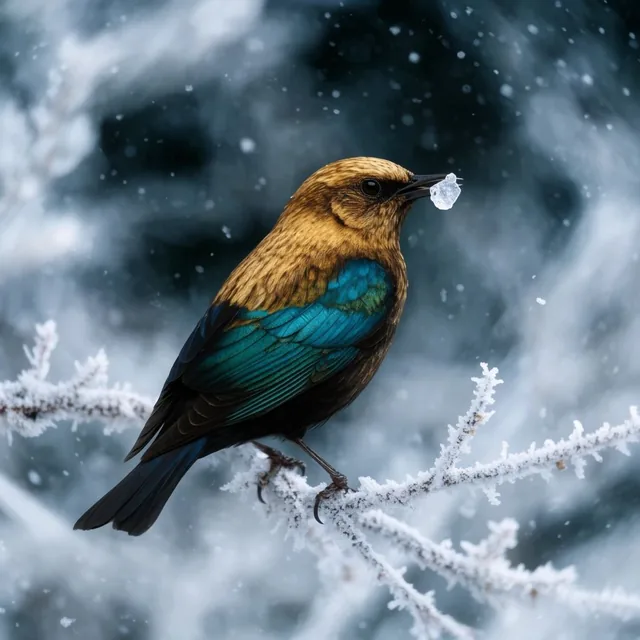
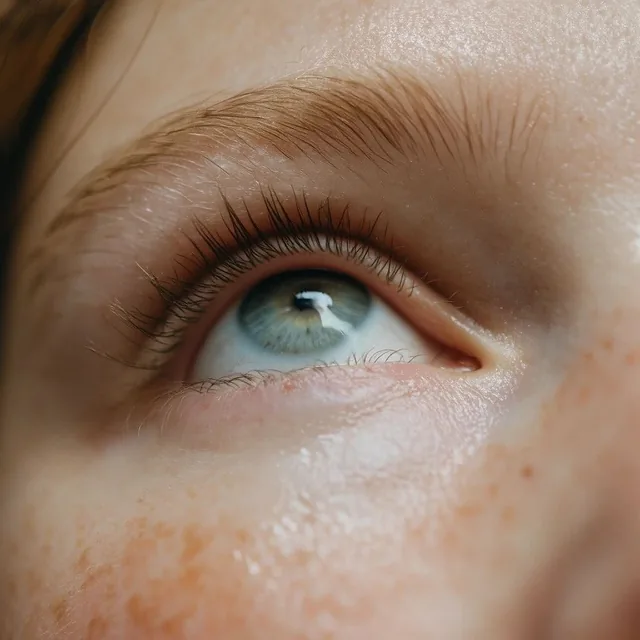
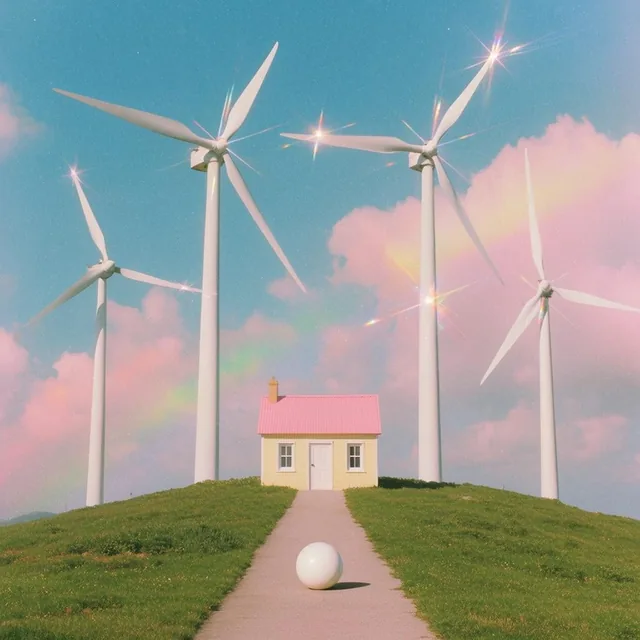
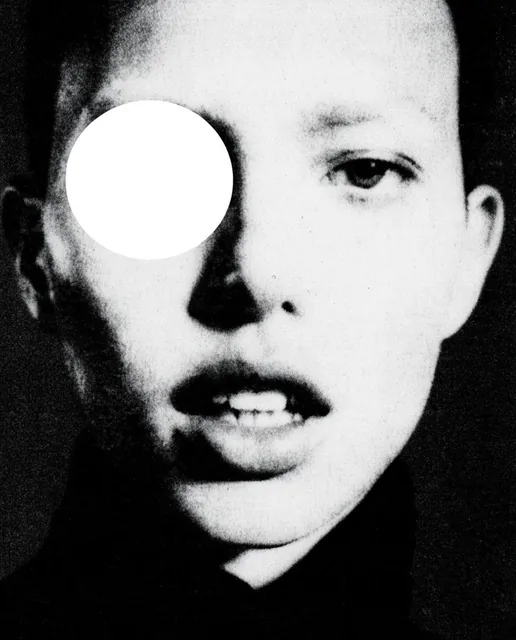
Examples from the gallery

Common failures and fixes

The reference-image slot is missing from the panel.

That is expected: this model is text-to-image only. Generate here, then bring the result into the Infinite Canvas and edit it with a model that accepts references.

The result looks flatter or less art-directed than a heavier model.

Klein is the lightweight member of the FLUX.2 family and sits at the entry tier here. Use it to lock composition, framing and palette, then re-run the same prompt on Nano Banana 2 or GPT Image 2 for the final frame.

Text inside the image comes out as unreadable shapes.

Do not ask this model for in-image typography. Generate the picture with space left for a headline and set the type in a design tool, or use GPT Image 2.

You need a delivery larger than 2K.

There is no 4K tier here. Generate the final frame on a model that offers 4K, such as Nano Banana 2 or GPT Image 2.

The delivered pixel dimensions are not exactly the numbers you expected.

The output size is computed from the aspect ratio and the tier, then rounded to a multiple of 16 pixels. Check the actual dimensions before dropping the image into a layout that has to match a fixed grid.

Frequently asked questions

How is FLUX.2 Klein billed on Genvizu?

Per generated image, at the entry tier. The current tier is listed on the pricing page, and the generate button shows the exact cost of the run before you confirm it.

Can FLUX.2 Klein use a reference image or edit a picture?

No. On Genvizu it is text-to-image only, with no reference-image input and no image-to-image. Use Nano Banana 2 or GPT Image 2 when the job starts from an existing picture.

Which aspect ratios and resolutions does it support?

Seven ratios — 1:1, 3:2, 2:3, 4:3, 3:4, 16:9 and 9:16 — at 1K or 2K, with 2K as the default. There is no 4K tier, and the output size is rounded to a multiple of 16 pixels.

FLUX.2 Klein or Nano Banana 2 — which should I use?

Use Klein for volume drafting when you are starting from text alone and no reference image is involved. Use Nano Banana 2 when the job needs reference images, consistency across a set, or 4K output.

Is FLUX.2 Klein the same as FLUX.2 Pro?

No. Klein is the lightweight member of the FLUX.2 family and is the entry-tier text-to-image option on Genvizu. FLUX.2 Pro is a separate model in the same family, listed on its own with its own capabilities and tier.

Do I need a paid plan?

No. There is no plan requirement, so it is available on every plan including Free, as long as your balance covers the run.

Sources