How to Write Better AI Image Prompts: A Beginner's Guide
Learn how to write effective AI image prompts that get stunning results every time. Practical tips for beginners using any AI image generator.
 Genvizu Team2 min read
Getting great results from an AI image generator comes down to one skill: writing clear, specific prompts. Whether you're new to AI art or just tired of vague outputs, these tips will help you generate images that actually match what you had in mind.
Start With a Clear Subject
The most common mistake beginners make is being too vague. Instead of typing "a dog," try "a golden retriever sitting on a wooden porch at sunset, photorealistic, warm lighting." You've told the model what the subject is, where it is, when it is, and how it should look.
A solid prompt has four layers:
- Subject — who or what
- Setting — where and when
- Style — photography, illustration, 3D render, oil painting
- Mood/lighting — cinematic, soft light, dramatic shadows
Use Style References
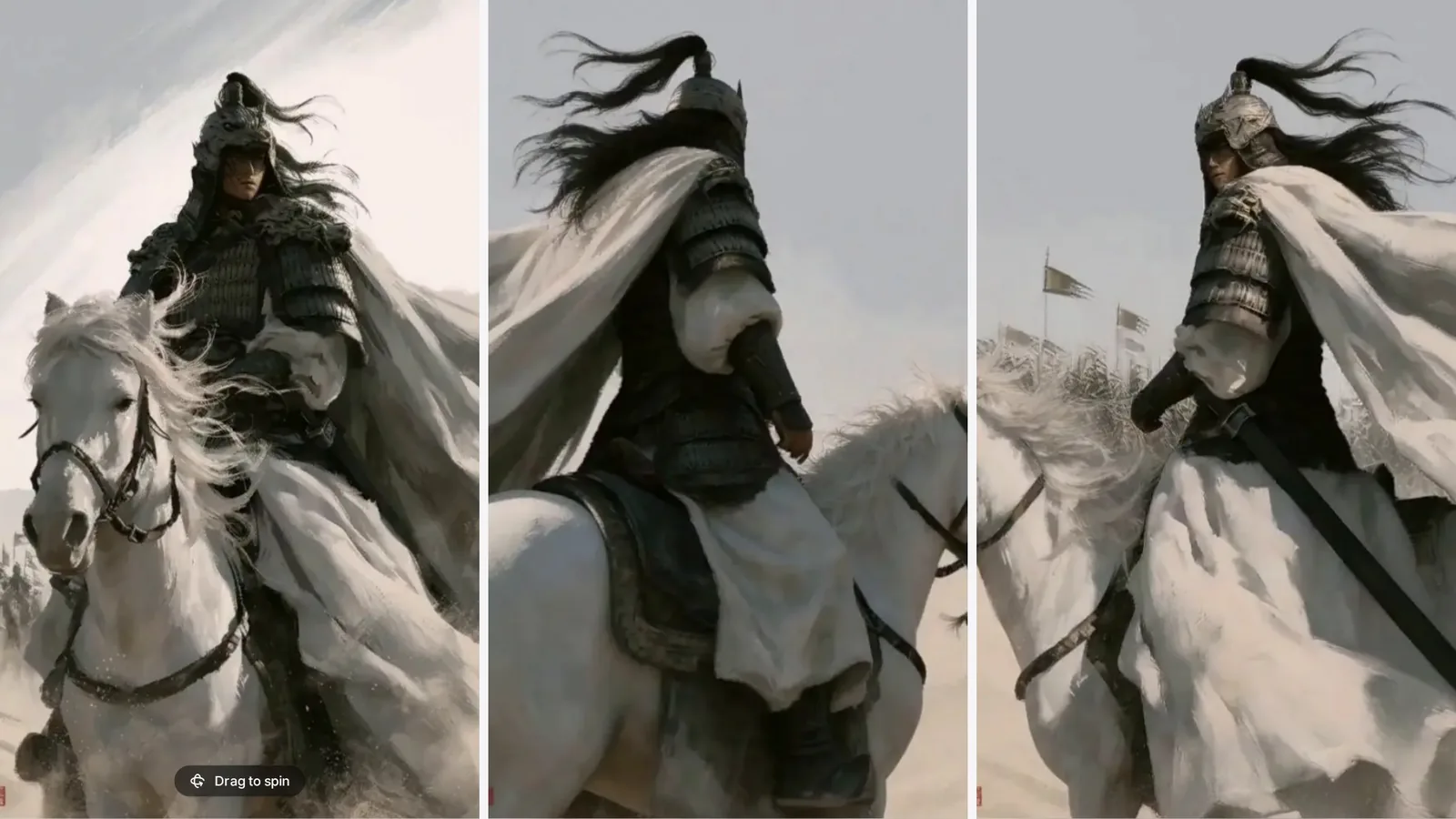
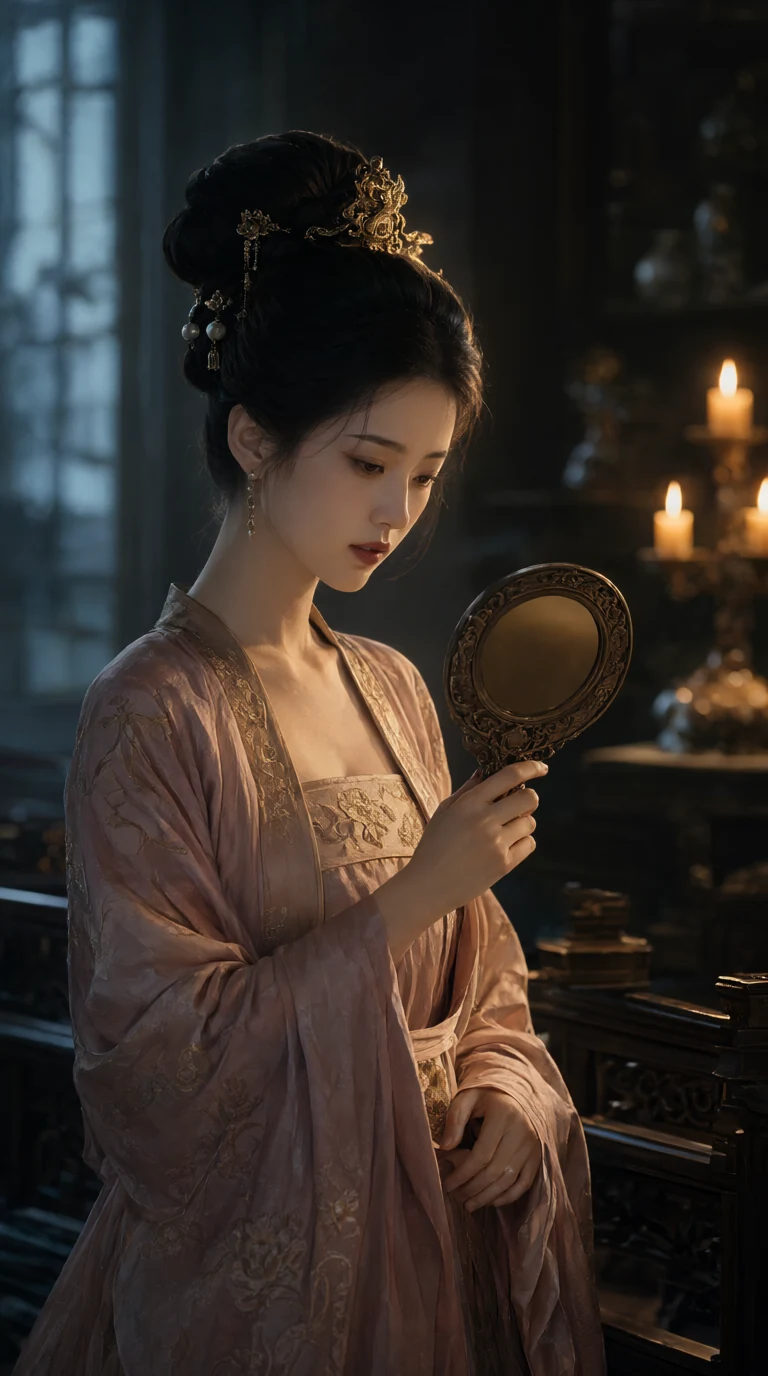
Style language is powerful. Words like cinematic, editorial, watercolor, isometric, and bokeh give the model strong visual anchors. If you want something clean and commercial, add "product photography, white background, studio lighting." If you want something artistic, try "impressionist, loose brushstrokes, muted palette."
Be Specific About Composition
Models respond well to composition cues:
- "close-up portrait, shallow depth of field"
- "wide establishing shot, rule of thirds"
- "top-down flat lay, minimalist"
- "symmetrical, centered framing"
These cues aren't photography jargon for show — they map directly to patterns the model has learned.
Add Negative Guidance Where Needed
Some platforms let you specify what you don't want. Common additions: "no text, no watermark, no extra limbs, no blurry faces." Use these sparingly — they're most useful for fixing recurring problems, not as a catch-all.
Iterate Fast
Your first generation is a draft. Change one element at a time so you know what's working. If the lighting is right but the style is off, keep the lighting description and swap the style reference.
The fastest way to learn is to browse what other people are creating. The Genvizu Explore gallery shows every image alongside its full prompt and the model used — it's one of the best free prompt libraries available. Find something you like, copy the prompt, and tweak it.
Match Prompt Style to the Model
Different models respond to prompts differently. GPT Image 2 handles natural language descriptions well and is forgiving of loose phrasing. Flux 2 tends to reward more structured, keyword-dense prompts. Midjourney V8 is strong on artistic style and composition language.
Experimenting across models with the same prompt is a quick way to understand each model's strengths.
Quick Reference: Prompt Formula
[subject] + [action/pose] + [setting] + [style] + [lighting] + [mood]
Example: "A female barista making espresso, cozy café interior, editorial photography style, warm soft light, candid, shallow depth of field"
Once you get comfortable with this structure, good prompts become second nature. Start simple, iterate, and use the community for inspiration — that's the fastest learning loop there is.
Ready to try it? See what Genvizu can do — no prompt experience required.