Where to Find Free AI Image Prompts (and How to Remix Them)
Looking for AI image prompt ideas? Learn where to find high-quality, free prompts — including Genvizu's Explore gallery — and how to remix them for your own projects.
 Genvizu Team3 min read
One of the fastest ways to improve your AI image generation results is to study prompts that are already working. The problem is most people don't know where to look — or they find prompt lists that are generic and untested. Here's where to actually find good prompts, and how to use them effectively.
Why Prompts From Real Outputs Are More Valuable
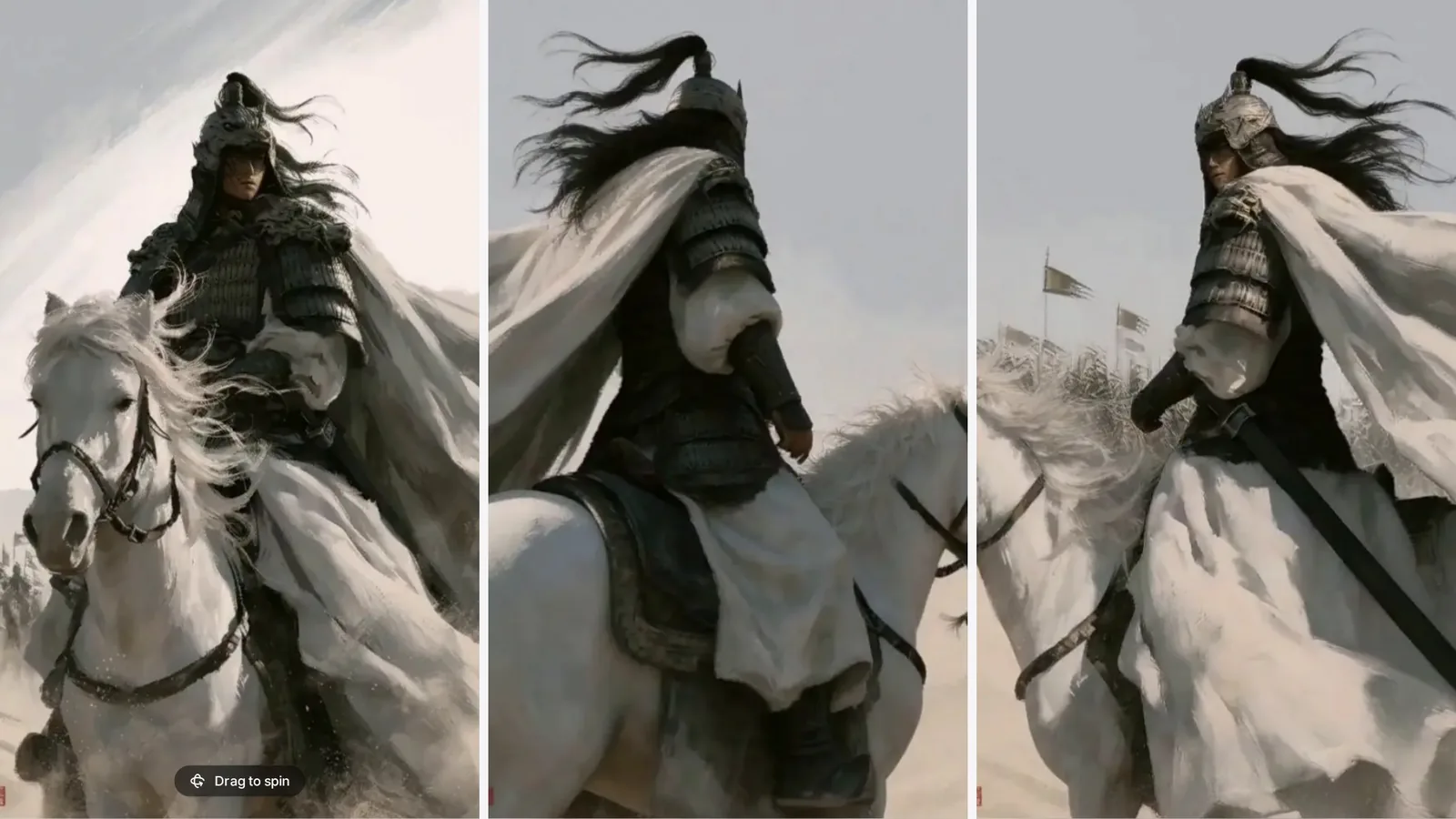
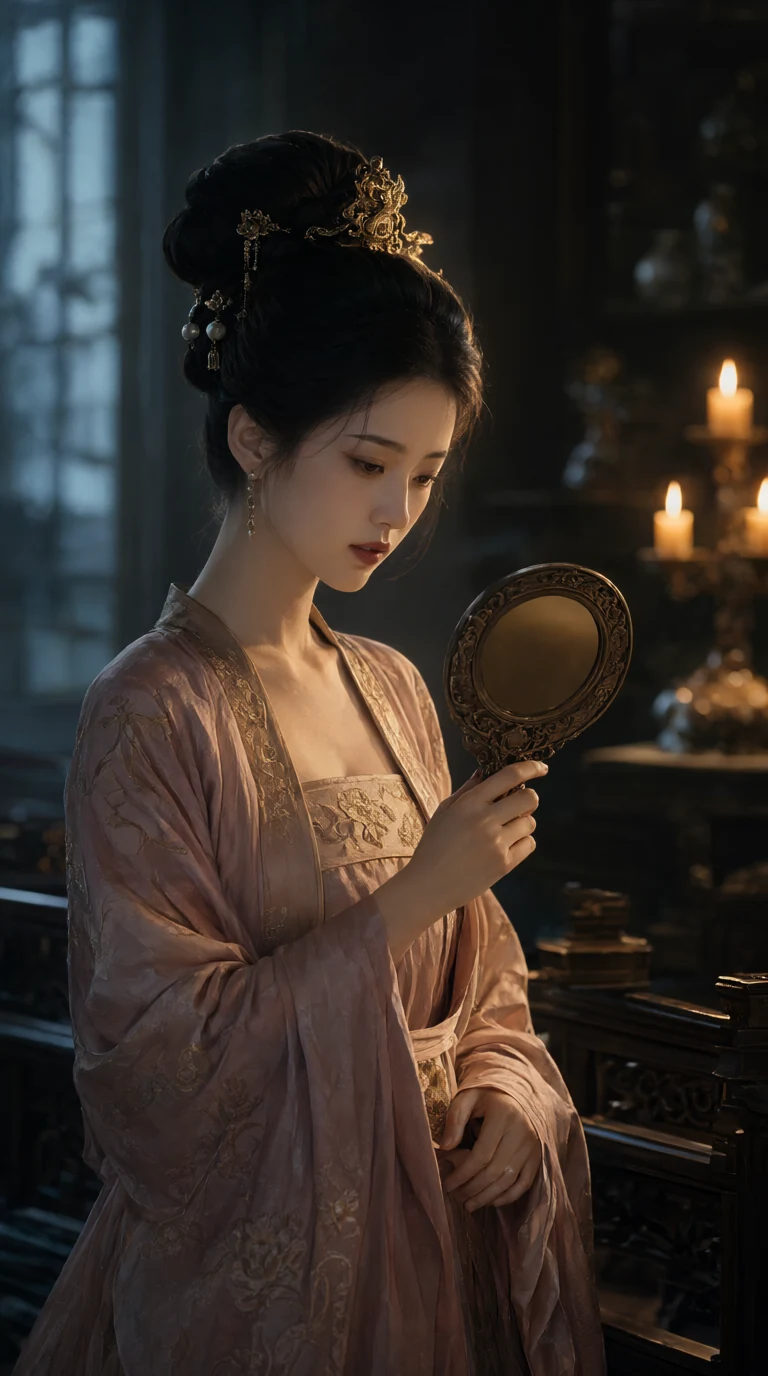
A prompt written in isolation is a guess. A prompt attached to a published output has been validated — you can see exactly what it produced. This is a critical distinction. When you browse prompts alongside their generated images, you learn the mapping between language and visual output in a way that no prompt guide can teach.
The Genvizu Explore Gallery
The Genvizu Explore gallery is one of the most useful free prompt resources available. Every image and video posted by the community displays:
- The full prompt used to generate it
- The model that produced it (GPT Image 2, Flux 2, Midjourney V8, Seedream 4.0, etc.)
- The creator — so you can browse their other work if their style resonates
You don't need an account to browse. Use it as a prompt library: find an image with an aesthetic you like, read the prompt, and use it as a starting point for your own generation.
How to Remix a Prompt Effectively
Copying a prompt verbatim often works, but it's more useful to understand why the prompt produces the result it does. Break it into its components:
- Subject — what's the main element?
- Style reference — what visual language is being invoked?
- Technical specs — lighting, composition, resolution cues
- Model-specific language — does it use keywords tuned to a specific model?
Once you've identified those layers, swap the subject (and only the subject) first. Then adjust style if needed. This gives you a controlled experiment — you'll know what changed and what the effect was.
Example remix:
Original: "A glass perfume bottle on white marble, editorial beauty photography, morning window light, soft shadows, minimal"
Your remix: "A ceramic coffee mug on white marble, editorial lifestyle photography, morning window light, soft shadows, minimal"
Same environment, lighting, and style — different product. The output will be predictably similar in feel, which is exactly what you want when adapting a proven prompt.
Other Places to Find AI Prompts
PromptHero — large community-submitted prompt library, organized by model and style. Useful for finding popular aesthetic directions.
Civitai — primarily focused on Stable Diffusion variants, but the prompt formats translate well to other models. Strong for illustration and character styles.
Reddit (r/midjourney, r/StableDiffusion, r/AIArt) — community posts often include the prompt in comments. Good for trending styles.
X (Twitter) — AI art communities share prompts frequently. Follow creators whose style you admire and check their posts.
Browsing by Category
If you have a specific use case in mind, browsing by category in the Explore gallery is faster than open-ended browsing:
- Ads & Product shots — commercial and marketing styles
- Brand & Logo — identity and visual branding work
- Portrait — face and character generation
- Video — AI video prompt examples
The Fastest Learning Loop
Browse the gallery → find an image in the style you want → copy the prompt → run it on the same model → compare the output → adjust one variable → repeat.
This loop is more effective than reading any prompt guide, including this one. The Explore gallery makes it free and immediate — start there and you'll have a working prompt within your first session.