Genvizu

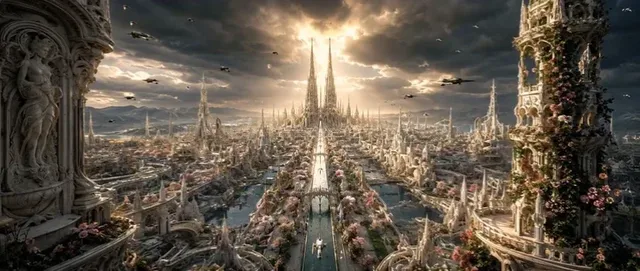
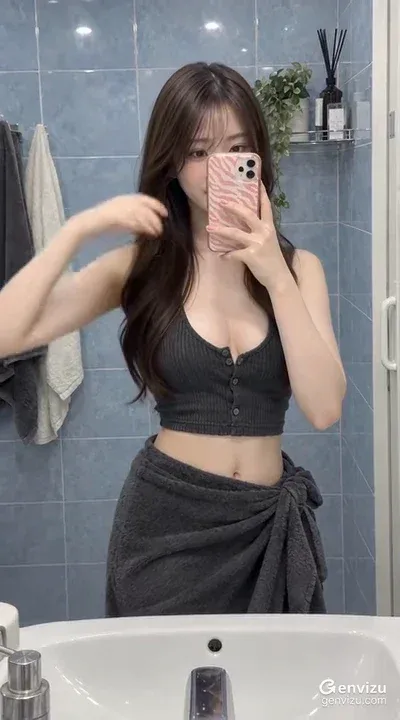
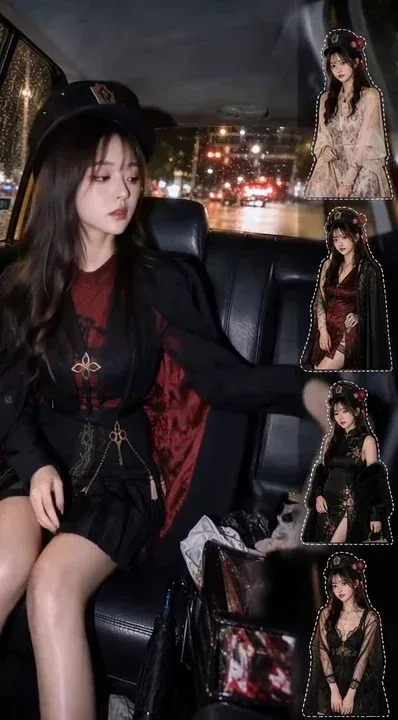
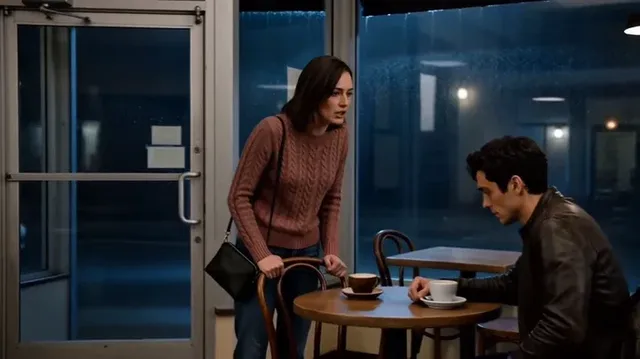
AI creations made with MiniMax H3

MiniMax H3 (Hailuo 03) — native 2K text-to-video and single-frame image-to-video with stereo audio.

MiniMax

MiniMax H3, also called Hailuo 03, is a video model on Genvizu with a single fixed 2K output tier. One run returns a single clip of 4 to 15 seconds, selectable in whole seconds, in one of six aspect ratios, with native stereo audio. It runs in two channels: no reference image gives text-to-video, and exactly one reference image is used as the first frame for image-to-video.

Verified on 2026-09-10

Start free · no credit card

Best for

  • Delivering at 2K without choosing a resolution tier — 2K is the only output this model produces.
  • Turning a single still into motion: attach exactly one image and it becomes the first frame of the clip.
  • Clips that need sound built in, since H3 generates native stereo audio as part of the output.
  • Ultrawide framing at 21:9, which is the upstream default and one of the six ratios available here.
  • Briefs that describe a shot in detail — the prompt budget is 7,000 characters, enough for camera, action, audio and look as separate paragraphs.

Not for

  • Multi-reference work. Exactly one image is accepted, as the first frame; a second image is rejected.
  • Reference video or reference audio. Those inputs, and the upstream reference-to-video channel, are not available on Genvizu for this model.
  • Last-frame control. Only the first frame can be pinned, so an ending has to be described in words.
  • Clips longer than 15 seconds — use Seedance 2.5 for durations up to 30.
  • Silent deliverables. There is no audio switch for this model, so a clip that must be mute needs the track stripped afterwards.

Specifications and limits

FieldValue
ProviderMiniMax, as H3 / Hailuo 03 (routed through Genvizu)
InputText prompt; optionally exactly one reference image, used as the first frame
Output1 clip per run, with native stereo audio
Resolution2K, fixed — there is no resolution picker and no 4K tier
Duration4–15 seconds, any whole second (4 is the default)
Aspect ratios21:9, 16:9, 4:3, 1:1, 3:4, 9:16
Reference imagesExactly 1, as the first frame; 0 runs the text-to-video channel
Reference video / audioNot accepted on Genvizu for this model
Prompt limit7,000 characters
AudioNative stereo, always generated; there is no on/off switch upstream
BillingPer second of output, with a four-second minimum (tiers on the pricing page)
Failed runsRefunded automatically

Prompt examples

Ultrawide product shot at 21:9

Prompt

A brushed-aluminium laptop closed on a dark walnut desk, 21:9, 6 seconds.
Camera: slow lateral track from left to right, the lid edge catching a moving highlight as it passes.
Action: nothing else moves; a thin line of daylight widens across the surface as the shot travels.
Audio: quiet room tone, one soft mechanical click at the end. No music, no voice-over.
Look: single soft key from the upper left, deep falloff to the right, cool neutral grade.

21:9 is the upstream default and suits a lateral move. Naming the one thing that moves keeps a product shot from acquiring invented hands or reflections.

First frame from one still

Prompt

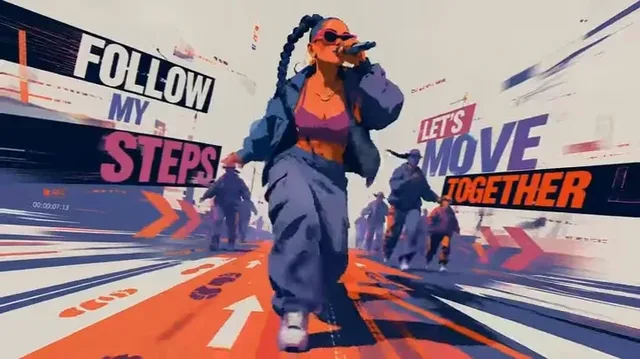
Start from the attached image and keep its composition, wardrobe and lighting.
The woman lifts her head, looks past the camera, and a gust moves her scarf once.
Camera: locked off, no zoom, no handheld drift.
Audio: wind and distant traffic only.
Duration: 8 seconds.

This model takes exactly one reference image and treats it as the first frame. Say what must stay identical, then describe only the movement that follows.

Vertical scene with described sound

Prompt

A night market stall seen from across the aisle, 9:16, 10 seconds.
Camera: handheld feel but minimal drift, holding the stall in the centre third.
Action: steam rises steadily, the vendor turns skewers twice, one passer-by crosses the foreground near the end.
Audio: sizzling, low crowd murmur, one distant scooter. No music.
Look: warm practical lights, deep shadows, slight haze in the air.

Audio is always generated here, so it is worth describing. Listing two or three specific sounds gives a more usable track than leaving the model to invent one.

How it compares

Seedance 2.5

Pick it when the clip must run past 15 seconds, up to 30, or when the brief needs several reference images, reference video or reference audio. It tops out at 720p, so H3 remains the 2K option.

Seedance 2.0 Pro

Pick it for multimodal briefs at 1080p: up to nine reference images, three reference clips and three reference audio tracks, in 4 to 15 second takes, with an audio switch H3 does not have.

Examples from the gallery

Common failures and fixes

A second reference image is rejected.

Exactly one image is accepted, and it is used as the first frame. Put everything else the shot needs into the prompt, or move the run to a Seedance tier, which takes up to nine references.

There is no resolution option in the panel.

H3 has a single fixed 2K output, so there is nothing to choose. The panel value is only a label — no resolution is sent upstream.

The clip has sound that the delivery does not want.

Audio is part of the output and there is no switch for it upstream. Either describe a quiet track — room tone only, no music, no voice-over — or strip the audio after download.

The ending of the clip is not what you planned.

Only the first frame can be pinned; there is no last-frame input. Describe the final pose, framing and light in words, and keep the camera move simple so the model has one job.

A very long brief seems only partly followed.

The prompt limit is 7,000 characters. Lead with the non-negotiables — subject, duration, camera, what must not change — and drop background colour that does not affect the frame.

The frame is ultrawide when you wanted 16:9.

21:9 is the upstream default, so an unset ratio lands there. Pick the ratio explicitly in the generator panel; a ratio written into the prompt is treated as description.

Frequently asked questions

What resolution does MiniMax H3 output?

2K, and only 2K. There is no resolution picker and no 4K tier — the model produces a fixed 2K clip, and no resolution value is sent upstream.

How long can an H3 clip be?

4 to 15 seconds, selectable in whole seconds, with 4 as the default. Four seconds is also the minimum billed length. For clips up to 30 seconds, Seedance 2.5 is the alternative.

How many reference images does H3 accept?

Exactly one, used as the first frame, which switches the run to the image-to-video channel. With no image it runs text-to-video. Reference video, reference audio and the upstream reference-to-video channel are not available on Genvizu for this model.

Can I turn the sound off?

No. H3 generates native stereo audio as part of the clip and exposes no audio switch, which is why the shared audio control is hidden for this model. Describe the sound you want, or remove the track after downloading.

How is MiniMax H3 billed on Genvizu?

Per second of output, with a four-second minimum. The current tier is listed on the pricing page, and the generate button shows the exact cost of the run before you confirm it.

What happens if a generation fails?

Failed generations are refunded automatically — the amount deducted for the run returns to your balance.

Sources