Genvizu

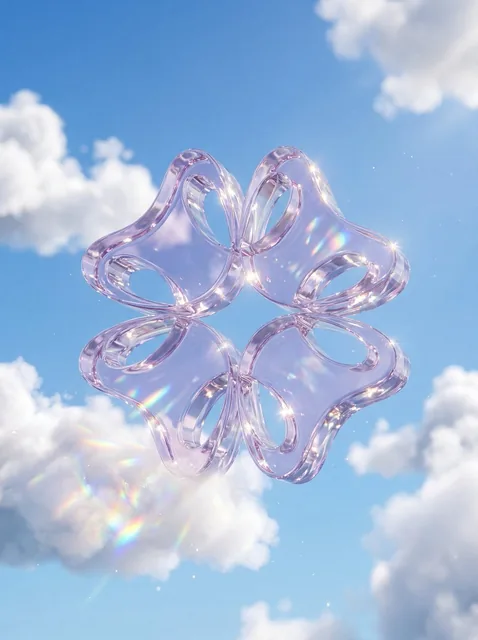
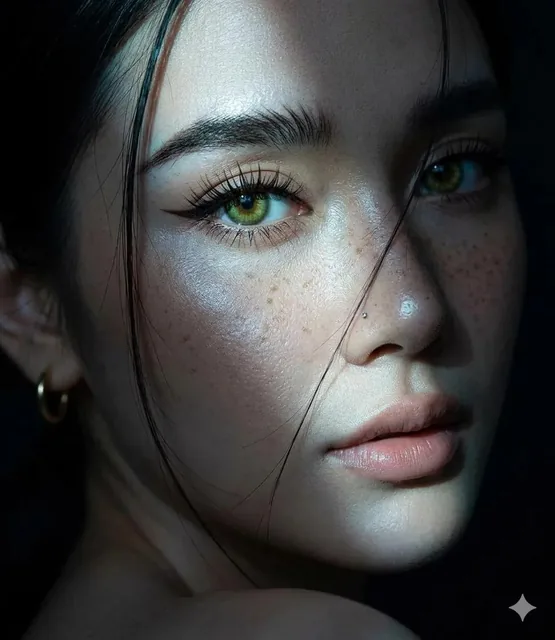
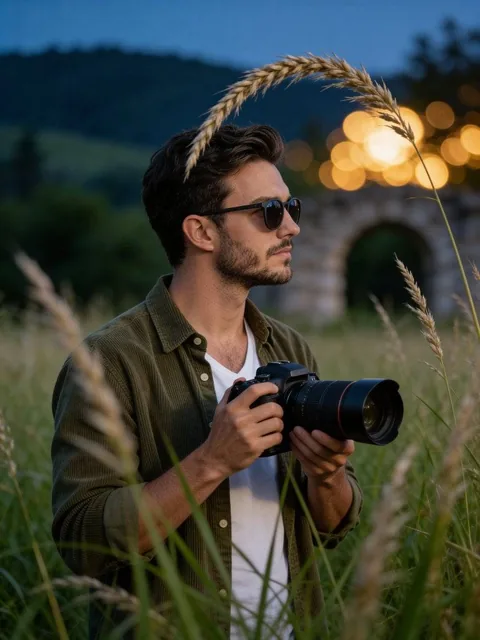
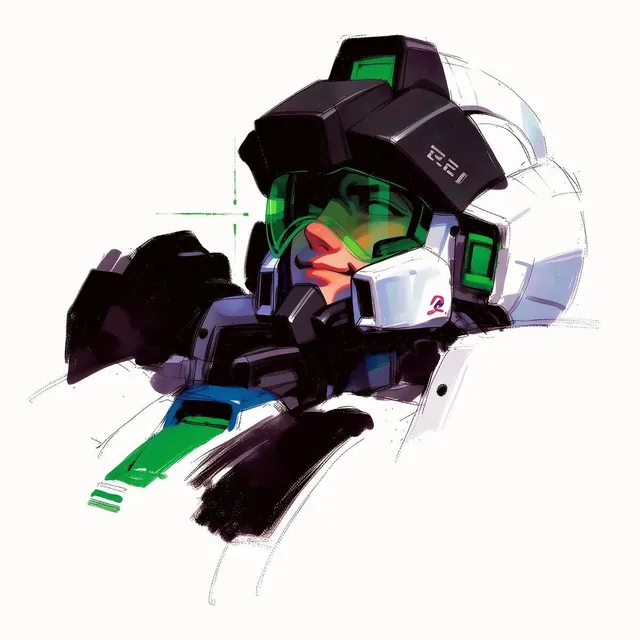
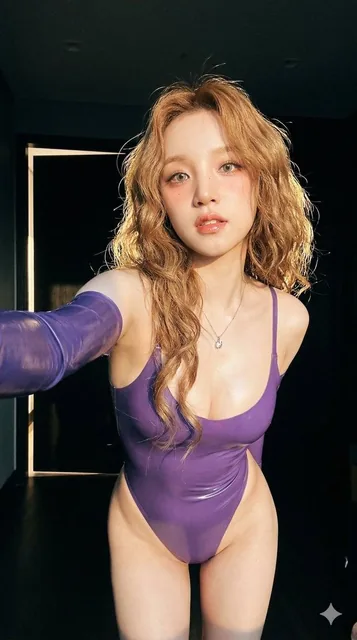
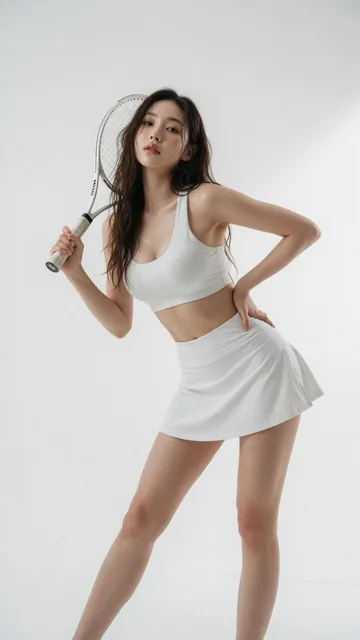
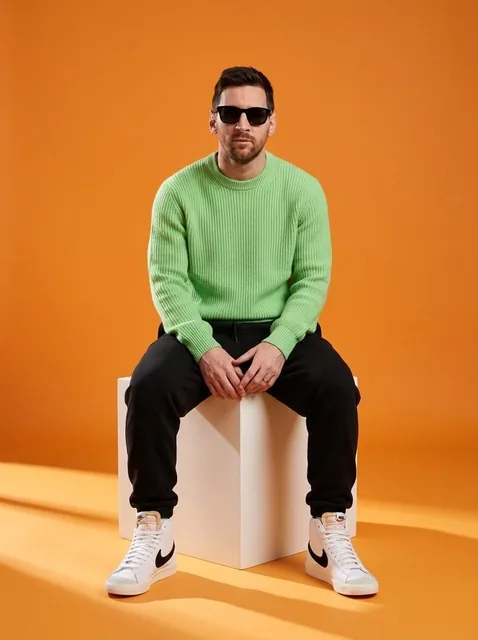
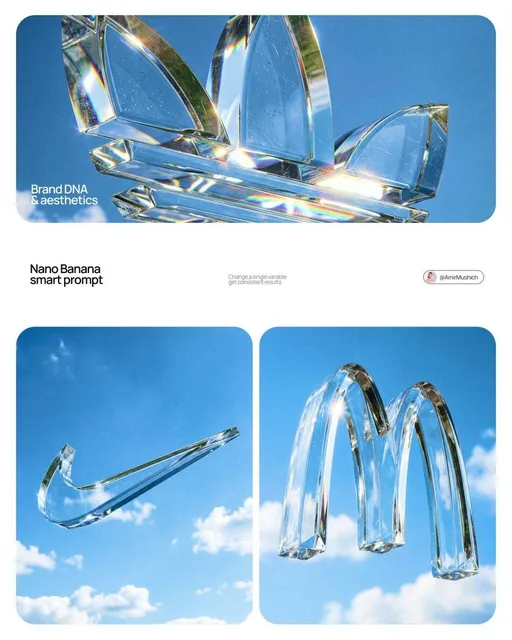
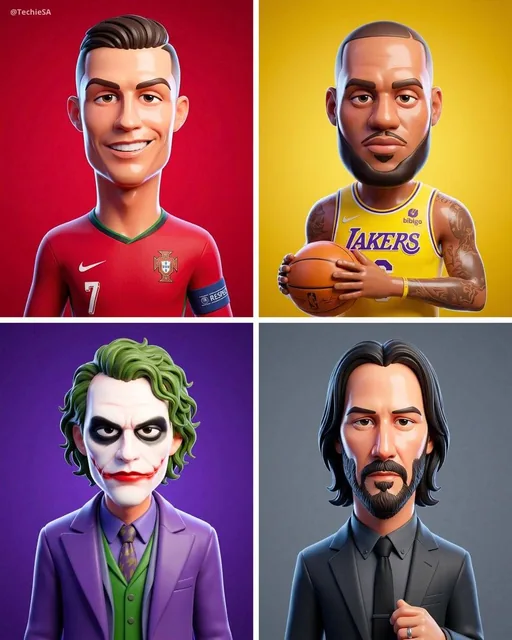
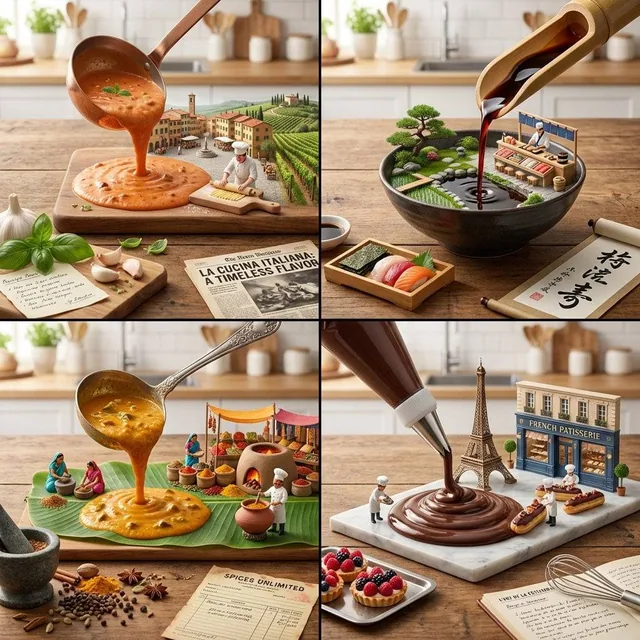
AI creations made with Nano Banana 2

Google

Nano Banana 2 is Google's image model on Genvizu, running as text-to-image and as image-to-image. One run takes up to 14 reference images and a prompt of up to 20,000 characters, and returns a single image, because the upstream request carries no n field. Resolution is selectable at 1K, 2K or 4K, and ten aspect ratios are open, from 21:9 down to 9:16. Pick it when the job starts from pictures you already have.

Verified on 2026-09-10

Start free · no credit card

Best for

  • Editing and recombining images you already have — one run accepts up to 14 reference images, as JPEG, PNG or WebP files.
  • Keeping one character, product or set dressing consistent across a series, by carrying the same reference images from run to run.
  • 4K delivery without a separate upscaling step: 4K is one of the three selectable tiers, so the delivery size comes straight out of the run.
  • Long structured briefs — the prompt budget is 20,000 characters, so subject, composition, lighting and palette can each get a paragraph.
  • Briefs written in Chinese or any other language; this model has no English-only requirement.

Not for

  • Reproducing an earlier result exactly: the upstream request carries no seed field, so the same prompt and references can drift between runs.
  • Getting several options from one run — a run returns one image, so variations come from repeating the run.
  • Guaranteed identity lock. Reference images steer likeness and style, but they do not reproduce a face or a product label exactly.
  • Aspect ratios outside the ten supported here. Extreme panoramic and strip formats are not open on Genvizu, and 21:9 is the widest option.

Specifications and limits

FieldValue
ProviderGoogle, as Nano Banana 2 (routed through Genvizu)
InputText prompt; optional reference images for image-to-image
Output1 image per run; a higher batch count means more runs, each billed separately
Resolutions1K / 2K / 4K (2K is the default)
Aspect ratios1:1, 3:2, 2:3, 4:3, 3:4, 5:4, 4:5, 16:9, 9:16, 21:9 (ten in total)
Prompt languageAny language; English is not required
Prompt limit20,000 characters
Reference imagesUp to 14 per run (JPEG, PNG or WebP, 30 MB each)
BillingPer image; the resolution tier changes the cost, the aspect ratio and the reference count do not (see the pricing page)
Plan requirementNone; available on every plan including Free
Failed runsRefunded automatically

Prompt examples

Product photo restaged from one reference

Prompt

Using the attached product photo as the subject, restage it as a studio still life.
Keep the product's shape, label text and colour exactly as in the reference.
Scene: matte sand-coloured podium, soft gradient backdrop, one dried branch casting a thin shadow.
Light: large softbox from the upper left, gentle falloff, no blown highlights on the label.
Framing: 4:5, product centred, generous headroom for a headline.

Say explicitly which parts of the reference must not change — shape, label, colour. Without that sentence the model treats the reference as loose inspiration and quietly redraws the packaging.
Character kept consistent across a set

Prompt

Same character as in the reference images: a woman in her thirties, short dark curls,
round glasses, olive linen shirt. Keep face, hair and outfit identical.
New scene: she is sketching at a wooden desk beside a rain-streaked window, late afternoon.
Camera: waist-up, slight three-quarter angle, 50mm look, shallow depth of field.
Mood: quiet, warm interior light against cool grey daylight outside.

Attach two or three references of the same person from different angles rather than one, and re-describe the fixed traits in words — the text prompt is what resolves conflicts between references.

Wide 4K key visual

Prompt

Cinematic key visual, 21:9, a lone cable car crossing a deep alpine valley at dawn.
Composition: cable car in the right third, valley fog filling the lower half, ridgelines receding into haze.
Light: first sun hitting the far peaks, everything else in cool blue shadow.
Detail: visible cable tension, frost on the car roof, no text, no logos.
Rendering: photographic, medium-format look, fine grain.

Run wide formats at the 4K tier when the image will be cropped or printed later: a 21:9 frame is the widest ratio open here, so a later crop throws away the largest share of its pixels.

How it compares

GPT Image 2

Pick it when exact words must render inside the picture, or when one edit needs 16 reference images at once; the two models share the same ten aspect ratios.

FLUX.2 Klein

Pick it for high-volume text-to-image drafting. It takes no reference images and stops at 2K, so it is a drafting tool rather than a replacement.

Midjourney 8.1

Pick it when you want four options from one prompt and Midjourney’s own default look, accepting English-only prompts and a single reference image.

Examples from the gallery

Common failures and fixes

The reference images are ignored, or the product is redrawn instead of reused.

Name the invariants in the prompt: "keep the shape, label text and colour exactly as in the reference". The text prompt outranks the references when they disagree.

A face drifts between runs in a series.

Feed two or three references of the same person from different angles and repeat the fixed traits in words. One reference plus a long scene description tends to drift.

The ratio you want is missing from the panel.

Ten ratios are open here, from 21:9 down to 9:16; the same ten are what GPT Image 2 offers, so there is no wider table to switch to. Generate at the closest ratio and crop to the final size.

A long exploration run entirely at 4K drains the balance faster than expected.

Explore at 1K and re-run only the winning prompt at 4K. The prompt and the references transfer unchanged between tiers, so nothing has to be rewritten.

A reference image is rejected on upload.

The accepted types are JPEG, PNG and WebP at up to 30 MB each. Convert HEIC or TIFF files first, and flatten anything with an alpha channel that matters.

Frequently asked questions

How is Nano Banana 2 billed on Genvizu?

Per generated image, with the resolution tier deciding the cost of a run. The aspect ratio and the number of reference images do not change it. The current tiers are on the pricing page, and the generate button shows the exact cost before you run.

How many reference images can Nano Banana 2 take?

Up to 14 per run, as JPEG, PNG or WebP files of at most 30 MB each. For comparison, the GPT Image 2 image-to-image channel takes up to 16.

Can Nano Banana 2 generate video?

No. It is an image model. For video on Genvizu use Seedance 2.0 Pro, Seedance 2.5 or one of the other video models.

Nano Banana 2 or GPT Image 2 — which should I use?

Use GPT Image 2 when readable text has to appear inside the image or one edit needs 16 reference images. Both models offer the same ten aspect ratios. Use Nano Banana 2 when the job starts from existing pictures, needs more than a couple of references, or has to come out at 4K.

Does the prompt have to be in English?

No. This model has no English-only requirement, so Chinese and other languages work. The prompt limit is 20,000 characters.

Do I need a paid plan?

No. There is no plan requirement, so it is available on every plan including Free, as long as your balance covers the run.

Sources