Genvizu

AI Poster Generator Prompts and Examples

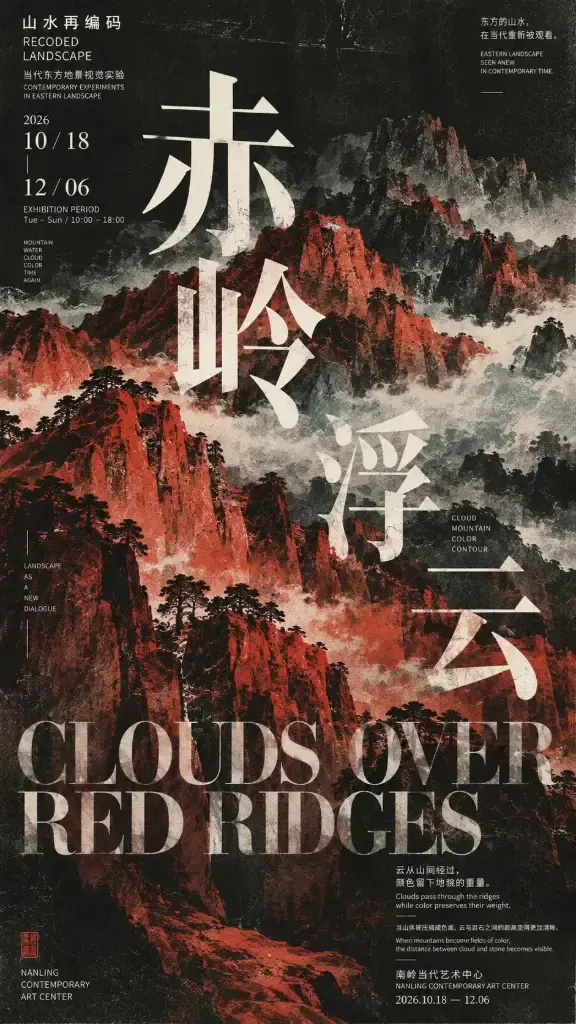
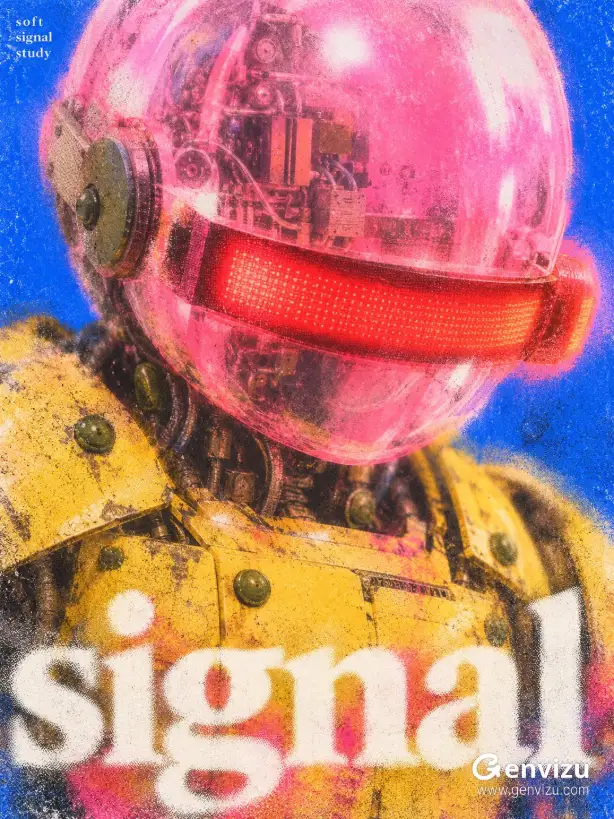
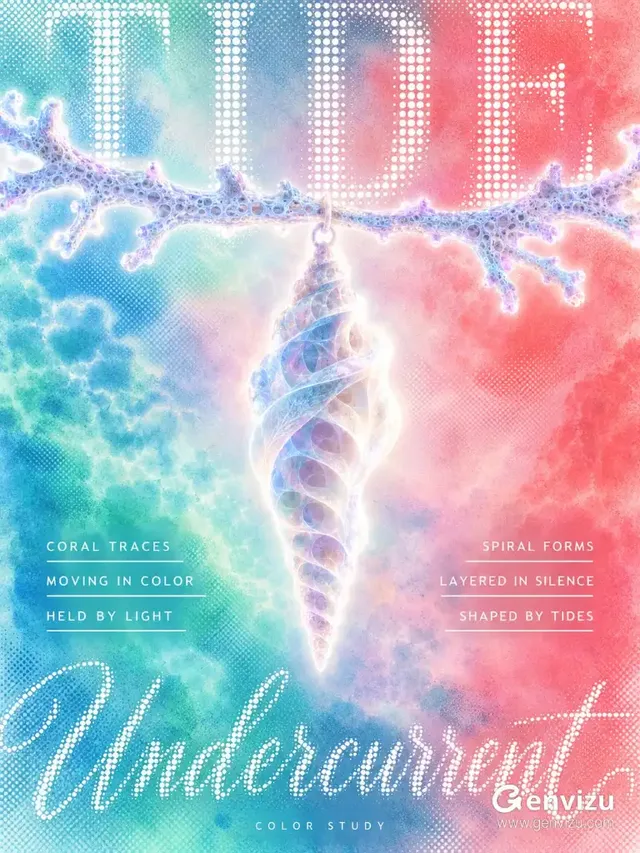
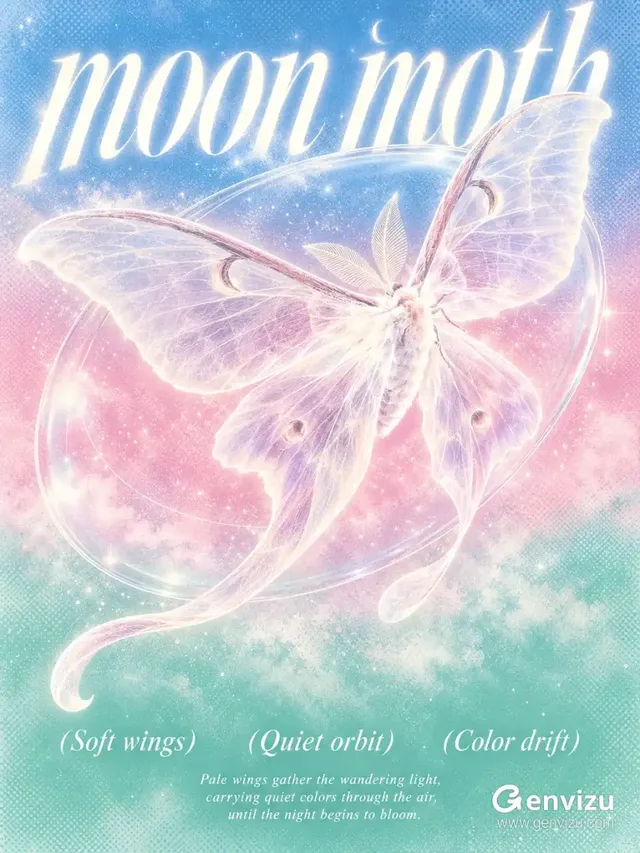
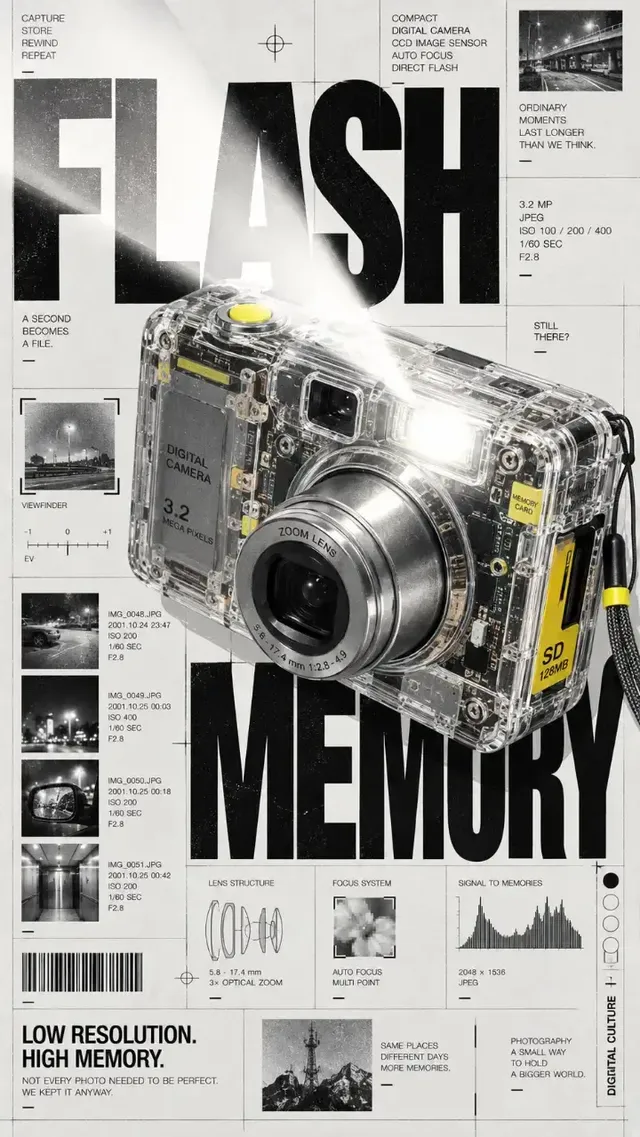
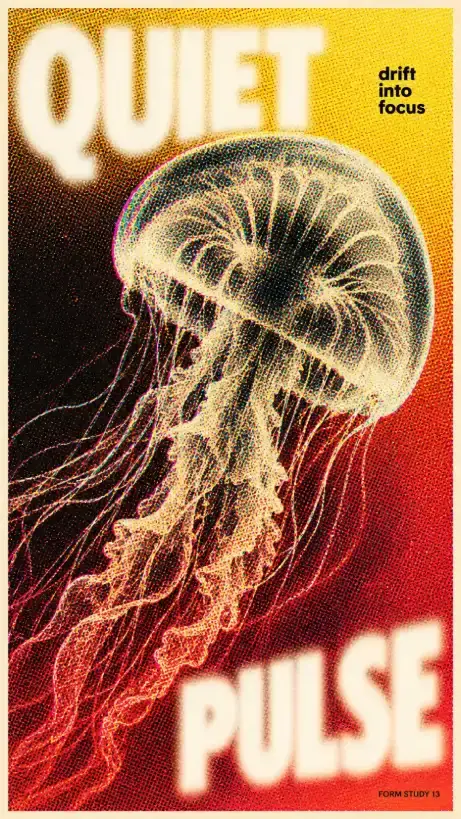
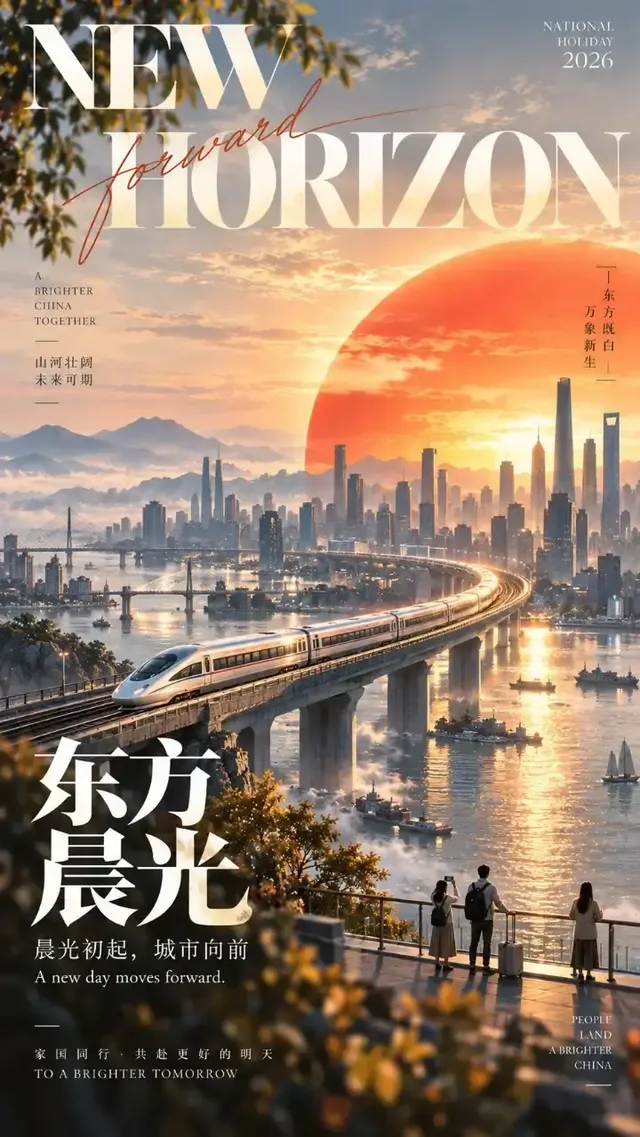
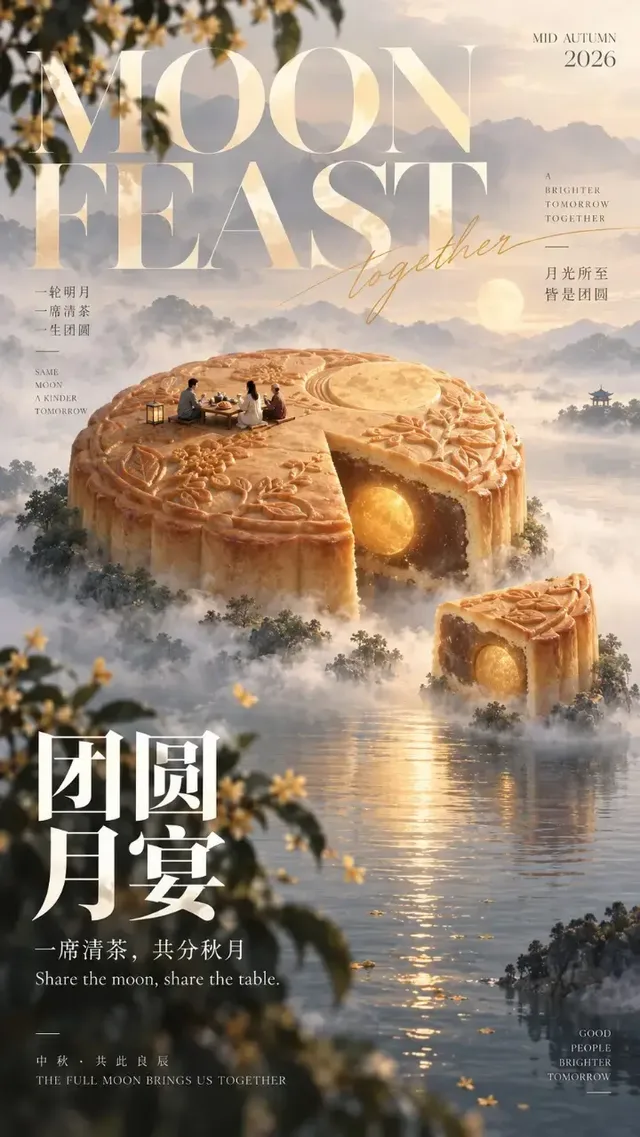
AI poster prompts on this page come from real Genvizu runs, each shown with the full prompt text that produced it. Treat them as working structures rather than magic words: every one names a format, a background, where the subject sits, the light direction and the exact typographic slots. Copy a prompt, swap the bracketed parts for your own event or product, pick the ratio in the panel, then generate.

Verified on 2026-09-12

Start free · no credit card

Best for

  • Event, film and release posters where a headline, a date line and a location line each need their own place in the frame — quote every string separately and say where it sits.
  • Vertical formats: 9:16 for a phone-first poster, 2:3 and 3:4 for print-shaped layouts. All three are selectable on GPT Image 2, GPT Image 2.5, Nano Banana 2, Midjourney 8.1 and FLUX.2 Klein.
  • Layouts that must keep room for type you will set later — name the empty zone ("bottom fifth left empty") and accept a clean plate as the deliverable.
  • Template prompts with bracketed slots such as [TITLE], [SUBTITLE] and [FORMAT], which a team can reuse across a whole series.
  • Long, structured briefs: GPT Image 2 and GPT Image 2.5 accept up to 20,000 characters, so paper texture, subject placement, palette and typography can each get a paragraph.

Not for

  • Body copy, price lists or legal lines inside the image. Generated type holds up for a headline and a subtitle; anything smaller belongs in a design tool over a clean plate.
  • Hitting an exact brand colour. Generation is not colour management — treat the output as art direction and correct the values in your editor.
  • Reproducing a poster you generated last week. These image models expose no seed, so the same prompt drifts between runs.
  • Vector deliverables. A logo lockup or a print file with live type has to be rebuilt in vector software; what comes out of a run is a raster image.

Specifications and limits

FieldValue
Typical inputsThe exact headline and subtitle strings, the format, the palette, and a reference image when the subject already exists
FormatChosen in the panel as a request parameter — writing "9:16" inside the prompt text does not set it
Vertical ratios9:16, 2:3 and 3:4 are available on GPT Image 2, GPT Image 2.5, Nano Banana 2, Midjourney 8.1 and FLUX.2 Klein
Portrait commerce crops4:5 and 5:4 exist on GPT Image 2 and Nano Banana 2; they are not in the GPT Image 2.5, Midjourney 8.1 or FLUX.2 Klein sets
Prompt budget20,000 characters on GPT Image 2 and GPT Image 2.5; 1,024 on Midjourney 8.1
Output per runOne image on GPT Image 2, GPT Image 2.5 and Nano Banana 2; four variants on Midjourney 8.1
Delivery size4K is selectable on GPT Image 2, GPT Image 2.5 and Nano Banana 2; Midjourney 8.1 and FLUX.2 Klein stop at 2K
Reference imagesUp to 16 in the GPT Image 2 / 2.5 image-to-image channel, 14 on Nano Banana 2, 1 on Midjourney 8.1, none on FLUX.2 Klein
Prompt languageAny language, except Midjourney 8.1 which requires English
Failed runsRefunded automatically

Prompt examples

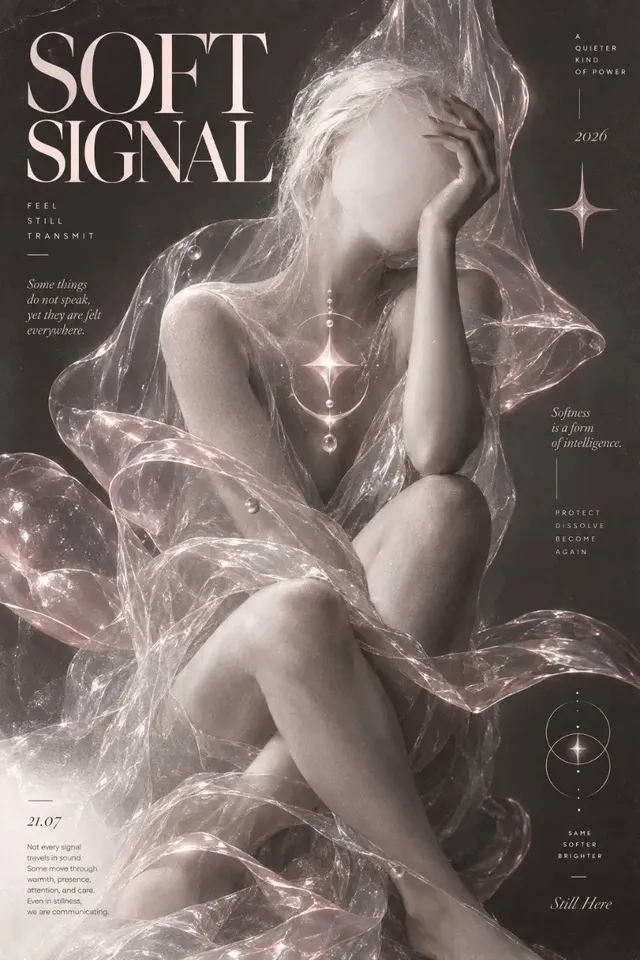
Arthouse editorial poster, subject pinned to one edge

Prompt

Use case: ads-marketing. Asset type: vertical arthouse editorial poster.

Create a 9:16 portrait poster with a nearly black, heavily grained printed-paper background. A clearly adult anonymous fashion model wears a fully covered long-sleeved, high-neck black evening dress and sits in a compact folded diagonal pose along the entire left edge: head and shoulders enter from upper left, torso follows downward, knees remain fully covered by the long dress and are cropped at lower left. The pose is sculptural and editorial, not intimate.

The whole left edge is assigned to the figure, which is what leaves the right half empty for type. Saying where the body enters the frame and where it is cropped ("upper left", "cropped at lower left") controls the layout far more reliably than the word "editorial"; the paper and grain sentence is what keeps the background from turning into a photographic studio wall.
Minimalist editorial poster as a reusable template

Prompt

[TITLE]: {fill in}
[LANDSCAPE]: {fill in}
[GRAPHIC STRUCTURE]: {fill in}
[COLOR FIELD]: {fill in}
[MICRO SCENE]: {fill in}
[SUBTITLE]: {fill in}
[HANDWRITTEN NOTE]: {fill in}
[FORMAT]: 9:16 vertical

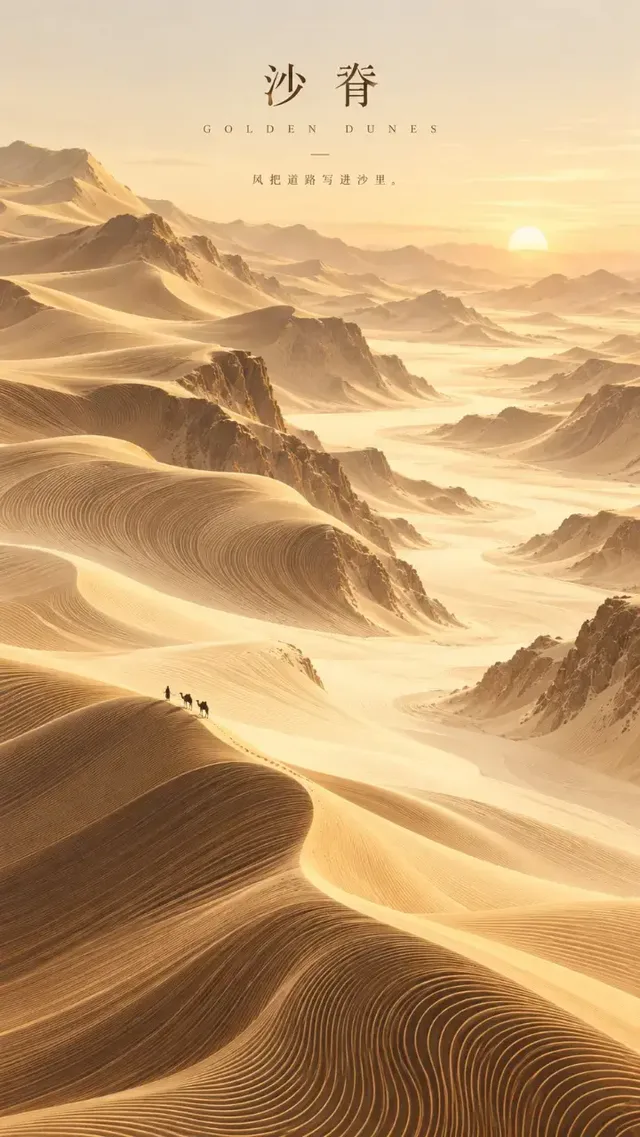
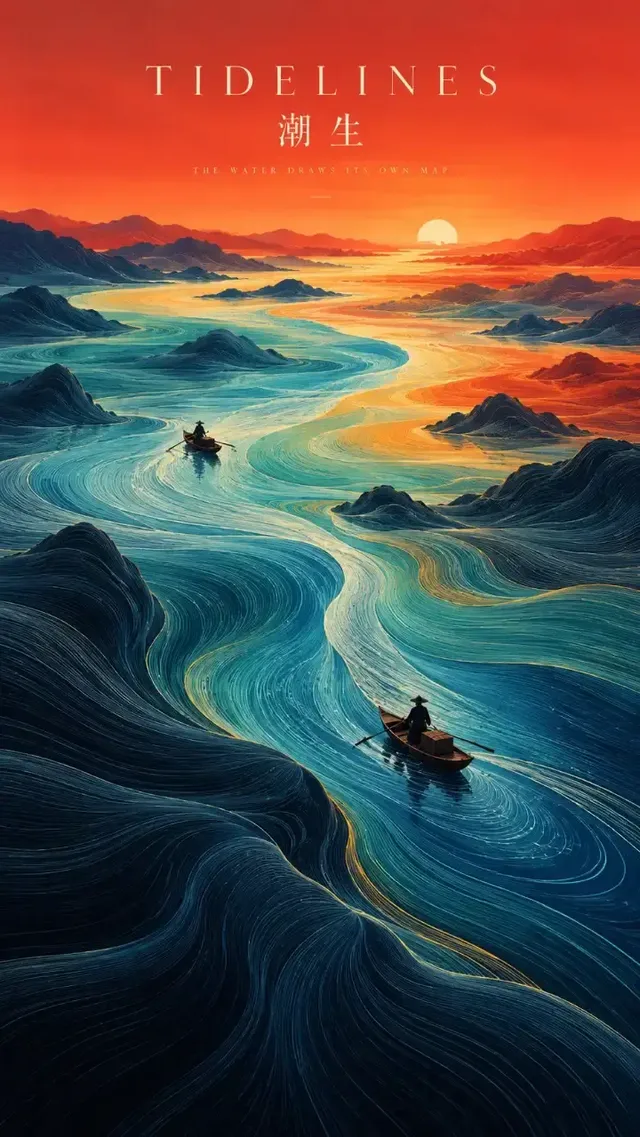
Create a refined minimalist editorial poster built around a huge abstract color field and a tiny landscape scene.

Use clean warm ivory fine-art paper with subtle natural texture. Let one irregular [COLOR FIELD] occupy around 40–55% of the composition, with soft silkscreen, gouache and mineral-pigment texture rather than a flat digital block.

The slot block at the top turns one prompt into a series template: the next poster changes only the bracketed lines. Giving the colour field a share of the frame (40–55%) and a material (silkscreen, gouache) is what separates a designed poster from a flat digital rectangle — a percentage is something the model can act on, "big" is not.

Style-stacked streetwear poster

Prompt

Ultra-realistic Y2K grunge streetwear fashion poster, full-body young male skateboarder standing confidently, oversized distressed blue denim jacket, loose ripped baggy jeans, white graphic T-shirt, black beanie with graffiti logo, layered silver chains, black-and-white skate sneakers, messy medium-length dark hair partially covering eyes, serious rebellious expression, hands in pockets, skateboard leaning beside his feet.

A comma-stacked attribute list works when every item is a concrete noun carrying a colour and a fit — "oversized distressed blue denim jacket" rather than "cool jacket". Note that this prompt carries no typography at all: it produces the picture and the headline is set afterwards, which is the safer route whenever the copy runs longer than a few words.

How it compares

GPT Image 2

Pick it when the words have to be rendered inside the poster. It takes prompts up to 20,000 characters, offers ten ratios including 4:5, 5:4 and 21:9, runs at 1K, 2K or 4K, and accepts up to 16 reference images in the image-to-image channel.

Ads & Product

Go there when the poster is built around a real product that has to survive intact — that page is organised around reference-driven workflows and an acceptance list for shape, label and colour.

Fashion

Go there when the subject is the garment and the layout is secondary: styling, fabric and camera framing are what decide those prompts.

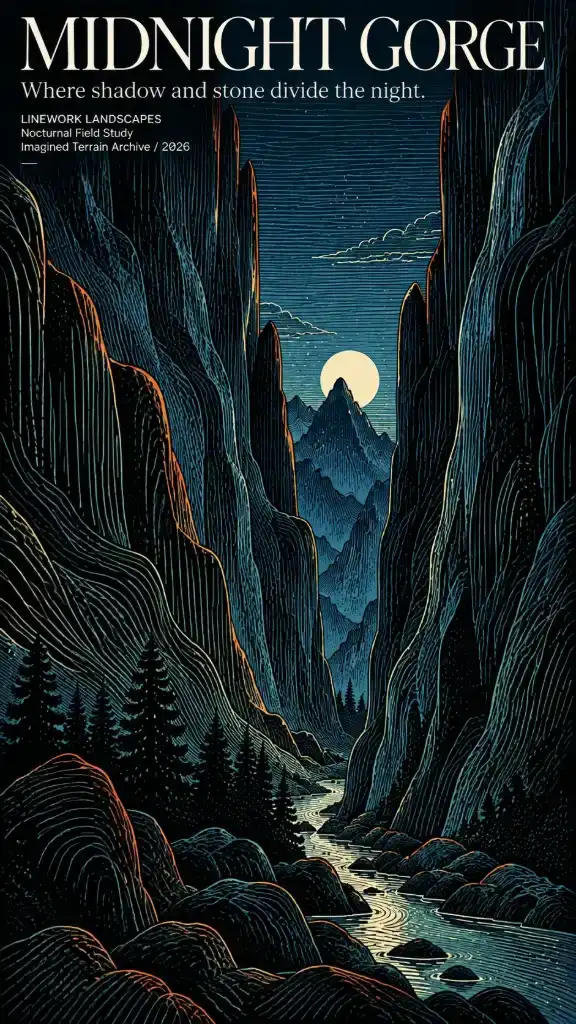
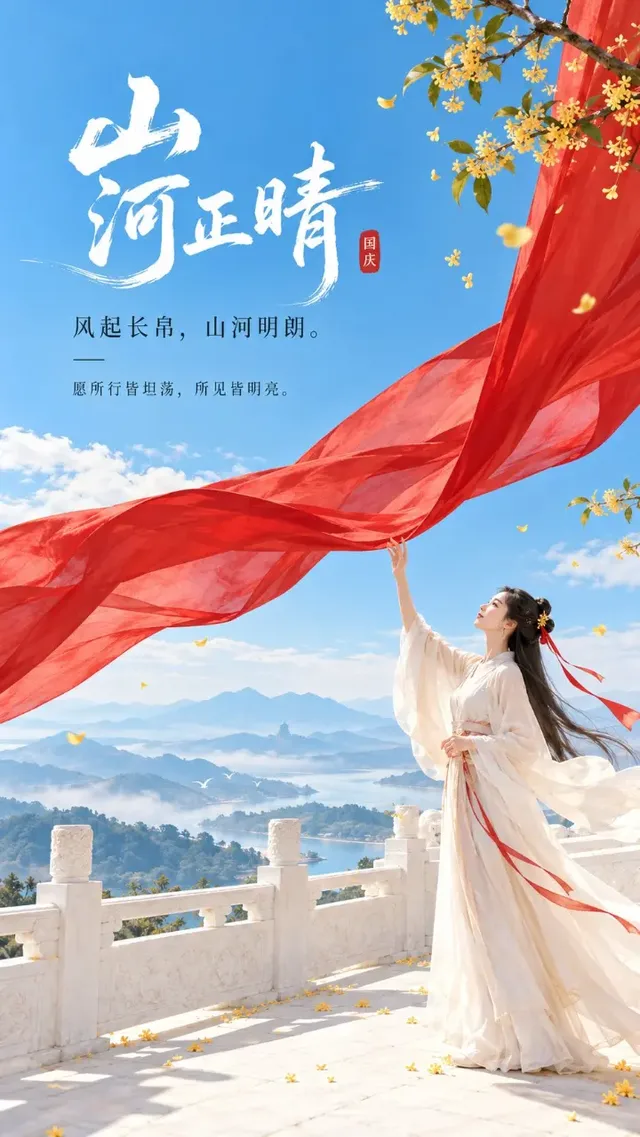
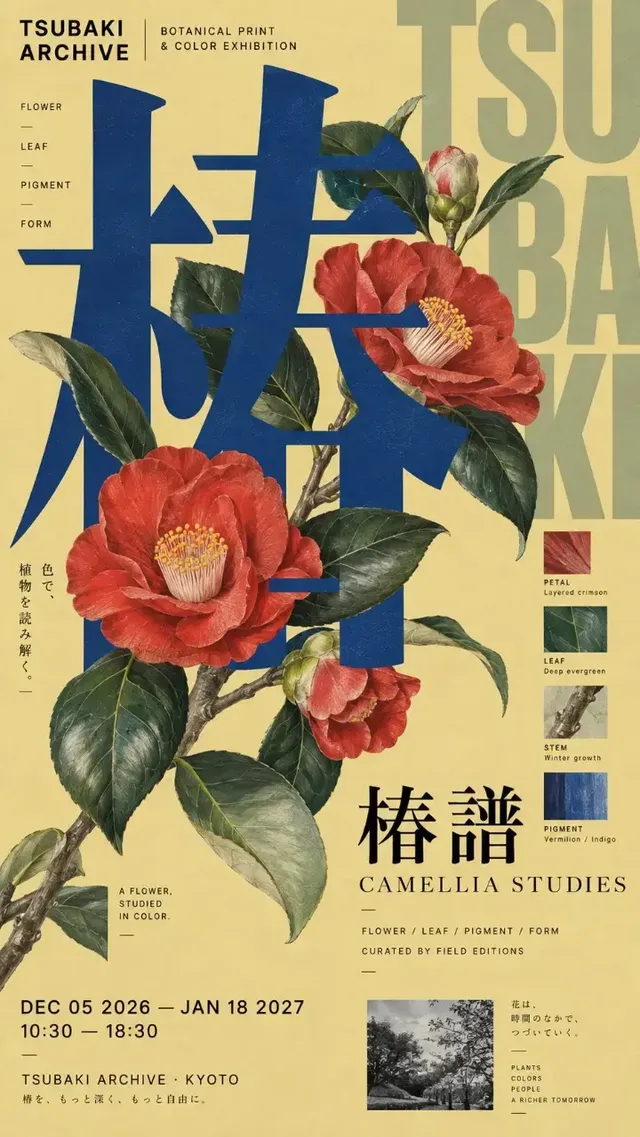
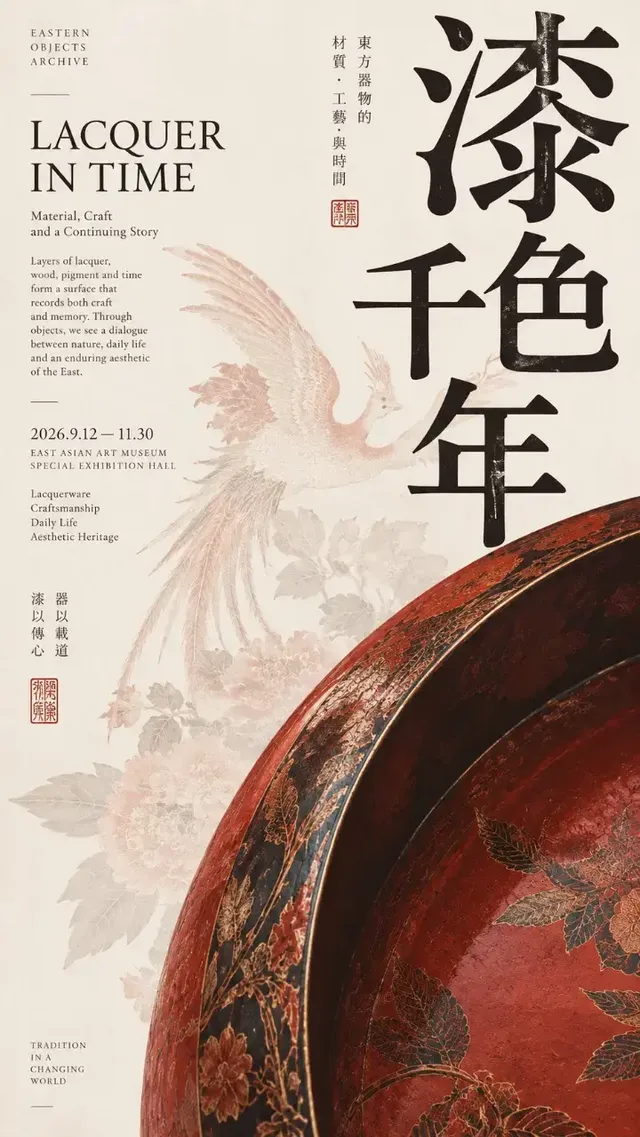
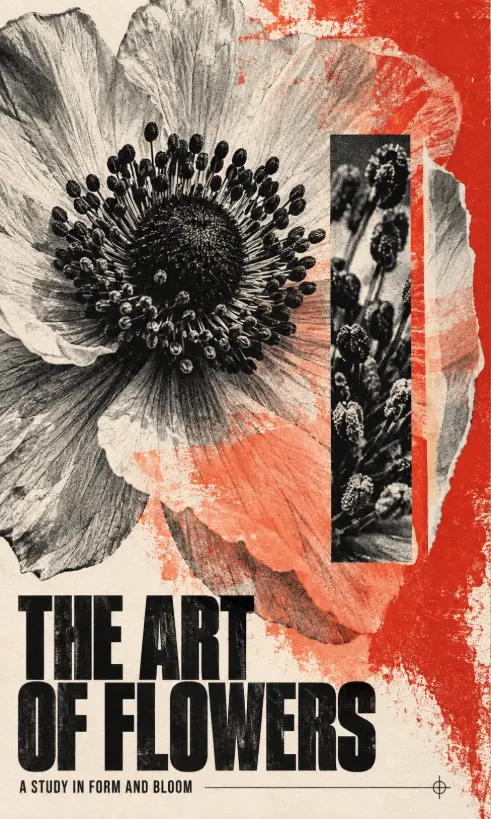
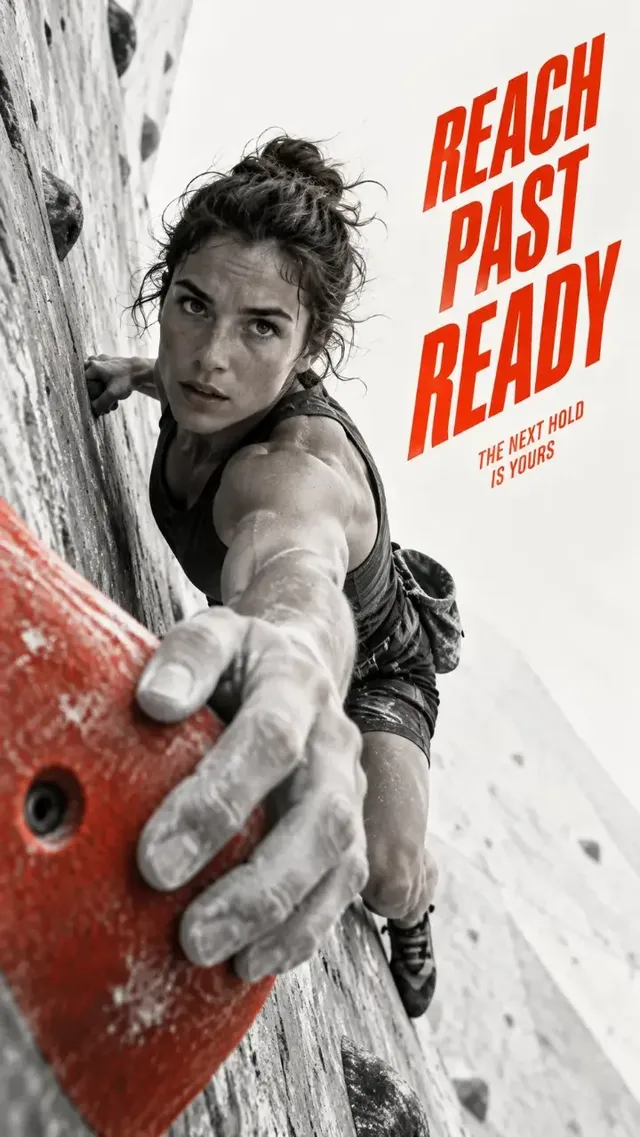
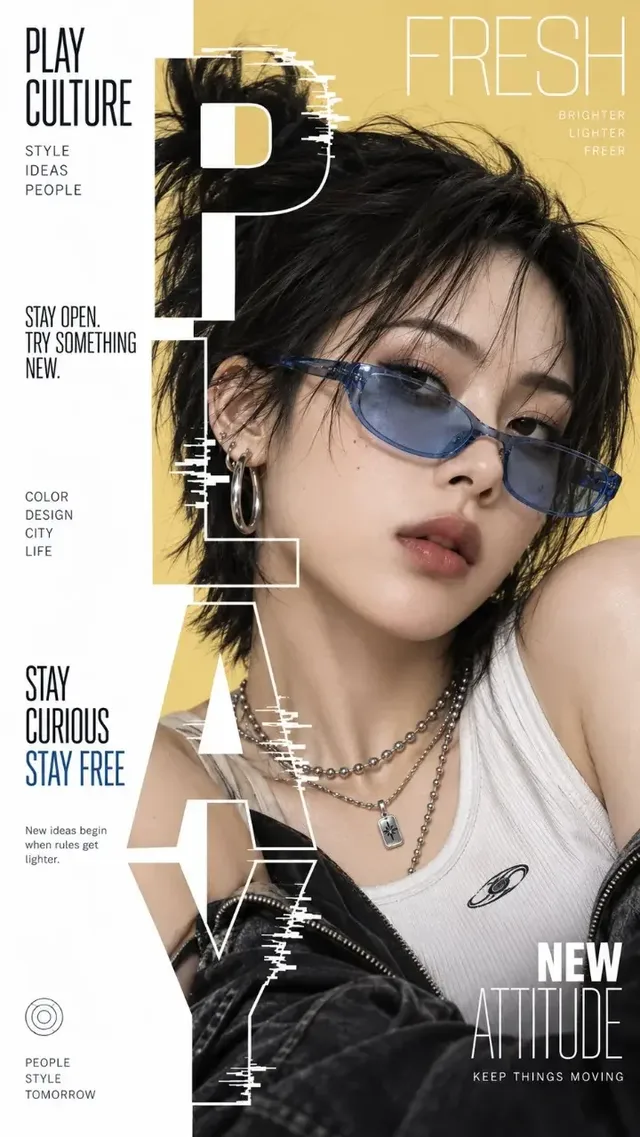
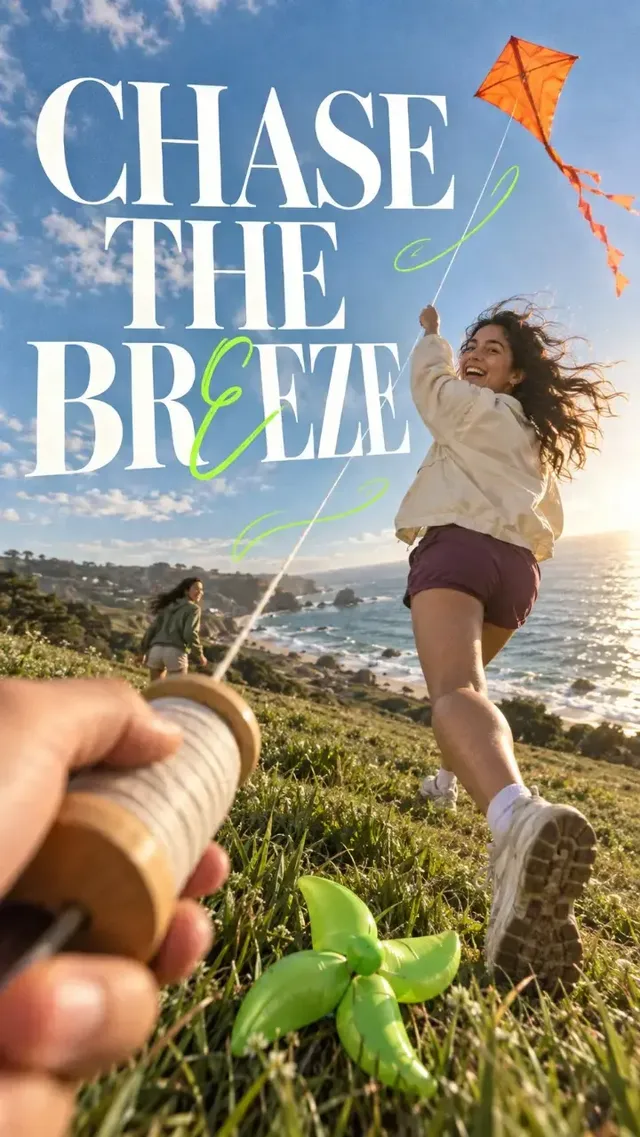
Examples from the gallery

Common failures and fixes

The headline renders as decorative gibberish, or invented words appear along the edges.

Quote each string on its own line, keep it short, state its hierarchy and position, and add "no other text anywhere in the image". For anything longer than a headline and a subtitle, generate a clean plate and set the type in a design tool.

The poster comes out in the wrong shape even though the prompt says 9:16.

The aspect ratio is a request parameter, not something read out of the prompt text — pick it in the panel before generating. Then check the model actually offers it: 4:5 and 5:4 are on GPT Image 2 and Nano Banana 2, but not on GPT Image 2.5, Midjourney 8.1 or FLUX.2 Klein.

The second poster in a series does not match the first.

There is no seed to lock. Carry the approved poster back in as a reference image — up to 16 in the GPT Image 2 image-to-image channel, up to 14 on Nano Banana 2 — and repeat the fixed traits (paper, palette, type placement) in words.

The finished layout has nowhere to put the logo or the price badge.

Name the empty zone in the prompt before you generate, and choose the placement ratio first: changing the ratio recomposes the whole scene rather than cropping the version you liked.

A long template prompt is rejected or comes back truncated.

Check the budget of the model you picked — Midjourney 8.1 caps prompts at 1,024 characters, while GPT Image 2 and GPT Image 2.5 allow 20,000. Move the slot block to the top and trim style adjectives first; they are the least load-bearing part.

Frequently asked questions

How do I write an AI poster prompt?

Write it in layers: format first, then the background material, then where the subject sits in the frame, then the light, then each piece of text in quotes with its position and its size relative to the others. Finish with what must not appear, such as "no other text anywhere in the image". Every example on this page follows that order.

Which model should I use for posters with text?

Use a model with a large prompt budget and a reference channel, because poster copy has to be spelled out word by word: GPT Image 2 and GPT Image 2.5 accept up to 20,000 characters and up to 16 reference images, and both run at 1K, 2K or 4K. Midjourney 8.1 caps prompts at 1,024 characters and returns four variants per run, which suits style exploration more than finished copy.

What aspect ratio should an AI poster use?

For screens, 9:16 matches phone and story placements. For print-shaped layouts, 2:3 and 3:4 are the usual choices, and all of them are selectable on GPT Image 2, GPT Image 2.5, Nano Banana 2, Midjourney 8.1 and FLUX.2 Klein. Pick the ratio in the panel before generating, because switching it recomposes the poster instead of cropping it.

Can I use an AI poster for a real event or a client?

Clearing the rights is on you. Generated output carries no guarantee that it is free of third-party intellectual-property, trademark or publicity rights, and Midjourney output is additionally restricted for commercial use by Midjourney’s own terms. Check any logo, likeness or factual claim in the poster before it goes out.

Can I reuse one poster prompt for a whole series?

Yes, and that is what the bracketed-slot template on this page is for: keep the paper, palette, layout and typography sentences fixed and change only the slot lines. Feeding the approved poster back in as a reference image keeps the look closer still, since none of these models expose a seed.

Sources