 Workflow
leolee
@leolee
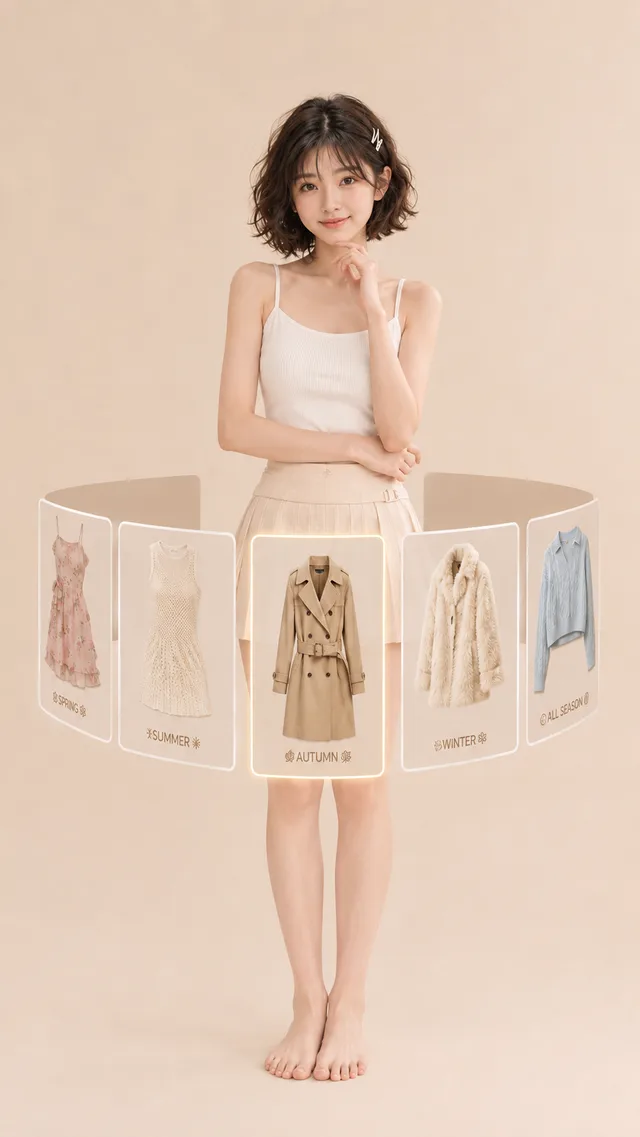
Genvizu is an AI image and video generation studio with a prompt gallery of real published work and an infinite canvas, running multiple models including GPT Image, Midjourney, Nano Banana, Seedream, and Seedance in the browser. Start from a work in the prompt gallery, see the prompt and parameters behind it, and remix it with the model of your choice, or start from a blank prompt. Multi-step ideas live on an infinite canvas, and everything runs in the browser with no install.
Genvizu is an AI image and video generation studio with a prompt gallery of real published work and an infinite canvas, running multiple models including GPT Image, Midjourney, Nano Banana, Seedream, and Seedance in the browser. It puts three things in one place: a gallery of works published with their prompts, a generation workspace for images and video, and a canvas where prompts, references and outputs connect into a workflow.
About GenvizuImage models include GPT Image, Nano Banana, Midjourney, Seedream, FLUX.2, Qwen Image, Grok Image and Z-Image. Video models include Seedance, Veo, MiniMax H3, Grok Imagine Video and Gemini Omni Flash. You choose the model for each generation, and the line-up changes as providers ship and retire models, so each model page shows what is available today.
Yes. New accounts receive free trial credits on sign-up, and no credit card is required. Trial credits work on the basic image models, so you can try the full workflow before choosing a plan. Browsing and searching the prompt gallery is free without an account. Current subscription plans and one-time credit packs are listed on the pricing page.
See plans and pricingYes. The same workspace generates both. For video you describe the shot, then choose the model, aspect ratio, resolution and duration, and the cost is shown before you run it. Several video models can also animate a starting image. Finished clips land in your generations history next to your images, where you can download them or reuse the prompt.
Genvizu does not claim ownership of what you generate. Commercial use depends on each model provider's terms and on applicable law. Some third-party models, Midjourney among them, restrict commercial use under their own terms, and those limits apply whatever your Genvizu plan is. The model disclosure in the app flags this before you generate.
Terms of ServiceNo. Genvizu runs entirely in the browser, so there is no Discord server to join, no app to install and no local GPU to set up. That includes the Midjourney models: you write the prompt, pick the model and generate from the same web workspace you use for every other model, on desktop or mobile.
Yes. Works in the prompt gallery are published with the prompt, model and parameters that produced them. Open a work, load its idea into the generator, then keep it as it is or change the subject, style or aspect ratio and run it on the same model or a different one. Filter the gallery by model, category or tag to find a starting point.
Explore the galleryCanvas mode is a node-based workspace where prompts, reference images, generations and agent steps connect into a visual graph instead of a chat log. A multi-step idea, such as a product shot followed by variations and a short video, stays visible and editable, so you can rerun any step and come back to the workflow later.
Yes. The whole interface is available in English and Chinese, and you can switch at any time. Most models accept Chinese prompts directly. A few, including the Midjourney models and FLUX.2 Pro, need English prompts, and the translate helper under the prompt box turns a Chinese prompt into English in one step. Support replies in both languages.
Your generations are saved to your own library in the Generations panel, where you can download, favorite, reuse or delete them. Generations are private by default and only become public if you choose to share or publish them. Reference images you upload are used to run the generations you request. The privacy policy explains how personal data is handled.
Privacy policyMidjourney's own service runs Midjourney models only. Genvizu runs Midjourney alongside GPT Image, Nano Banana, Seedream, video models and others in one browser workspace, so you can try the same prompt on several models. It adds a gallery of published prompts to start from and a canvas for multi-step work.
Yes. Many image models accept reference images for image-to-image work, such as keeping a product or character consistent across new scenes, and the GPT Image models accept up to sixteen at once. Several video models can animate a starting image. You can also reverse a prompt from any picture to get prompt language you can edit and reuse.
Read the user guide