Genvizu

AI creations in Ads & Product

Browse in the studio →

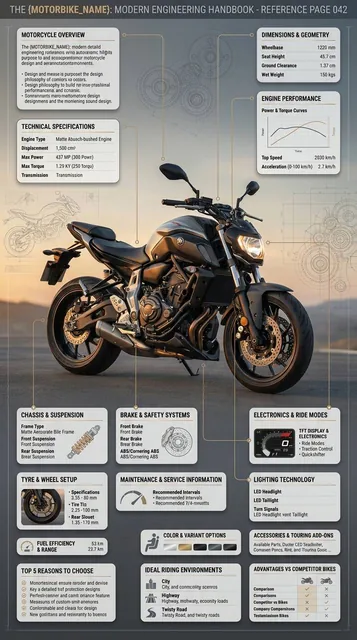
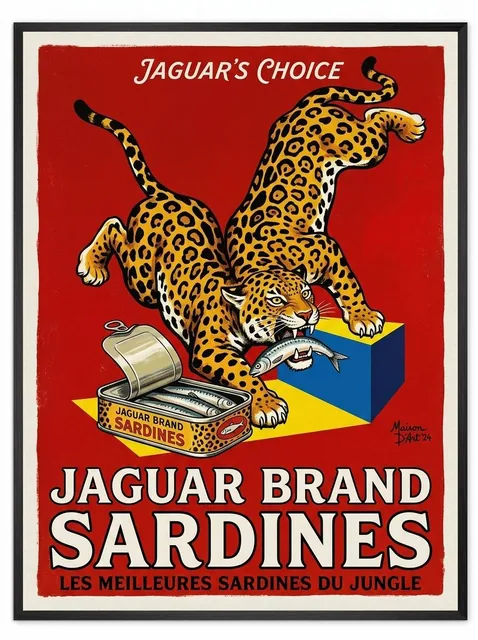
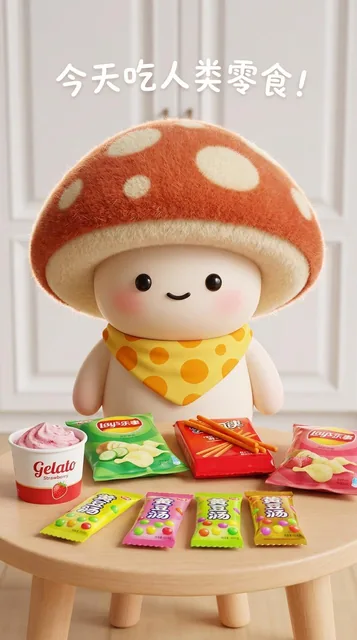
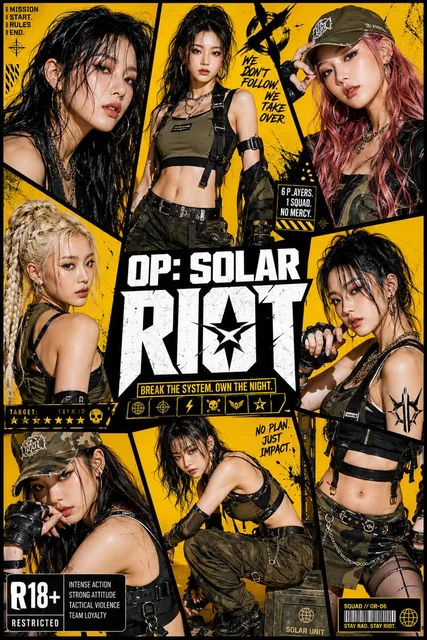
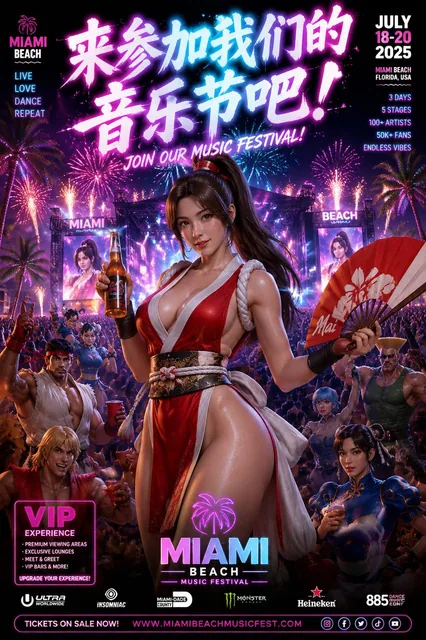
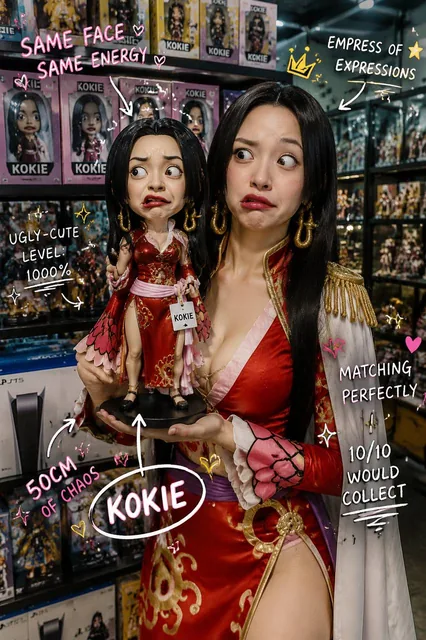
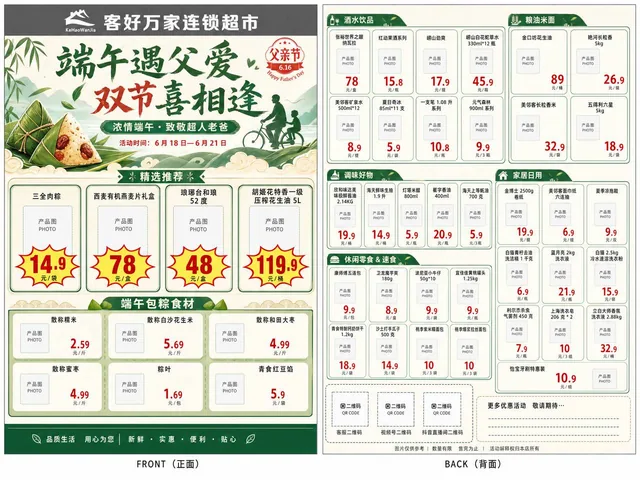
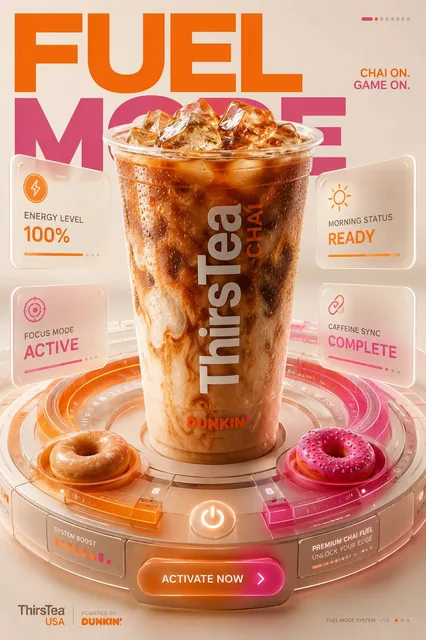
Ads and product visuals on Genvizu cover product hero shots, packaging mockups, lifestyle scenes and promotional posters. Start from a clean product reference and a written acceptance list: shape, label, colour and material have to survive the generation. Reference-capable models such as Nano Banana 2 and Seedream 5.0 Pro carry the product; GPT Image 2 carries layouts where the promotional copy has to be readable.

Verified on 2026-09-03

Start free · no credit card

Best for

  • Product hero shots on a controlled background, ready for a listing or a landing page.
  • Packaging and label mockups where the printed copy has to be legible.
  • Lifestyle and in-context scenes built around an existing product photo.
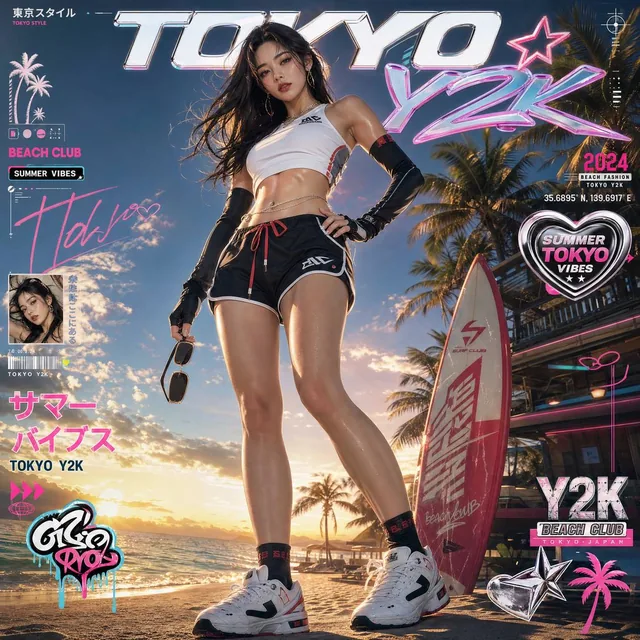
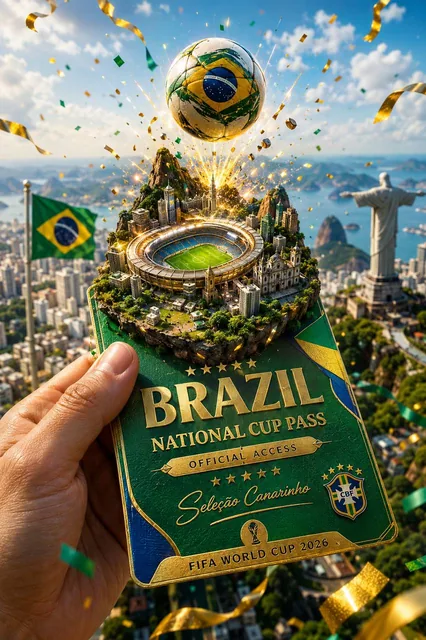
  • Promotional posters and banners that combine a product, a headline and space for a price or badge.
  • Reframing one approved key visual into several placements: square listing, wide banner, vertical story.

Not for

  • Faces and model shots as the main subject — that work belongs in the portrait category, where identity and skin rendering are the acceptance criteria.
  • Motion. A product video needs the video category and a per-second video model, not an image model.
  • Logo construction and brand marks, which need vector-accurate geometry rather than a generated raster.
  • Any claim you cannot substantiate. Certification marks, awards and comparative claims rendered into an image are still advertising claims.

Specifications and limits

FieldValue
Typical inputsOne clean product photo (front, three-quarter, detail), the exact copy strings, the brand palette, the target placement ratio
DeliverablesHero shot, packaging mockup, lifestyle scene, promotional poster, banner set
Acceptance: shapeSilhouette, proportions and closures match the reference; no invented parts
Acceptance: labelBrand name, variant and net quantity readable and spelled correctly at delivery size
Acceptance: colourProduct colour matches the reference under the described lighting, not a stylised version of it
Acceptance: layoutThe negative space you asked for is actually empty, so a designer can drop in real type
Ratios in use1:1 for listings, 4:5 for feeds, 16:9 or 3:2 for banners, 9:16 for stories
Cost controlDraft at the cheapest tier, then re-run only the approved prompt at the delivery resolution

Prompt examples

Product hero on a controlled background

Prompt

Studio product photograph of [product] on a seamless [surface] background.
Keep the product from the reference unchanged in shape, label and colour.
Three-quarter view, slightly above eye level, product occupying the centre 60% of the frame.
Soft large key light from the upper left, subtle fill from the right, one soft contact shadow.
Palette: [background colour] with a single [accent colour] element.
No added text, no props overlapping the product. 1:1

The "keep unchanged" clause is the acceptance criterion written into the prompt. Naming the frame share stops the model from shrinking the product into a scene.
Promotional poster with readable copy

Prompt

Vertical promotional poster, 4:5, for [product].
Headline "[HEADLINE]" in bold sans across the upper third; subtitle "[SUBTITLE]" directly beneath in small caps.
Product centred in the middle third, sitting on a [surface], soft directional light from the left.
Palette: [brand colour] background, [accent colour] highlight, off-white type.
Leave the bottom fifth empty for a price badge. No other text anywhere in the image.

Quote each string separately and state its hierarchy. "No other text anywhere" is what stops decorative gibberish from appearing along the edges.

Lifestyle scene from an approved key visual

Prompt

Place the product from the reference image on a sunlit kitchen counter, morning light.
Do not change the product: same shape, same label, same colour.
Environment: linen cloth, a ceramic mug out of focus behind, one eucalyptus sprig on the right.
Shallow depth of field, product in sharp focus, soft cast shadow to the right.
16:9, editorial lifestyle photography, no added text.

Keep the product instruction and the environment instruction in separate sentences. Mixing them is what makes models redesign the packaging along with the background.

How it compares

Nano Banana 2

The default when the product must survive intact: up to 14 reference images, 1K/2K/4K at 10/15/23 credits. Feed it several angles of the same product rather than one hero shot.

Seedream 5.0 Pro

Reference-driven editing at 12 credits for 1K and 20 for 2K, with up to 5 reference images. Note that 16:9 and 9:16 are 1K only on this model.

GPT Image 2

Pick it when the promotional copy has to be readable inside the image, when you need 4K, or when the brief is long. 8 / 13 / 20 credits for 1K / 2K / 4K.

Z-Image

At 1 credit for a 2K image it is the cheapest way to test twenty composition ideas before spending on the model that will render the final.

Examples from the gallery

Common failures and fixes

The generated packaging drifts: a different closure, a redesigned label, an invented sub-brand.

Use a reference-capable model, attach several angles of the real product, and write the unchanged attributes as an explicit list. An image model asked to "imagine" packaging will do exactly that.

Promotional text renders as decorative gibberish.

Quote each string on its own line, keep it short, state its hierarchy, and forbid any other text. For anything longer than a headline and a subtitle, generate a clean plate and set the type in a design tool.

The colour is close but not the brand colour.

Generation is not colour management. Treat the output as art direction, then correct the exact brand values in your editor before publishing.

The layout leaves nowhere to put the price badge or logo.

Name the empty zone in the prompt ("bottom fifth left empty") and pick the placement ratio before generating, since changing the ratio recomposes the scene rather than cropping it.

Rights are unclear at publication time.

Genvizu bills the generation but grants no third-party rights: trademarks, publicity rights and comparative claims are yours to clear. Midjourney output additionally carries a commercial restriction from Midjourney’s own terms.

Frequently asked questions

Which model should I use for e-commerce product images?

Start with a reference-capable model so the product survives: Nano Banana 2 for up to 14 references, or Seedream 5.0 Pro for up to 5. Switch to GPT Image 2 when the image itself has to carry readable promotional copy.

How do I keep the product from changing shape or label?

Attach real reference photos rather than describing the product, list the attributes that must not change in one sentence, and describe the new background in a separate sentence. Then check silhouette, closure, label spelling and colour against the reference before you accept the result.

Can I use these images in paid advertising?

That depends on your own rights clearance. Generated content comes with no guarantee that it is free of third-party intellectual-property, trademark or publicity rights, and Midjourney output is commercially restricted by Midjourney’s terms. Clear trademarks, likenesses and any factual claim before you run the ad.

What is a cost-efficient workflow for a full campaign set?

Draft compositions on the cheapest tier, approve one prompt, then re-run that prompt on the delivery model at each placement ratio. Costs are shown on the generate button before each run, and failed generations are refunded automatically.

Sources