Genvizu

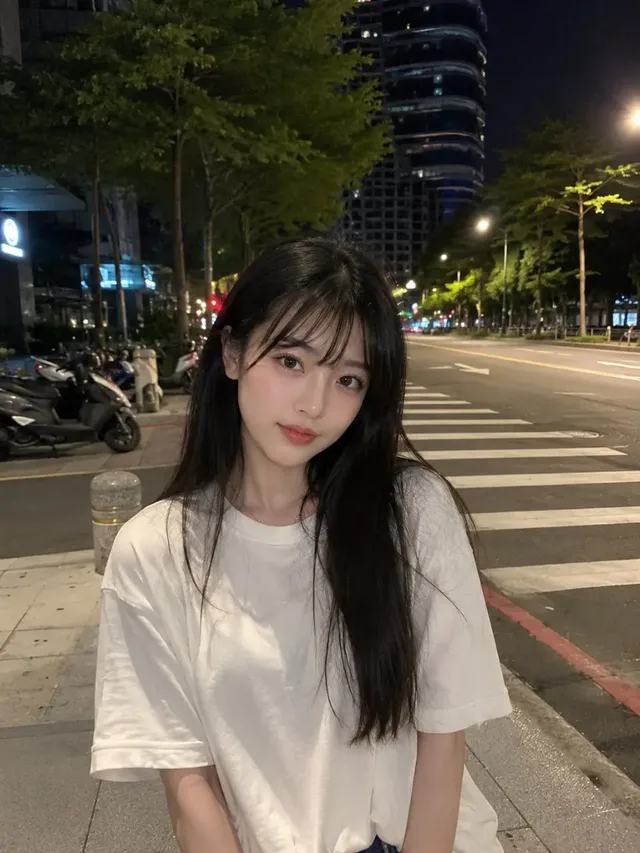
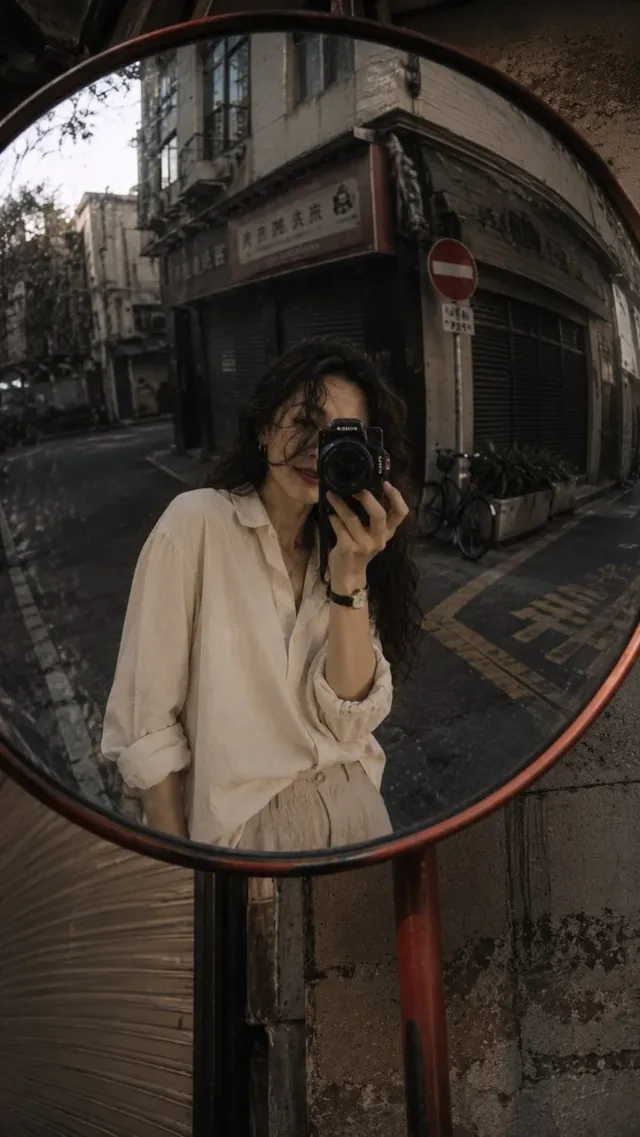
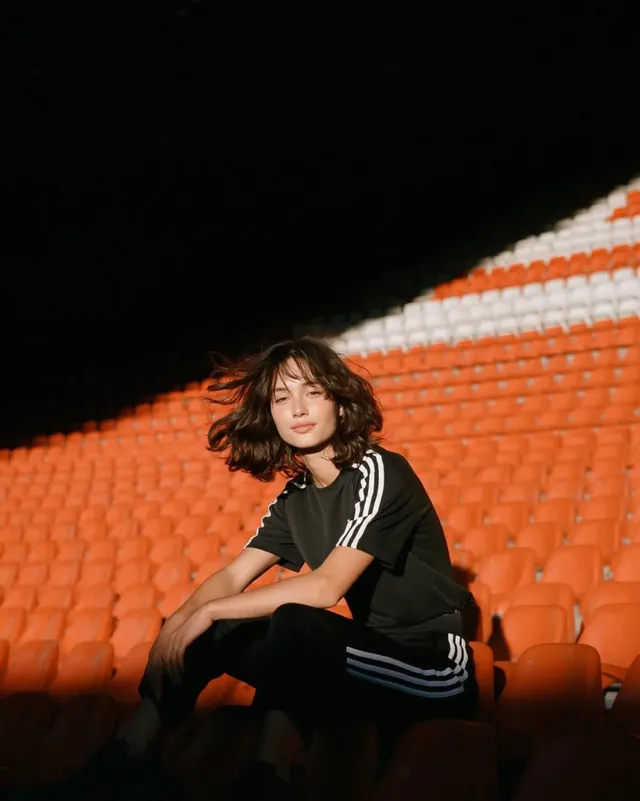
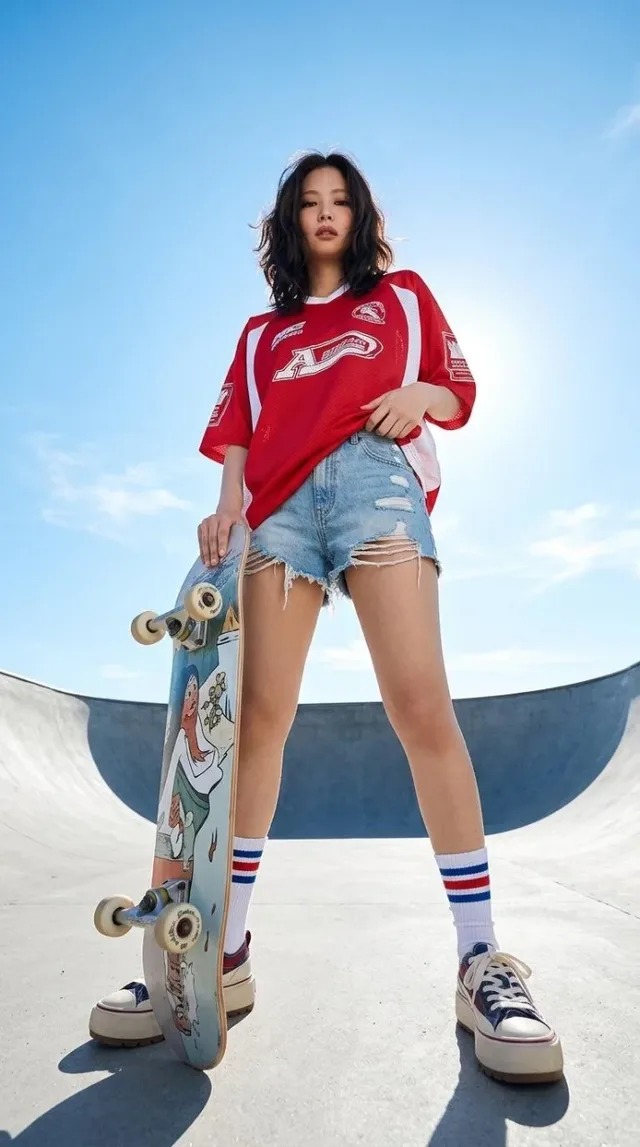
AI creations made with Seedream 5.0 Pro

Seedream 5.0 Pro — high-fidelity photorealistic image generation (text-to-image + image edit).

ByteDance

Seedream 5.0 Pro is ByteDance's photorealistic image model on Genvizu, running as text-to-image and as image editing. One run returns a single image at 1K or 2K — there is no 4K tier. Seven aspect ratios are available, prompts run up to 3,000 characters, and the editing channel accepts up to five reference images. Note that 16:9 and 9:16 are 1K only.

Verified on 2026-09-10

Start free · no credit card

Best for

  • Photoreal stills where the brief is short and specific — the prompt budget is 3,000 characters, so it rewards a tight description over a long one.
  • Text-rich images such as diagrams and infographics, which ByteDance highlights as a focus of this model.
  • Editing an existing picture against a small, deliberate reference set — up to five images in the editing channel.
  • Standard photo and social crops: 1:1, 4:3, 3:4, 3:2, 2:3, 16:9 and 9:16 are all available.
  • Briefs written in Chinese or any other language; this model has no English-only requirement.

Not for

  • Deliveries that must be 4K. This model tops out at 2K; Nano Banana 2 and the GPT Image tiers have 4K.
  • A 2K widescreen or vertical-video crop — upstream, 16:9 and 9:16 do not support 2K at all.
  • Ultrawide framing. There is no 21:9 in the set, so a cinematic banner has to be cropped from 16:9.
  • Reference-heavy composites. Five images is the cap here, against fourteen on Nano Banana 2.
  • Reproducing an earlier result exactly: there is no seed parameter, so the same prompt can drift between runs.

Specifications and limits

FieldValue
ProviderByteDance, as Seedream 5.0 Pro (routed through Genvizu)
InputText prompt; optional reference images in the editing channel
Output1 image per run; the batch count simply repeats the run
Resolutions1K / 2K (1K is the default; there is no 4K tier)
Aspect ratios1:1, 4:3, 3:4, 16:9, 9:16, 2:3, 3:2 (no 21:9)
Ratio and resolution16:9 and 9:16 are available at 1K only — upstream does not offer them at 2K
Prompt languageAny language; English is not required
Prompt limit3,000 characters (minimum 3)
Reference imagesUp to 5, editing channel only (text-to-image accepts none)
SeedNot exposed upstream — runs are not reproducible
BillingPer image, and the 2K tier costs more than 1K (see the pricing page)
Failed runsRefunded automatically

Prompt examples

Photoreal interior at 3:2

Prompt

Photograph of a small reading corner beside a window, 3:2, late afternoon.
Subject: a worn leather armchair at three-quarter angle, one open book face-down on the arm, a mug on the sill.
Light: low sun from the left through half-closed blinds, warm slats across the floor, cool shadow in the corner.
Material detail: cracked leather grain, dust in the beam, condensation ring on the sill.
Palette: tobacco brown, oat wall, one deep green plant. No people, no added text.

Photoreal output comes from named materials and a named light direction. Three or four concrete details beat a long list of adjectives, and the prompt limit here is 3,000 characters.
Text-rich diagram at 4:3

Prompt

Instructional diagram, 4:3, flat vector style on off-white paper.
Title "BREWING RATIO" across the top in bold sans, small caps.
Three labelled stages left to right: "GRIND" over a burr icon, "DOSE" over a scale icon, "POUR" over a kettle icon.
Thin connecting arrows between stages; a single measurement line beneath reading "1 : 16".
Palette: ink black, kraft tan, one signal red for the arrows. No shading, no gradients, no extra labels.

ByteDance positions this model for text-rich images. Quote each string exactly, say where it sits, and forbid extra labels so the diagram stays readable.

Edit against a small reference set

Prompt

Keep the chair from the reference images unchanged in shape, upholstery texture and colour.
Move it to a bright plaster-walled room with a wide oak floorboard, shot at eye level.
Match the lighting direction of the first reference; add a soft contact shadow under the legs.
3:2, no added text, no other furniture in frame.

Five references is the cap, so make each one count: one for the subject, one for the light, one for the room. Say explicitly what must not change.

How it compares

Nano Banana 2

Takes up to 14 reference images, offers 1K/2K/4K with no ratio-specific restriction, and has ten ratios including 21:9, 4:5 and 5:4. Pick it for reference-heavy editing or when the delivery is 4K.

FLUX.2 Klein

The lightweight text-to-image entry: 1K or 2K across seven ratios, but no reference images at all. Pick it for quick text-to-image exploration before committing to an edit here.

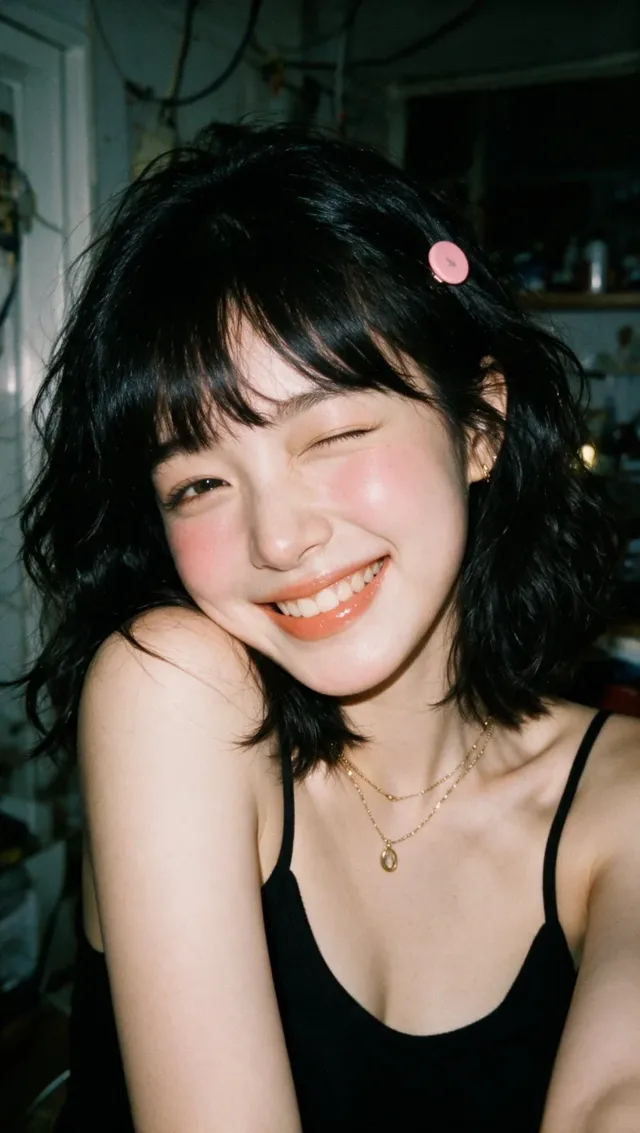
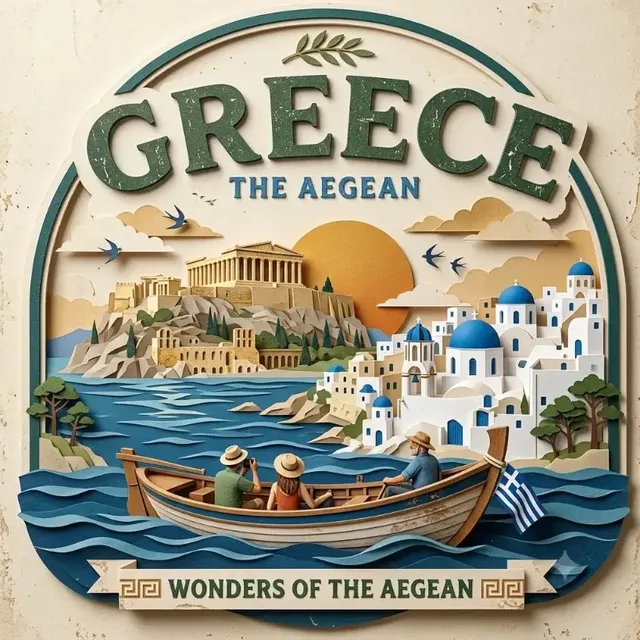
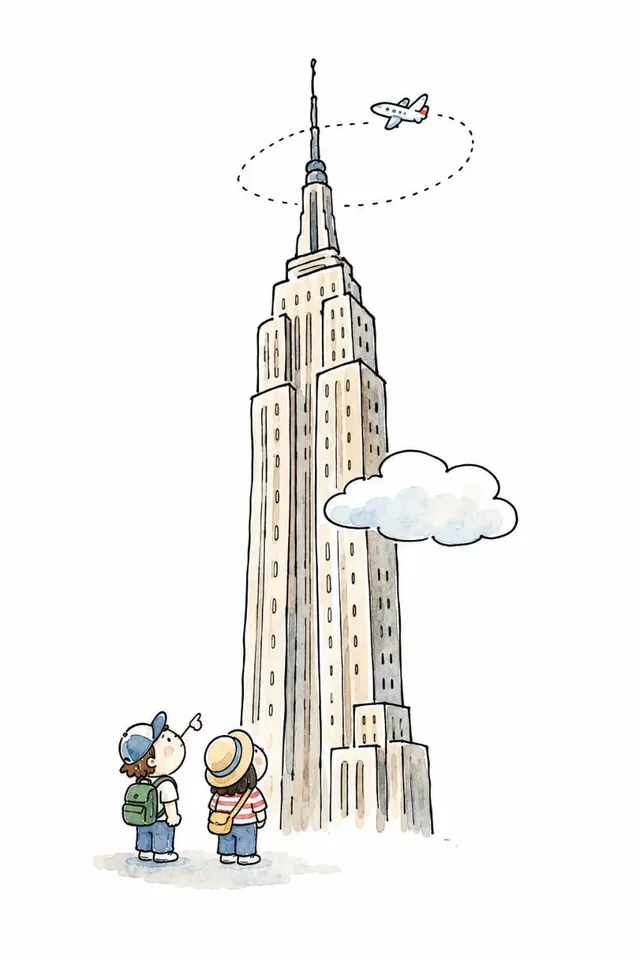
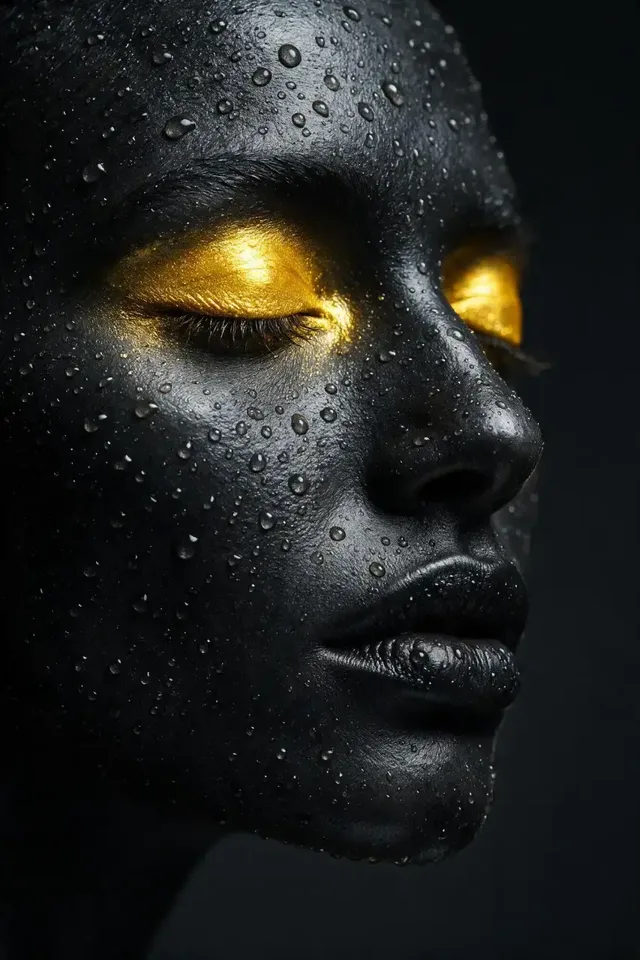
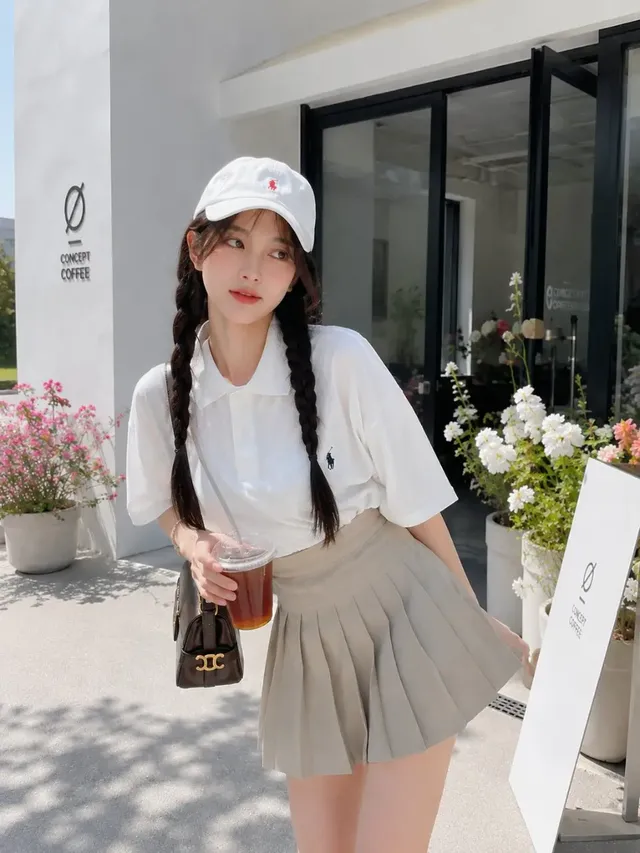
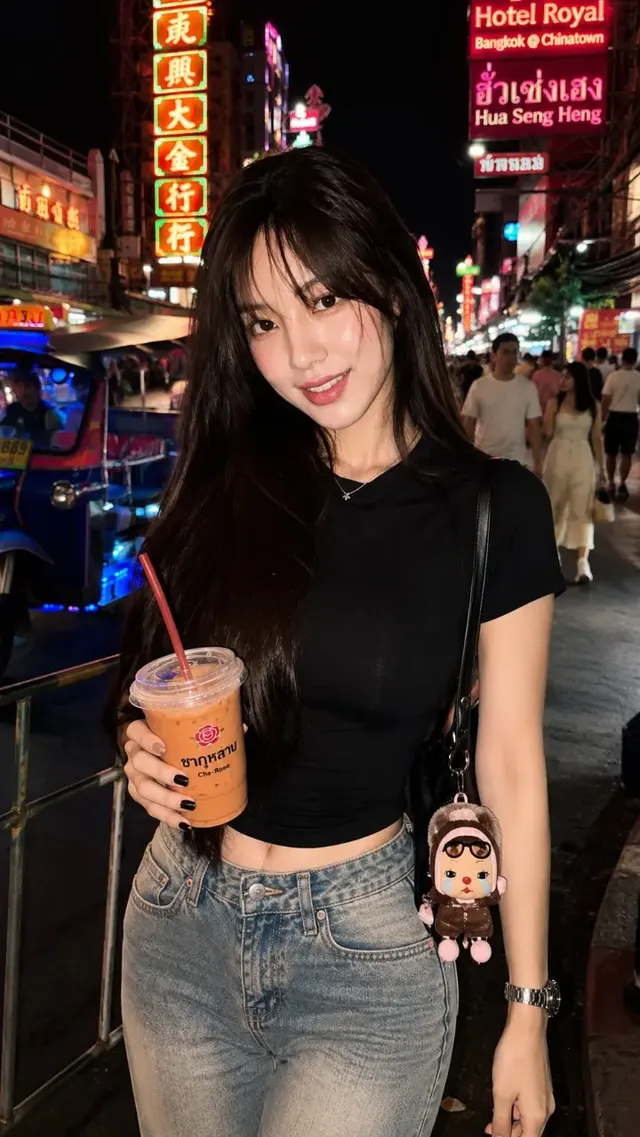
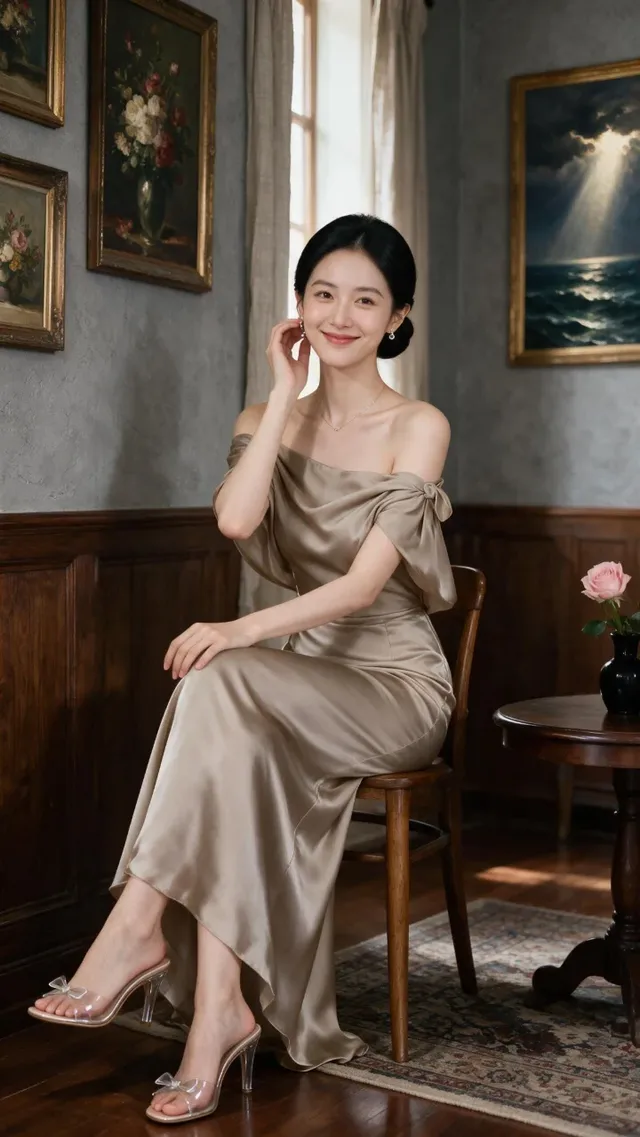
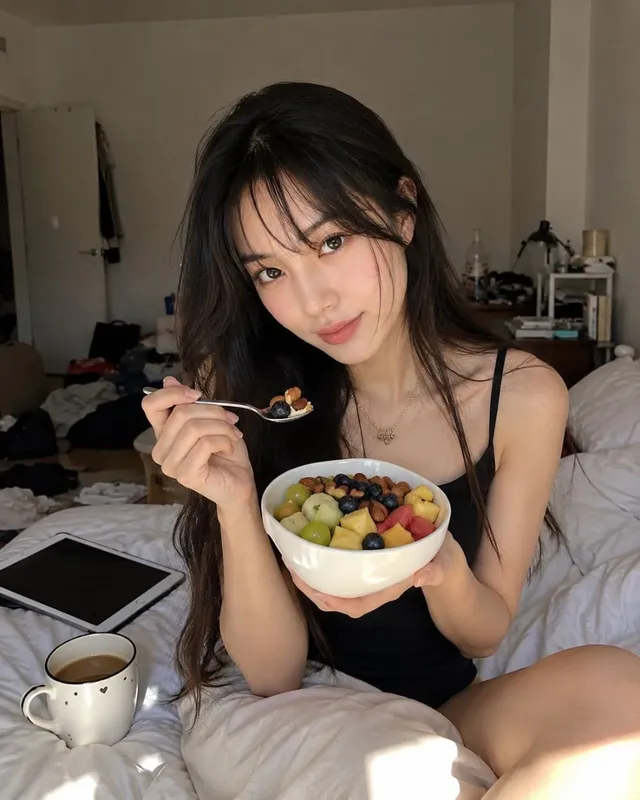
Examples from the gallery

Common failures and fixes

A 16:9 or 9:16 run set to 2K is rejected.

Upstream does not offer those two ratios at 2K. Run them at 1K, or switch to a ratio that supports 2K — 3:2 and 2:3 are the closest widescreen and vertical alternatives.

There is no 4K option in the resolution picker.

This model tops out at 2K. Deliver at 2K, or move the run to Nano Banana 2 or a GPT Image tier, which have 4K.

A sixth reference image is rejected.

Five is the cap in the editing channel. Merge the extras into a single contact sheet, or move the job to Nano Banana 2, which accepts up to fourteen.

A reference image barely influences the result.

You are probably on the text-to-image channel, which accepts no references. Attach the image in the generator so the run switches to the editing channel, and state which attributes must be preserved.

A long brief looks only partly followed.

The prompt limit is 3,000 characters, well below the GPT Image tiers. Cut the mood writing and keep the concrete constraints: subject, materials, light direction, ratio, what must not change.

A cinematic 21:9 banner cannot be requested.

That ratio is not in the set. Generate at 16:9 and crop, or use a model that offers 21:9 directly.

Frequently asked questions

Does Seedream 5.0 Pro have a 4K tier?

No. The available resolutions are 1K and 2K, with 1K as the default. For 4K delivery, Nano Banana 2 and the GPT Image tiers are the alternatives on Genvizu.

Why can I not run 16:9 at 2K?

The upstream model does not support 16:9 or 9:16 at 2K — its own documentation states it. Genvizu blocks that combination before the run starts rather than letting it fail upstream. Use 1K for those ratios, or pick 3:2 or 2:3 at 2K.

How many reference images does it accept?

Up to five, in the editing channel only. Attaching a reference in the generator is what switches the run from text-to-image to editing; the text-to-image channel accepts none.

Which aspect ratios are available?

Seven: 1:1, 4:3, 3:4, 16:9, 9:16, 2:3 and 3:2. There is no 21:9, and 16:9 and 9:16 are limited to 1K.

How is Seedream 5.0 Pro billed on Genvizu?

Per generated image, with the 2K tier costing more than 1K. The current tiers are listed on the pricing page, and the generate button shows the exact cost of the run before you confirm it.

What happens if a generation fails?

Failed generations are refunded automatically — the amount deducted for the run returns to your balance.

Sources