

GPT Image 2.5 vs Nano Banana 2.1: what differs on Genvizu
GPT Image 2.5 vs Nano Banana 2.1 on Genvizu: aspect ratios, resolution, reference images and prompt limits side by side, from the prod snapshot.
TL;DR
- Both are image models with 1K, 2K and 4K output, a 2K default and a 20,000-character prompt limit, so the headline specs are close.
- They differ in the ratio list and the reference limit. GPT Image 2.5 offers 12 ratios and up to 16 reference images. Nano Banana 2.1 offers 14 ratios and up to 10 reference images.
- Each has ratios the other lacks. GPT Image 2.5 adds 27:16, 16:27, 9:8 and 8:9. Nano Banana 2.1 adds 4:5, 5:4, 1:4, 4:1, 1:8 and 8:1.
- Neither is marked English-only or commercially restricted in the snapshot. The honest answer to "which is better" is: it depends on the ratio, the references and the look you want.
Comparison table
| Dimension | GPT Image 2.5 | Nano Banana 2.1 | Source | Verified |
|---|---|---|---|---|
| Provider | OpenAI | source: prod model snapshot 2026-10-23 | Yes | |
| Genvizu description | "Sharper detail, steadier reference subjects, 50% lower latency" | "Google's latest: sharper text, consistent characters, up to 4K" | source: prod model snapshot 2026-10-23 | Yes |
| Aspect ratios | 12 | 14 | source: prod model snapshot 2026-10-23 | Yes |
| Ratios only on this model | 27:16, 16:27, 9:8, 8:9 | 4:5, 5:4, 1:4, 4:1, 1:8, 8:1 | source: prod model snapshot 2026-10-23 | Yes |
| Ratios on both | 1:1, 3:2, 2:3, 4:3, 3:4, 16:9, 9:16, 21:9 | Same eight | source: prod model snapshot 2026-10-23 | Yes |
| Resolutions | 1K, 2K, 4K; default 2K | 1K, 2K, 4K; default 2K | source: prod model snapshot 2026-10-23 | Yes |
| Reference images | Up to 16 | Up to 10 | source: prod model snapshot 2026-10-23 | Yes |
| Prompt limit | 20,000 characters | 20,000 characters | source: prod model snapshot 2026-10-23 | Yes |
| English required | No | No | source: prod model snapshot 2026-10-23 | Yes |
| Commercial restriction flag | None | None | source: prod model snapshot 2026-10-23 | Yes |
| Sibling tiers | Sunburst, a refinement tier with the same ratios, resolutions and reference limit, slower | None listed in the snapshot | source: prod model snapshot 2026-10-23 | Yes |
| Listing tier | Featured | Featured | source: prod model snapshot 2026-10-23 | Yes |
Reading the table
The rows that decide most choices are ratios and references. Both models cover the eight everyday ratios, from 1:1 to 21:9. Past that, they split. If you design for social feeds, 4:5 matters, since it is a common portrait crop, and only Nano Banana 2.1 lists it, along with 5:4. If you need very tall or very wide strips, Nano Banana 2.1 also lists 1:4, 4:1, 1:8 and 8:1. GPT Image 2.5's extras are different: 27:16 and 16:27 sit between 16:9 and 21:9 and suit ultrawide key visuals, while 9:8 and 8:9 are near-square.
Reference images are the second split. GPT Image 2.5 accepts up to 16 and Nano Banana 2.1 up to 10. For most jobs, ten references are plenty, such as a character sheet, a product from several angles and a style board. Sixteen matters for large asset sets, such as a catalogue of items that must appear together. Reference images steer likeness and style but do not guarantee an exact copy of a face or a label, on either model. Say in the prompt what must not change.
The shared rows are worth noticing too. Both list 1K, 2K and 4K with 2K as the default, and a 20,000-character prompt budget. That means a long structured brief works on either, and a resolution tier alone will not separate them. The snapshot lists no seed for either model on Genvizu, so treat repeat runs as variations, not copies.
What the snapshot cannot tell you is how the images look. Rendering quality, lettering accuracy and style are judgements to make by running both on your own brief. The descriptions in the table are the site's own summaries, not benchmarks.
A short test plan
Because the specs are close, a small side-by-side test tells you more than the table. Use one brief with three parts: a subject with exact text to render, a reference image or two, and a layout in a ratio both models share. Run it on each at 2K, then repeat once with a ratio only one model lists. Score four things: whether the text is spelled correctly, whether the subject stays consistent with the references, whether the composition matches the layout you described, and how many runs you needed to get there.
Keep the test fair. Use the same words, the same references and the same resolution. Do not judge on a single run, because neither model exposes a seed on Genvizu and results can drift. Three runs each is a reasonable minimum before you form a view, and the gallery is a useful second opinion: open a few works from each model and compare how prompts are written.
Where GPT Image 2.5 fits and where Nano Banana 2.1 fits
GPT Image 2.5 fits when
- You need ultrawide ratios like 27:16 or 16:27, or near-square 9:8 and 8:9.
- You work with large reference sets, up to 16 images.
- You want a refinement option: the Sunburst sibling targets multi-turn edits and precise local changes, trading speed.
- You write long briefs, in any language.
Not ideal for: 4:5 or 5:4 crops, which it does not list.
Nano Banana 2.1 fits when
- You need 4:5 or 5:4, the common portrait crops, or extreme strips such as 1:4 and 8:1.
- Ten reference images cover your set, and you want consistent characters across them.
- You want to compare against a Google-family model.
- You write long briefs in any language.
Not ideal for: ratios like 27:16 or 9:8, and reference sets above 10 images.
How to try this on Genvizu
Run one brief on both. Start at /model/gpt-image-2.5 and /model/nano-banana-2.1 with the same prompt at 2K and a ratio they share, such as 16:9. Then change to a ratio only one lists, and add references to check how consistently each model keeps a subject.
Related
Real examples on Genvizu
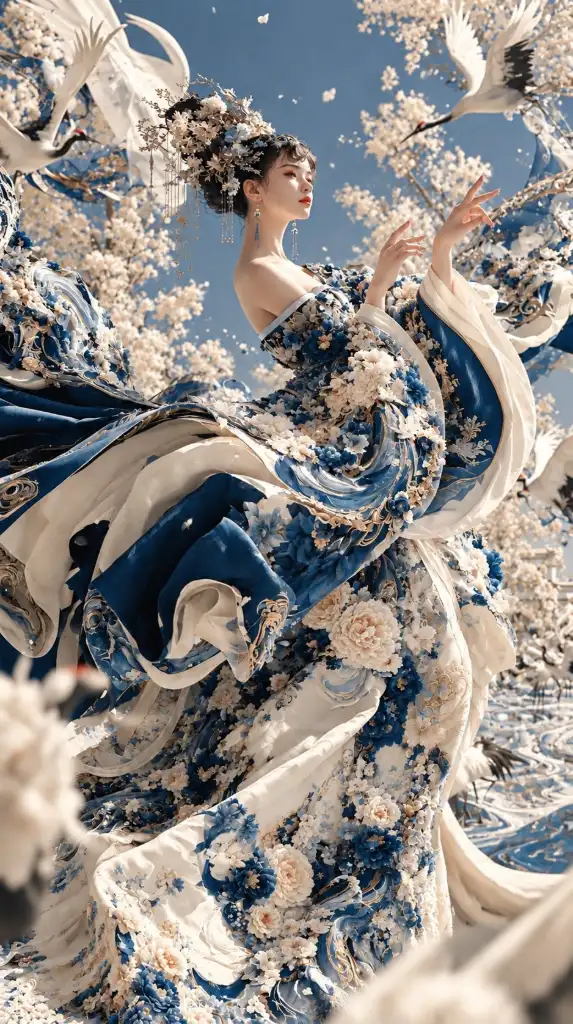
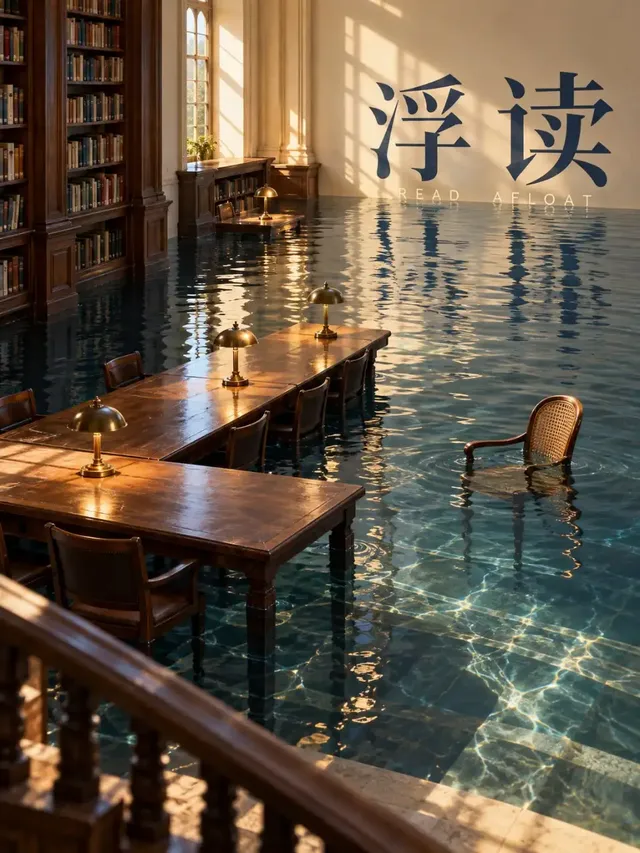
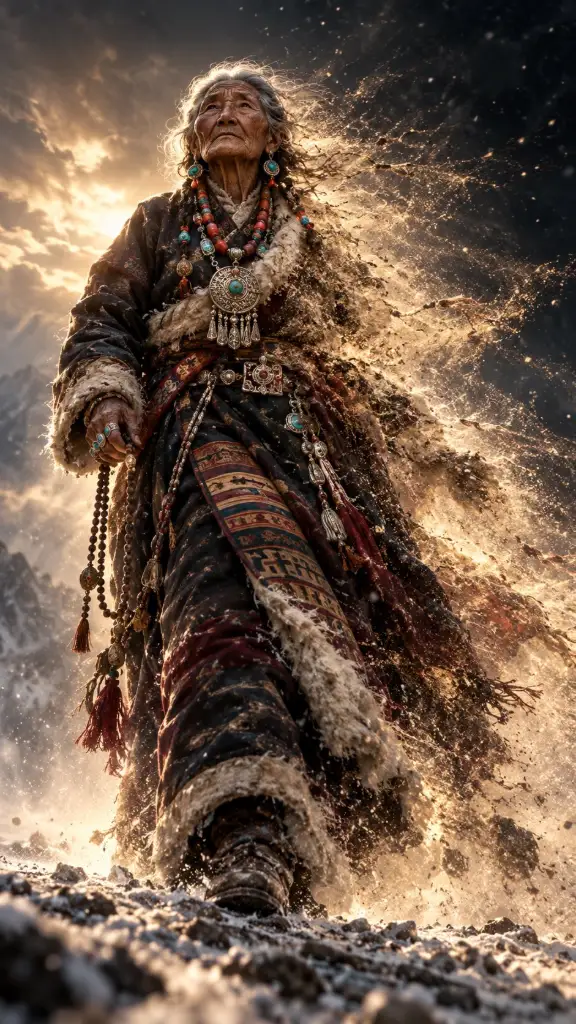
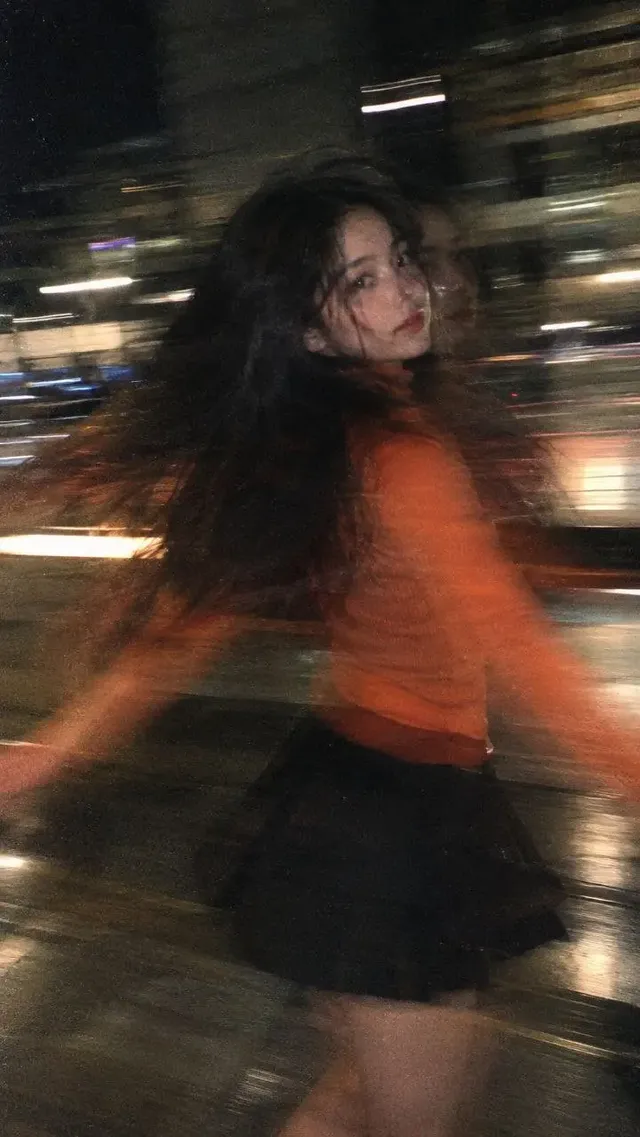
Published works made with these models on Genvizu. Open one to see its full prompt and parameters.
FAQ
Is GPT Image 2.5 better than Nano Banana 2.1?
It depends on what you need. The two share the same resolution tiers and prompt limit, so the difference lies in ratios, reference limits and the look of the output. GPT Image 2.5 offers up to 16 references and ratios such as 27:16. Nano Banana 2.1 offers 4:5 and 5:4 and up to 10 references. Run your own brief on both and judge the images yourself.
Do both support 4K?
Yes. Both list 1K, 2K and 4K in the snapshot, with 2K as the default. The tier you choose is selected per run in the panel. If 4K matters for print, check the result at full size, because the snapshot confirms the tier exists but not the visual quality.
Which one supports 4:5 for portrait posts?
Nano Banana 2.1 lists 4:5 and 5:4. GPT Image 2.5 does not. If you need that crop from GPT Image 2.5, generate at 3:4 or 2:3, which it lists, and crop afterwards. GPT Image 2 also lacks those two ratios in the snapshot.
How many reference images can I use?
GPT Image 2.5 accepts up to 16 reference images per run. Nano Banana 2.1 accepts up to 10. Reference images guide style and subject but do not guarantee an exact copy, so name in the prompt what must stay the same.
Do I have to write prompts in English?
No. Neither model is marked as needing English in the snapshot, and each accepts up to 20,000 characters. Quote any text you want rendered in the image, and check the result. The Midjourney models on the same site are the ones that require English.
Can I use the output commercially?
Neither model carries the restriction flag that the Midjourney models carry in the snapshot. That is not legal advice, and the upstream providers' terms apply to output. Read the current terms before commercial use: OpenAI's Terms of Use (https://openai.com/policies/row-terms-of-use/) and Google's Generative AI Additional Terms of Service (https://policies.google.com/terms/generative-ai).
Try it on Genvizu
Open a model page, pick a published work and reuse its prompt.