Genvizu

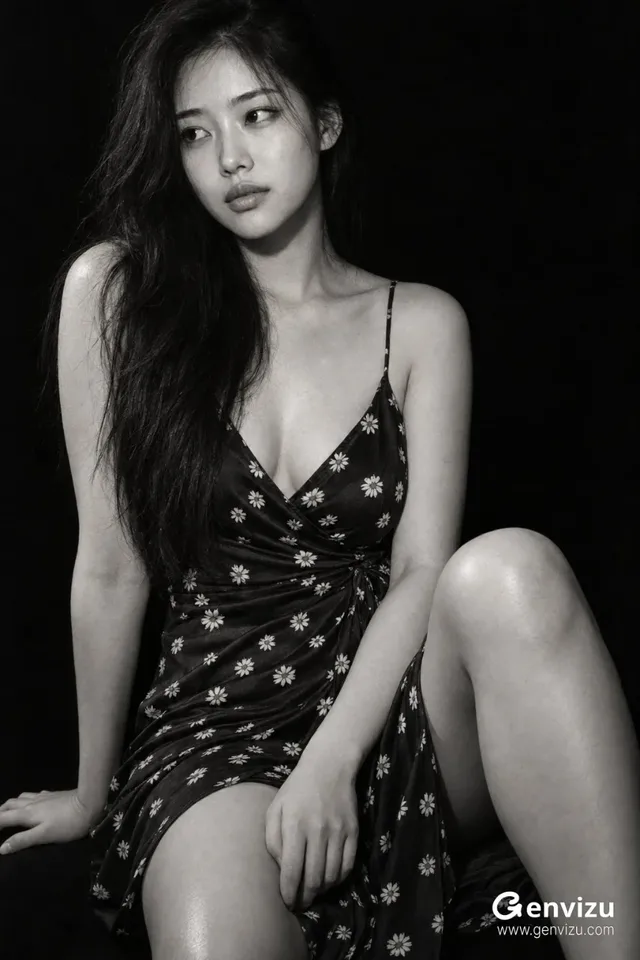
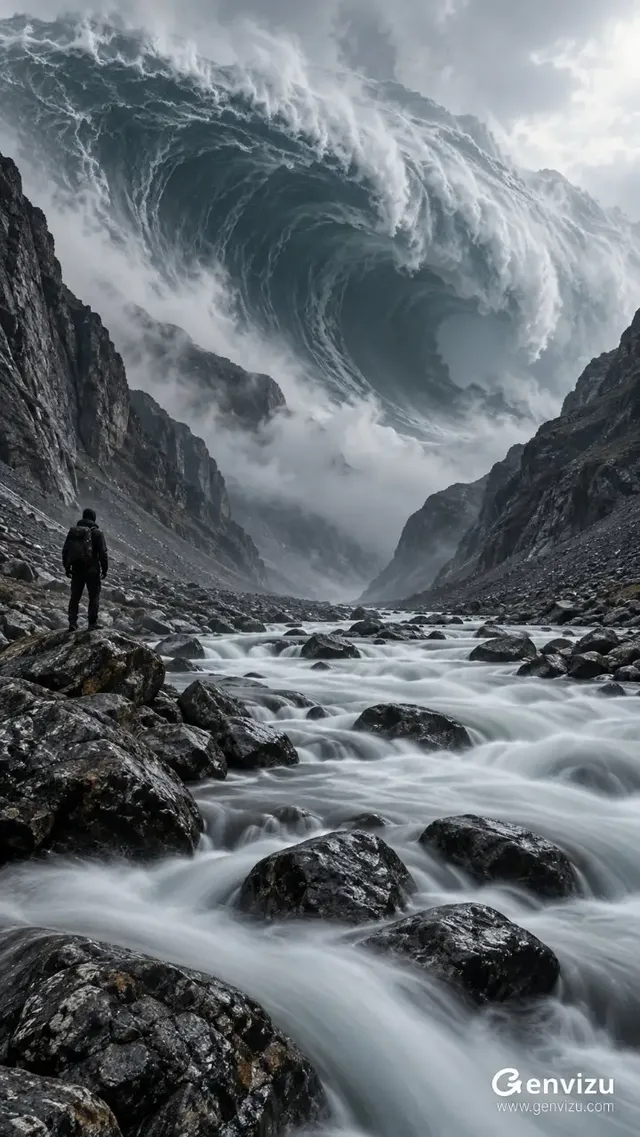
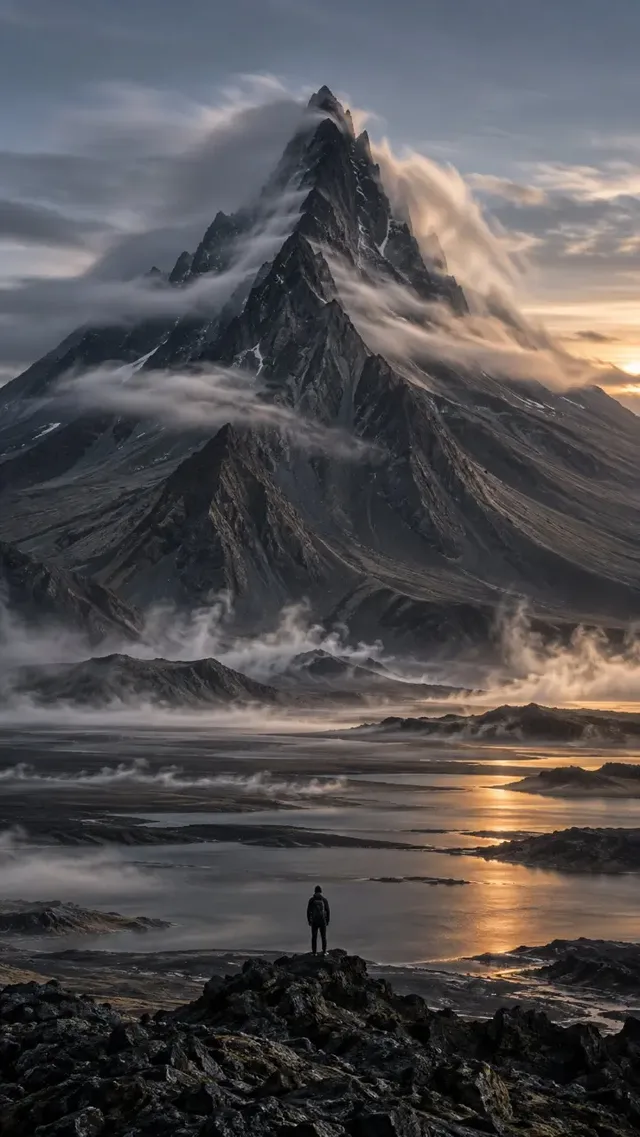
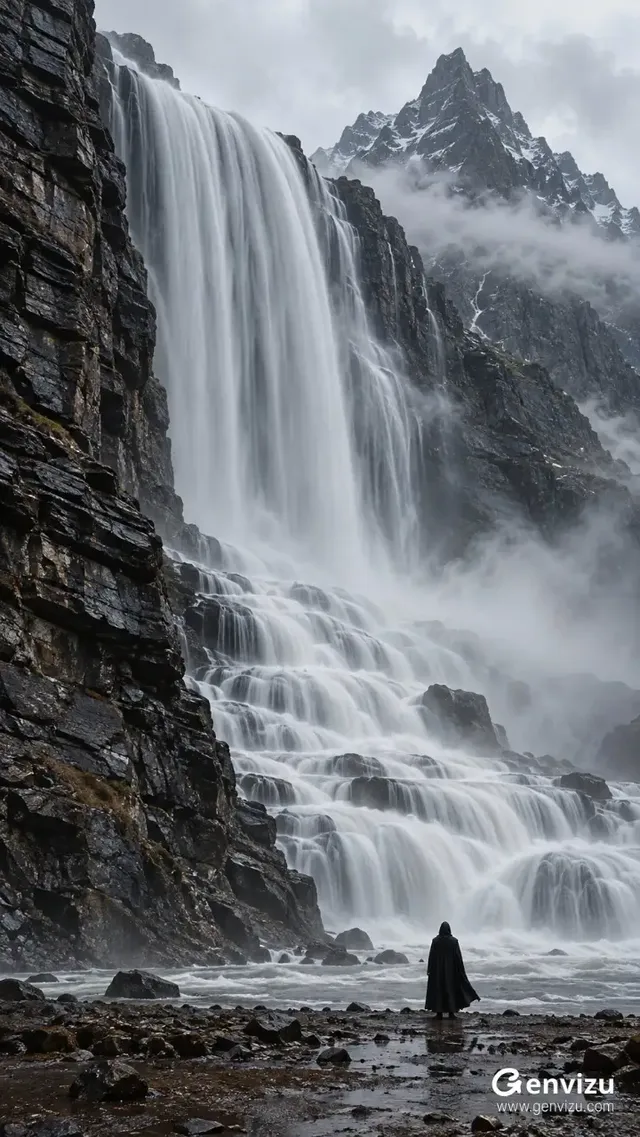
AI creations made with GPT Image 2.5

OpenAI GPT Image 2.5 (Flare) — sharper detail, steadier reference subjects, 50% lower latency.

OpenAI

GPT Image 2.5 is OpenAI's newer image model on Genvizu, reachable as text-to-image and as image-to-image. This entry is the Flare tier, the lower-latency one of the two; Sunburst is its refinement sibling. One run returns a single image, resolution is selectable at 1K, 2K or 4K, twelve aspect ratios are available including 27:16 and 9:8, prompts run up to 20,000 characters, and the image-to-image channel accepts up to 16 reference images.

Verified on 2026-09-10

Start free · no credit card

Best for

  • Aspect ratios that GPT Image 2 does not offer: 27:16 and 16:27 for ultrawide key visuals, 9:8 and 8:9 for near-square social crops.
  • Layouts where exact words must appear in the image — the same quote-every-string approach as GPT Image 2, with the same 20,000-character prompt budget.
  • Editing against a large reference set: the image-to-image channel accepts up to 16 reference images in one run.
  • Long, structured briefs — subject, composition, lighting and typography can each get their own paragraph.
  • Briefs written in Chinese or any other language; this model has no English-only requirement.

Not for

  • Portrait commerce crops at 4:5 or 5:4. Those two ratios are not in this model’s set — GPT Image 2 has them.
  • Getting several options from one click. One run returns one image, because the upstream endpoint exposes no batch parameter.
  • Reproducing an earlier result exactly: there is no seed parameter, so the same prompt can drift between runs.
  • Repeatedly refining one picture over many rounds — that is what the Sunburst tier is shaped for.

Specifications and limits

FieldValue
ProviderOpenAI, Flare tier (routed through Genvizu)
InputText prompt; optional reference images in the image-to-image channel
Output1 image per run; the batch count simply repeats the run
Resolutions1K / 2K / 4K (2K is the default)
Aspect ratios1:1, 3:2, 2:3, 4:3, 3:4, 16:9, 9:16, 21:9, 27:16, 16:27, 9:8, 8:9 (no 4:5 or 5:4)
Prompt languageAny language; English is not required
Prompt limit20,000 characters
Reference imagesUp to 16, image-to-image only (text-to-image accepts none)
SeedNot exposed upstream — runs are not reproducible
Sibling tierGPT Image 2.5 Sunburst — same ratios, resolutions and reference limit, slower
BillingPer image, and higher resolution tiers cost more (see the pricing page)
Failed runsRefunded automatically

Prompt examples

Ultrawide key visual at 27:16

Prompt

Ultrawide brand key visual, 27:16.
Subject: a single ceramic water bottle standing left of centre on a wet slate slab.
Right two-thirds: empty gradient space from deep slate to pale mist, reserved for copy.
Headline "STILL / SPARKLING" set small in the upper right, thin sans, wide letter spacing.
Light: one soft key from the upper left, one narrow rim light along the right edge of the bottle.
No props, no reflections over the copy area, no added text beyond the headline.

Ultrawide frames fail when the subject is centred. Name which side holds the subject and which side stays empty, and the copy area survives the crop.

Near-square product card at 9:8

Prompt

Product card, 9:8, flat top-down view on warm sand-coloured paper.
Centre: a folded linen shirt, sleeves tucked, edges crisp and parallel to the frame.
Bottom strip: "LINEN / STONE" on the left in small caps, "S M L XL" on the right in the same size.
Light: diffuse overhead, shadows short and soft, no hotspots on the fabric.
Palette: sand paper, oat linen, one charcoal accent in the type.

9:8 and 8:9 are the near-square ratios this model adds. Aligning the object to the frame edges is what keeps a top-down card from looking hand-held.

Multi-reference edit (image-to-image)

Prompt

Keep the bag from the reference images unchanged in shape, hardware, stitching and colour.
Place it on a pale marble bench in a bright hallway, shot slightly above eye level.
Use the second reference for the lighting direction and the third for the colour grade.
16:9, no added text, no visible brand marks other than those already on the bag.

With up to 16 references you can give each one a job. Saying which reference governs shape, which governs light and which governs grade beats attaching a pile and hoping.

How it compares

GPT Image 2

Same family and the same channel shape, but a different ratio table: it has 4:5 and 5:4, which 2.5 does not, while 2.5 adds 27:16, 16:27, 9:8 and 8:9. Pick it when your deliverable is one of those crops.

GPT Image 2.5 Sunburst

The refinement tier of the same model: identical ratios, resolutions, prompt limit and 16-reference cap, described upstream as steadier across multi-turn edits and more precise on local changes, at the cost of a slower run. Pick Flare to explore, Sunburst to finish.

Nano Banana 2

Also runs 1K/2K/4K but caps references at 14 and offers ten ratios including 4:5 and 5:4. Pick it when the job is reference-heavy editing and you want those portrait crops.

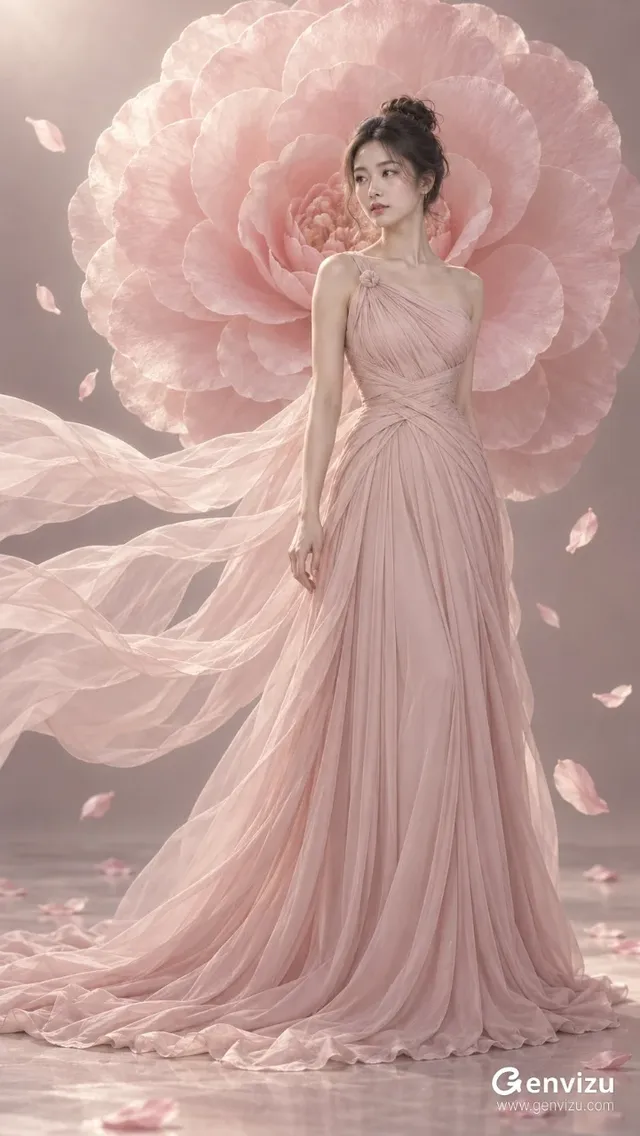
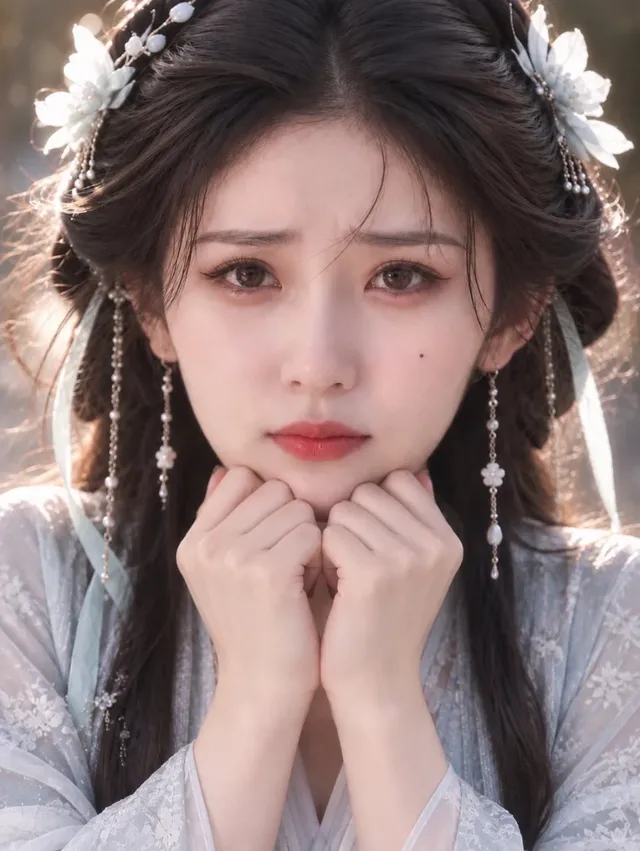
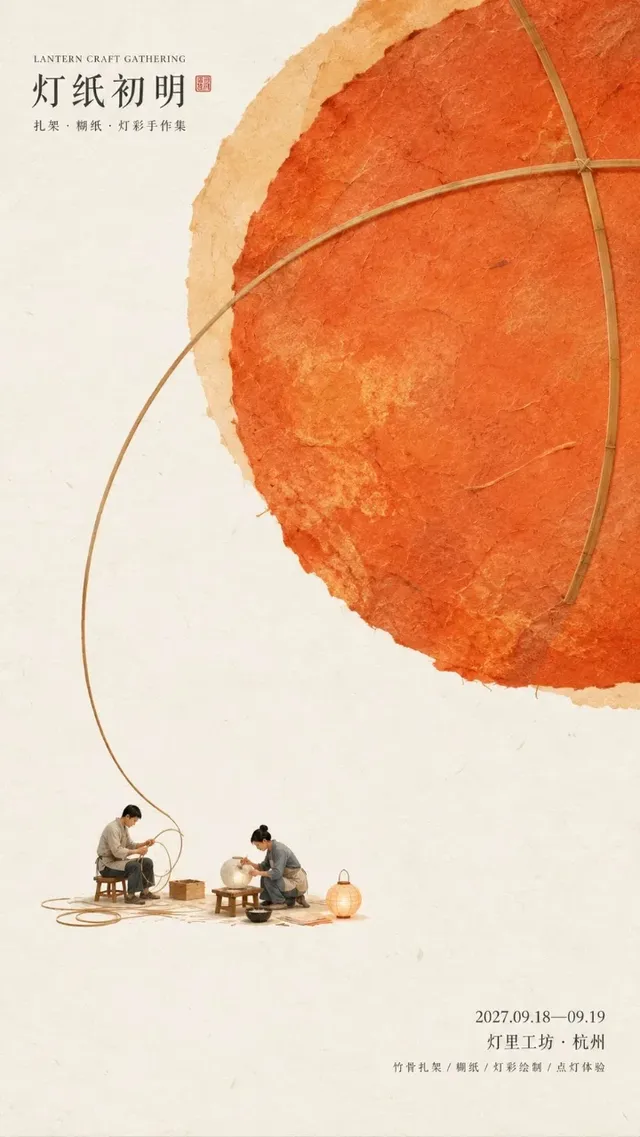
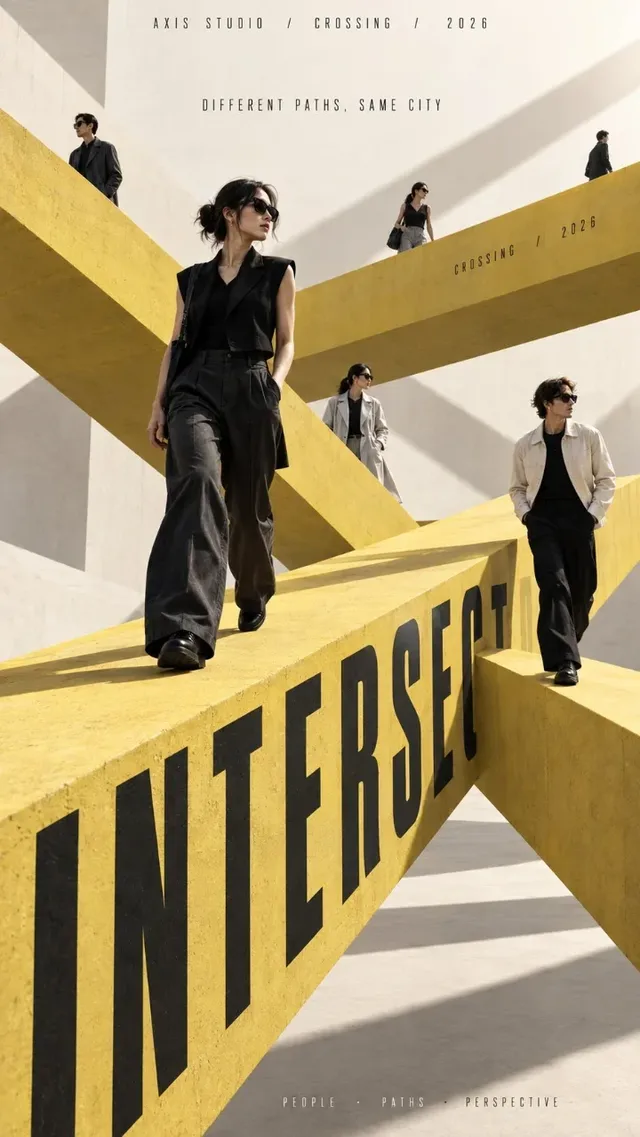
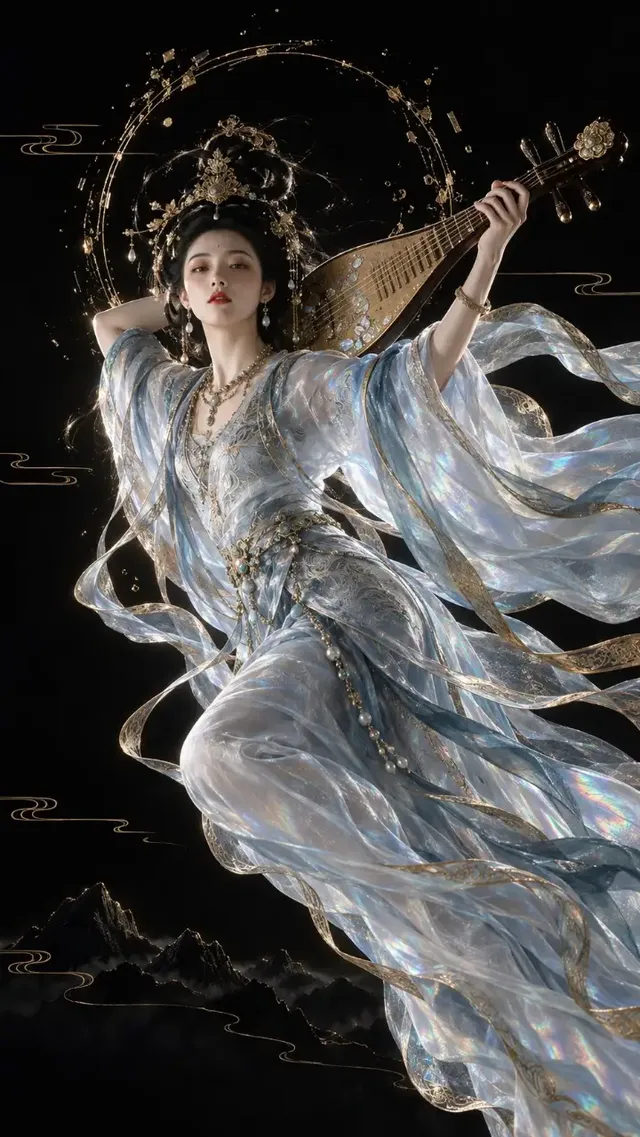
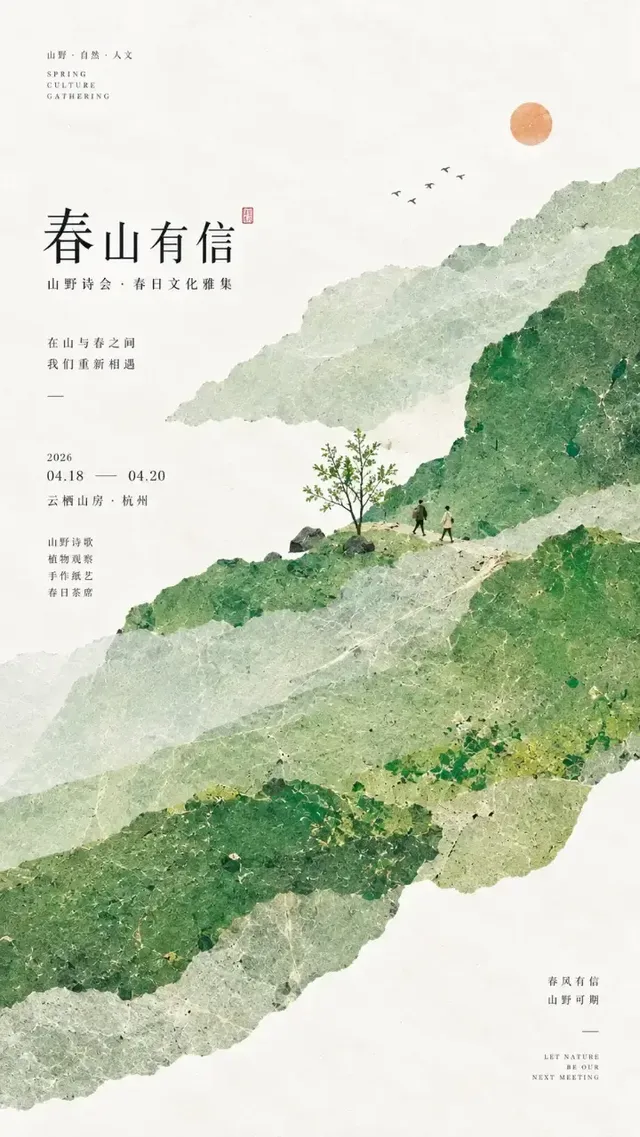
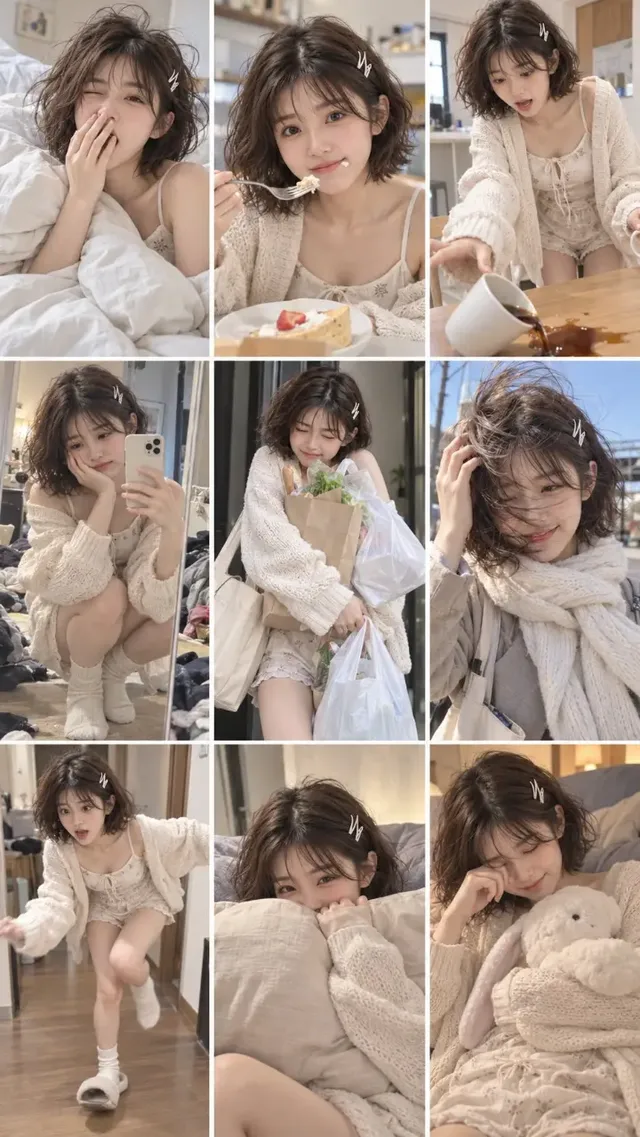
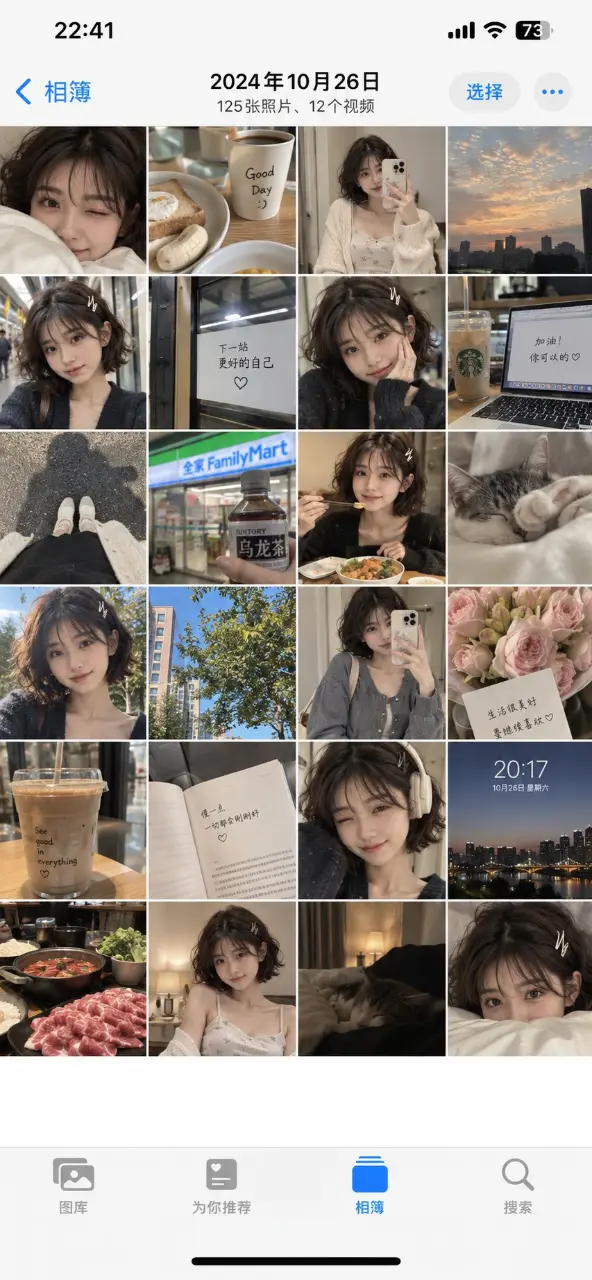
Examples from the gallery

Common failures and fixes

A 4:5 or 5:4 crop is not selectable, or a run set to it is rejected.

Those ratios are not in this model’s set. Generate at 1:1, 9:8 or 8:9 and crop, or switch the run to GPT Image 2, which has both.

A reference image barely influences the result.

You are probably on the text-to-image channel, which accepts no references. Attach the image in the generator so the run switches to the image-to-image channel, and state which attributes must be preserved.

Long strings in the image come back misspelled or with dropped characters.

Put every string in quotes on its own line, keep each below roughly six words, and state its role (headline, subtitle, footnote). Check the rendered text before publishing — no model guarantees typography.

The same prompt gives a different picture on the second run.

There is no seed upstream, so runs are not reproducible. Save the image you like, then edit it through the image-to-image channel instead of re-rolling the prompt.

Repeated local edits drift away from the original.

That is the trade-off of the low-latency tier. Move the same prompt and references to GPT Image 2.5 Sunburst, which is the refinement tier of the same model.

A very long brief looks truncated in the result.

The prompt limit is 20,000 characters and anything beyond it is cut. Put the non-negotiables — subject, ratio, typography, what must not change — in the first paragraphs.

Frequently asked questions

GPT Image 2.5 Flare or Sunburst — which one should I use?

They are two entries of the same model with identical ratios, resolutions, prompt limit and 16-reference cap. Flare is the lower-latency tier and is this page; Sunburst is described upstream as steadier across multi-turn edits and more precise on local changes, and runs slower. Explore on Flare, finish on Sunburst.

Does GPT Image 2.5 support 4:5 or 5:4?

No. The selectable set is 1:1, 3:2, 2:3, 4:3, 3:4, 16:9, 9:16, 21:9, 27:16, 16:27, 9:8 and 8:9. GPT Image 2 does have 4:5 and 5:4 if your deliverable needs them.

How many reference images can it take?

Up to 16, in the image-to-image channel only. Attaching a reference in the generator is what switches the run from text-to-image to image-to-image; the text-to-image channel accepts none.

How is GPT Image 2.5 billed on Genvizu?

Per generated image, with higher resolution tiers costing more than lower ones. The current tiers are listed on the pricing page, and the generate button shows the exact cost of the run before you confirm it.

How many images does one run return?

One. The upstream endpoint has no batch parameter, so several candidates means several runs, each billed separately.

What happens if a generation fails?

Failed generations are refunded automatically — the amount deducted for the run returns to your balance.

Sources