GPT Image 2.5 Is Here: Flare & Sunburst, Halved Latency — Now Live on Genvizu
OpenAI's GPT Image 2.5 (Sept 8, 2026): Flare is fast, Sunburst is precise, latency drops up to 50%. Now live on Genvizu — see what actually changed.
 Genvizu Team10 min read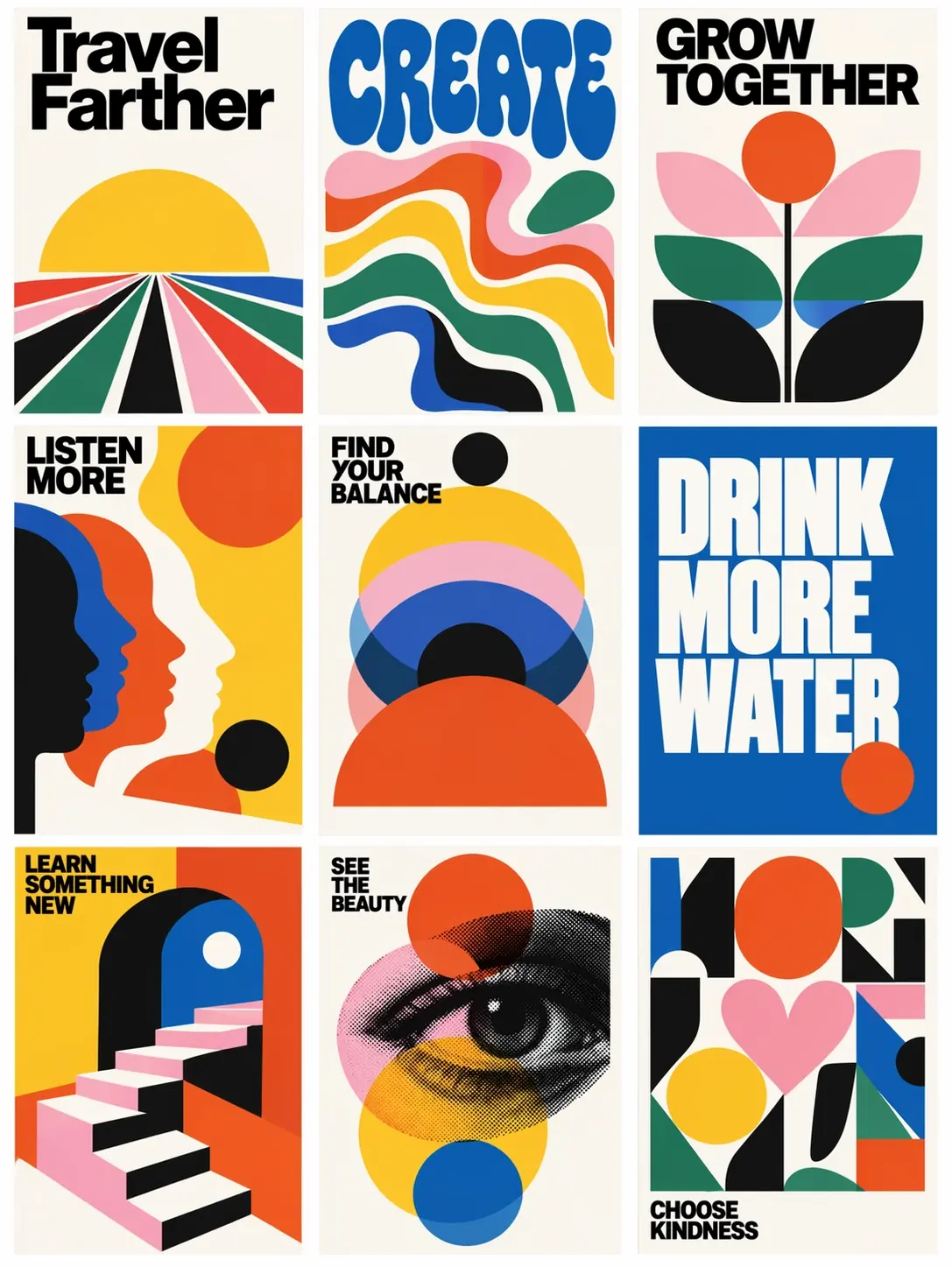
GPT Image 2.5 is Here: Flare & Sunburst Dual Models, Halved Latency, More Stable Reference Images, Now Live on Genvizu
OpenAI released GPT Image 2.5 (known as ChatGPT Images 2.5 within ChatGPT) on September 8, 2026, a formal upgrade following the April Images 2.0. The four keywords provided by OpenAI are: sharper details, faster generation, more precise editing, and improved creation and sharing tools. The API side also simultaneously launched two models: GPT-Image-2.5 Flare for everyday image generation and GPT-Image-2.5 Sunburst for fine-tuning workflows.
The most relevant news for you: GPT Image 2.5 is now live on Genvizu, with both Flare and Sunburst listed alongside the existing GPT Image 2. For how to use it and how it's billed, see our launch announcement. This article covers what actually changed, whether it's worth switching, and how pricing compares.
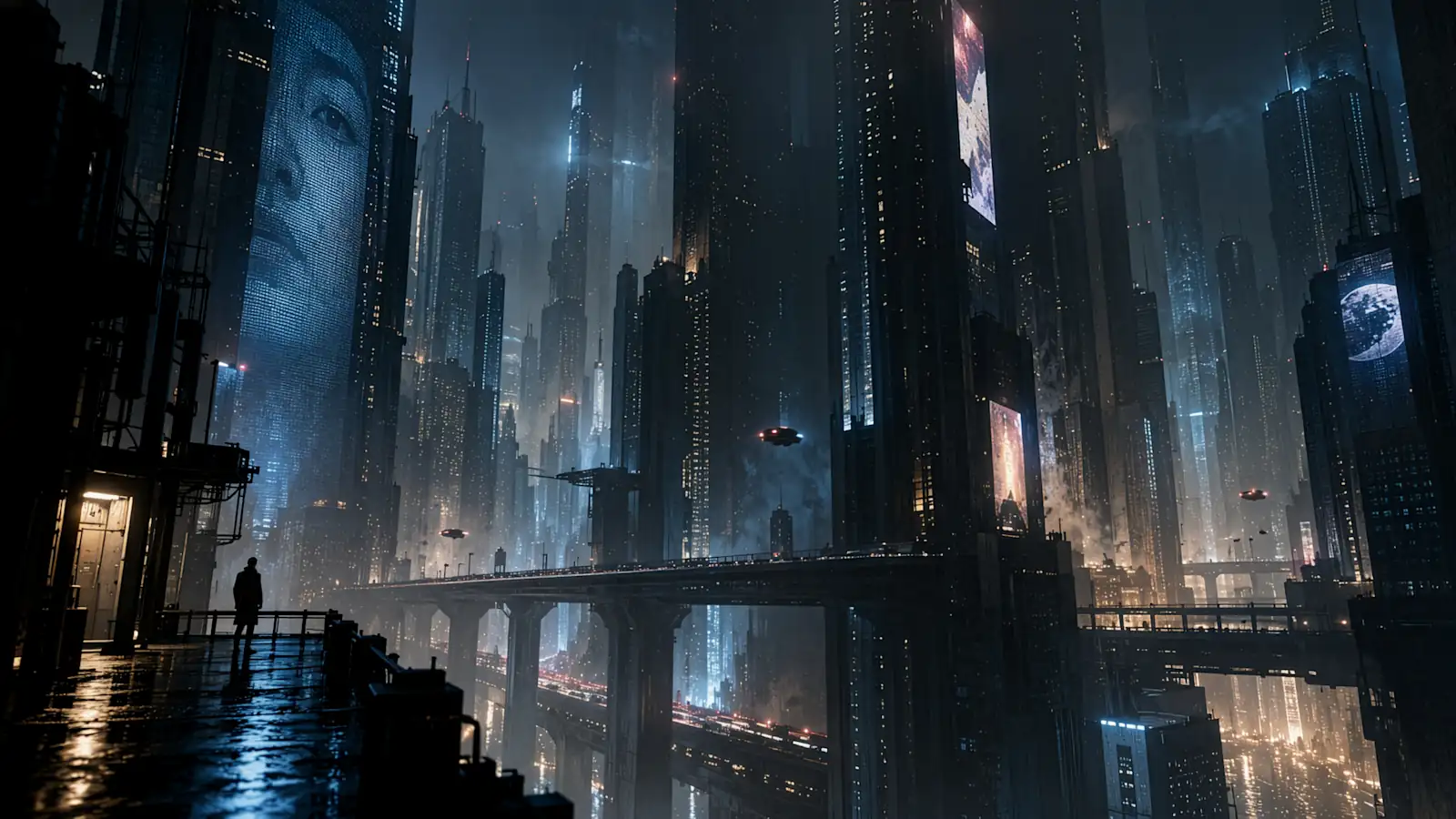
Official GPT Image 2.5 sample image: Cyberpunk night scene. Note the reflections on the wet ground and the halo effect from distant billboards, a typical example of the "more natural lighting" mentioned by OpenAI. Image source: OpenAI's "Introducing ChatGPT Images 2.5".
What's New in GPT Image 2.5
OpenAI mentioned in official announcement that over 3 billion images are generated weekly through ChatGPT Images and the GPT-Image models in the API. Version 2.5 is an upgrade built upon this scale, with specific improvements in five areas:
-
More Natural Lighting and Textures. The official description is "more natural lighting and richer textures," directly impacting product shots, portraits, and realistic scenes.
-
Improved Subject Consistency with Reference Images. When providing a photo of a person or product and asking for scene, style, or composition changes, the subject is more likely to remain "that person / that item." OpenAI states, "Unique features are more likely to be preserved." This addresses one of the most common complaints from GPT Image 2 users.
-
Precise Editing: Modifying Only What You Specify. Version 2.5 is "better at editing only the parts you request, keeping other details unchanged," even with complex subjects and backgrounds. For API users, this means the ability to individually replace a product, background, or a piece of text while maintaining the surrounding elements, composition, and branding.
-
More Stable Multi-Round Editing Without Quality Degradation. During consecutive edits, previous modifications are less likely to be lost, with each round building upon the last. Furthermore, "image quality does not degrade over rounds."
-
Latency Reduced by Up to 50%. OpenAI states "up to 50%," and early adopter Manus reported Flare's speed reaching 2 to 4 times that of GPT Image 2.
Understanding and Style: More Accurate Real-World Information, Stable Complex Layouts, Transparent Background Support
OpenAI highlights this as a separate improvement: 2.5 is "better at understanding complex visual instructions and translating them into coherent results," with more accurate image content incorporating real-world information. It can handle more complex layouts, including transparent backgrounds, and better adhere to specified artistic styles. For teams creating series of brand assets, UI concepts with preserved information hierarchy, or demonstration images with fixed structures, this means more specific instructions lead to less deviation from the intended output.
The following official samples illustrate these capabilities.
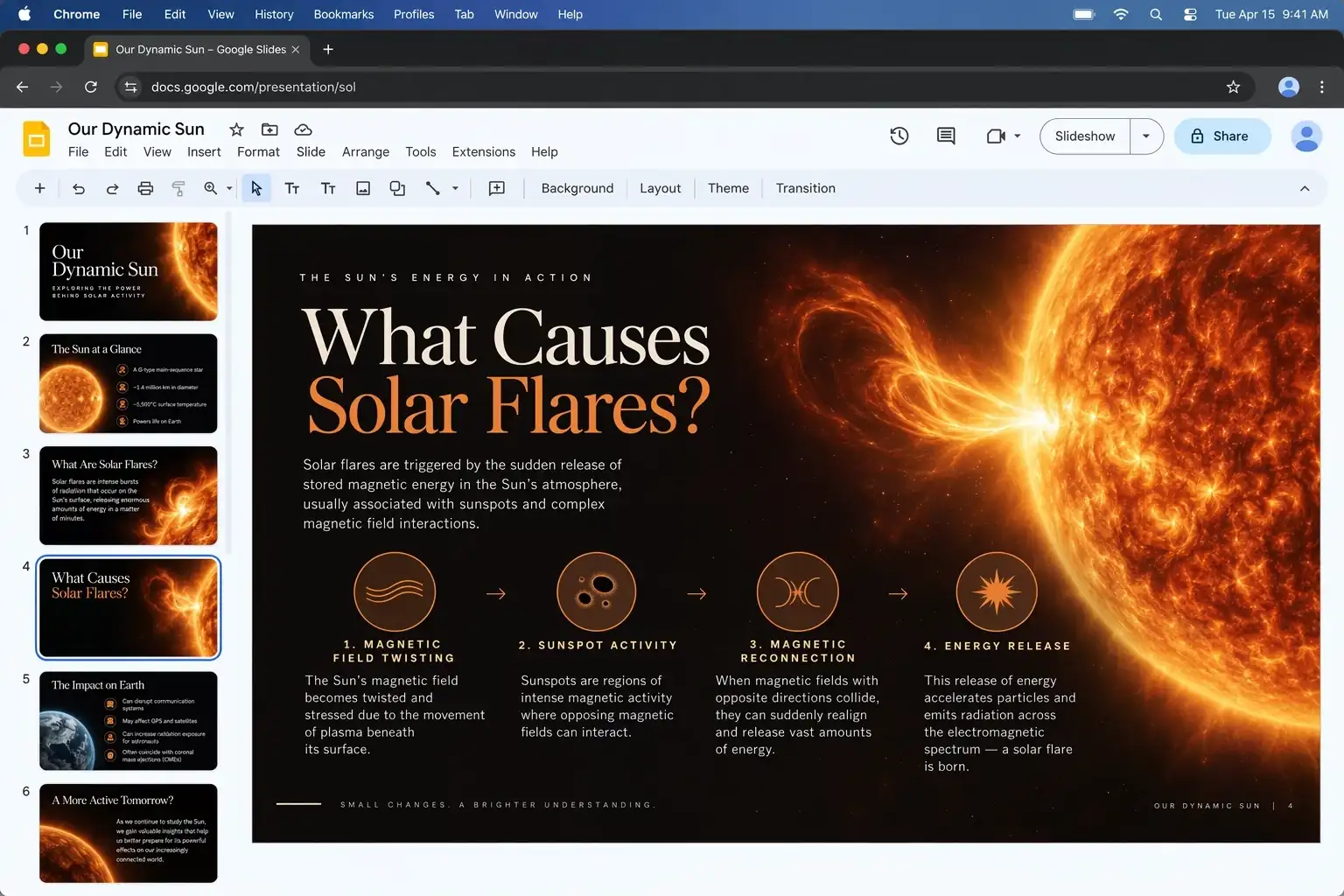
Presentation slide: Title, image, four-step flowchart, and explanatory text generated in one go, with accurate scientific content. This combines "accurate real-world information" and "complex layouts." Image source: OpenAI official sample. .
Nine posters with a unified style generated at once, each with correct slogan spelling and layout. Users creating poster series or social media templates should pay close attention to this example. Image source: OpenAI official sample.
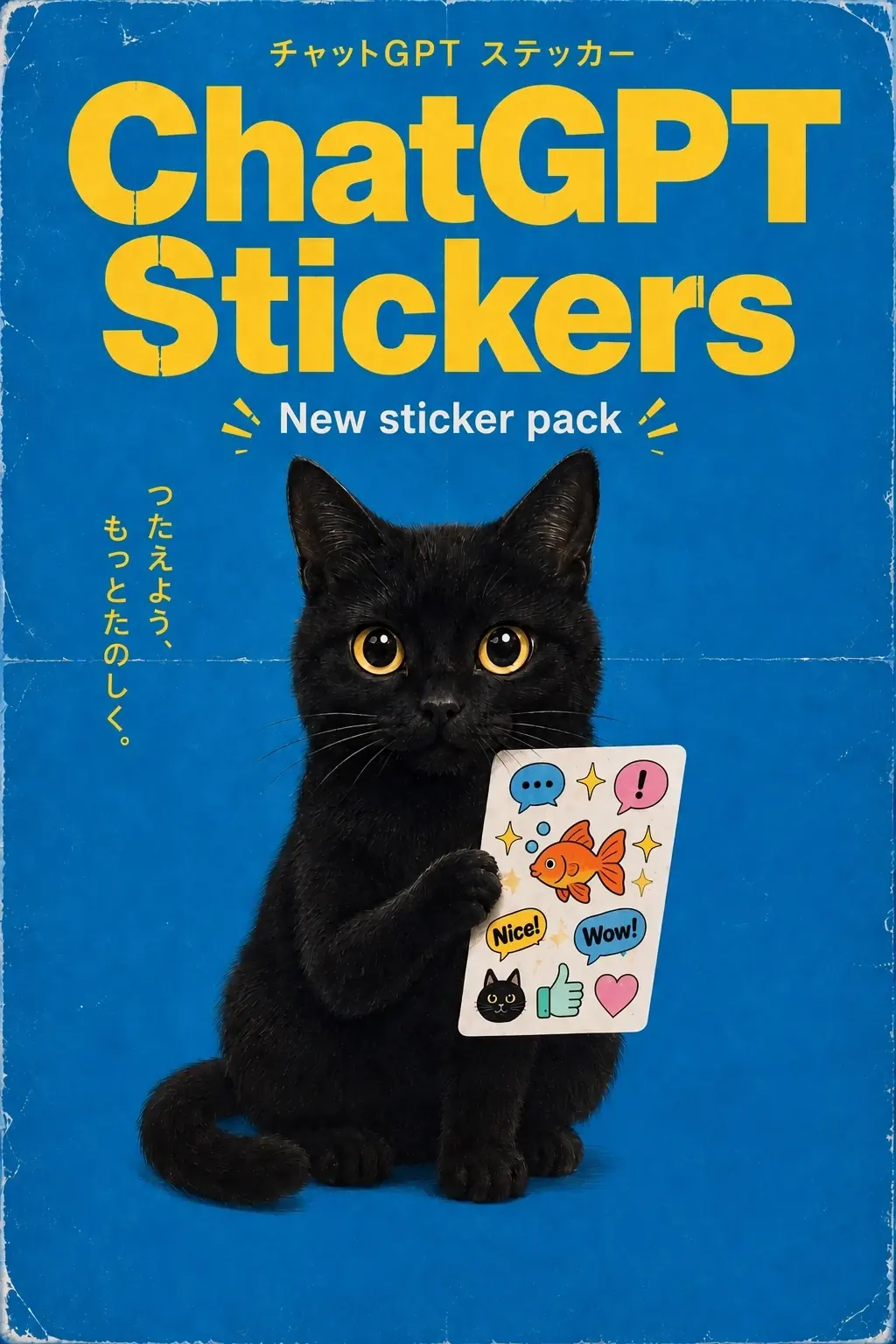
Sticker poster with an English title and Japanese subtitle. Text rendering has always been a strength of the GPT Image series, and 2.5 provides official examples for non-English text. Image source: OpenAI official sample.
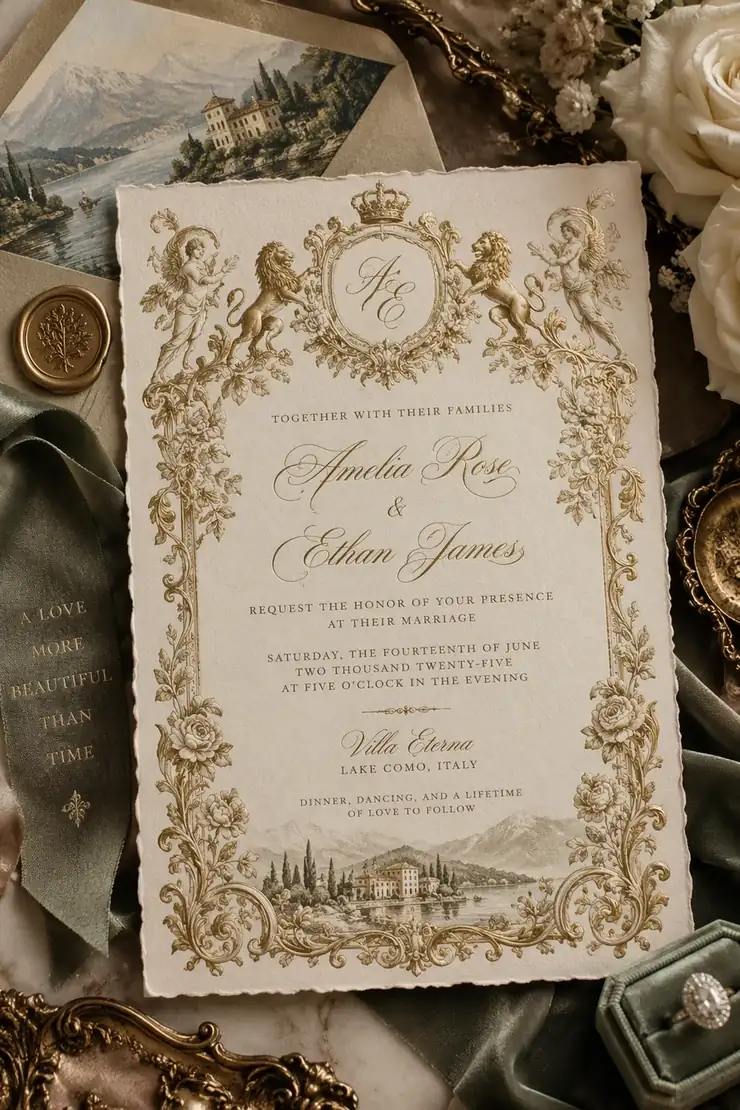
Wedding invitation: Calligraphy, crest, border, illustration, and a photo of a physical arrangement combined into one image, a typical "complex layout" stress test. Image source: OpenAI official sample.
Four New Tools in ChatGPT
ChatGPT also introduces four new creation tools. These are product features within ChatGPT and not part of the API models themselves. Genvizu integrates the latter, but these tools illustrate how OpenAI envisions this generation of models being used:
-
Sketch: Type "@Sketch" in the chat to use a hand-drawn sketch as a reference. Draw a room layout, the outline of a piece of clothing, or a casual doodle, then add a style description, and the model will turn the sketch into a complete image.
-
Templates: Start with templates like "Poster" or "Merch," fill in the information, design elements, and style you want to convey, without starting from a blank canvas.
-
On-Image Comments: Add points and comments to specific parts of an image for more focused editing.
-
Prompt Sharing: Share images along with their prompts, allowing others to replicate the same creative idea by swapping their own photos and details.
Choosing Between Flare and Sunburst
OpenAI has split the API into two models this time, with the same price but different positioning:
GPT-Image-2.5 FlareGPT-Image-2.5 SunburstOfficial positioning: "Fast, high-quality everyday image generation," the default choice for most applications"Workflows where editing precision is paramount," such as final-grade ad creatives and polished product shotsSpeed: Up to 50% lower latency than GPT Image 2Longer generation timesQuality: Official claims higher than GPT Image 2Tighter control over multi-round editsSuitable for: Creators & social media content, product experiences, visual search, rapid prototyping, large-scale generationCommercial deliveries requiring repeated fine-tuning and high consistency
Simply put: Start with Flare; if you can't achieve the desired result, switch to Sunburst. For most text-to-image and one-off image-to-image tasks, Flare is fast and sufficient. Sunburst's premium is only worthwhile for scenarios requiring multiple edits on the same image without deviation in each round.
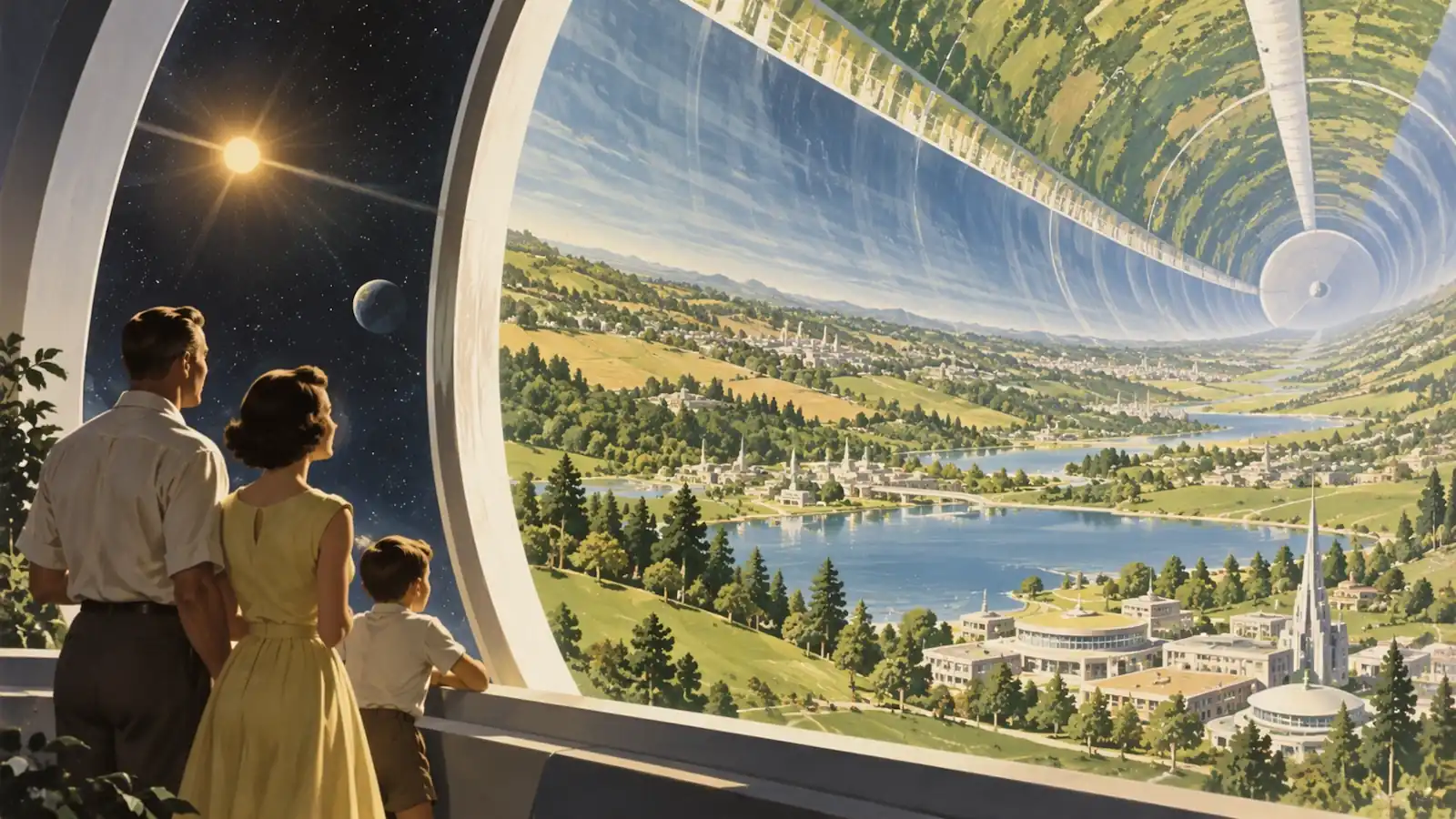
Retro-futuristic illustration. OpenAI uses this to demonstrate "better adherence to specified artistic styles": the brushwork, color palette, and composition of 1950s scientific illustrations are fully replicated. Image source: OpenAI official sample.
What Early Adopters Are Saying
OpenAI's announcement includes quotes from four early adopters. Here are some informative excerpts:
-
Higgsfield AI (Product Lead Axultan Alimkulov): What impressed them most was Flare's ability to "know what not to change." It enables meaningful edits without losing the original image's character, composition, and visual identity, which is crucial for the practical workflows of film, UGC, and advertising teams.
-
Manus (Review Team Lucky Liao): In their tests, Flare delivered high-quality images 2 to 4 times faster than GPT Image 2. Improvements in transparent background generation make it suitable for brand assets, presentations, and web pages.
-
Adobe (Senior Director of Firefly Product Matt Chotin): GPT-Image-2.5 has been integrated into Firefly, bringing faster generation and "resolution consistency," ensuring images remain sharp and realistic through each refinement round.
-
Runway (Chief Creative Officer Jamie Umpherson): Low latency combined with excellent quality shortens the path from idea to final image.
These are self-reported statements from integration partners, not third-party reviews. However, the points about "knowing what not to change" and "transparent backgrounds" align with the precise editing and complex layout improvements mentioned in the official announcement.
Resolution, Aspect Ratios, and Quality Tiers
According to OpenAI image generation guide, both models share the same parameter space:
-
Recommended Sizes: 1024×1024, 1536×1024, 1024×1536.
-
Custom Sizes: Width and height must be multiples of 16. Aspect ratios range from 1:3 to 3:1, with a maximum of 3840 pixels on either side. OpenAI notes that sizes above 2560×1440 are experimental.
-
Quality Tiers: low / medium / high / xhigh / max / auto. The default
autoallows the model to select based on the prompt. -
Output Formats: PNG (default), JPEG, WebP. PNG and WebP support transparent backgrounds.
-
Editing Capabilities: Supports inpainting (local redrawing). Masks are "prompt-centric," meaning the model uses the mask as a reference rather than a hard boundary.
For Genvizu users, this means the 1K / 2K / 4K tiers you are accustomed to with GPT Image 2 carry over unchanged in 2.5; aspect ratios are a 13-option set (no 4:5 / 5:4), as listed in the model selector.
Pricing: API Unit Price Doubles, But Per-Image Cost May Not
This is a crucial point to understand. The pricing for both 2.5 models is identical:
Billing Item (per million tokens)GPT Image 2GPT Image 2.5 Flare / SunburstText Input$2.50$5.00Image Input$4.00$8.00Image Output$15.00$30.00
Each item is exactly double that of GPT Image 2. However, it's important to note that OpenAI's image billing is based on token count, which in turn depends on size and quality tier. OpenAI has not provided a detailed breakdown of token consumption per tier for 2.5 compared to 2. Therefore, a "doubled unit price" does not necessarily mean a "doubled per-image cost." The actual cost will need to be calculated based on actual token consumption after integration.
Update — now live: the upstream channel Genvizu connects to prices both generations the same, so GPT Image 2.5's credit tiers are identical to GPT Image 2's: 1K / 2K / 4K = 8 / 13 / 20 credits, with Flare and Sunburst priced the same and no surcharge for aspect ratio or reference image count. See the launch announcement and the model pricing table for details.
GPT Image 2.5 vs. GPT Image 2: Should You Switch Now?
All currently available information comes from OpenAI's own statements and early adopter feedback. Reliable third-party comparative reviews are still pending, and we have not yet conducted paid comparative tests. Therefore, this section provides a framework for decision-making rather than definitive conclusions:
-
If you are using reference images to change scenes, outfits, or styles: 2.5's improved subject consistency is a primary advertised feature and worth trying first. Existing workflows on Genvizu for outfit and scene changes will be among the first to benefit.
-
If you need to perform local replacements on generated images: Replacing products, backgrounds, or a line of text while keeping everything else intact is a scenario directly targeted by 2.5's "precise editing" and aligns with Higgsfield's comment about "knowing what not to change."
-
If your primary use is text layout: GPT Image 2 is already one of the strongest models for text rendering. While 2.5 doesn't specifically emphasize text improvements, the poster and sticker samples suggest the underlying capability remains. It's advisable to wait for practical tests before switching solely for this purpose.
-
If you require transparent background assets: Both OpenAI and Manus have highlighted improvements in transparent background generation. Users creating logos, stickers, or icons should consider waiting for this version.
-
If you are batch generating images and prioritizing cost-effectiveness: The halved latency is a real experience improvement, and on Genvizu it doesn't cost more per image — 2.5's credit tiers are identical to GPT Image 2's. Flare is the one to try first for high-volume generation.
-
If you are performing multi-round fine-tuning for commercial delivery: Sunburst is designed for this specific scenario. Just pick it and try.
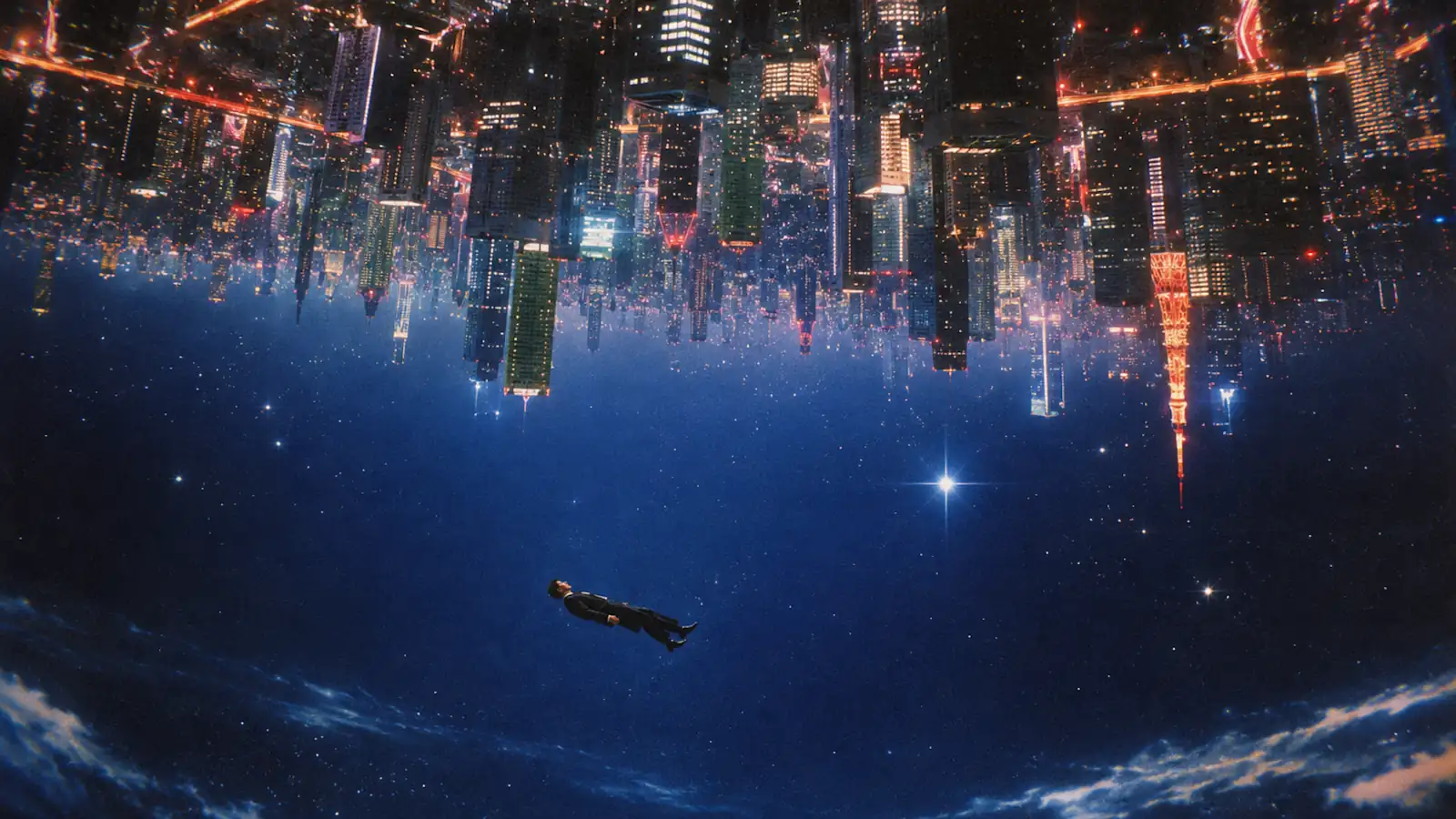
Sci-fi surrealism sample. Compositions like an inverted city test the model's understanding of "complex visual instructions," not just aesthetic appeal. Image source: OpenAI official sample.
Safety and Provenance
OpenAI states that 2.5 continues to employ dual checks for prompts and images, and will continue to use C2PA metadata and invisible watermarks to identify images generated by its tools. A detailed assessment is available in system card. In the disclosed adversarial tests, Sunburst had an unsafe generation rate of 1.09% and Flare 1.41%, compared to 1.64% for Images 2.0. While this doesn't affect output quality, it implies shifting boundaries for moderation. Commercial use still requires independent verification.
Genvizu Integration Plan
GPT-Image-2.5 Flare and Sunburst are now in Genvizu's model directory, integrated the same way as GPT Image 2: through text-to-image and image-to-image channels. You can select the models directly in Studio and Infinite Canvas without needing your own OpenAI account or API key.
You'll find it in three places: the model dropdown list, the model pricing table, and the product update log. See the launch announcement for exact pricing and how to use it — we'll follow up with a comparative article based on real-world credit consumption within Genvizu.
What You Can Do Now
GPT Image 2.5 carries over what you already know from GPT Image 2: the 20,000-character prompt limit and the 16-reference-image image-to-image channel work the same way. One exception — 2.5 currently supports 13 aspect ratios rather than GPT Image 2's full set, with no 4:5 or 5:4 (see the launch announcement for the exact list). Any prompts and reference-image workflows you've already put together can be rerun directly with the new models.
Open Infinite Canvas and switch between GPT Image 2, GPT Image 2.5 Flare, and GPT Image 2.5 Sunburst with one click to compare them directly on your own reference images.