Genvizu

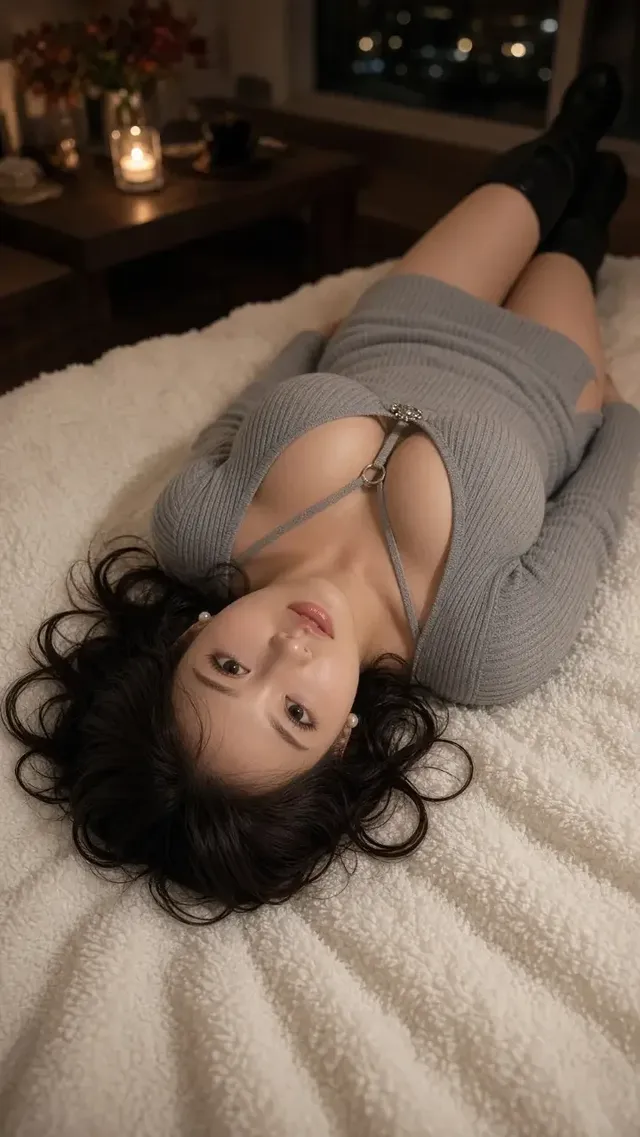
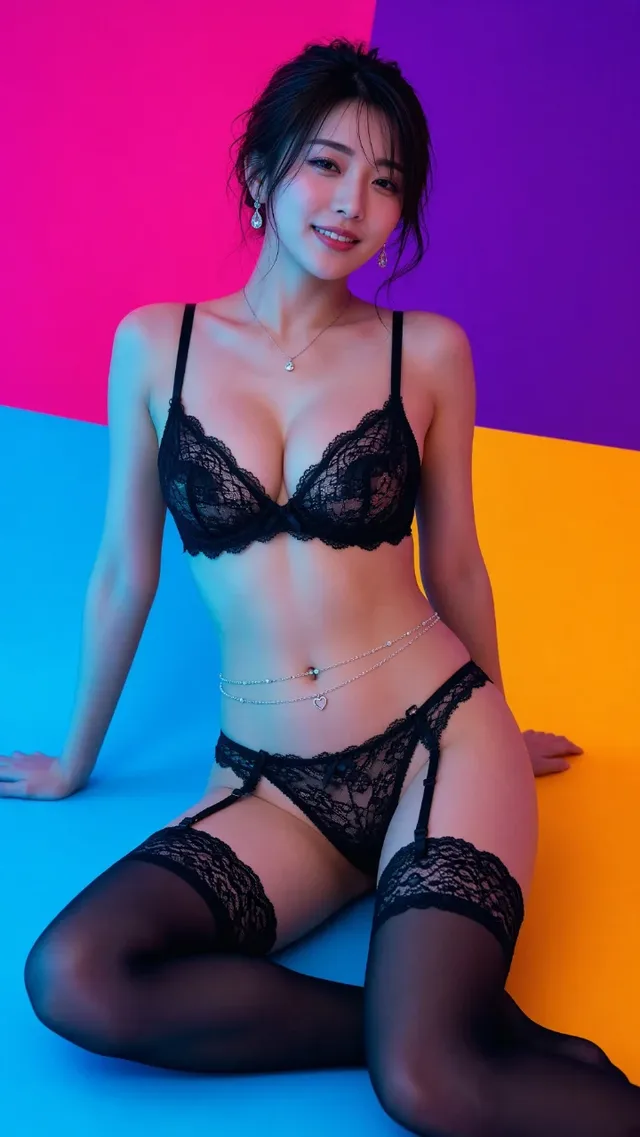
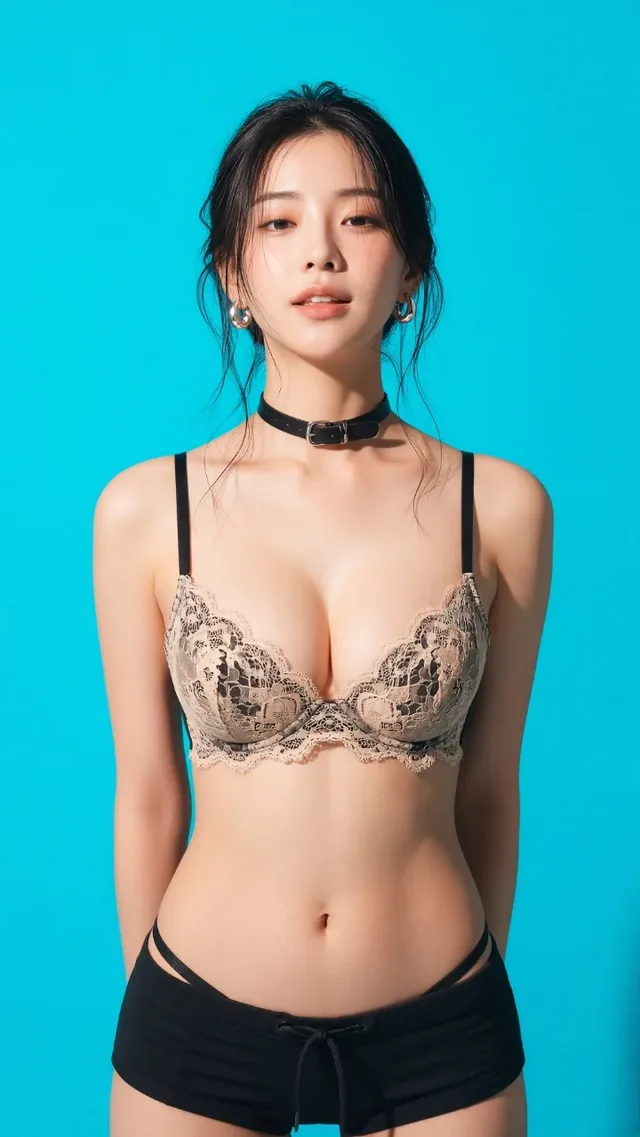
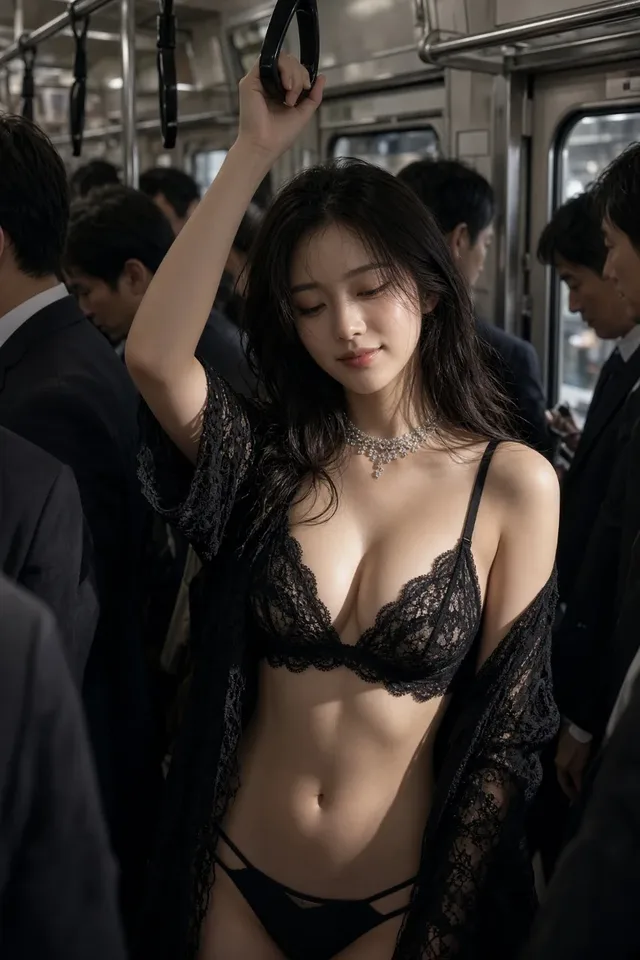
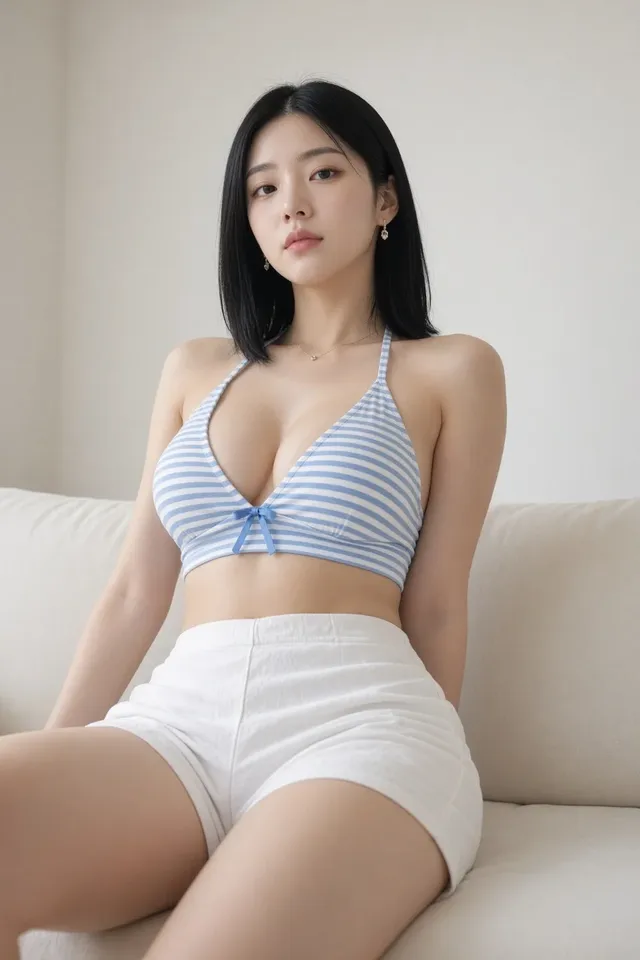
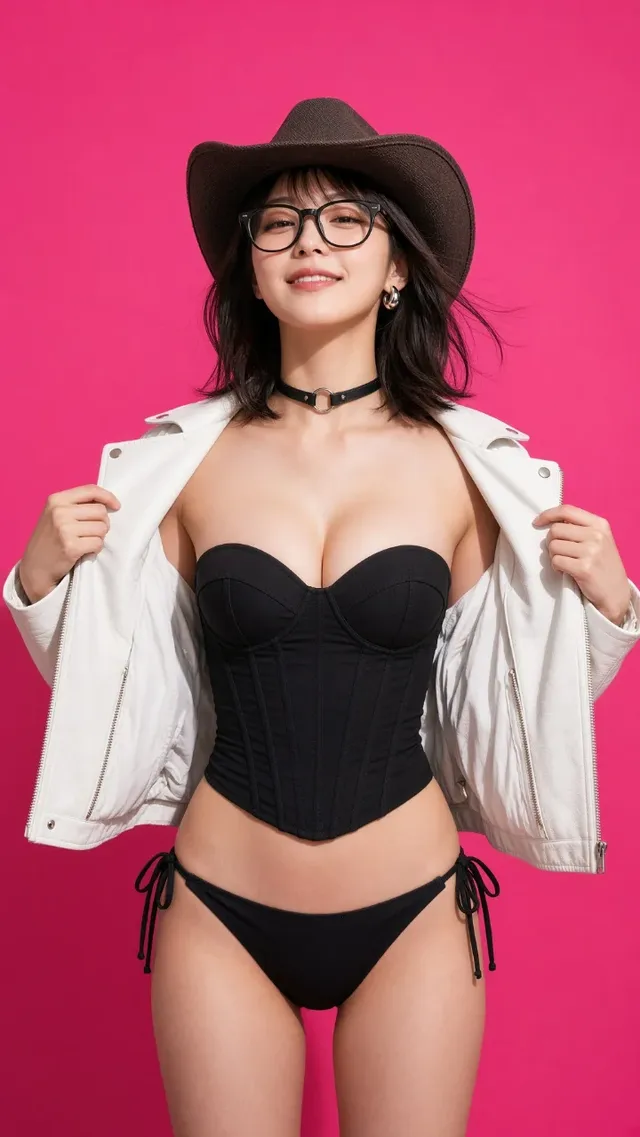
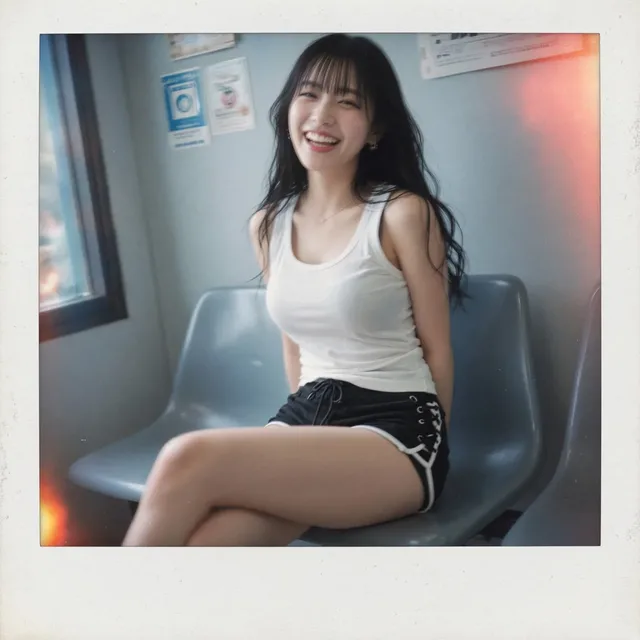
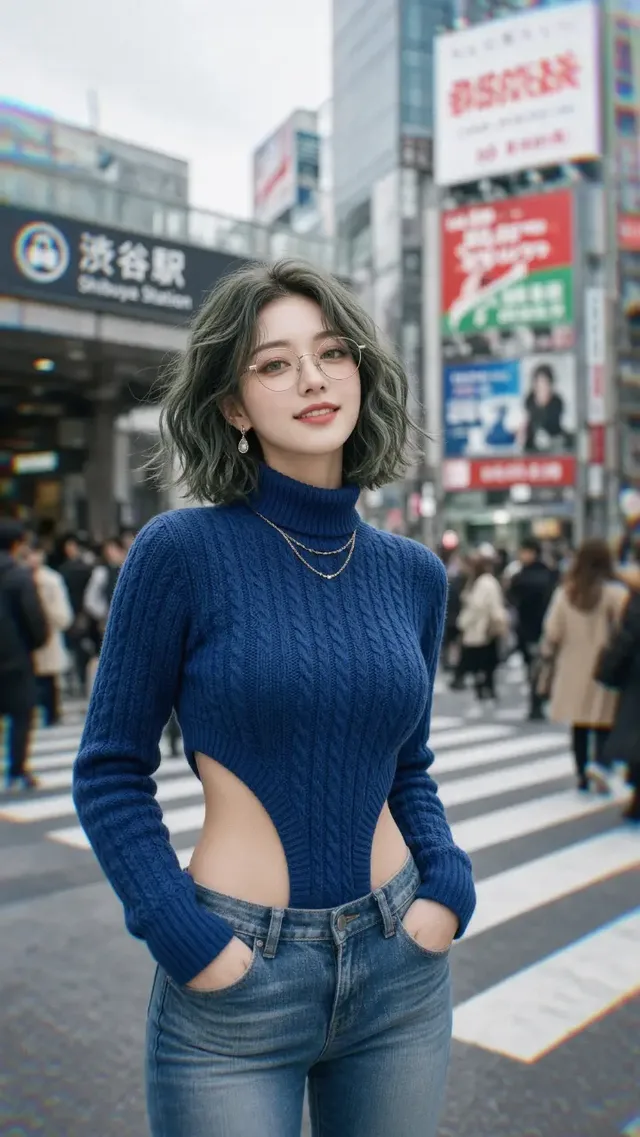
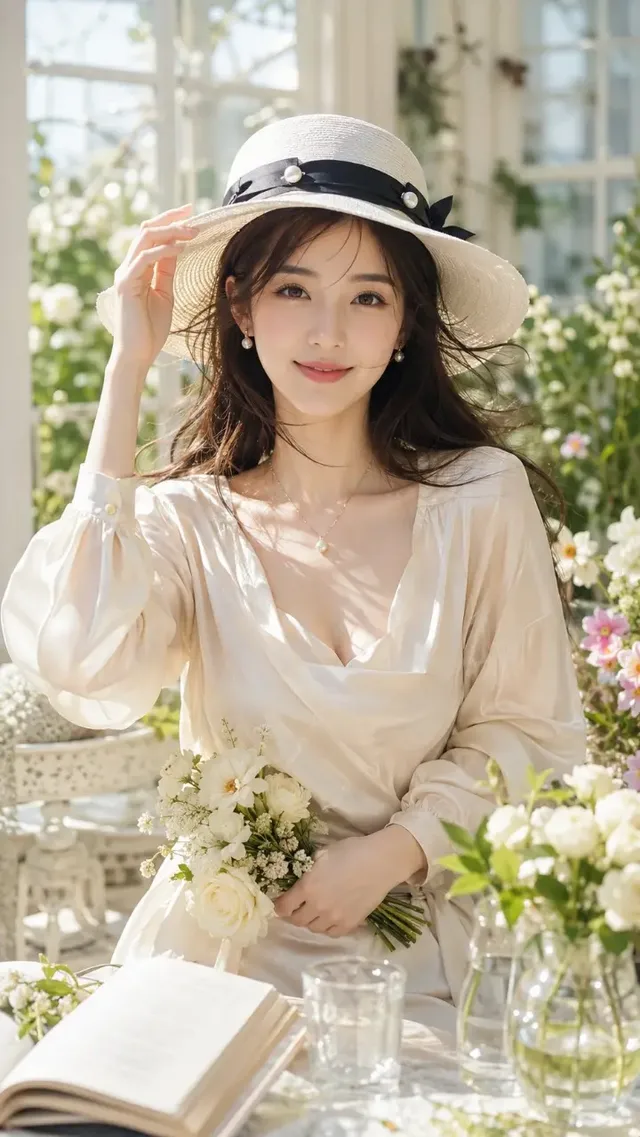
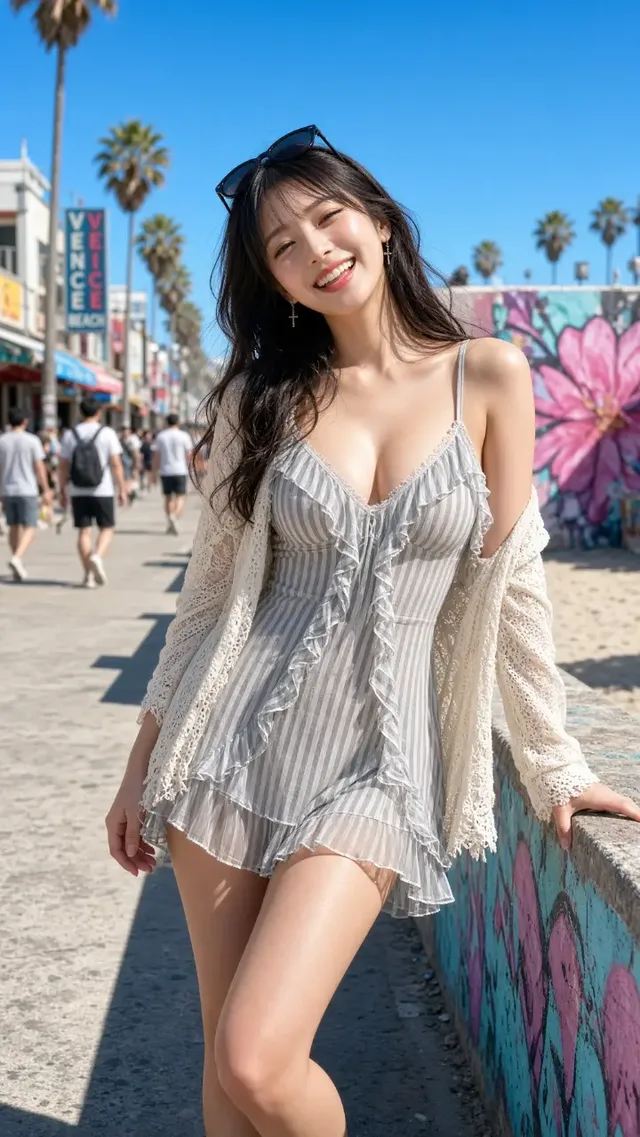
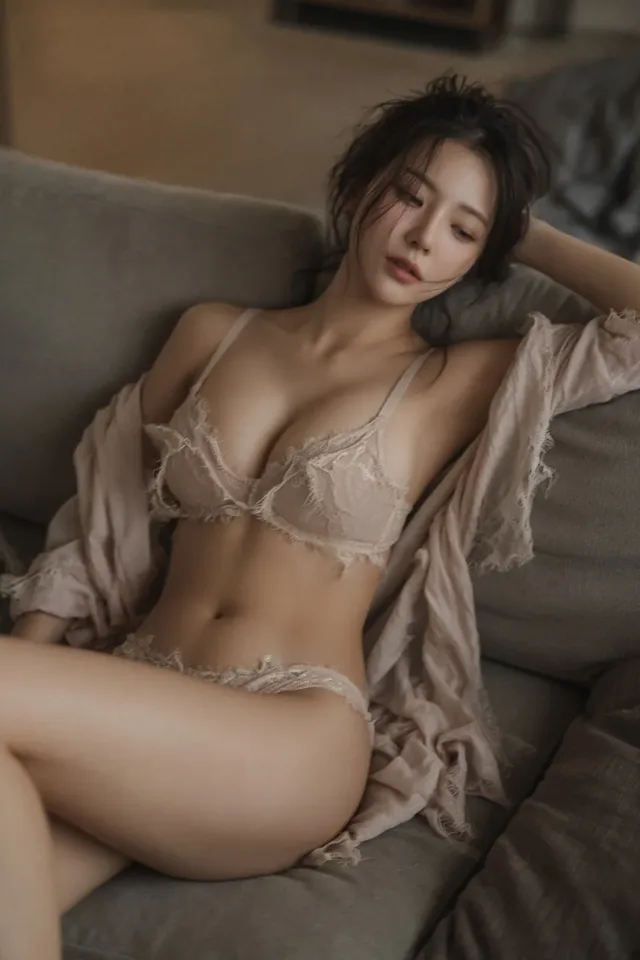
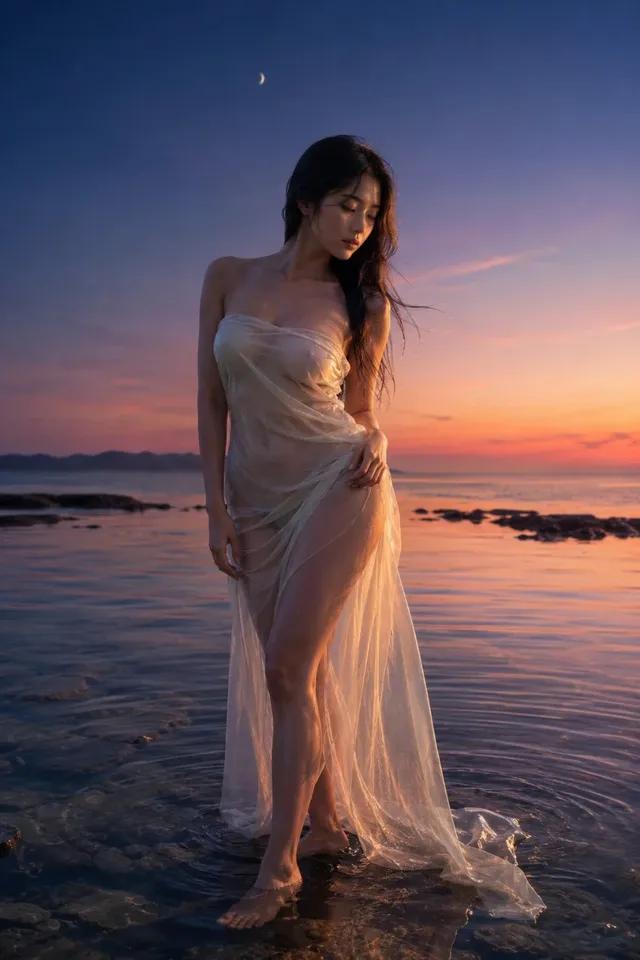
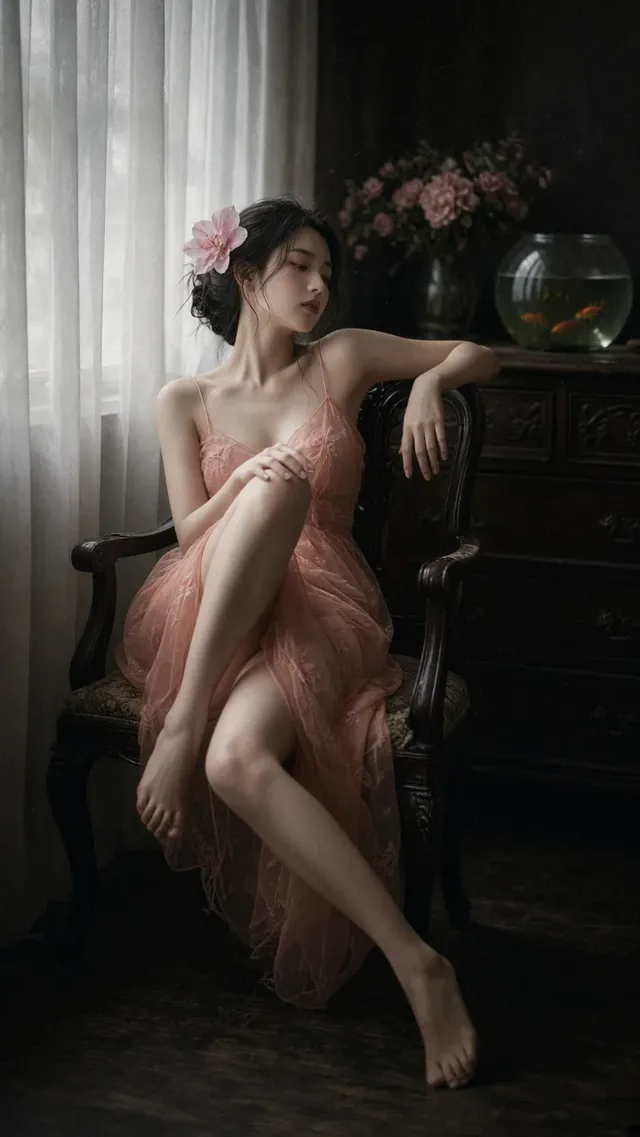
AI creations made with Grok Image 2

xAI Imagine Image 2.0 — text-to-image with stronger prompt adherence and cleaner in-image typography.

xAI

Grok Image 2 is xAI's Imagine Image 2.0, released on 7 August 2026 and wired up on Genvizu as text-to-image only: no reference images, no editing, no inpainting. It has a single output tier, so no resolution or quality selector appears in the panel. Prompts run to 5,000 characters across five aspect ratios, one run returns one image, and in launch testing an image took about 80 seconds. There is no plan requirement.

Verified on 2026-09-10

Start free · no credit card

Best for

  • Posters, infographics and social graphics where the headline has to sit cleanly inside the picture.
  • Long structured briefs written from scratch — 5,000 characters is enough to specify subject, composition, lighting, palette and text separately.
  • Layout exploration where the prompt is the only variable: with no resolution or quality selector, the five aspect ratios are the only structural choice to make.
  • Anyone on the free plan, since this model has no plan requirement.

Not for

  • Anything that starts from an existing image. There is no reference-image input, no image-to-image and no inpainting on this model.
  • Deliveries above 1K. There is a single output tier, with no 2K or 4K option.
  • Fast card-drawing. In our launch testing a single image took roughly 80 seconds, so it rewards one well-specified prompt over many quick attempts.
  • Getting several variations in one run — a run returns one image.

Specifications and limits

FieldValue
ProviderxAI, as Imagine Image 2.0 (routed through Genvizu)
Released7 August 2026
InputText prompt only
Output1 image per run
ResolutionSingle tier; no resolution or quality selector
Aspect ratios1:1, 2:3, 3:2, 16:9, 9:16 (1:1 is the default)
Prompt languageAny language; English is not required
Prompt limit5,000 characters
Reference imagesNot supported
BillingPer image; no resolution or quality multiplier (see the pricing page)
Plan requirementNone; available on every plan including Free
Editing endpointsUpstream image-edit / segment-map use a different task protocol and are not integrated
Observed latencyAbout 80 seconds per image in Genvizu launch testing
Failed runsRefunded automatically

Prompt examples

Vintage travel poster with a headline

Prompt

A vintage travel poster of a coastal town at golden hour, viewed from a hillside path.
Composition: winding stone path in the lower third leading to white houses and a lighthouse
on the right, calm sea and sailboats on the left, warm gradient sky.
Typography: bold condensed serif headline "PORTO ALEGRE" across the top third,
small caps subtitle "SUMMER 1962" beneath it, thin rule line separating them.
Style: screen-printed poster, limited palette of teal, sand and burnt orange, subtle paper grain.

Write the structure as a checklist rather than a pile of adjectives: subject, where it sits in the frame, background, palette, and which layer the text belongs to. Swap the quoted strings to reuse the whole scaffold.
Wide infographic frame

Prompt

Editorial infographic background, 16:9, three evenly spaced vertical zones.
Zone titles rendered in the image: "COLLECT", "REFINE", "SHIP" in a bold geometric sans, aligned to a common baseline.
Flat vector illustration, thin outline style, muted slate blue with one coral accent.
Generous margins, no small body text, no decorative clutter between zones.

Asking for no small body text keeps the model from filling the space with unreadable filler, and leaves room for real copy in a design tool afterwards.

Vertical social key visual

Prompt

Product key visual for a mobile feed, 9:16.
Subject: a ceramic pour-over set on a linen cloth, centred in the middle third.
Headline "SLOW MORNINGS" in the upper third, thin serif, generous letter spacing.
Light: soft window light from the left, gentle falloff, no harsh specular highlights.
Palette: warm off-white, clay brown, deep green accent. Bottom fifth left empty.

Ratios are not simple crops: the same prompt at 9:16 is recomposed rather than cut down, so pick the ratio before you tune the composition.

How it compares

GPT Image 2

Also targets in-image typography, but adds 1K/2K/4K tiers, ten aspect ratios instead of five, and an image-to-image channel that takes up to 16 reference images.

Nano Banana 2

Pick it as soon as the job starts from an existing image: it accepts up to 14 reference images and runs 1K/2K/4K.

Midjourney 8.2

Four images per run, with English-only prompts, a 1,024-character prompt limit and output that Midjourney terms restrict commercially.

Examples from the gallery

Common failures and fixes

The reference-image slot is missing from the panel.

That is expected: this model is text-to-image only. Use a model that takes references, or bring the result into the Infinite Canvas and edit it there with an image-to-image model.

There is no resolution selector.

The model has a single output tier, so the selector is hidden and there is nothing to choose there. For a larger delivery, generate with a model that offers 2K or 4K.

Chinese characters inside the image come out malformed.

Keep Chinese strings short, run one test image before committing to a batch, and proofread brand names, dates and numbers character by character before publishing.

A 5,000-character prompt produces a muddled image.

The budget is there for constraints, not for word count. Split the brief into subject, composition, lighting, colour, text and style paragraphs instead of one long comma chain.

Generation feels slow compared with other image models.

About 80 seconds per image is normal here. Treat it as a one-shot model: specify the whole brief before running rather than iterating in quick bursts.

Frequently asked questions

How is Grok Image 2 billed on Genvizu?

Per generated image. Because the model has a single output tier, there is no resolution or quality multiplier on top of that; the current tiers are listed on the pricing page and the generate button shows the exact cost before you run.

Can Grok Image 2 edit an image or use a reference?

No. On Genvizu it is text-to-image only, with no reference-image input and no image-to-image. The upstream editing endpoints use a different task-chain protocol and are not integrated.

Which aspect ratios does it support?

1:1, 2:3, 3:2, 16:9 and 9:16, with 1:1 as the default. Changing the ratio recomposes the image rather than cropping it, so choose it before you fine-tune the composition.

Is Grok Image 2 the same as the Grok chat model?

No. Grok Image 2 is the image model in the Grok Imagine line, officially named Imagine Image 2.0. It is unrelated to the Grok chat models and to OpenAI’s GPT Image 2.

Do I need a paid plan?

No. There is no plan requirement, so it is available on every plan including Free, as long as your balance covers the run.

Sources