Grok Image 2 Launch: Features, Capabilities, and Advantages
Explore the new Grok Image 2 (Imagine Image 2.0) by xAI, focusing on its advanced features for image editing, text integration, and multi-reference capabilities. Learn how Genvizu will integrate this powerful AI model.
 Genvizu Team6 min read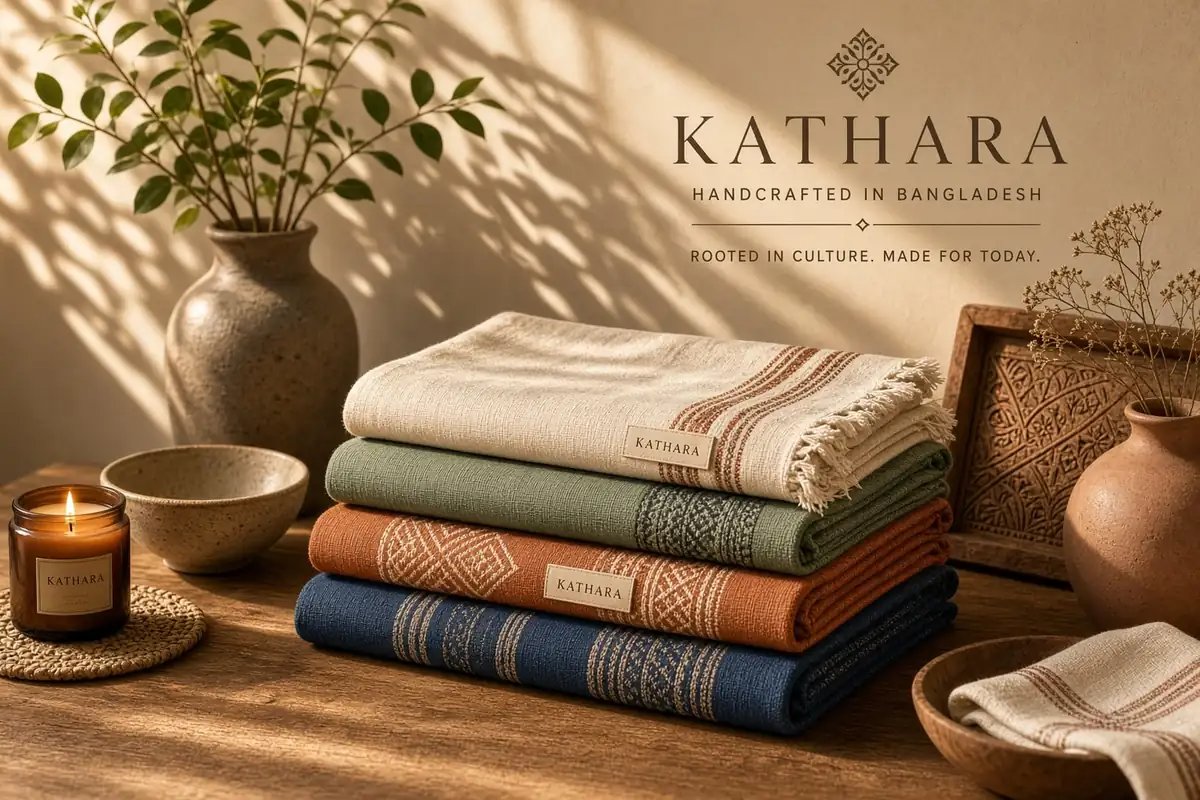
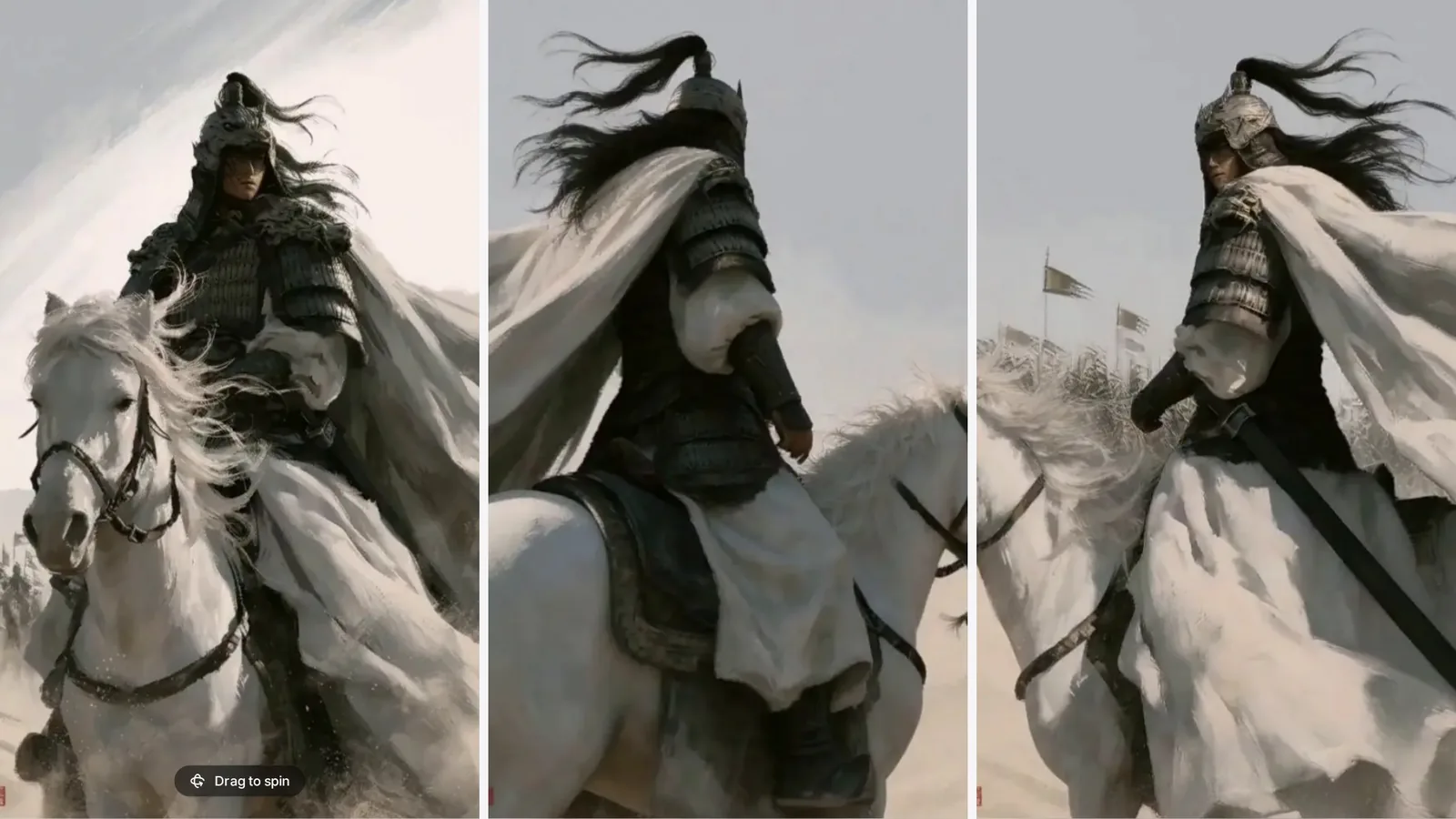
The official name for Grok Image 2 is Imagine Image 2.0. This upgrade focuses not just on 'generating a better-looking image,' but on making AI images closer to creative assets that can be further edited, typeset, and delivered: understanding complex instructions more accurately, handling text and layouts, modifying images by region, combining multiple reference images, and adapting the same visual to different dimensions. Genvizu is also planning to integrate Grok Image 2, offering this new model to creators soon.
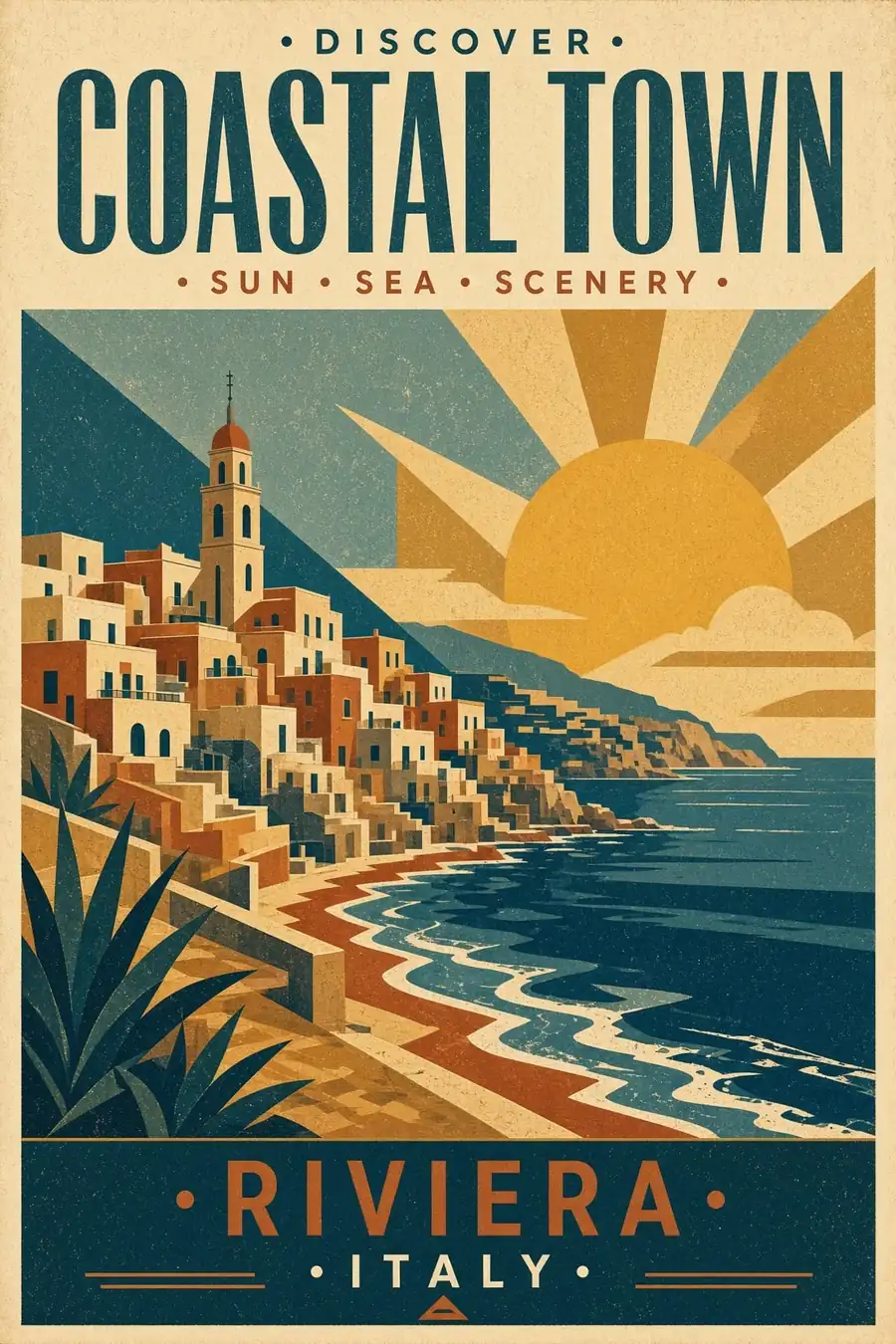
Examples generated by Imagine Image 2.0, as shown on the official xAI release page.
What is Grok Image 2?
xAI officially released Imagine Image 2.0 on August 7, 2026, making it available as a new Quality Mode in the Grok web interface and its iOS and Android apps. According to xAI's official announcement, this generation is designed for both image generation and editing, aiming to produce visual assets usable in real creative workflows.
It's important to note that Grok Image 2 refers to the new generation image model within Grok Imagine, not the Grok 2 chatbot model or OpenAI's GPT Image 2. When searching or selecting a model, using the official name Imagine Image 2.0 will help avoid confusion.
Five Core Features of Grok Image 2
1. Enhanced Instruction Following and Complex Composition Capabilities
Grok Image 2 emphasizes execution of detailed requirements. For instance, when a prompt includes character placement, product positioning, background elements, colors, and text hierarchy simultaneously, the model attempts to incorporate all these constraints into a single composition, rather than focusing only on the most prominent keywords.
This is particularly crucial for ad creatives, infographics, social media posters, and storyboards: creators can describe the visual structure more precisely, reducing the number of revisions needed due to missing elements or incorrect placement.
2. Text and Layout No Longer Mere Add-ons
xAI specifically highlights typography and layout. Grok Image 2 plans the relationship between text and visuals, ensuring that multi-block designs with high information density maintain structure and improving the clarity of small text.
It is therefore more suitable for experimenting with:
-
Product posters with titles, subtitles, and selling points;
-
Travel itineraries, step-by-step instructions, and knowledge-based infographics;
-
Magazine covers, key event visuals, and retro print designs;
-
UI concept art with labels, buttons, or status information.
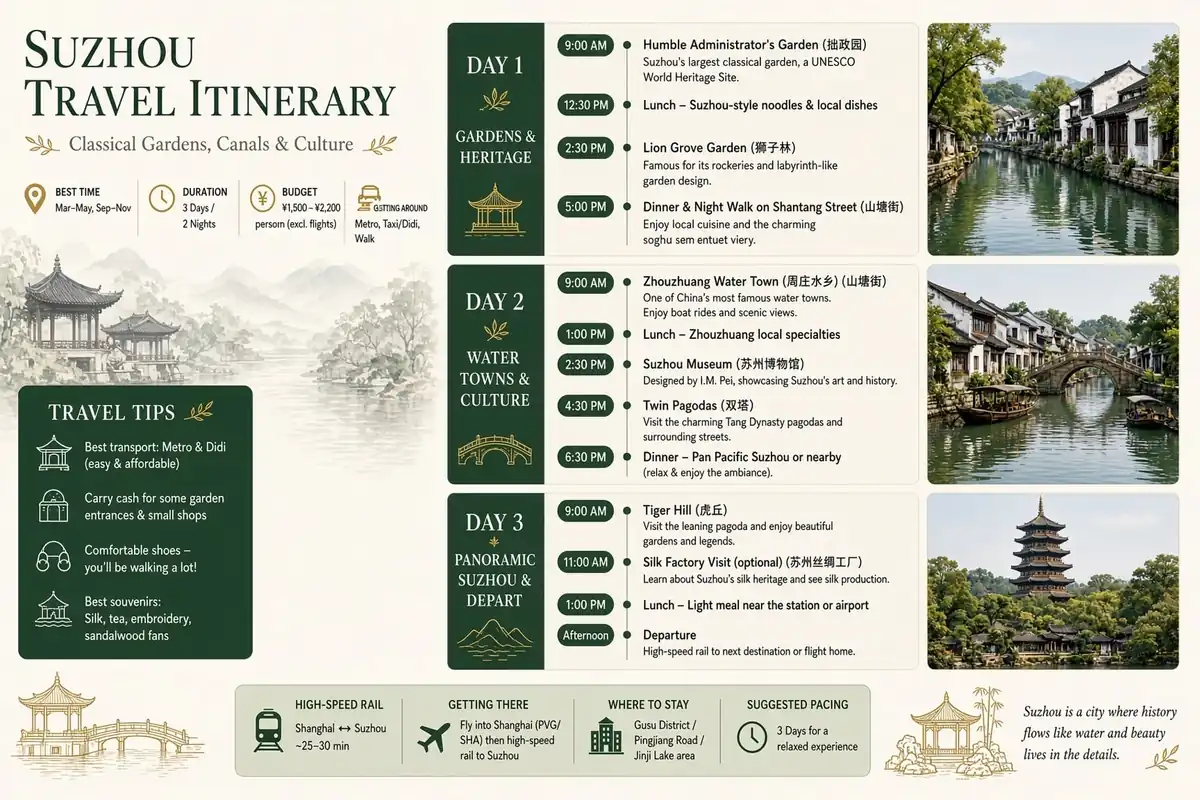
A multi-block travel infographic from an official example; AI-generated text still requires manual proofreading before official release.
However, AI-generated text should still be proofread word-by-word before publication. Critical information such as brand names, prices, dates, and legal disclaimers should ideally be finalized in professional typesetting tools.
3. More Precise Regional Editing
First-generation images are rarely final drafts. Grok Image 2 elevates editing to a core capability, introducing finer control methods: Magic Wand allows modification of specific areas, segmentation enables accurate range selection, and background removal can export transparent subjects.
In practical workflows, this means you can change a clothing color, correct a prop, remove a background, or adjust local textures while preserving the rest of the image, without needing to regenerate the entire picture each time.
4. Up to Five Reference Images and Cross-Image Consistency
Official documentation indicates that multi-reference editing can accept up to five input images at once. Creators can provide separate references for characters, products, scenes, materials, and styles, then have the model combine them, reducing the need for manual masking and stitching.
Grok Image 2 also emphasizes maintaining original settings during continuous generation and editing. For brand series, multi-scene assets of the same character, and projects that require establishing characters, locations, and props before video production, this consistency is more valuable than the occasional surprise of a single striking image.
5. Smart Resize and Task Templates
Smart Resize is not simple stretching or cropping. After selecting a new aspect ratio, the model intelligently fills in the scene, adapting the same creative concept to different formats like vertical, square, and banner. Official templates are also provided for common tasks such as product color changes, e-commerce photos, UGC photos, professional avatars, icons, character sprites, game items, and merchandise design, organizing frequent workflows into ready-to-use starting points.
For teams needing a set of assets to cover multiple channels, this transforms 'remaking an image' into 'rapid adaptation based on the same direction.'
Key Advantages of Grok Image 2
AdvantagePractical Value to Creative WorkflowSuitable ScenariosMore detailed instruction executionReduces missing elements, incorrect placement, and repeated redrawingAd creatives, storyboards, complex scenesStronger text and layout capabilitiesEasier generation of structures close to final draftsPosters, infographics, covers, UI conceptsMore controllable local modificationPreserves other parts of the image when editing a specific areaProduct color changes, portrait adjustments, background processingSupports multi-reference inputsCombines references for characters, products, and stylesE-commerce, brand visuals, character designBetter cross-image consistencyMore suitable for creating series assets rather than isolated imagesIP characters, brand content, pre-production for videoSmart adaptation to multiple sizesFaster coverage of different platforms with the same creativeSocial media, ad campaigns, vertical/horizontal assets
In short, the advantage of Grok Image 2 lies in connecting 'generation' and 'modification' into a single workflow. It focuses more on whether assets can be used further, rather than just whether they are eye-catching at first glance.
Which Creators Should Pay More Attention?
If you simply need quick, random visual inspiration, both old and new models might suffice. However, if your images require multiple revisions, series consistency, or a clear information structure, Grok Image 2's upgrades will be more meaningful.
-
E-commerce and Marketing Teams: For creating product images, color variations, event posters, and multi-size advertisements;
-
Designers and Content Creators: For exploring layouts, infographics, covers, avatars, and social media assets;
-
Game and IP Teams: For building character, scene, prop, icon, and UI assets;
-
Video Creators: For generating consistent characters, locations, and key props before proceeding to storyboarding and video production.
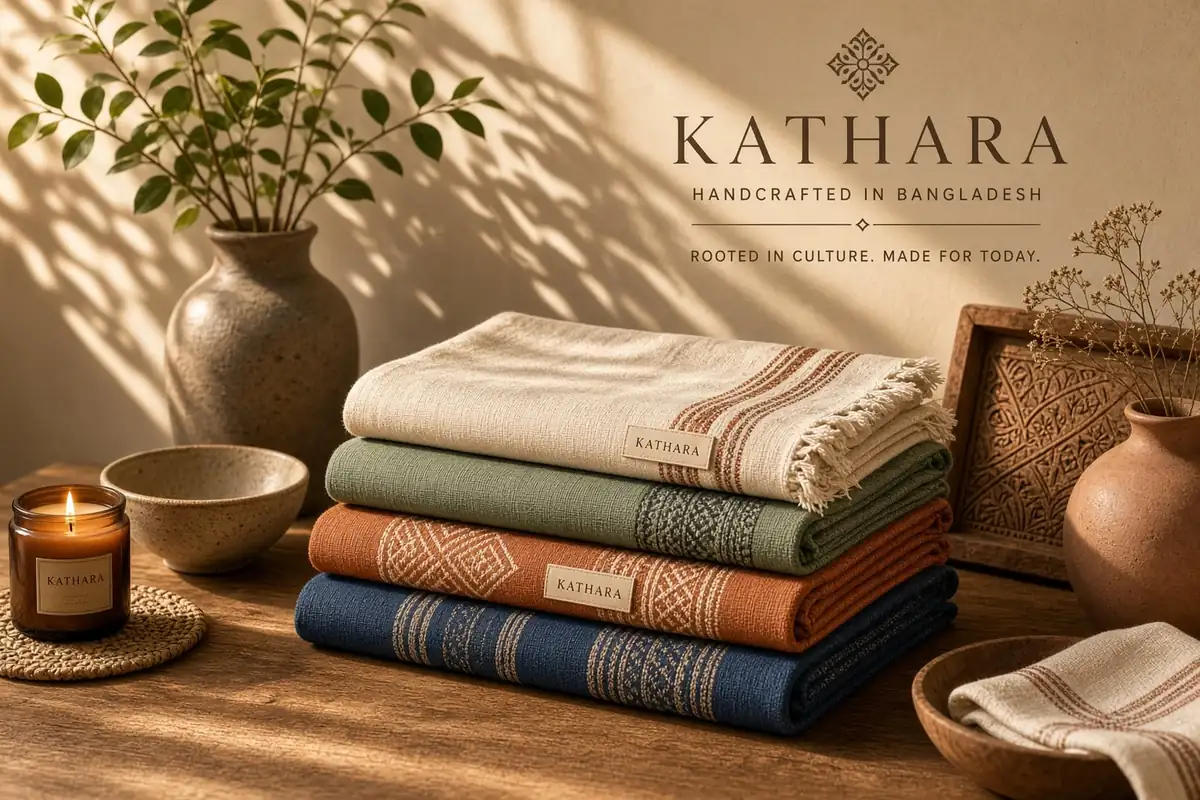
Product visuals from an official example, combining brand text, material details, and staged presentation.
A snapshot of the Arena leaderboard released by xAI on August 7, 2026, shows Image 2.0 ranking second globally in both text-to-image generation and image editing. This indicates its strong performance in anonymous human preference comparisons at the time. However, leaderboards are dynamic and cannot replace your actual testing for Chinese text, character consistency, or specific product assets.
Genvizu Will Soon Integrate Grok Image 2
As of this article's publication, xAI has opened Imagine Image 2.0 in Grok's consumer-facing products, but the official API is still in a 'coming soon' state. Genvizu is also preparing to integrate Grok Image 2: we will complete parameter mapping, output stability testing, reference image workflow integration, and billing verification after the API becomes available, before offering the official entry point to users.
Therefore, we are not committing to a specific launch date, credit price, output resolution, or number of reference images on Genvizu at this time; this information will be based on the final integrated version. Once available, creators will be able to select Grok Image 2 alongside other mainstream image models within Genvizu, making it easier to compare different models and continue using the results in the canvas and subsequent creative workflows.
Follow Genvizu's Integration Progress for Grok Image 2
Before Grok Image 2 is officially released, you can browse real works generated by different models and prompts to organize compositions, styles, and usage scenarios that suit you: Open the Genvizu AI Inspiration Gallery