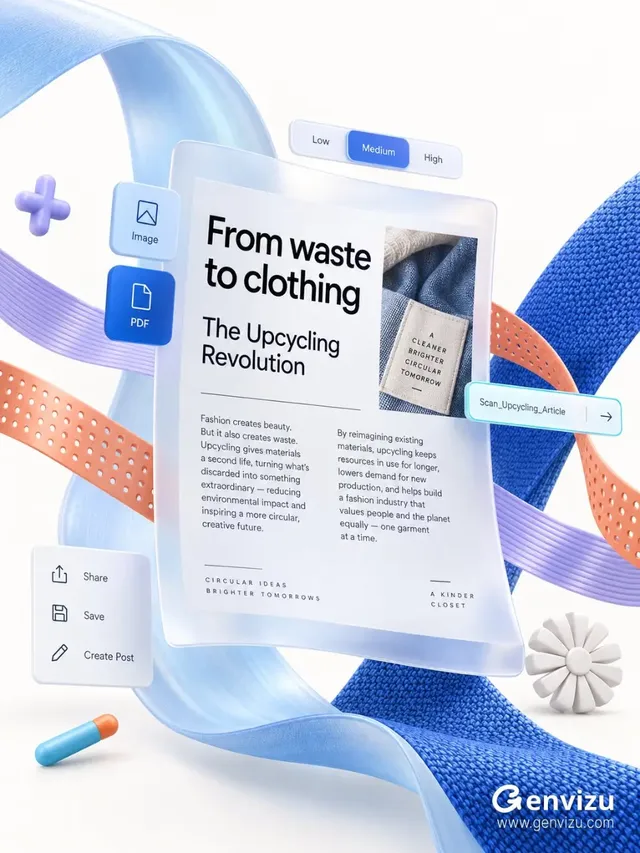
Genvizu — AI image, video, and prompt generation studio

A 3D UI mockup for 'The Upcycling Revolution' featuring floating documents, Fluent-style controls, and colorful ribbons on a warm-white background.
leolee

leolee

@listudio

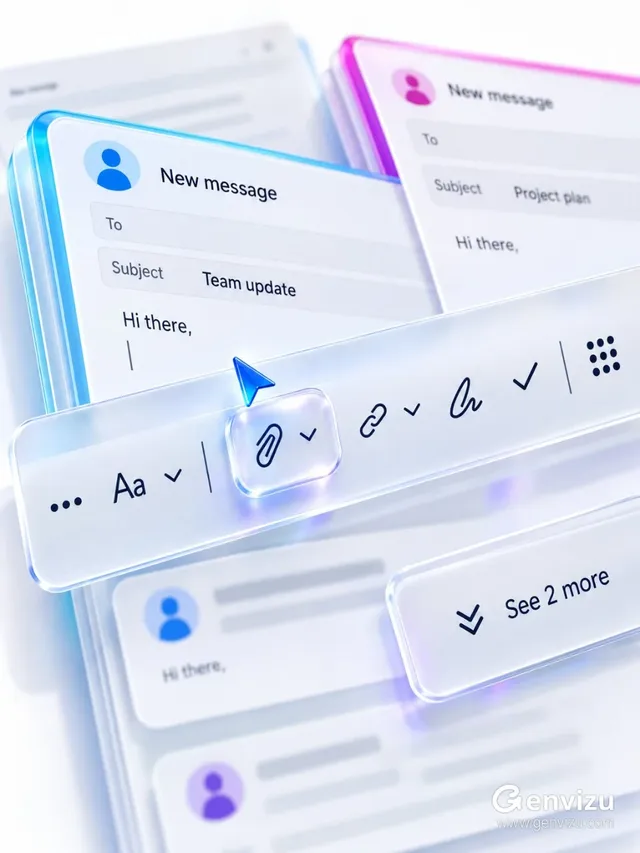
Close-up of stacked email compose windows with a frosted acrylic toolbar and a blue arrow cursor hovering over a paperclip icon, against a cool-white background with blurred email cards.
leolee

leolee

@listudio

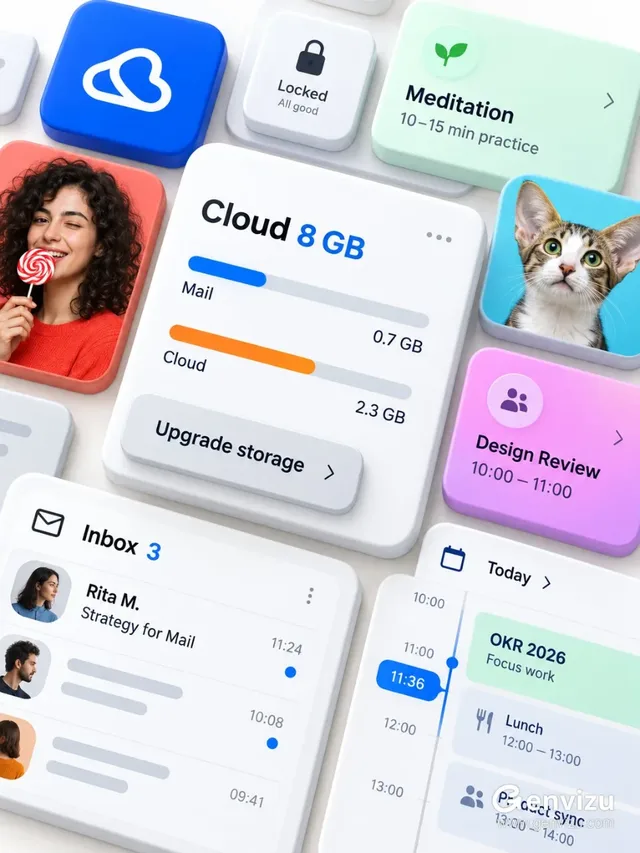
A top-down oblique view of floating, overlapping UI cards in a Microsoft Fluent-inspired design, showcasing cloud storage, mail, and scheduling features on a warm-white background.
leolee

leolee

@listudio

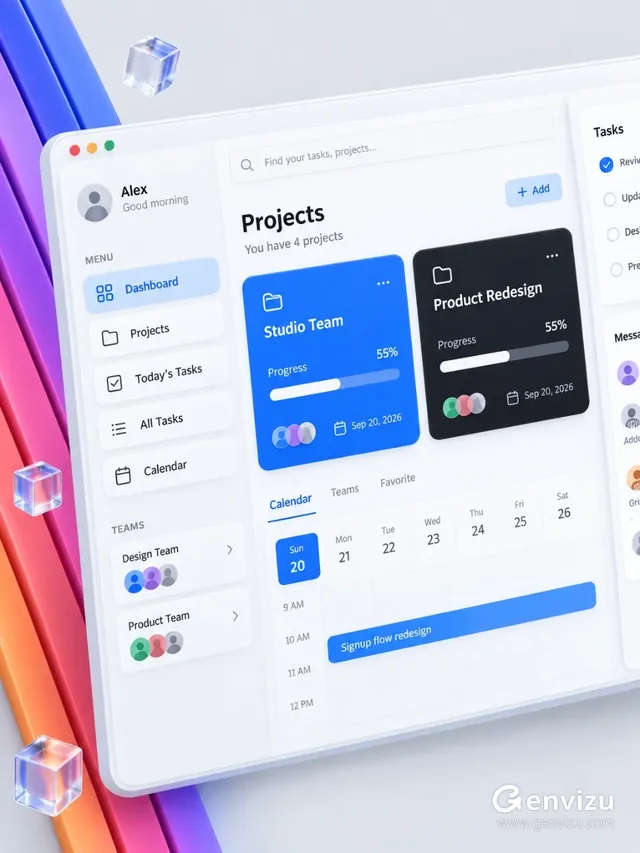
A 3D rendering of a project management dashboard with a clean, modern interface, inspired by Microsoft Fluent UI, featuring project cards, task lists, and calendar elements.
leolee

leolee

@listudio

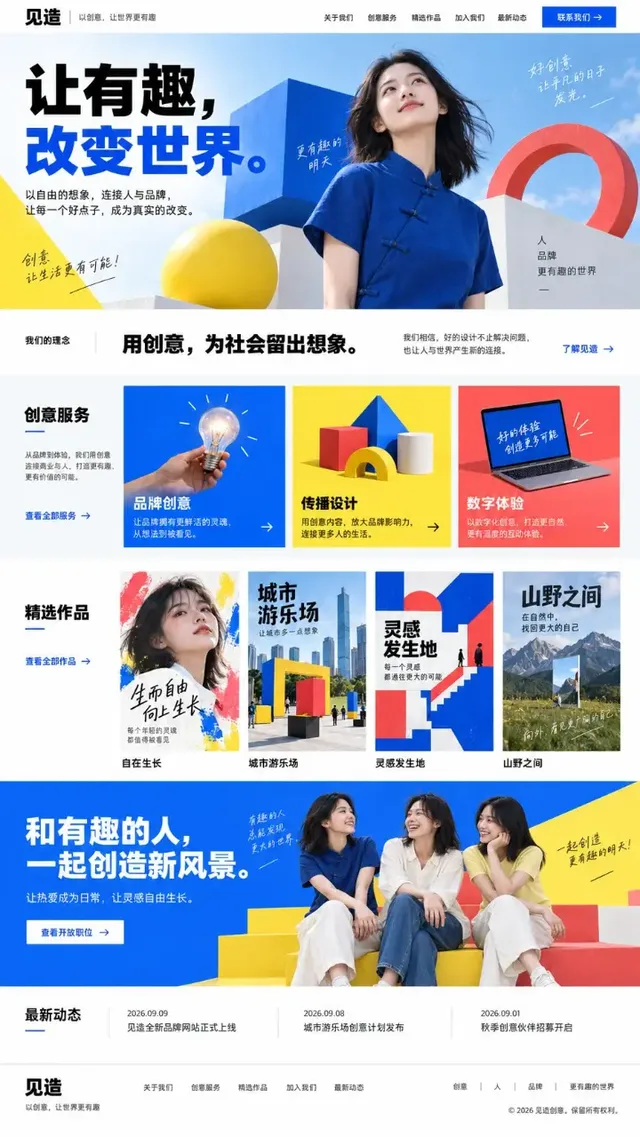
Full-page screenshot of a Chinese creative agency website. Features a clean white background with sections for navigation, hero image with text and a woman, company philosophy, services, portfolio, recruitment, latest news, and footer. Uses cobalt blue, bright yellow, and coral red.
leolee

leolee

@listudio

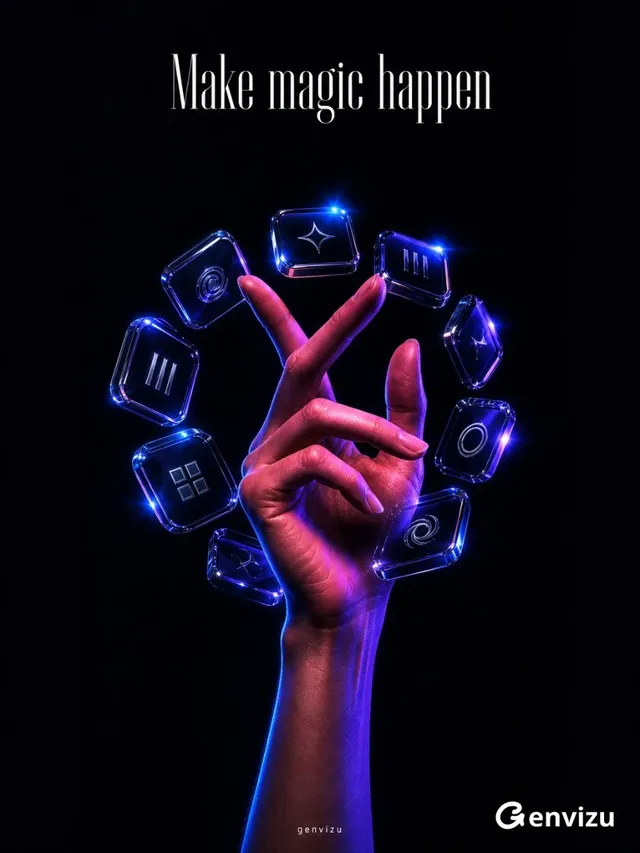
A realistic, five-fingered human hand and forearm reaching upwards from a dark background, fingers elegantly crossed. The hand is adorned with transparent, smoky glass and polished resin digital charms with chrome edges. Dramatic magenta and blue lighting highlights the hand and charms, with sharp highlights on the glass.
leolee

leolee

@listudio

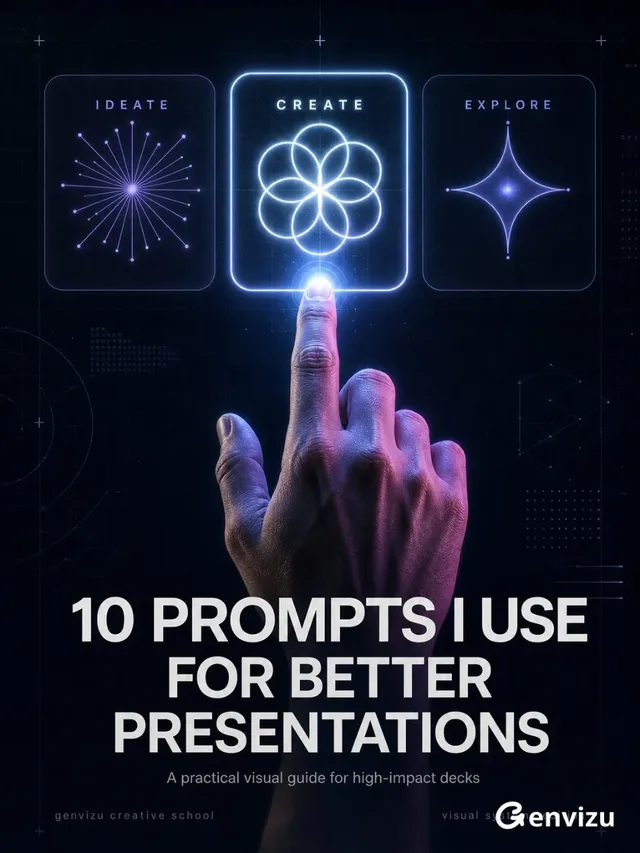
Dark vertical poster for a digital creation course. Features three interactive cards (IDEATE, CREATE, EXPLORE) with abstract symbols. A realistic hand reaches up to touch the 'CREATE' card. White text reads '10 PROMPTS I USE FOR BETTER PRESENTATIONS'. Subtle UI elements and a glowing effect.
leolee

leolee

@listudio

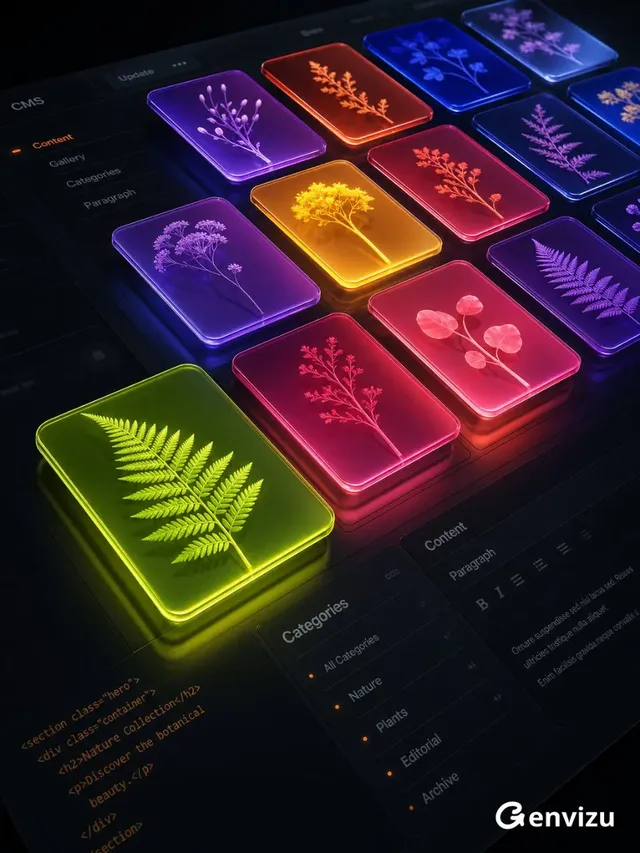
High-end 3D digital interface of a dark content management system with floating, colorful media cards displaying botanical silhouettes, viewed from a low, oblique angle with strong perspective.
leolee

leolee

@listudio

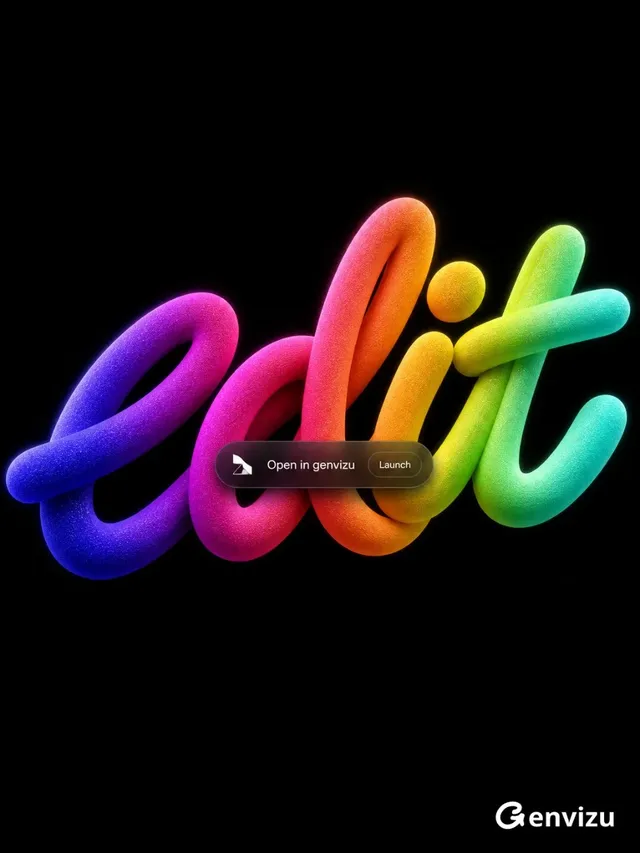
Minimalist 3D poster with the word 'edit' in a thick, fluid, handwritten style. The word is tilted and occupies the center of a pure black background. A vibrant gradient flows across the word from deep purple and electric blue to magenta, pink, red-orange, gold, bright cyan, and mint green. The surface has a fine glitter texture and soft glowing edges. A small, semi-transparent black capsule with 'Open in genvizu' and 'Launch' is overlaid in front of the word.
leolee

leolee

@listudio

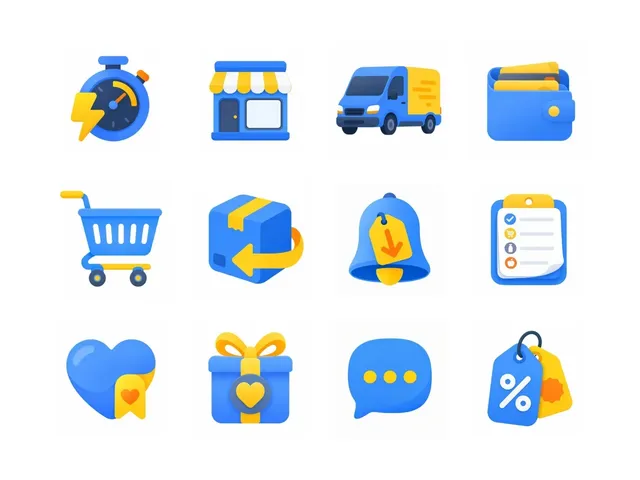
Collection of colorful, modern e-commerce icons including a timer, van, wallet, cart, and chat bubble, created with the Waterlemon Pebble Icon Skill.
Nitish Khagwal

Nitish Khagwal

@nitishkmrk

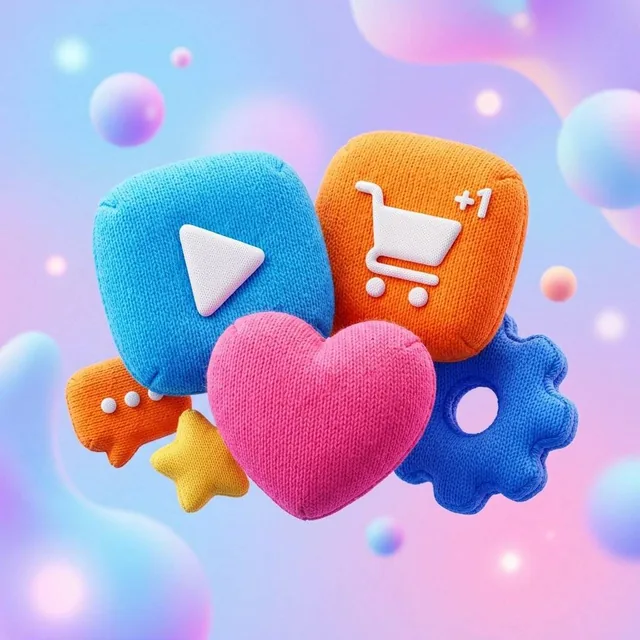
A single, high-end 3D app icon with a rounded, puffy, inflatable soft-body aesthetic. The icon is covered in a highly detailed knitted fabric texture with visible fine fibers and y

sundyme

@sundyme

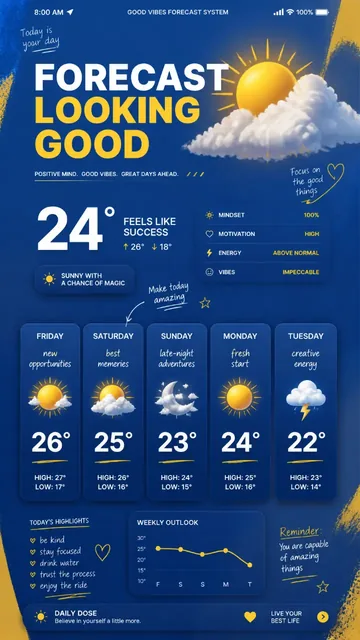
A striking 9:16 poster featuring a giant weather app interface predicting emotions like 'new opportunities' and 'creative energy', set against a cobalt blue and yellow background w
Ahmed Nagaty

Ahmed Nagaty

@user_1233d897

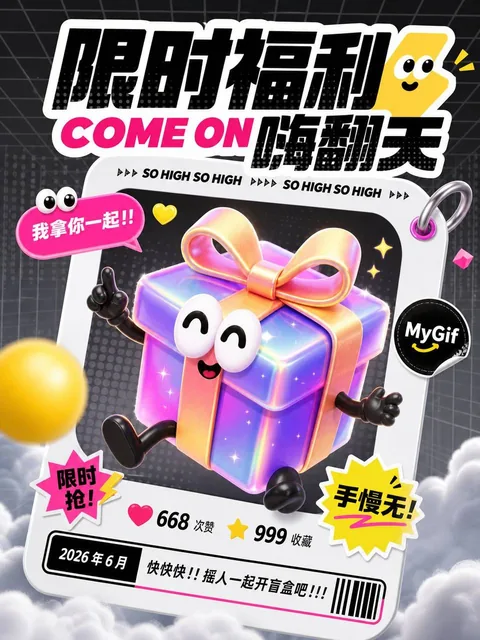
A high-energy limited-benefit poster with a cute 3D iridescent gift-box mascot inside a tilted social-card frame, featuring text like 限时福利 and COME ON 嗨翻天, against a dark gray perspective grid background with soft haze and cloud base.
listudio

listudio

@listudio

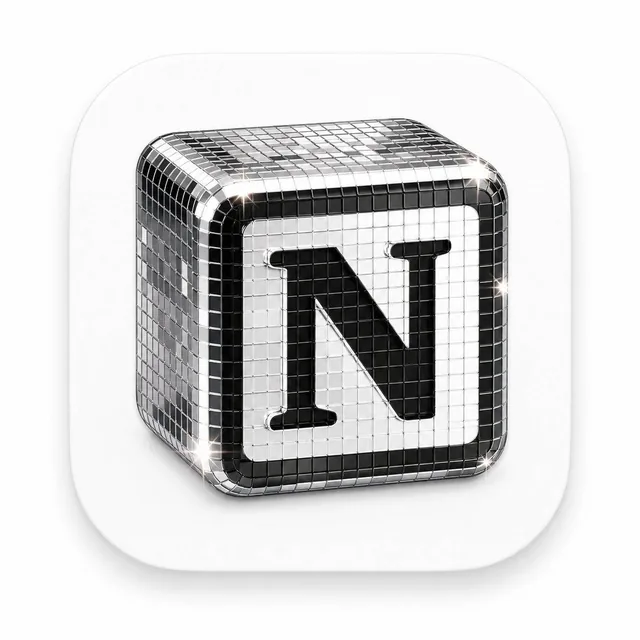
A premium 3D app icon for a product, featuring a rounded square tile with glossy glass and chrome material, disco-ball mosaic mirror tiles, sparkling highlights, soft studio lighting, clean minimal background, high-end icon style, Blender 3D render, ultra detailed.

vista8

@vista8

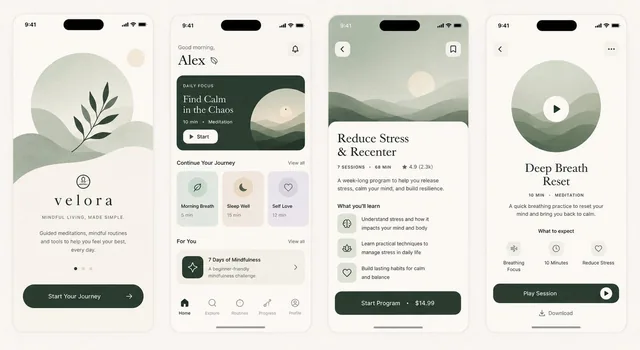
A premium wellness and meditation mobile app UI mockup featuring four floating iPhone screens on a minimal studio background. The screens include a welcome screen with botanical illustration, a home dashboard with meditation cards, a program detail page, and a session player. Soft sage green, cream

AiwithSaad

@AiwithSaad

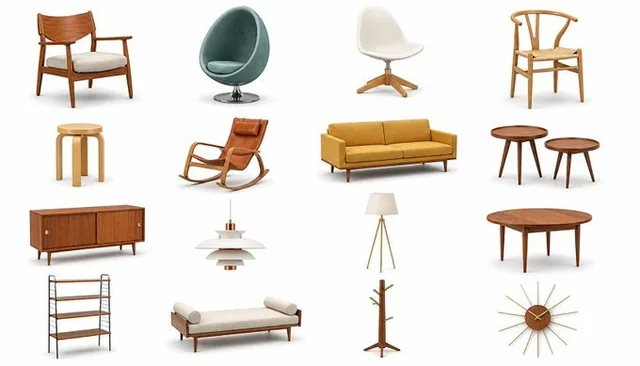
A collection of modern 3D icons featuring Scandinavian and Nordic furniture and lighting, displayed in a clean grid on a white background with soft shadows.
kumiko_shiraki

kumiko_shiraki

@kumiko_shiraki
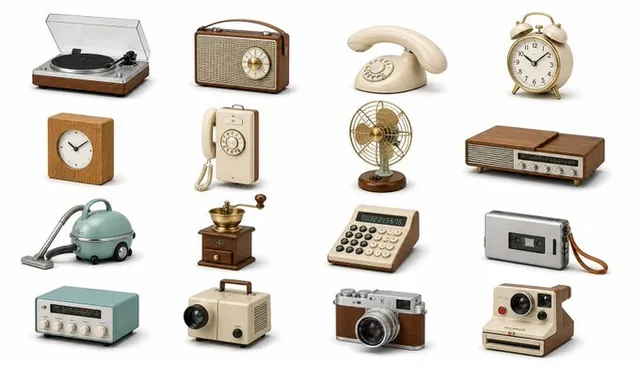
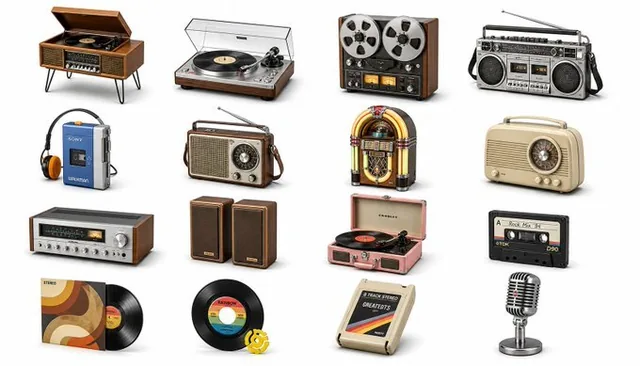
A modern 3D icon set featuring various retro audio and home-hi-fi gadgets like record players, boomboxes, and microphones, arranged in a clean grid on a pure white background with soft drop shadows.
kumiko_shiraki

kumiko_shiraki

@kumiko_shiraki
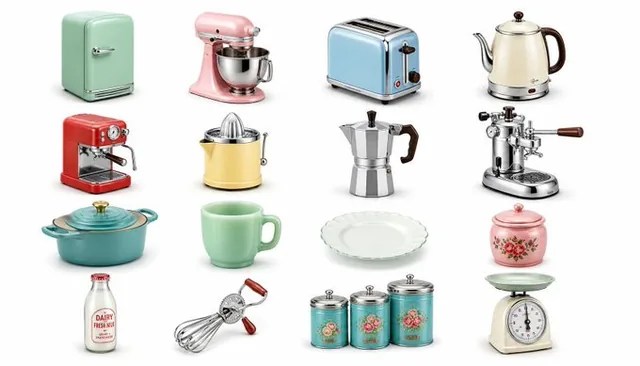
A collection of 16 modern 3D icons featuring retro Scandinavian and Nordic gadgets, rendered in a soft, minimalist style with warm wood and brushed metal textures, floating on a clean white background with gentle drop shadows.
kumiko_shiraki

kumiko_shiraki

@kumiko_shiraki
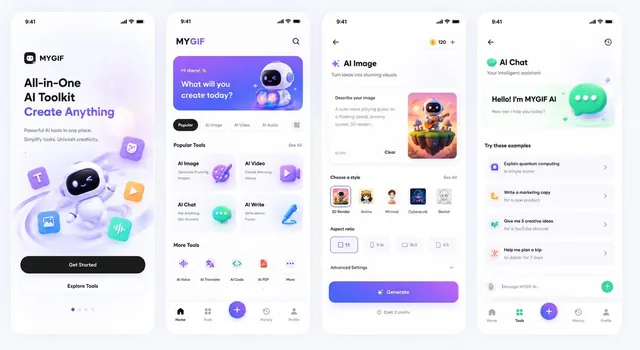
A collection of 16 retro kitchen appliances rendered as soft 3D icons, arranged in a clean grid on a pure white background. Each icon features pastel colors and chrome accents, floating with gentle drop shadows.
kumiko_shiraki

kumiko_shiraki

@kumiko_shiraki

A 5.5x3 app mockup featuring a warm-toned, Apple-inspired design system with Linear aesthetics and subtle 3D elements. Includes a mobile welcome screen without photography, a mobile homepage, and two product/service pages for the MyGif AI toolset platform.
listudio

listudio

@listudio

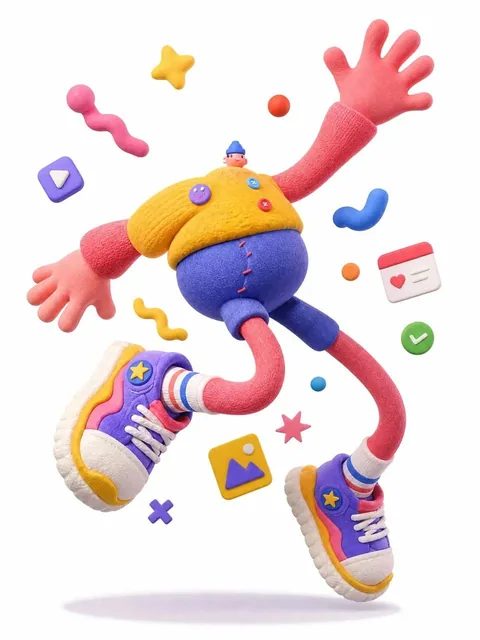
A complete single 3D illustration of an exaggerated cartoon character with a tiny head, round chubby body, and elongated limbs, frozen mid-air in a dramatic jumping pose. The character has oversized hands and shoes, off-balance center of gravity, and strong comedic energy. It is rendered as a soft s

Unknown

Source lost

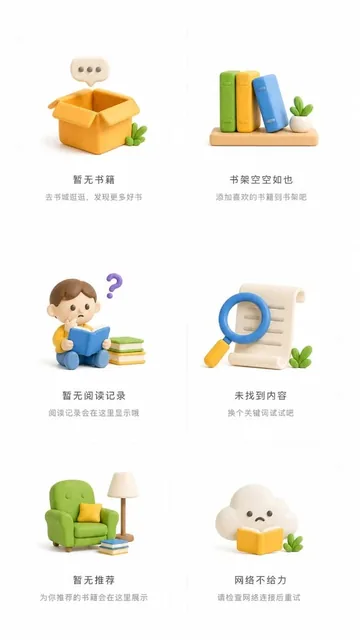
A set of 6 empty state illustrations for a Reading app in 3D clay style, each in an independent container with unified layout, pure white background, large spacing and blank space, clean and concise composition, Dribbble standard, 9:16 ratio.

Unknown

Source lost

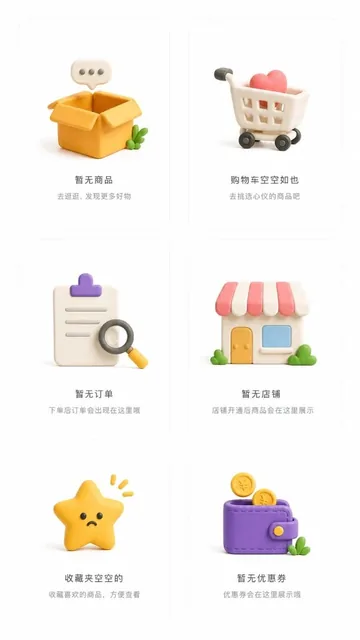
A set of 6 empty state illustration designs for an E-commerce app in 3D clay style, each in an independent container with unified layout, pure white background, large spacing and blank space, clean and concise composition, Dribbble standard, 9:16 ratio.

Unknown

Source lost

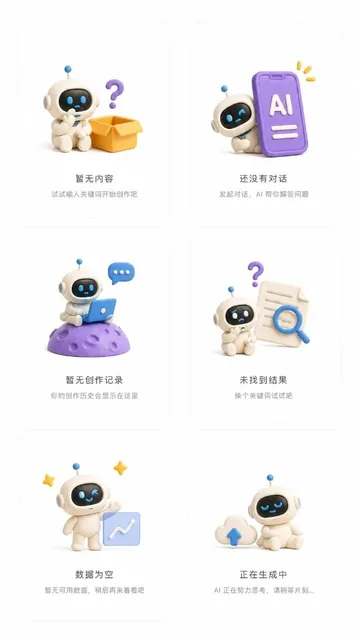
A set of six 3D clay style empty state illustrations for an AI app, each in an independent container with unified layout, pure white background, large spacing, clean and concise composition, Dribbble standard, 9:16 aspect ratio.

Unknown

Source lost

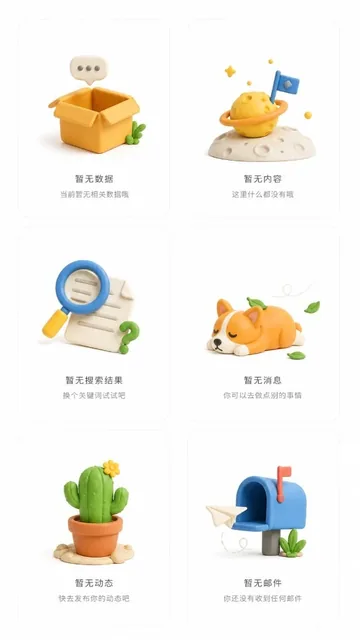
A set of 6 empty state illustration designs for a general APP in 3D clay style, each in an independent container with unified layout, pure white background, large spacing and blank space, clean and concise composition, Dribbble standard, overall output ratio 9:16.

Unknown

Source lost

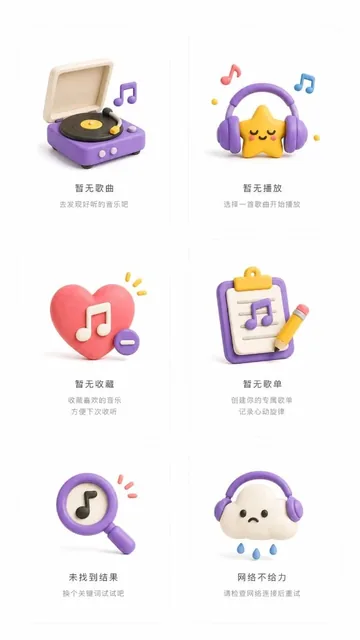
A set of 6 empty state illustration designs for a Music APP in 3D clay style, each in an independent container with unified layout, pure white background, large spacing, clean and concise composition, Dribbble standard, 9:16 ratio.

Unknown

Source lost

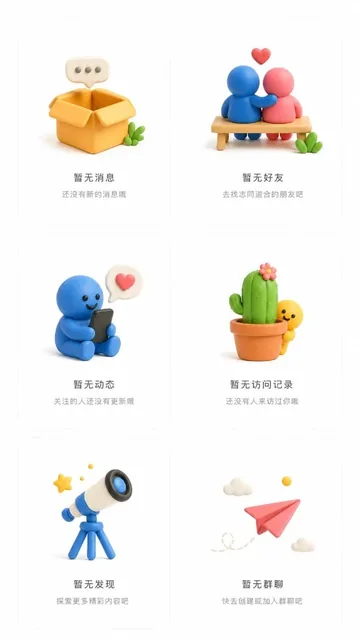
A set of 6 empty state illustrations for a social app in 3D clay style, each in an independent container with unified layout, pure white background, large spacing, clean composition, Dribbble standard, 9:16 ratio.

Unknown

Source lost

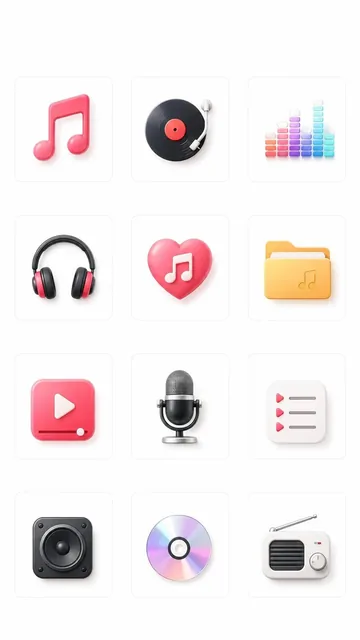
A set of 12 3D skeuomorphic music player app king-kong category icons on white rounded-corner cards, featuring music note, vinyl record, equalizer, headphones, liked music, music folder, video, microphone, playlist, speaker, CD and radio, with colorful accents and glossy textures.

Unknown

Source lost

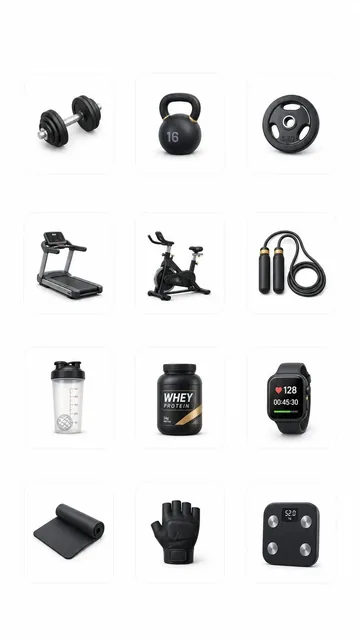
A set of 12 sleek black premium homepage king-kong category icons for a fitness e-commerce app, featuring dumbbell, kettlebell, weight plate, treadmill, spin bike, jump rope, shaker bottle, protein powder, sports watch, yoga mat, training gloves, and body-fat scale. Photorealistic skeuomorphic textu

Unknown

Source lost

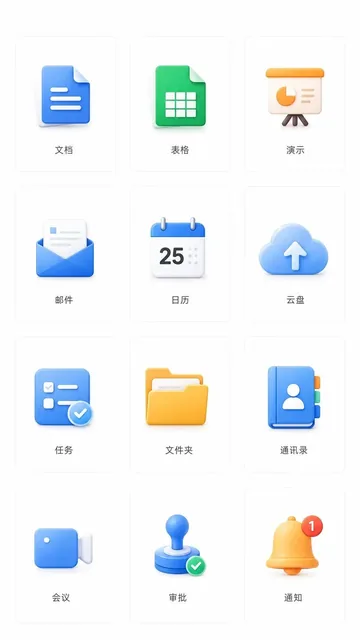
A set of 12 blue-toned 3D skeuomorphic homepage king-kong category icons for enterprise office-collaboration app, covering document, spreadsheet, presentation, email, calendar, cloud drive, tasks, folder, contacts, meeting, approval and notifications, displayed on white background rounded-corner car

Unknown

Source lost

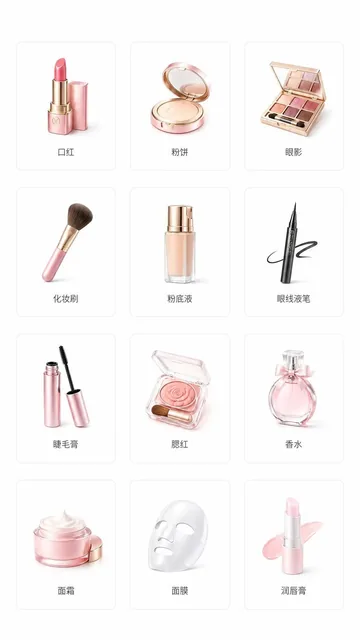
A set of 12 pink-toned homepage king-kong category icons for a beauty e-commerce app, featuring lipstick, face powder, eyeshadow, makeup brush, foundation, eyeliner pen, mascara, blush, perfume, face cream, face mask, and lip balm. Each icon is placed on a white background rounded-corner card with a

Unknown

Source lost

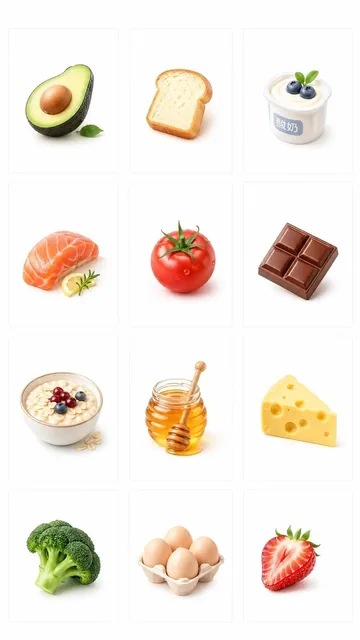
A set of 12 photorealistic king-kong category icons for a premium fresh-grocery membership app homepage, featuring avocado, bread, yogurt, salmon, tomato, chocolate, oats, honey, cheese, broccoli, eggs and strawberry on white rounded-corner cards, emphasizing freshness, health and premium quality.

Unknown

Source lost

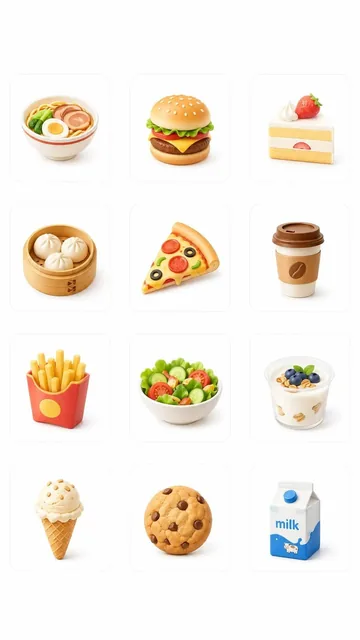
A set of 12 clay-style 3D skeuomorphic king-kong category icons for a food-delivery app, featuring noodles, burger, cake, baozi, pizza, coffee, fries, salad, yogurt, ice cream, biscuits and milk, on white rounded-corner cards.

Unknown

Source lost

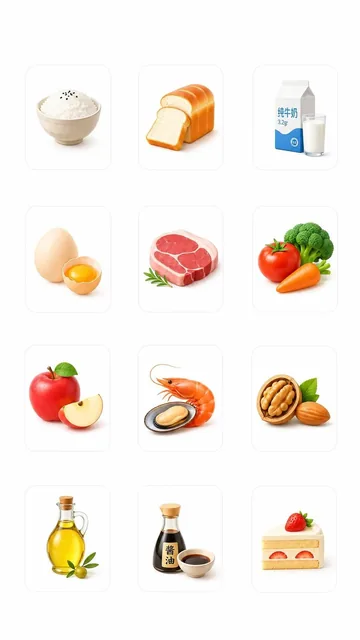
A set of 12 fresh grocery e-commerce homepage king-kong category icons on white rounded-corner cards, featuring rice, bread, milk, eggs, meat, vegetables, apples, seafood, nuts, cooking oil, soy sauce and cake, with 3D skeuomorphic texture, clean and refined design.

Unknown

Source lost

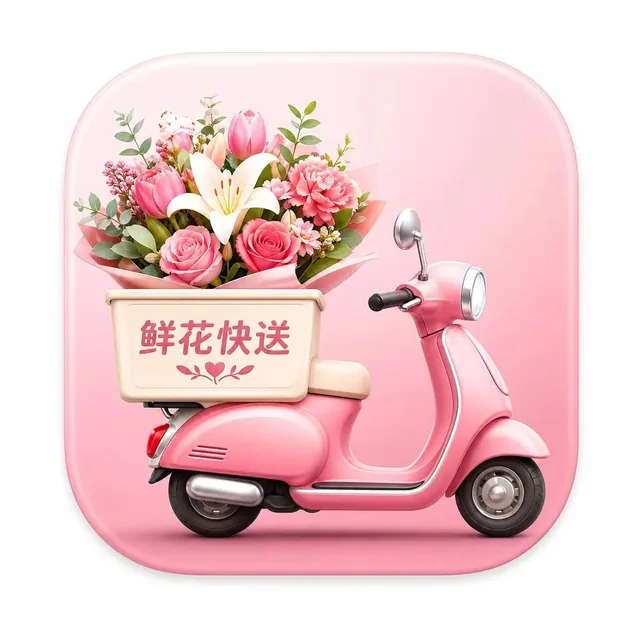
A modern light skeuomorphic macOS app icon for Flower Express, featuring a single squircle with smooth rounded corners centered on a white canvas with padding, occupying about 80% of the canvas.

Unknown

Source lost

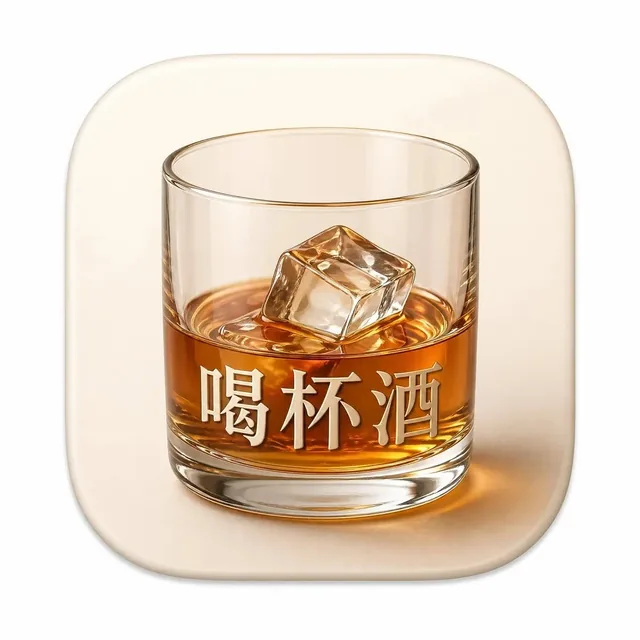
A modern macOS app icon for 'Have a Drink', featuring a single squircle with smooth rounded corners on a white canvas, occupying 80% of the space, in a light skeuomorphic style.

Unknown

Source lost

A single squircle macOS app icon for Quick Vocabulary, with smooth continuous rounded corners, centered on a white canvas with padding, occupying 80% of the canvas, in a modern light skeuomorphic macOS App Store style.

Unknown

Source lost

A single squircle icon for the Flash Chat app, centered on a white canvas with padding, occupying 80% of the canvas. Modern light skeuomorphic macOS App Store style, smooth continuous rounded corners.

Unknown

Source lost

A single squircle macOS app icon for Pigeon Audiobook, centered on white canvas with padding, modern light skeuomorphic style, smooth continuous rounded corners.

Unknown

Source lost

A modern macOS app icon for Little Elephant Fast Food, featuring a single squircle with smooth rounded corners, centered on a white canvas with padding, occupying 80% of the canvas, in a light skeuomorphic style.

Unknown

Source lost

A modern macOS app icon for Bichon Shop, featuring a single squircle with smooth rounded corners centered on a white canvas, occupying 80% of the space, in a light skeuomorphic style reminiscent of the Mac App Store.

Unknown

Source lost

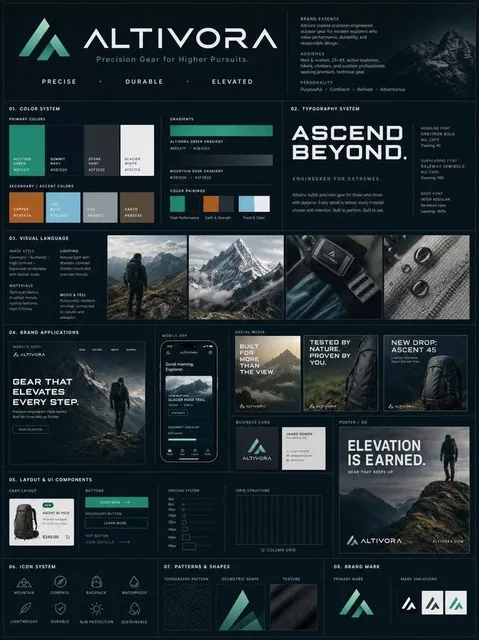
A premium vertical brand guideline board designed with a structured modular grid, showcasing color palettes, typography, visual language, brand applications, UI components, icon system, and patterns. The layout is clean, professional, and reflects a high-end agency presentation.

beginnersblog1

@beginnersblog1

What is Genvizu

Genvizu is an AI image and video generation studio with a prompt gallery of real published work and an infinite canvas, running multiple models including GPT Image, Midjourney, Nano Banana, Seedream, and Seedance in the browser. Start from a work in the prompt gallery, see the prompt and parameters behind it, and remix it with the model of your choice, or start from a blank prompt. Multi-step ideas live on an infinite canvas, and everything runs in the browser with no install.

image models
16
video models
10
curated gallery works
1,500+
browser tools
5

Frequently asked questions

What is Genvizu?

Genvizu is an AI image and video generation studio with a prompt gallery of real published work and an infinite canvas, running multiple models including GPT Image, Midjourney, Nano Banana, Seedream, and Seedance in the browser. It puts three things in one place: a gallery of works published with their prompts, a generation workspace for images and video, and a canvas where prompts, references and outputs connect into a workflow.

About Genvizu

Which AI models can I use?

Image models include GPT Image, Nano Banana, Midjourney, Seedream, FLUX.2, Qwen Image, Grok Image and Z-Image. Video models include Seedance, Veo, MiniMax H3, Grok Imagine Video and Gemini Omni Flash. You choose the model for each generation, and the line-up changes as providers ship and retire models, so each model page shows what is available today.

Is there a free trial?

Yes. New accounts receive free trial credits on sign-up, and no credit card is required. Trial credits work on the basic image models, so you can try the full workflow before choosing a plan. Browsing and searching the prompt gallery is free without an account. Current subscription plans and one-time credit packs are listed on the pricing page.

See plans and pricing

Can I generate video as well as images?

Yes. The same workspace generates both. For video you describe the shot, then choose the model, aspect ratio, resolution and duration, and the cost is shown before you run it. Several video models can also animate a starting image. Finished clips land in your generations history next to your images, where you can download them or reuse the prompt.

Can I use the images commercially?

Genvizu does not claim ownership of what you generate. Commercial use depends on each model provider's terms and on applicable law. Some third-party models, Midjourney among them, restrict commercial use under their own terms, and those limits apply whatever your Genvizu plan is. The model disclosure in the app flags this before you generate.

Terms of Service

Do I need Discord or any install?

No. Genvizu runs entirely in the browser, so there is no Discord server to join, no app to install and no local GPU to set up. That includes the Midjourney models: you write the prompt, pick the model and generate from the same web workspace you use for every other model, on desktop or mobile.

Can I reuse a prompt from the gallery?

Yes. Works in the prompt gallery are published with the prompt, model and parameters that produced them. Open a work, load its idea into the generator, then keep it as it is or change the subject, style or aspect ratio and run it on the same model or a different one. Filter the gallery by model, category or tag to find a starting point.

Explore the gallery

What is the infinite canvas?

Canvas mode is a node-based workspace where prompts, reference images, generations and agent steps connect into a visual graph instead of a chat log. A multi-step idea, such as a product shot followed by variations and a short video, stays visible and editable, so you can rerun any step and come back to the workflow later.

Does Genvizu support Chinese?

Yes. The whole interface is available in English and Chinese, and you can switch at any time. Most models accept Chinese prompts directly. A few, including the Midjourney models and FLUX.2 Pro, need English prompts, and the translate helper under the prompt box turns a Chinese prompt into English in one step. Support replies in both languages.

What happens to my uploads and generations?

Your generations are saved to your own library in the Generations panel, where you can download, favorite, reuse or delete them. Generations are private by default and only become public if you choose to share or publish them. Reference images you upload are used to run the generations you request. The privacy policy explains how personal data is handled.

Privacy policy

How is Genvizu different from using Midjourney directly?

Midjourney's own service runs Midjourney models only. Genvizu runs Midjourney alongside GPT Image, Nano Banana, Seedream, video models and others in one browser workspace, so you can try the same prompt on several models. It adds a gallery of published prompts to start from and a canvas for multi-step work.

Can I start from a reference image?

Yes. Many image models accept reference images for image-to-image work, such as keeping a product or character consistent across new scenes, and the GPT Image models accept up to sixteen at once. Several video models can animate a starting image. You can also reverse a prompt from any picture to get prompt language you can edit and reuse.

Read the user guide