Genvizu

3D Illustration and 3D Render AI Prompts

Browse in the studio →

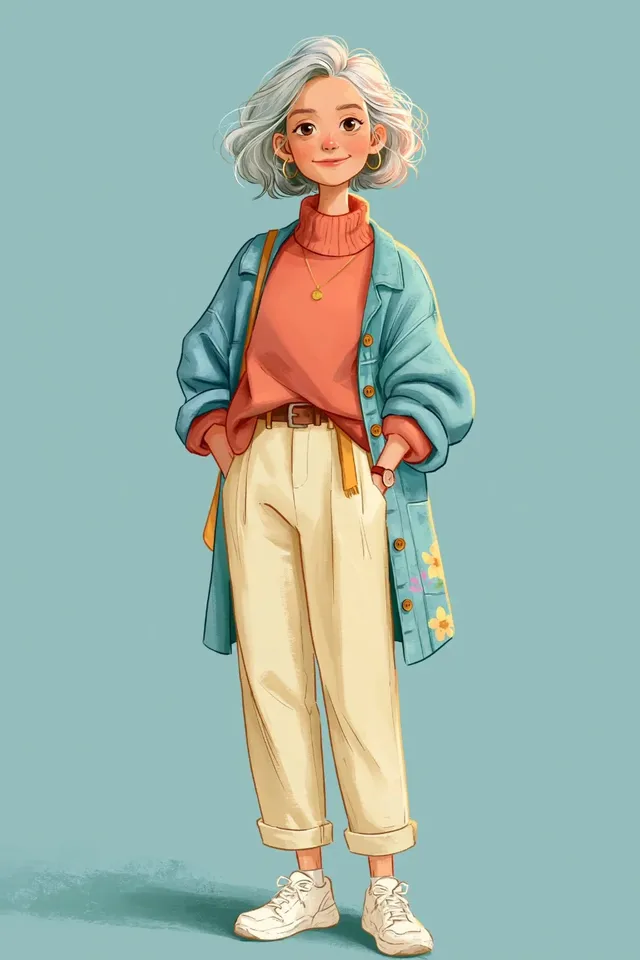
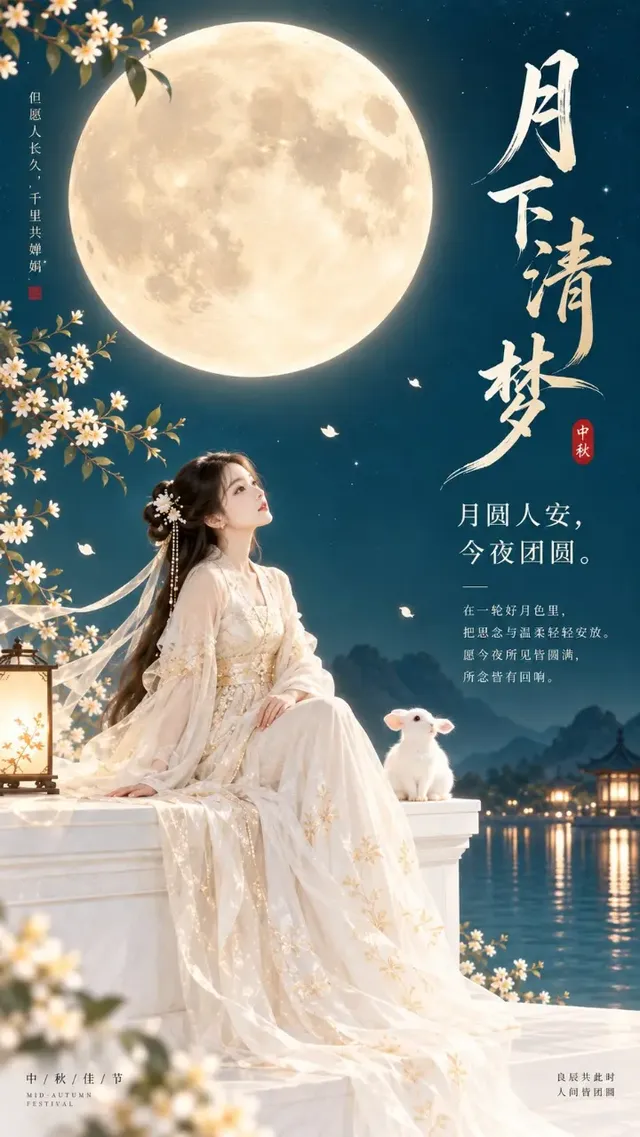
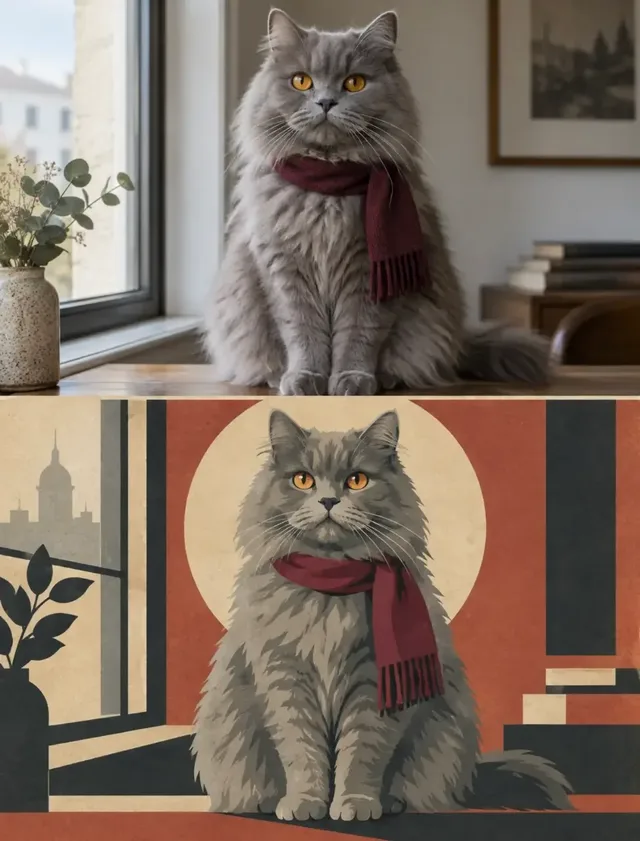
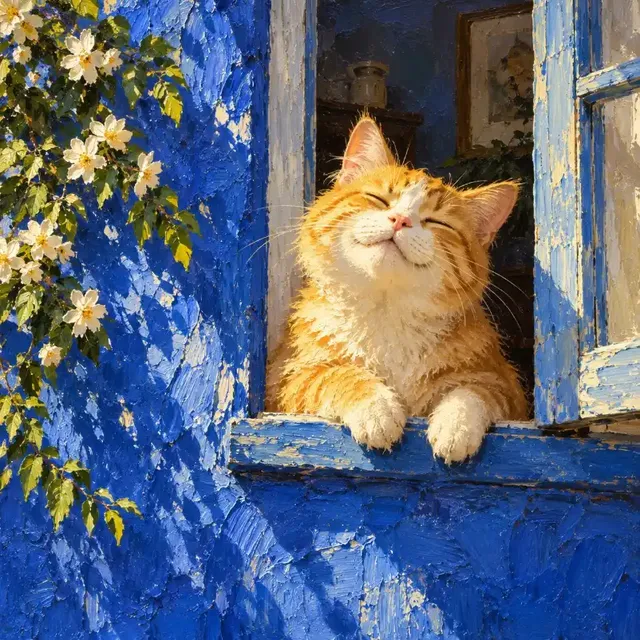
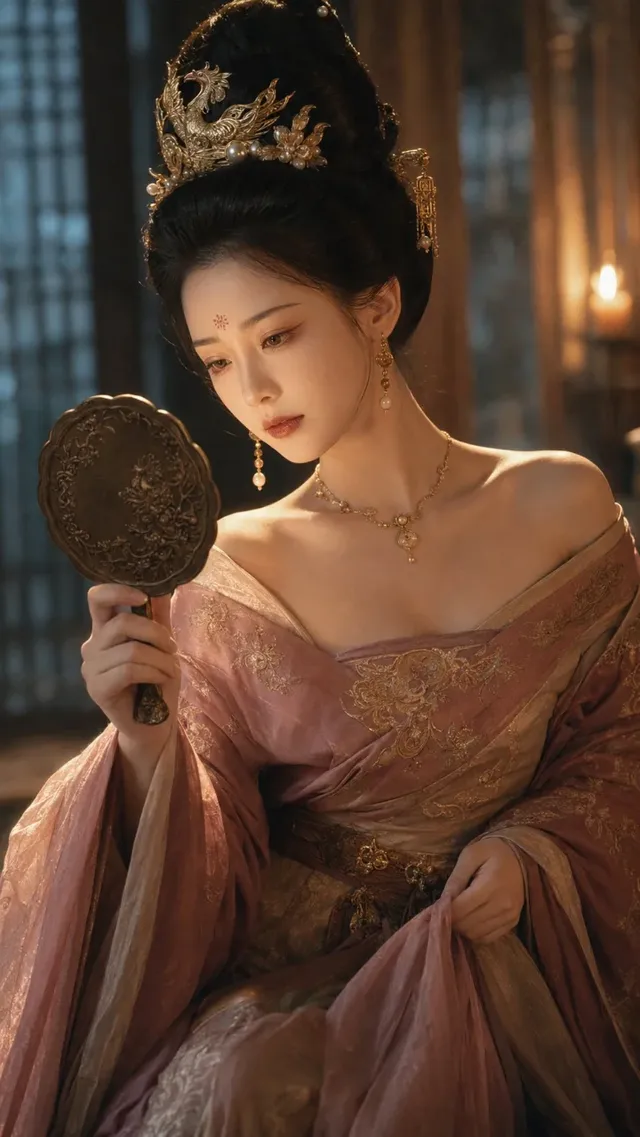
This is the widest category on Genvizu: flat editorial illustration, character sheets, clay-style dioramas, isometric scenes and photoreal CG renders all live here. What separates a 3D prompt from an illustration prompt is vocabulary — material, lighting rig, camera and render look on one side; linework, palette and flat shapes on the other. Pick one vocabulary and stay inside it, and the output stops drifting between the two.

Verified on 2026-09-12

Start free · no credit card

Best for

  • Object and scene renders with a described surface: matte clay, glossy plastic, brushed metal, frosted glass, each behaving differently under the same light.
  • Miniature and isometric scenes, where naming the projection and the camera height is what keeps the geometry consistent.
  • Turning a flat icon or mark into a 3D object while its silhouette stays fixed — attach the flat file as a reference image (up to 14 per run on Nano Banana 2, up to 16 in the GPT Image 2.5 image-to-image channel).
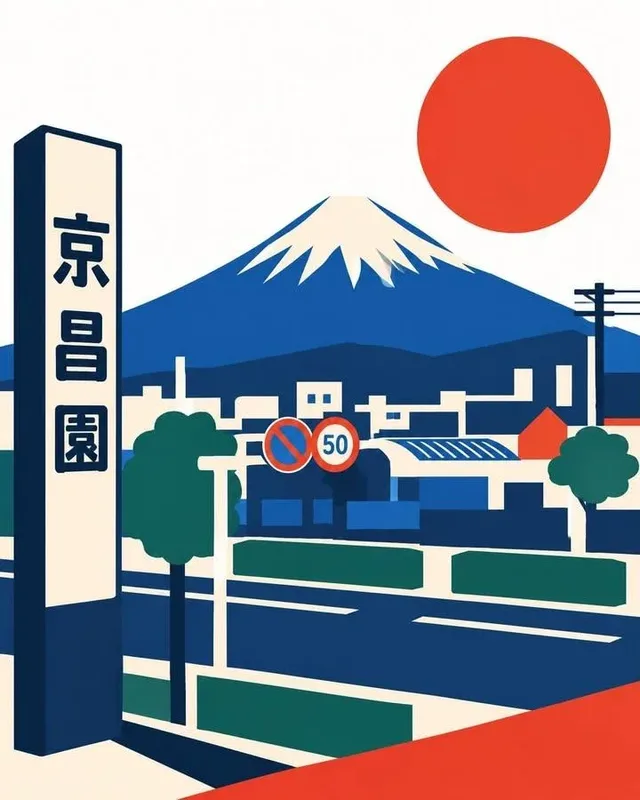
  • Editorial and flat illustration with a controlled palette, ink linework and layered geometric shapes.
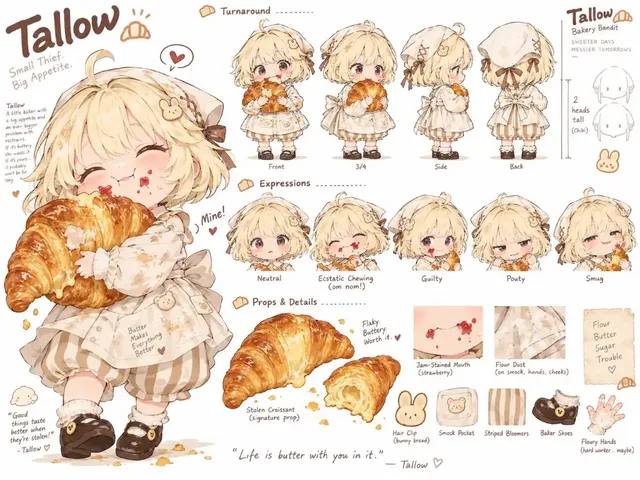
  • Character sheets and series where one design has to repeat: carry the same references from run to run and restate the fixed traits in words.
  • Delivering at 4K without a separate upscaling step, on Nano Banana 2 and GPT Image 2.5.

Not for

  • Actual 3D geometry. Everything here is a picture — there is no mesh to rotate, relight, rig or print, and no camera to move after the fact.
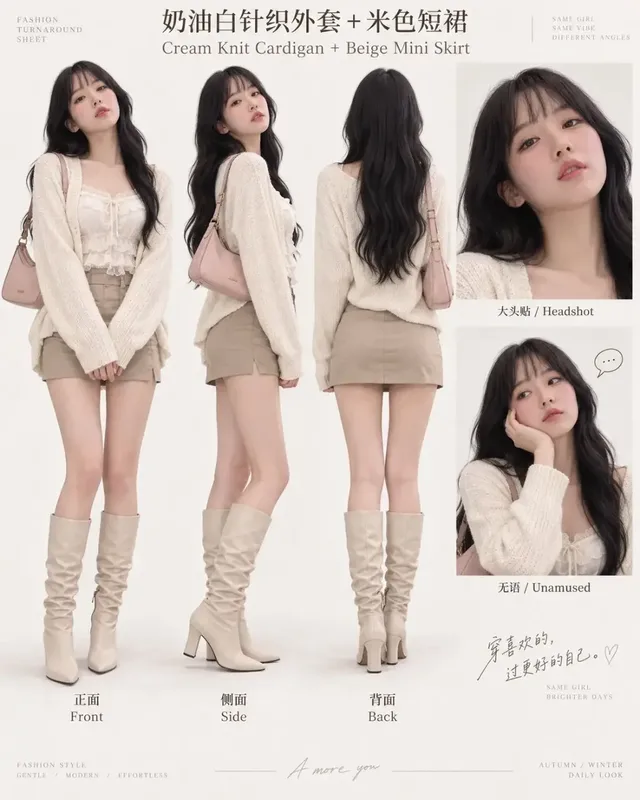
  • Turnarounds that must line up. Front, side and back views generated separately will not share exact proportions, so they cannot be used as modelling reference.
  • Technical drawings with real dimensions. A render can look engineered without being measurable; dimensioned drawings belong in CAD.
  • Reproducing a run exactly. The upstream request carries no seed field, so a rerun of the same prompt is a new image.

Specifications and limits

FieldValue
Typical inputsSubject, style family (flat illustration, clay, isometric, photoreal CG), material, lighting, camera, palette, ratio, and an optional reference image
Words that decide a 3D lookMaterial and finish, a named lighting setup, depth of field, and render vocabulary such as physically based rendering, volumetric light or ray-traced reflections
Words that decide an illustration lookMedium (ink, gouache, risograph), line weight, flat or textured fills, a limited palette, and paper or grain texture
Frames in use1:1 for single objects and icons, 16:9 for scenes and boards, 3:4 or 9:16 for vertical key art
Reference imagesUp to 14 per run on Nano Banana 2; up to 16 in the GPT Image 2.5 image-to-image channel; up to 5 on Seedream 5.0 Pro; one on Midjourney 8.1
Delivery size1K, 2K or 4K on Nano Banana 2 and GPT Image 2.5; 1K or 2K on Seedream 5.0 Pro and Midjourney 8.1
Images per runOne on Nano Banana 2, GPT Image 2.5 and Seedream 5.0 Pro; four on Midjourney 8.1
OutputA raster image. Mesh, material and camera data do not exist downstream of the generation.

Prompt examples

Handcrafted miniature diorama

Prompt

Create a charming handcrafted miniature diorama featuring [STORE / BRAND NAME] as the main focal point. Reimagine the recognizable storefront as a cozy, whimsical 3D clay miniature, preserving its signature architectural style, recognizable colors, logo/signage and brand identity. Surround the store with tiny realistic details such as a sidewalk, street lamp, benches, plants, flowers, seasonal decorations, bicycles, small signs and miniature objects related to the store. Add warm glowing lights through the windows and subtle activity around the entrance.

The material word does the heavy lifting: "clay miniature" sets surface, scale cues and light behaviour in one phrase, which is why the result reads as a handmade model rather than a small photograph of a shop. The long list of props matters too — a diorama is convincing because of density, so the prompt enumerates instead of saying "detailed".
Flat icon turned into a 3D object, silhouette locked

Prompt

Transform the uploaded app icon into a highly stylized premium 3D object. Preserve the exact original rounded-square outer boundary and proportions. The outer edges must remain perfectly contained within the original silhouette and must never expand, bulge outward, or cross the original boundaries. All swelling and inflation should happen inward, creating a thick compressed metallic gel volume that pushes toward the center.

Three sentences are spent on one constraint — the outer boundary — because that is the failure this task actually has: the model inflates the shape until the icon no longer fits its grid slot. Saying where the volume is allowed to go ("inward") is more reliable than repeating "keep the shape".

Editorial illustration with fill-in-the-blank slots

Prompt

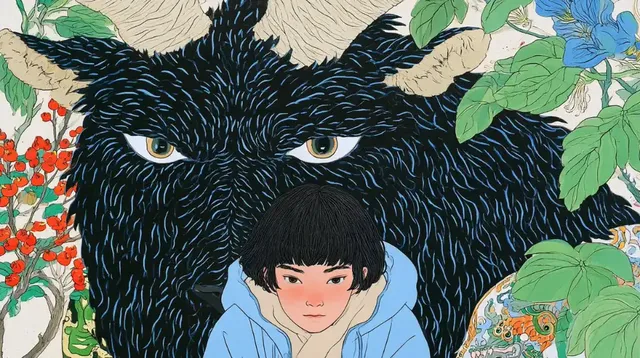
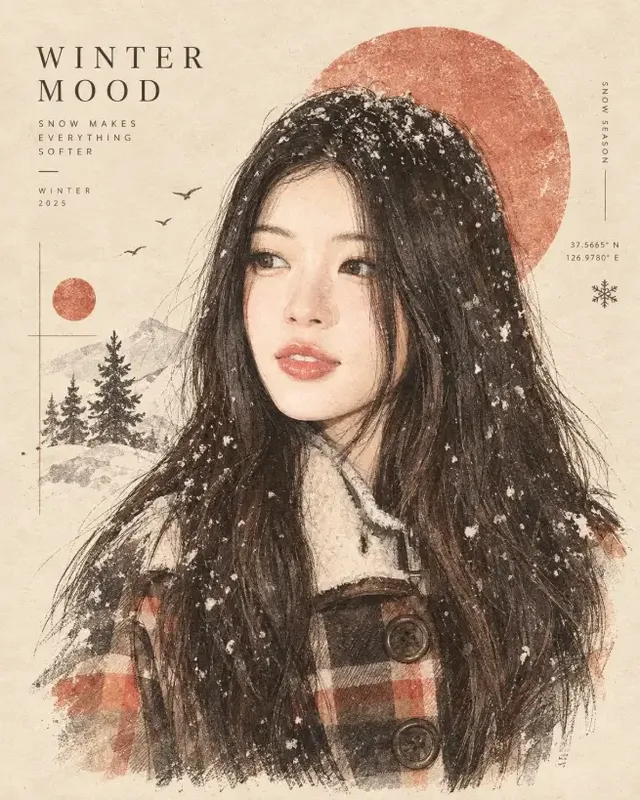
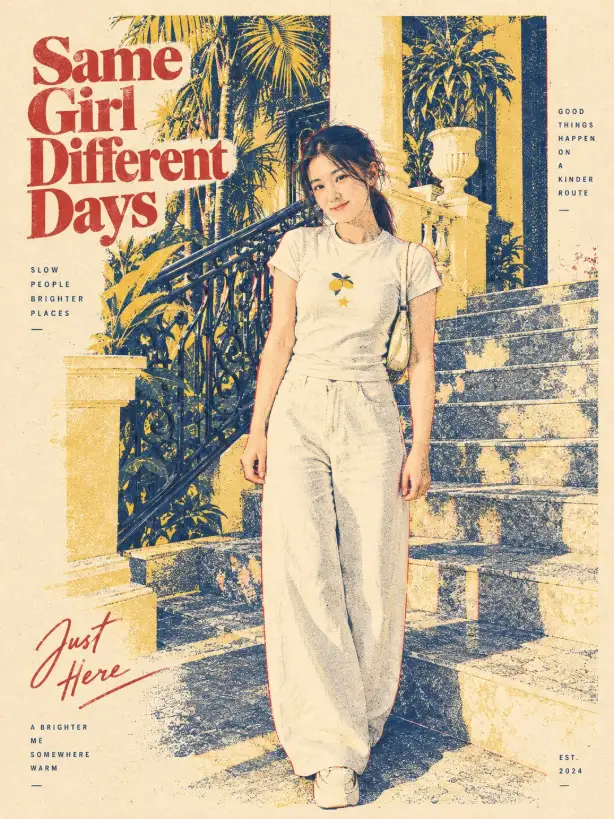
Create a sophisticated hand-drawn editorial illustration representing [COUNTRY].
Feature a stylish full-body human figure inspired by the country's culture, fashion, and character, standing beside its most iconic native animal. Surround them with recognizable national elements such as [LANDMARK], [PLANT/FLOWER], [FOOD], [TRADITIONAL OBJECT], and [LANDSCAPE].

Use elegant black ink linework, fine sketch details, slightly imperfect handmade contours, and a vintage editorial illustration aesthetic.

This is the illustration vocabulary, with no render words anywhere: medium, line quality, deliberate imperfection. The bracketed slots turn one prompt into a series template — swap the country and the five elements and the visual system holds across a whole set.

How it compares

Nano Banana 2

Pick it when the job starts from pictures you already have — a flat icon, a product photo, an earlier frame of a series — with up to 14 reference images per run and a 4K tier for delivery.

Midjourney 8.1

Pick it to explore a look: four images per run from one submission. Prompts must be English and stop at 1,024 characters, only one reference image is accepted, there is no 4K tier, and its output is commercially restricted by Midjourney’s own terms.

3D render

Browse there when you want the render-look subset specifically — material, lighting and camera vocabulary — rather than the whole illustration and 3D category.

Examples from the gallery

Common failures and fixes

The image lands between a photograph and a render, and looks like neither.

Do not mix the vocabularies. Either write photographic terms (lens, aperture, film) or render terms (physically based rendering, HDRI, ray-traced reflections), and delete the others from the prompt.

A flat icon inflates past its original silhouette when turned into 3D.

Write the boundary as a rule rather than a wish: the outer edge must stay inside the original outline, and all volume grows inward. State it once positively and once as a prohibition.

An isometric scene slides into normal perspective.

Name the projection and the camera together — "isometric, camera at a fixed 45-degree angle, no vanishing point" — and keep the scene small. Large isometric scenes drift because there is more geometry to disagree about.

A character changes between images in a set.

Carry the same reference images into every run and restate the fixed traits — silhouette, palette, distinguishing props — in words. Generate the set in one session rather than weeks apart.

Text on signs, packaging or labels inside the scene comes out garbled.

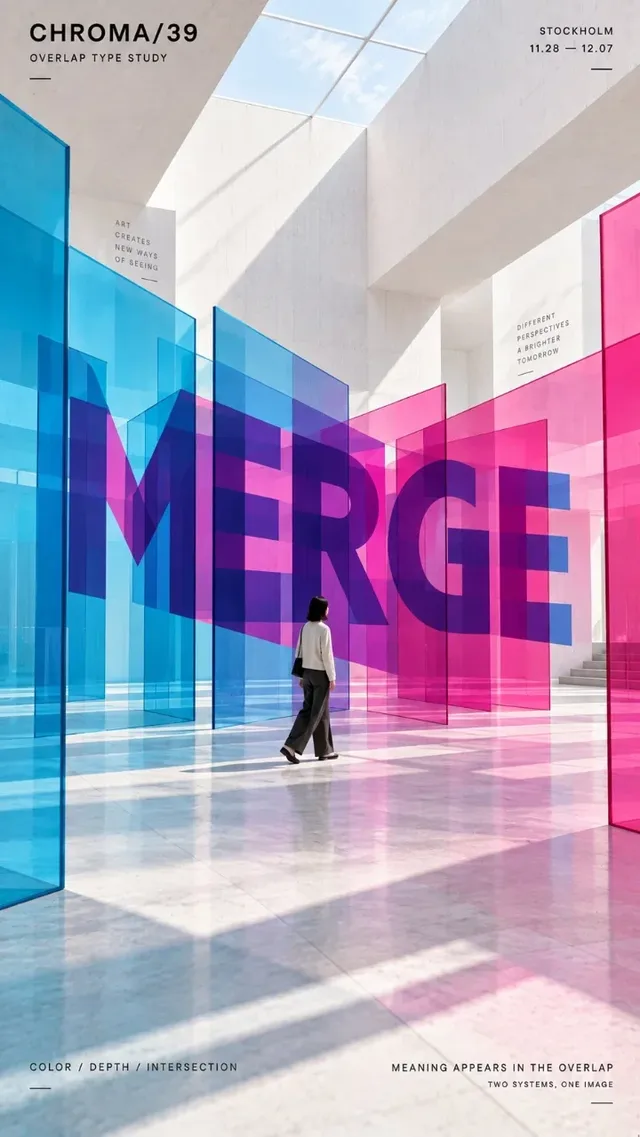
Quote the exact string, keep it to one or two short words, and forbid other text. If the sign is decorative, ask for it to be blank and add real type afterwards.

Frequently asked questions

What is the difference between a 3D illustration prompt and a 3D render prompt?

A 3D illustration prompt describes a stylised object — matte clay, rounded plastic, soft studio light, a limited palette — and accepts that surfaces are simplified. A 3D render prompt describes physics: physically based materials, a named lighting setup, depth of field, ray-traced reflections. The same subject written both ways produces two very different images.

Can I get a 3D model file from these prompts?

No. Every result in this category is a raster image. There is no mesh, material or camera to export, so the output cannot be rotated, relit, rigged or 3D printed. Use it as concept art, key art or a mockup.

How do I turn my logo or icon into a 3D object?

Attach the flat file as a reference image and write the boundary rule explicitly: the outer silhouette and proportions stay exactly as in the reference, and all volume grows inward. Then describe the material and the lighting separately.

Which model suits 3D-style illustration?

When the job starts from an existing picture, use a reference-capable model: Nano Banana 2 takes up to 14 reference images per run and offers a 4K tier, and the GPT Image 2.5 image-to-image channel takes up to 16. When you are exploring a look from text alone, Midjourney 8.1 returns four images per submission, in English and within 1,024 characters.

How do I keep a character consistent across a series?

Attach two or three references of the same design from different angles, restate the fixed traits in words, and change only one thing per run. Expect guidance rather than a lock — the upstream request has no seed field, so results drift between runs.

Sources