Genvizu Canvas Adds 13 New AI Creation Skills: 25 Illustration Styles, Fill Subject to Generate Images
Explore Genvizu's 13 new AI creation skills, including 25 illustration styles and new tools for doodles, posters, photo redraws, and collages. Generate images with style selection and subject input.
 Genvizu Team5 min read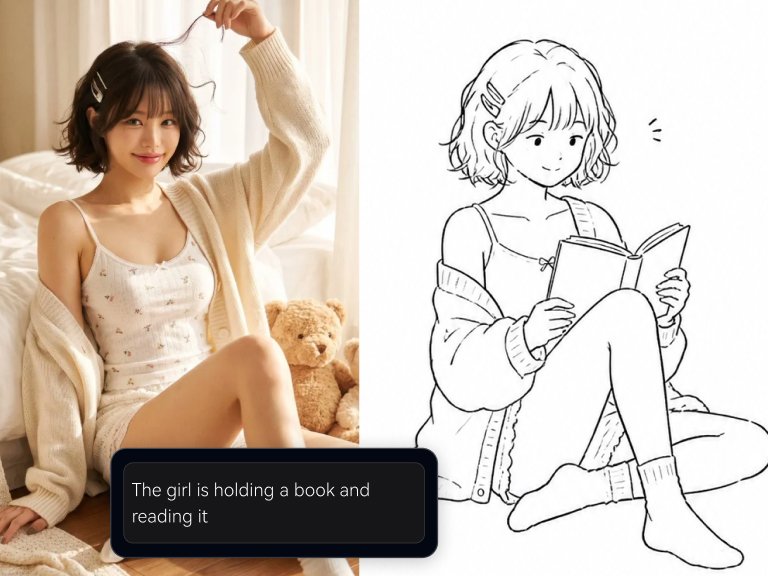
Genvizu Canvas Welcomes 13 New AI Creation Skills: 25 Illustration Styles, Select Style and Fill Subject to Generate Images
Genvizu's Infinite Canvas has launched 13 new Skills all at once: 8 are fixed illustration recipes with a total of 25 built-in styles, and 5 are entirely new skills covering doodle characters, paper-textured posters, photo redraws, and collages. The Skills panel also features a new "Illustration" category, with 10 of these new skills falling under it, while the other 3 are placed in the "Design" category.
For creators, the biggest change is eliminating the need to write prompts: simply select a style, fill in a subject, and generate an image.
What's the Difference Between "Fixed Recipes" and Writing Your Own Prompts?
To consistently achieve a specific illustration style, you typically need to specify the genre, brushstrokes, lighting, color palette, composition, and whitespace ratio in your prompt. Missing any of these can lead to inconsistent results. If you switch subjects, you'd have to rewrite the prompt, and the style might not match.
The fixed recipe approach is the opposite: it encapsulates the entire description along with parameters, leaving only two choices for you: which style to select and what subject to draw. Therefore, its strength lies not in "luckily getting a good image" but in repeatedly generating images with the same tone: a set of avatars, a series of illustrations for columns, or a collection of cover images, all with consistent style.
When open exploration is needed, the Agents on the canvas and regular generation are still available; fixed recipes solve the other half of the problem—How the Genvizu Infinite Canvas Organizes Complex Creative Workflows explains this division of labor.
8 Fixed Illustration Recipes, Covering 25 Styles
These 8 skills each represent a major direction, with several sub-styles available within each, totaling 25 styles:
-
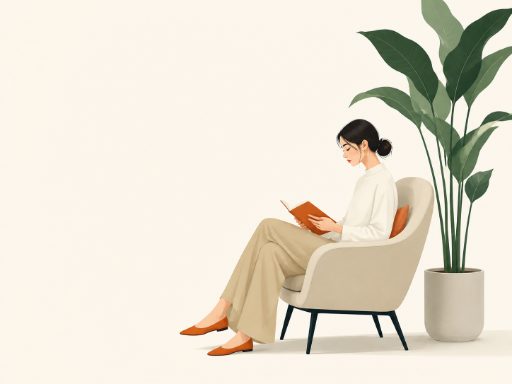
Minimalist Editorial Illustration: Nordic and Korean minimalist editorial illustration, with ample whitespace and low saturation.
-
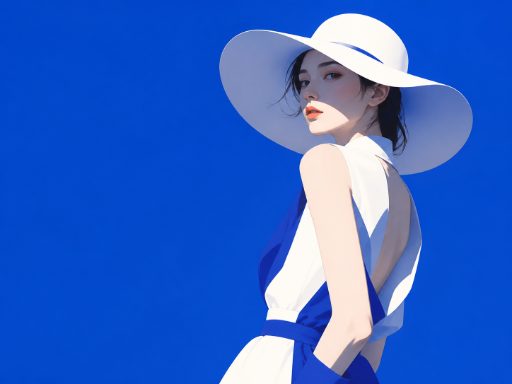
Color-Blocking Fashion Illustration: Japanese and Korean fashion magazine cover feel, relying on large areas of color blocking to define the composition.
-
Soft Focus Dreamy Illustration: Japanese semi-realistic style, with soft focus, haziness, and warm tones.
-
Pure White Haute Couture Illustration: Ethereal pure white haute couture fashion illustration.
-
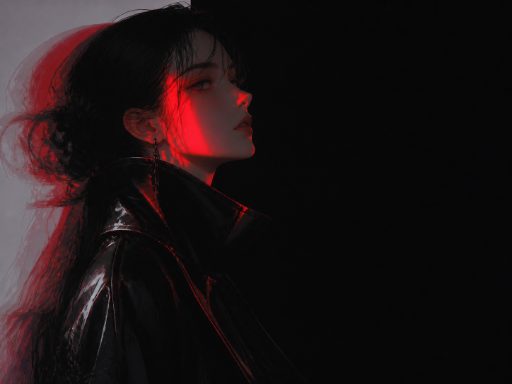
Dark Fashion Illustration: Dark, cool-toned fashion poster aesthetic, suitable for creating visually impactful key visuals.
-
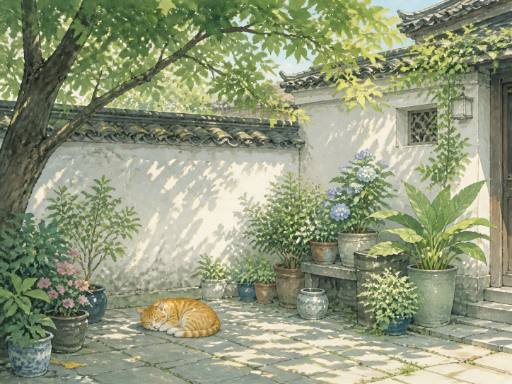
Oriental Poetic Illustration: Oriental poetic Zen realm, suitable for themes like solar terms, tea, and cultural tourism.
-
Retro Printmaking Illustration: Retro printmaking and screen printing poster texture.
-
Cinematic Narrative Illustration: Cinematic narrative scenes, telling a moment in a single image.
Using the same "select style + fill subject" method with different skills results in completely different artistic styles. For example, the image below is from Dark Fashion Illustration, with red edge lighting on the profile and black leather jacket:
Oriental Poetic Illustration, on the other hand, goes to the other extreme—a courtyard with white walls and black tiles, tree shadows, a few potted plants, and a napping orange cat:
5 New Skills
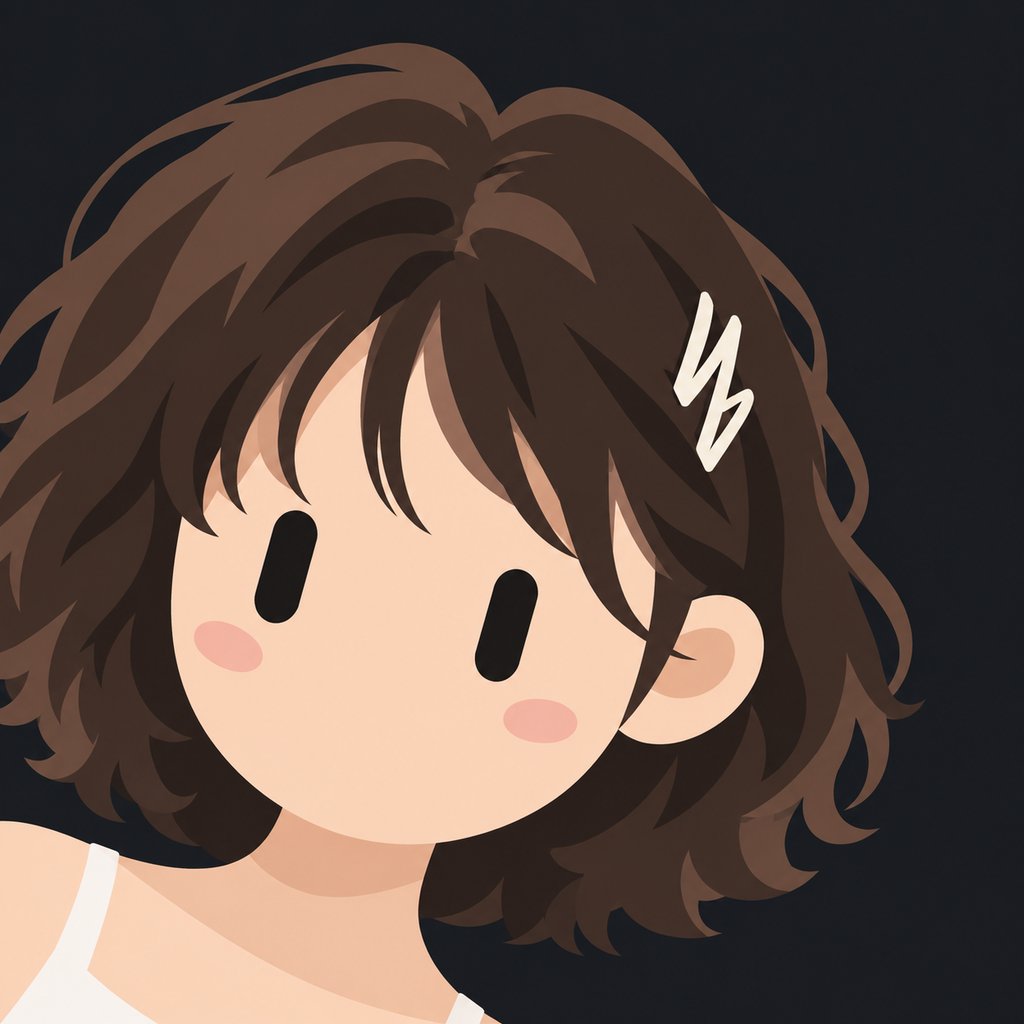
Granular Illustration: Pen Doodle Characters
Large areas of white, shaky and broken lines, clumsy shapes, flat solid colors, cute and relaxed. It's suitable for scenarios like emoji packs, public account illustrations, and explanatory mini-illustrations where "personality is needed over refinement."
To have the same character appear repeatedly, you can upload a character reference image to maintain consistency across different scenes—for general practices on character consistency, refer to AI Character Design and Consistency Guide.
Paper-Textured Minimalist Poster: Whitespace Dominates the Image
Full paper texture, with 70-90% whitespace. Only a small visual event is arranged in the image, along with a high-saturation primary color and a few sparse lines of text resembling sticky notes. There are 6 anchor positions, 7 primary colors, and 5 paper colors that can be freely combined. Changing the combination on the same material creates a different poster.
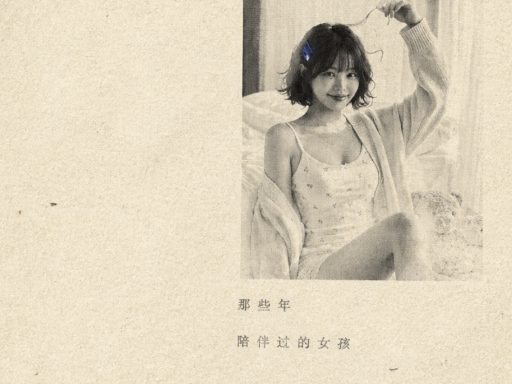
If your poster needs to rely on text, the layout ideas in AI Typography Poster Prompt Guide can be used in conjunction with this skill.
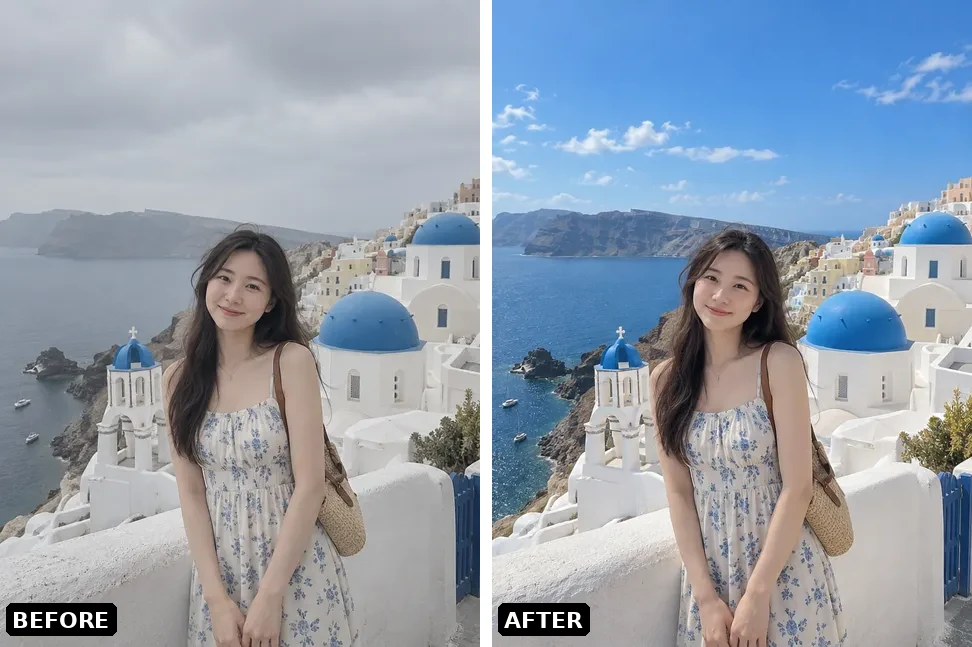
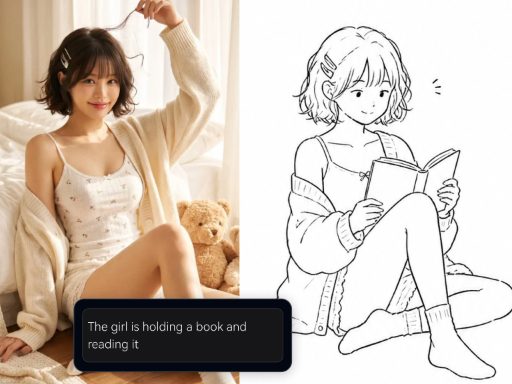
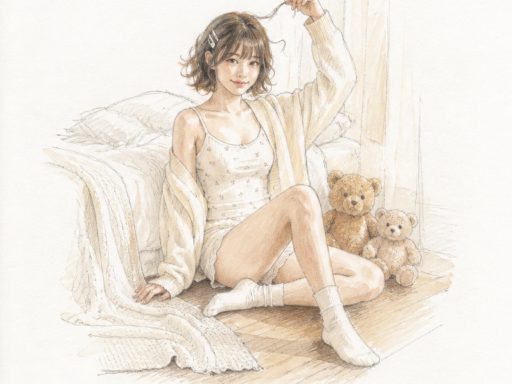
Photo Hand-Drawn Rebirth: A Photo Redrawn into a Hand-Drawn Illustration
Upload a photo and output a poetic hand-drawn illustration on white paper: the subject occupies only a small cluster, with over 80% whitespace, and bright colors are confined to that small area.
Real Scene Memory Collage: Photos Placed Back on Paper
Place photos on handmade paper, then reconstruct the surrounding world using simplified large shapes extracted from the photos, with a single high-saturation print color serving as structure. The result is closer to a handmade collage book than a filter.
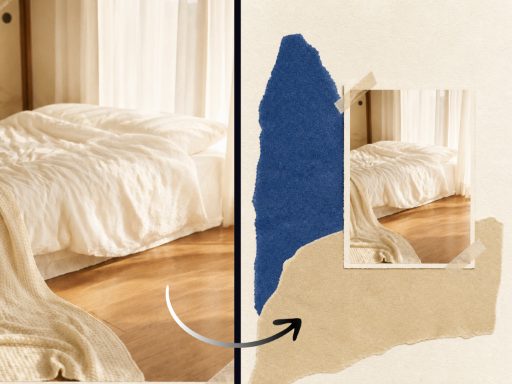
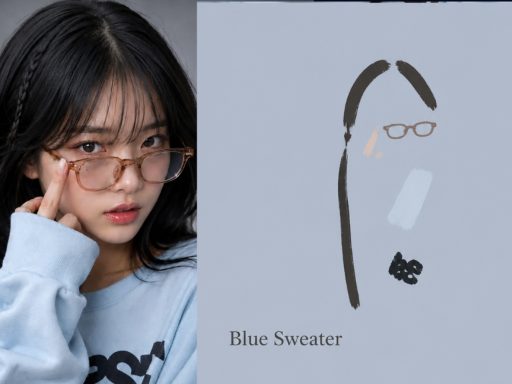
Image Abstract Notes: A Page of Notes Next to a Photo
Half the photo is preserved as is, and the other half is a plain colored panel. With very few strokes, it marks and retells the structural and color relationships in the photo, accompanied by a short English title. Suitable for portfolio pages, inspiration walls, and visual notes.
Three Skills Require Photo Upload
Photo Hand-Drawn Rebirth, Real Scene Memory Collage, and Image Abstract Notes all start with a photo; the quality of the selected image directly determines the final output. Experience shows that photos with clear subjects, even lighting, and uncluttered backgrounds are the most stable. If the subject is too small or the image has too many elements, redrawing and collaging can easily become a mess.
Two Other Refinements Released Simultaneously
-
Sky Realm: Composition options expanded from 4 to 7, with a new "Atmosphere" parameter. The same subject can range from delicate to grand.
-
Mandatory Upload Skills: The panel now provides direct prompts for image selection, making it clear how many more images are needed without guesswork.
Acknowledgments: The 8 fixed illustration recipes are adapted from the open-source project "Mu Yang Illustration Skills" (MIT License); Paper-Textured Minimalist Poster and Photo Hand-Drawn Rebirth are also adapted from open-source MIT Skills.
How to Use
-
Open the Infinite Canvas using a desktop browser.
-
Open the Skills panel and switch to the "Illustration" category (Paper-Textured Minimalist Poster, Real Scene Memory Collage, and Image Abstract Notes are in the "Design" category).
-
Select a skill → select a style → fill in the subject; for skills requiring photo uploads, follow the prompts to upload your photo first.
-
After generating an image, you don't need to leave the canvas; you can continue editing, enlarging, or try a different style for comparison.
To see what others have created with various styles, you can browse the Explore gallery.
Pick a Style on the Canvas to Try
All 25 illustration styles and 5 new skills are now live. No need to write prompts; just select a direction and fill in the subject to generate images: Open the Genvizu AI Infinite Canvas