

Midjourney Alternatives You Can Use Online
Seven online Midjourney alternatives compared on models, reference images, browser access and workflow, with sources and no price claims.
TL;DR
- "Alternative" can mean three different things: a place to run Midjourney itself without Discord, a different model with a different look, or a broader workspace where several models sit side by side. The right pick depends on which one you mean.
- Genvizu runs Midjourney 8.2 in the browser next to GPT Image 2.5, Nano Banana 2.1 and Seedream 5.0 Pro, so you can compare looks without switching tools.
- Leonardo, Adobe Firefly and Ideogram also expose several vendors' models in one product. ChatGPT and Gemini are closer to single-vendor experiences.
- Check the facts that matter to you (commercial use, reference-image limits, regional availability) on each vendor's own page before you commit.
How we compared
We looked at what each product states on its own official pages, and nothing else. For each candidate we noted how you reach it (browser, app, API), how many models it exposes, whether it generates video, and how it handles reference images. We did not compare price, because plans and credit rules change faster than a comparison page can be re-checked, and we did not run a benchmark, because "which looks best" depends on your prompt and taste. Where no official page confirmed a fact, we left it out instead of guessing. Genvizu is one entry in the list and was described using our own production model configuration, snapshot dated 2026-10-23. Vendor descriptions were last read on 2026-10-23.
The alternatives
Genvizu
Positioning. A browser-based studio that puts a prompt gallery, a generation workspace and an infinite canvas in one place, with many image and video models behind one interface.
Features.
- Runs 26 enabled image and video models in the 2026-10-23 production snapshot, 16 of them image models. These include Midjourney 8.2 and 8.1, GPT Image 2.5 (with Flare and Sunburst variants), GPT Image 2, Nano Banana 2.1, Nano Banana 2, Seedream 5.0 Pro, FLUX.2 Pro, Qwen Image 2.1, Grok Image 2 and Z-Image (source: Genvizu production model configuration, 2026-10-23).
- Reference-image limits differ by model and are shown per model: GPT Image 2.5 accepts up to 16, Nano Banana 2.1 up to 10, Seedream 5.0 Pro up to 5, and Midjourney 8.2 one (source: same snapshot).
- Everything runs in the browser with no local GPU or install; the same account also covers video, a prompt gallery, Skills (packaged prompt recipes) and Canvas mode (source: https://genvizu.com/about).
Who it suits. People who want to try the same idea on several models, or who like Midjourney's look but want browser access and the option to move to another model mid-project.
Caveat. Midjourney models here are routed through Genvizu rather than operated by Midjourney, they take one reference image, and they accept English prompts best. Midjourney's own web app offers controls that are not exposed here, such as the Edit Model with up to four reference images and the web Editor (source: https://docs.midjourney.com/hc/en-us/articles/48495453462797-Edit-Model).
Link: https://genvizu.com
ChatGPT image generation
Positioning. Image generation inside a chat assistant, so you iterate by conversation instead of by parameter.
Features.
- Create and edit images in conversation, including uploading your own image and describing the change you want (source: https://help.openai.com/en/articles/11084440-images-in-chatgpt).
- OpenAI describes ChatGPT Images 2.0, launched on 21 April 2026, as bringing better text rendering and multilingual support (source: https://openai.com/index/introducing-chatgpt-images-2-0/). Its help center now refers to ChatGPT Images 2.5 (source: https://help.openai.com/en/articles/11084440-images-in-chatgpt).
Who it suits. People who already work in ChatGPT and want quick edits and text-heavy graphics without a separate tool.
Link: https://help.openai.com/en/articles/11084440-images-in-chatgpt
Leonardo AI
Positioning. A multi-model creative platform with image, video, audio and 3D generation plus an API.
Features.
- Its developer documentation lists many image models, including FLUX, GPT Image, Ideogram, Nano Banana and Seedream families (source: https://docs.leonardo.ai/).
- It also lists video models from several vendors (including Veo 3.1, Kling, Seedance and Wan), audio models and 3D models (source: https://docs.leonardo.ai/).
- It provides a REST API with async and sync generation, background removal and upscaling tools, and an MCP server connector (source: https://docs.leonardo.ai/).
Who it suits. Developers and teams who want an API and several vendors' models in one account.
Link: https://leonardo.ai (the main site returned 403 to our fetch; the facts above come from the documentation site).
Ideogram
Positioning. A design-focused image generator whose Ideogram 4.0 model is released with open weights (source: https://ideogram.ai/models/4.0/).
Features.
- Ideogram describes 4.0 as built for design, with multilingual text, precise layout control, editable elements and realistic 2K images (source: https://ideogram.ai/models/4.0/).
- Its API serves Ideogram 4.5 and 4.0 plus GPT Image and Nano Banana for images, and Seedance, MiniMax H3 and Kling for video; Ideogram 4.5 edits accept up to four reference images (source: https://developer.ideogram.ai/).
- The web app at ideogram.ai lets you choose Image or Video from the home screen, and region edits now live in its Studio tools (source: https://docs.ideogram.ai/help/frequently-asked-questions).
Who it suits. Posters, logos and any layout where the wording matters, and developers who want open weights.
Link: https://ideogram.ai
Adobe Firefly
Positioning. Adobe's generative suite, built into Photoshop, Illustrator, Premiere, Lightroom and Express.
Features.
- Adobe states its Firefly models are commercially safe, trained on licensed Adobe Stock and public-domain content, and that it does not train on users' personal or generated content (source: https://www.adobe.com/products/firefly.html).
- Alongside its own models it lists partner models, including Google's Nano Banana, GPT Image and FLUX for images, and Runway, Kling, Luma and Topaz for video (source: same page).
- Prompts are accepted in over 100 languages, and outputs carry Content Credentials (source: same page).
Who it suits. Design teams that live in Adobe apps or need a clear licensing posture for client work.
Link: https://www.adobe.com/products/firefly.html
Stable Diffusion family (Stability AI)
Positioning. The open-weights lineage of image models, now offered by Stability AI through self-hosting, an API and a managed platform.
Features.
- Stability lists four ways to use its models: self-hosted, a platform API, Brand Studio for enterprise teams, and cloud-partner deployment (source: https://stability.ai).
- Self-hosting is governed by the Stability AI License and Community License Agreement (source: https://stability.ai).
- Stable Diffusion 3.5 Large, Large Turbo and Medium are downloadable from Hugging Face under the Stability AI Community License (source: https://stability.ai/news-updates/introducing-stable-diffusion-3-5).
Who it suits. Engineers who want control over deployment or fine-tuning, and who are comfortable running infrastructure or calling an API rather than using a consumer app.
Link: https://stability.ai
Google Gemini image generation
Positioning. Image creation and editing inside the Gemini app, built on the Nano Banana model family.
Features.
- Lists Nano Banana 2, Nano Banana 2.1 and Nano Banana Pro, with 2.1 described as the most advanced and tied to a Google AI plan (source: https://gemini.google/overview/image-generation/).
- Covers character consistency, multilingual text rendering, combining several photos, style transfer from a reference, and 2K output (source: same page).
- Images carry an invisible SynthID watermark plus a visible AI marker, and the app can check whether an image came from Google AI (source: same page).
Who it suits. People already in Google's ecosystem who want edits by prompt and a clear provenance trail.
Link: https://gemini.google/overview/image-generation/
Quick comparison table
| Tool | Input | Models exposed | Video | Reference images | Browser / client | Prompt languages |
|---|---|---|---|---|---|---|
| Genvizu | Text, reference images | 26 image and video models (16 image) | Yes | Per model, 1 to 16 | Browser | English and Chinese interface; Midjourney models work best with English |
| ChatGPT images | Chat text, uploads | OpenAI's own (ChatGPT Images 2.5) | — | Uploads; limit depends on image size and text | ChatGPT | Multilingual support |
| Leonardo AI | Text, images, API | Many, multi-vendor | Yes | Supported via recipes | Web and API | — |
| Ideogram | Text, reference images | Own (4.5, 4.0, 3.0) plus GPT Image and Nano Banana via API | Yes | Up to 4 for Ideogram 4.5 edits | Web app and API | Multilingual text (4.0) |
| Adobe Firefly | Text, images | Own plus partner models | Yes | Yes (image to image) | Web, iOS, Android, Adobe apps | Over 100 |
| Stability AI | API, self-host | Own family, including Stable Diffusion 3.5 | Stable Video Diffusion listed among core models | — | API and self-host | Core models listed as English |
| Gemini | Text, uploads | Nano Banana family | Via other Google products | Multi-photo combine | Gemini app | Multilingual text rendering |
"—" means the official page we read did not state it. Sources for the table: ChatGPT https://help.openai.com/en/articles/11084440-images-in-chatgpt and https://help.openai.com/en/articles/8400551-chatgpt-image-inputs-faq; Ideogram https://ideogram.ai/models/4.0/ and https://developer.ideogram.ai/; Stability AI https://stability.ai/news-updates/introducing-stable-diffusion-3-5 and https://stability.ai/core-models; other rows as cited in each entry above.
No price column on purpose: plans change, so read them on each vendor's own page.
Which one fits you
- If you want Midjourney's look in the browser, start with Genvizu's Midjourney 8.2 page, then compare the same prompt on GPT Image 2.5 or Nano Banana 2.1.
- If you need an API or many vendors' models behind one key, look at Leonardo's documentation first.
- If you work in Photoshop or Illustrator and care about licensing statements, look at Adobe Firefly.
- If you want to edit by chatting, try ChatGPT or Gemini.
- If you need to self-host or fine-tune, look at Stability AI.
- If your images are mostly typography, shortlist Ideogram, GPT Image 2.5 and Qwen Image 2.1, then test your own text.
Related
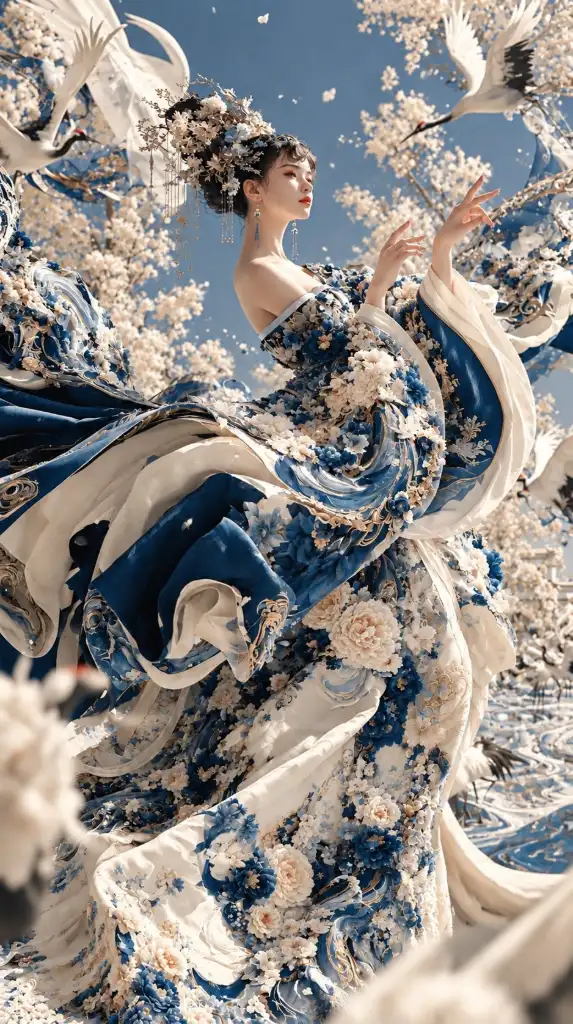
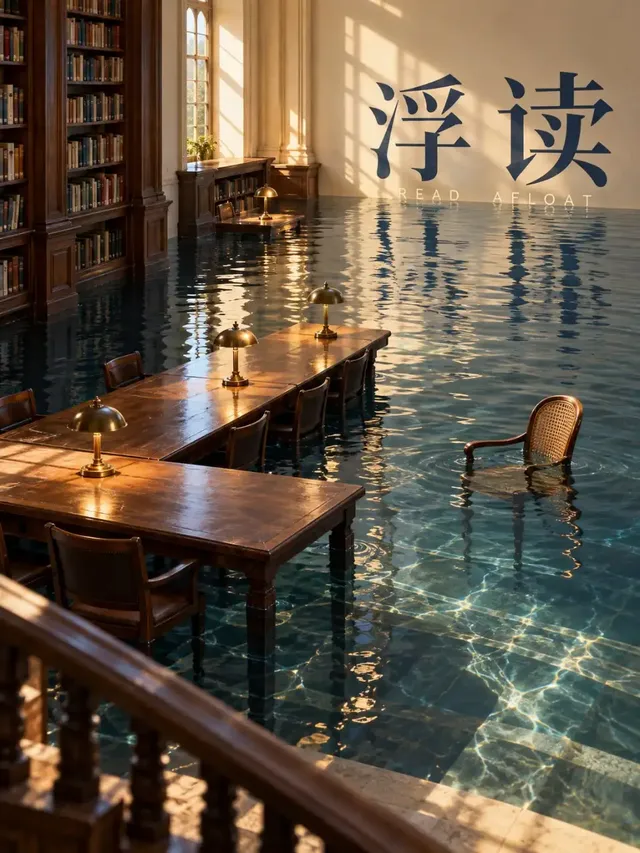
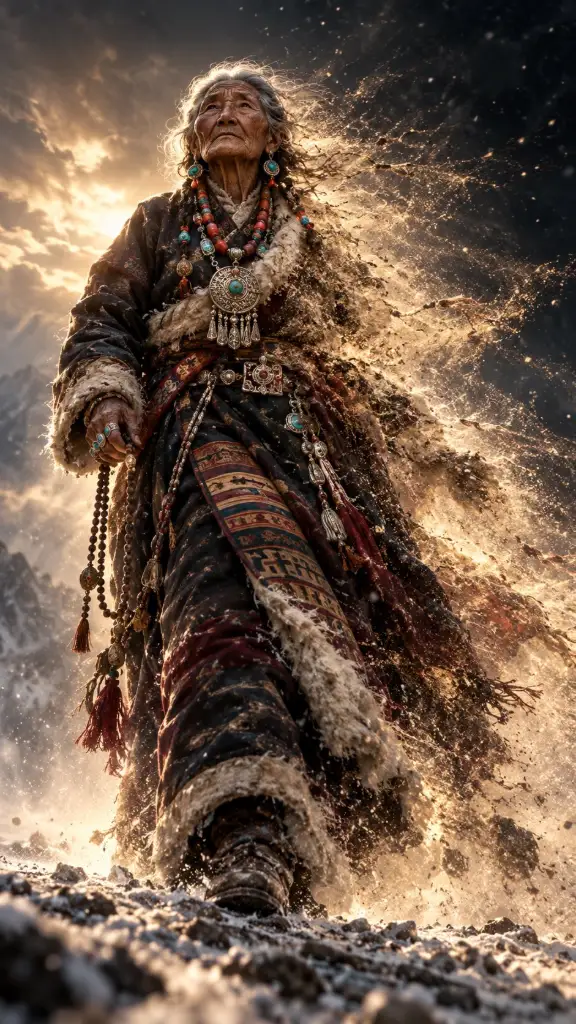
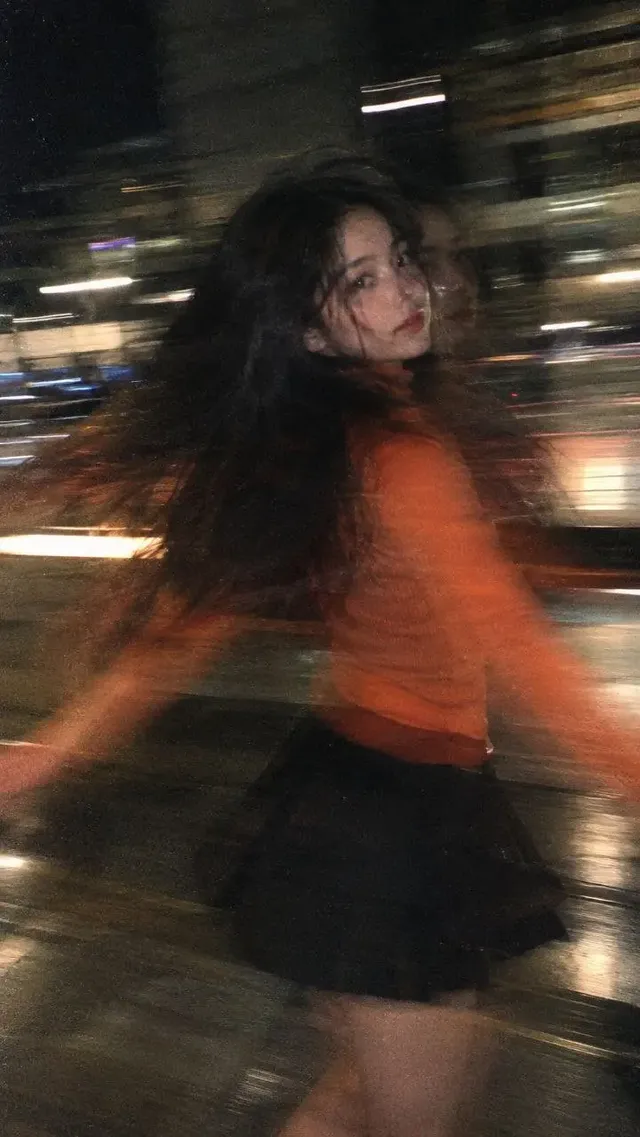
Real examples on Genvizu
Published works made with these models on Genvizu. Open one to see its full prompt and parameters.

FAQ
Can I use Midjourney without Discord?
Yes. Midjourney's documentation describes a web app at midjourney.com, where you type prompts into the Imagine bar on the Create page (source: https://docs.midjourney.com/hc/en-us/articles/33329261836941-Getting-Started-Guide). On Genvizu you can run Midjourney 8.2 and 8.1 in the browser, as models routed through Genvizu.
Which Midjourney alternative should I choose?
It depends on the job. For a similar look, test the same prompt across several models in one workspace. For editing by conversation, a chat-based tool fits. For licensing clarity, check the vendor's stated training and indemnity terms. No single tool wins every category, and a ten-minute test with your own prompt beats any ranking.
Do Midjourney alternatives accept reference images?
Most do, with different limits. On Genvizu the Midjourney models take one reference image, while GPT Image 2.5 takes up to 16 and Nano Banana 2.1 up to 10.
Can I use the images commercially?
Rules vary by model and vendor. Genvizu flags Midjourney models as commercially restricted in its configuration, so read the terms on the model page and the vendor's licence before client work (source: Genvizu model configuration, 2026-10-23).
Which tool handles text inside images well?
Several models list text rendering as a focus, including GPT Image 2, Nano Banana 2.1 and Qwen Image 2.1 on Genvizu. Run your exact wording and compare.
Try it on Genvizu
Open a model page, pick a published work and reuse its prompt.