Genvizu

AI creations in Video

Browse in the studio →

Video on Genvizu covers text-to-video, image-to-video and first/last-frame clips, plus canvas transitions, upscaling and reverse scripts. Most video models bill per second, so duration is the main cost lever: Grok Imagine Video 1.5 runs 2 credits per second at 480p, while Veo 3.1 bills a fixed 8-second clip. Write one shot per prompt, name the camera move, and check duration and ratio before generating.

Verified on 2026-09-03

Start free · no credit card

Best for

  • Single shots of 4 to 15 seconds: a product turn, an ambient loop, a talking-head beat, one story moment.
  • Animating an approved still, using it as the first frame so the composition you already signed off survives.
  • Short vertical social cuts, where 9:16 and a tight duration matter more than resolution.
  • Storyboard exploration: several cheap drafts of the same shot before committing to an expensive model.
  • Post-production on existing footage: upscaling a clip, or reversing a video back into a written script.

Not for

  • Long-form edits. These models produce clips, not sequences; assembly and pacing still happen in an editor.
  • Exact lip-sync to a supplied script, or dialogue you need word for word.
  • Reliable readable text inside the frame. Titles belong in the edit, not in the generated footage.
  • Anything requiring frame-accurate continuity across many shots without reference frames tying them together.

Specifications and limits

FieldValue
Typical inputsA one-shot description, an optional first frame or reference image, the duration, the ratio and the resolution
DeliverablesSingle clip, first/last-frame animation, canvas transition between two clips, upscaled master, written reverse script
Billing basisPer second for most models; Veo 3.1 and Gemini Omni Flash 1.1 bill a fixed clip price
Duration rangeSeedance 2.5 5-30s (5s minimum billing); Seedance 2.0 and MiniMax H3 4-15s; Grok Imagine Video 1.5 1-15s; Veo 3.1 fixed 8s
Cheapest per secondGrok Imagine Video 1.5 at 2 credits per second (480p) and 4 per second (720p)
AudioMiniMax H3 outputs native stereo audio; check each model before assuming a soundtrack
Reference inputsSeedance 2.0 family up to 9 reference images, 3 reference videos and 3 reference audio clips; Gemini Omni Flash 1.1 up to 7 reference images or a first/last frame pair
AcceptanceCamera move matches the brief, the subject holds together for the whole clip, no drifting limbs or morphing logos, cut points usable in an edit
Post-processingTopaz upscale at 10 credits per second (1x/2x) or 18 (4x), billed on input duration, single file up to 50MB

Prompt examples

Product turn from an approved still

Prompt

Use the attached image as the first frame.
Slow 30-degree orbit around the product, camera at product height, constant speed.
The product stays centred and in focus for the whole shot; background stays softly out of focus.
Lighting unchanged from the first frame. No cuts, no zoom, no added text.
Duration 5s, 16:9.

Starting from a still you already approved removes composition from the list of things that can go wrong, leaving only the motion to judge.

Single narrative shot, text to video

Prompt

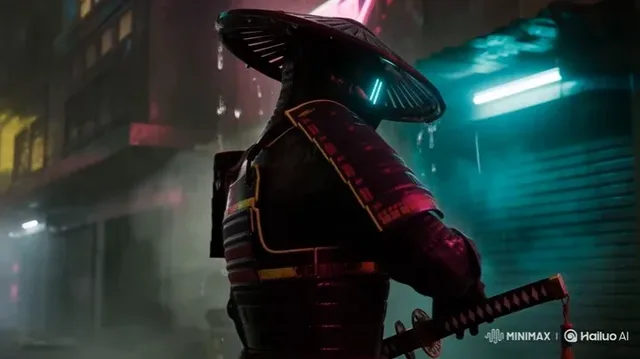
A rain-soaked neon alley at night, seen from a low angle.
Camera: slow dolly forward, subtle handheld float, no cuts.
Subject: a lone figure in a dark coat walking away from camera, footsteps splashing shallow puddles.
Light: magenta and cyan signage reflecting in the water, wet asphalt highlights.
Mood: quiet, cinematic, no dialogue. Duration 6s, 16:9.

One shot, one camera move, one action. Prompts that describe a whole scene sequence get compressed into a confusing single take.

Vertical social cut on a budget

Prompt

Vertical 9:16 clip for a social feed.
Static locked-off camera on a ceramic cup as steam rises in soft morning light.
Only the steam and a slight curtain movement animate; the cup and table are still.
Warm off-white palette, shallow depth of field, no text, no camera move.
Duration 5s.

Naming the only elements allowed to move is the cheapest way to avoid warping. At 480p and 2 credits per second this is a very cheap draft before a costlier model.

How it compares

Grok Imagine Video 1.5

The cheapest way to draft motion: 2 credits per second at 480p, 4 at 720p, any duration from 1 to 15 seconds with no minimum. Use it to test the camera move before paying for the final.

Seedance 2.5

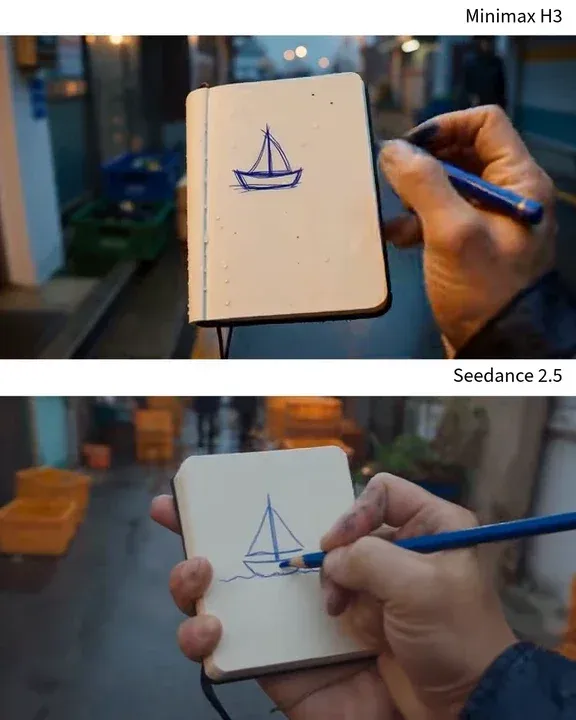
Long single takes of 5 to 30 seconds at 480p or 720p, 35 or 79 credits per second with a 5-second minimum, and reference video support billed on input plus output seconds.

MiniMax H3

Fixed 2K output with native stereo audio, 4 to 15 seconds at 46 credits per second, from text or a single first frame.

Gemini Omni Flash 1.1

Fixed per-clip pricing at 720p, 1080p or 4K for 4, 6, 8 or 10 seconds, with up to 7 reference images or a first/last frame pair. 720p and 1080p cost the same.

Veo 3.1 Fast

A fixed 8-second clip at 38, 47 or 113 credits for 720p, 1080p or 4K, when you want one predictable price rather than a per-second meter.

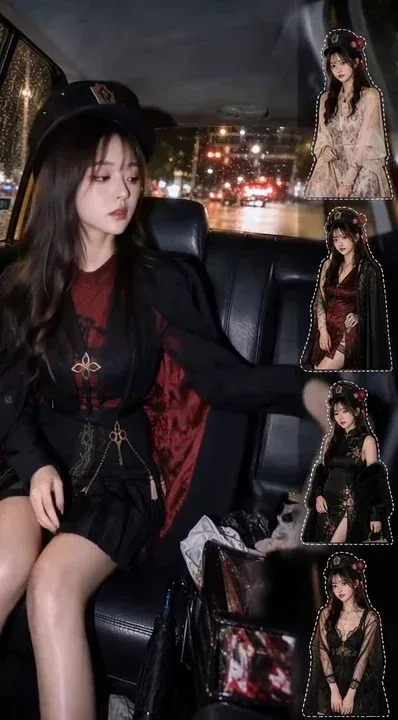
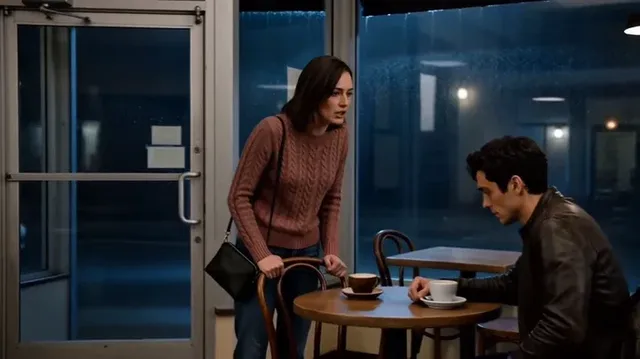
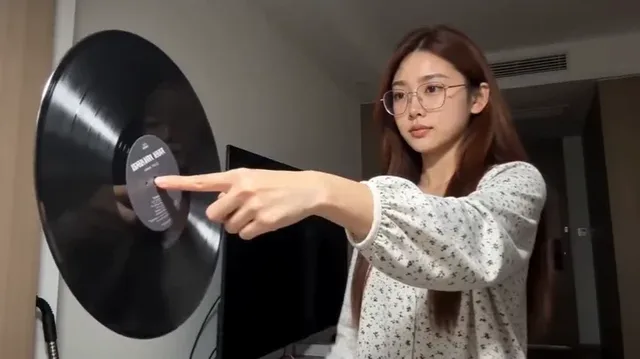
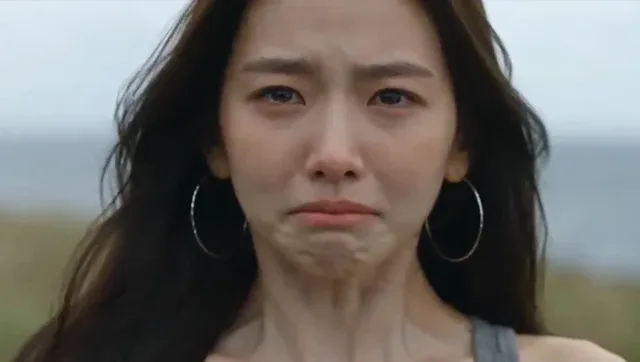
Examples from the gallery

Common failures and fixes

A clip costs far more than expected.

Most models meter per second, so duration multiplies the price. Draft on a cheap per-second model, then re-run the approved prompt once on the delivery model. The generate button shows the exact cost before each run.

The subject warps, or limbs and logos drift mid-shot.

Reduce what is allowed to move. Name the moving elements, keep the camera to a single move, and shorten the clip; long takes accumulate drift.

The camera does something other than what you asked.

Use one explicit move per prompt, such as slow dolly forward or locked-off static, and state "no cuts". Describing several moves in one prompt invites the model to blend them.

Text rendered in the video is unreadable or unstable.

Do not generate titles. Ask for a clean plate with empty space and add type in your editor, where it stays sharp and correct on every frame.

A reference video makes the bill much larger than the output length suggests.

With a reference video, the Seedance family bills on input plus output seconds. Trim the reference to the part you actually need before uploading; the real duration is read automatically and shown before you generate.

Frequently asked questions

How are AI videos priced on Genvizu?

Most video models bill per second at the chosen resolution, and a few bill a fixed price per clip. Grok Imagine Video 1.5 is 2 credits per second at 480p, Seedance 2.5 is 35 at 480p and 79 at 720p, MiniMax H3 is 46 at 2K, and Veo 3.1 Fast is a flat 38 to 113 credits for a fixed 8-second clip. The cost is shown on the generate button before you run.

Which model should I use to animate an existing image?

Any model with first-frame or reference-image input. MiniMax H3 takes a single first frame, Gemini Omni Flash 1.1 takes up to 7 reference images or a first/last frame pair, and the Seedance 2.0 family takes up to 9 reference images. Starting from an approved still keeps the composition you already signed off.

What is the cheapest way to test a shot?

Draft on Grok Imagine Video 1.5 at 480p for 2 credits per second, judge the camera move and the motion, then re-run the approved prompt once on the delivery model at the final resolution.

Can I improve a clip I already have?

Yes. Topaz upscaling costs 10 credits per second at 1x or 2x and 18 at 4x, billed on the input duration for a single file up to 50MB, and the reverse-script tool turns an existing video back into a written shot list.

How long can a single clip be?

It depends on the model: Seedance 2.5 runs 5 to 30 seconds with a 5-second minimum, the Seedance 2.0 family and MiniMax H3 run 4 to 15 seconds, Grok Imagine Video 1.5 runs 1 to 15 seconds, and Veo 3.1 is fixed at 8 seconds.

Sources